

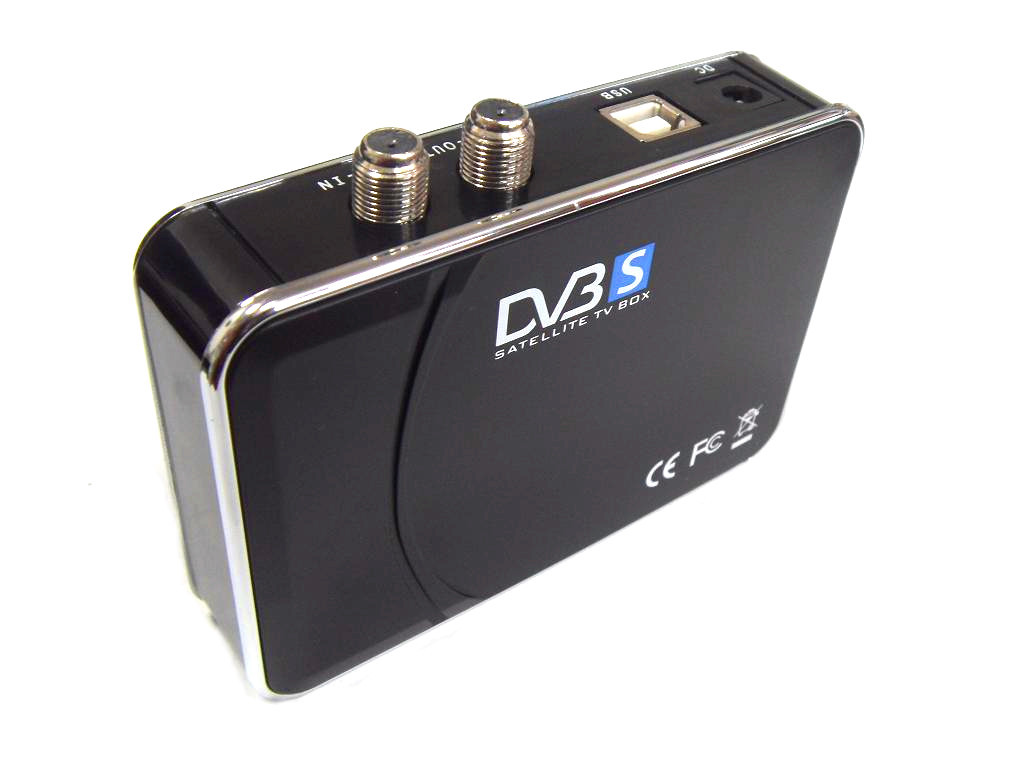
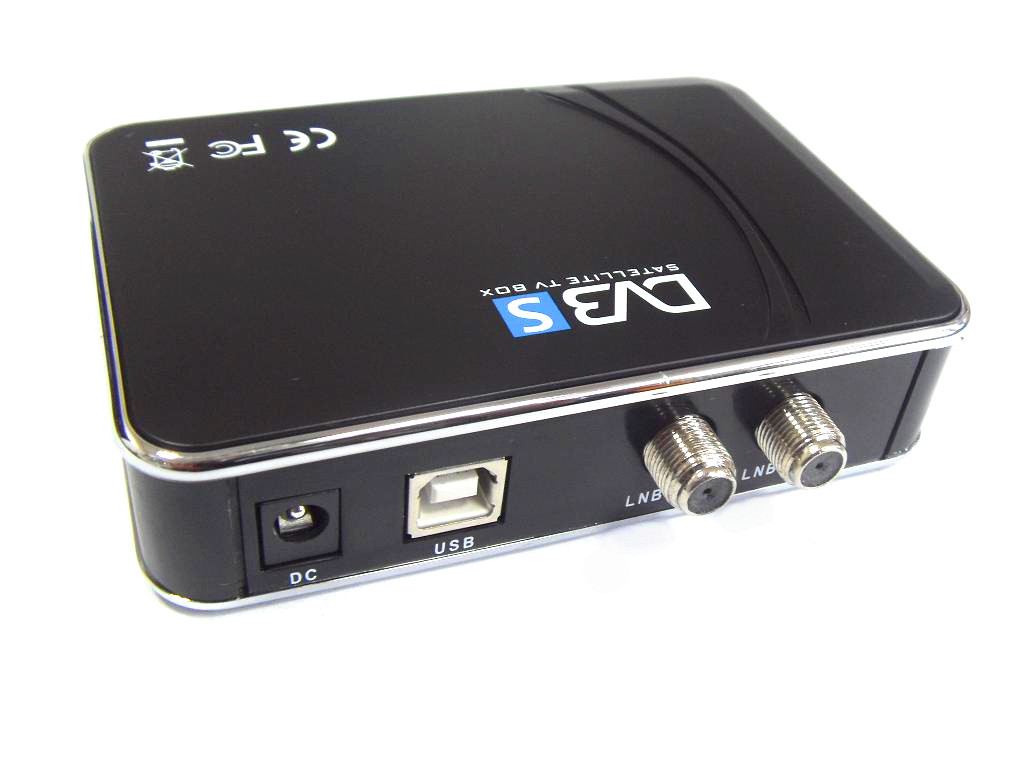
DVB-S TV BOX INTRODUCTION:
Watch satellite tv programs on your pc
DVB-S can implement ip data decoding and MPEG-2 A/V decoding.dvb-s can be widely used in software download,fast accessing internet,mdistance education,distance treatment,distance shopping ,newspaper transmission system,video conference and VOD,etc. DVB-S is based on an open system, supporting upgrade dither from local disc or from internet.
Hardware installations:
Before you install the driver,you must check that these things have been done.
search satellite and drive motor
before scanning channels,please make sure the satellite antenna has rightly aimed at the target satellite.the installation of polar axis supporting DISEqC 1.2 OR higher on satellite antenna is necessary,and only when the satellite supports the command DISEqC 1.2 or higher,you can drive the umotor of antenna.you can only drive the orientation angle,the polarity angle and elevation angle should be manually adjusted.
NOTE:
Please see the relative document for the operation details of how to rightly aim antenna to satellite
FEATURES:
*Professional digital satellite tv
*EPG!#!amp!*! Teletext!#!amp!*! subtitle
*Capture via satellite
*Never miss live program
*Ip data!#!amp!*! video broadcasting in LAN
*Record your favorite program into PC
SYSTEM REQUIREMENTS:
IBM PC compatible :Pentium 111 667 MHZ or higher
128mbytes memory or more
32Mbytes display memory or more
Hard disk free space of 500 mbytes or more
Os supported:windows 2000 for SP4/windows xp for sp2(windows xp: recommended)
PACKAGE CONTENTS
DM04 USB 2.0 satellite tv BOX
Remote controller!#!amp!*! IR cable
Power adapter!#!amp!*! usb cable
User’s manual
Installation CD