Features:
- Please enter model number Confirm this is compatible:
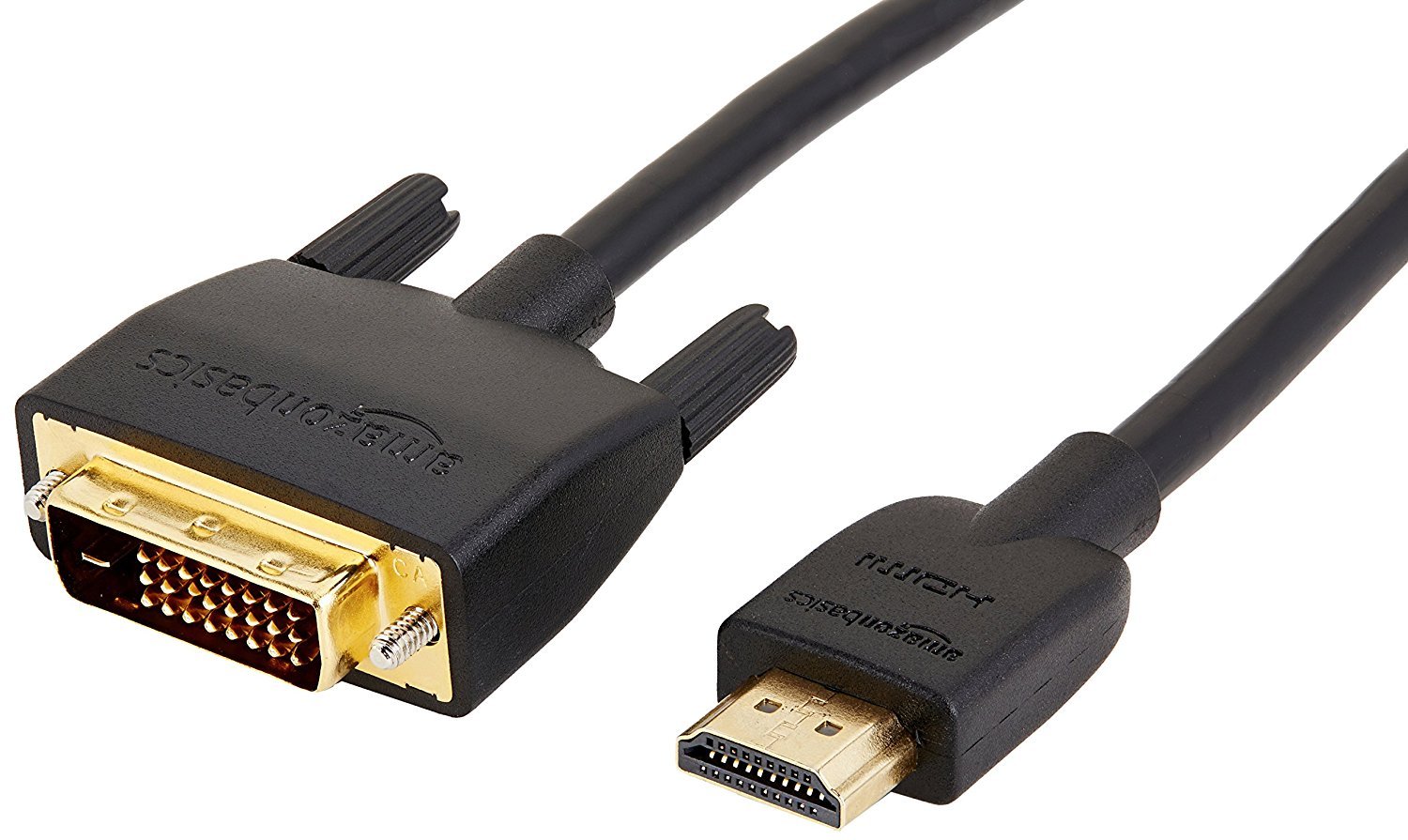
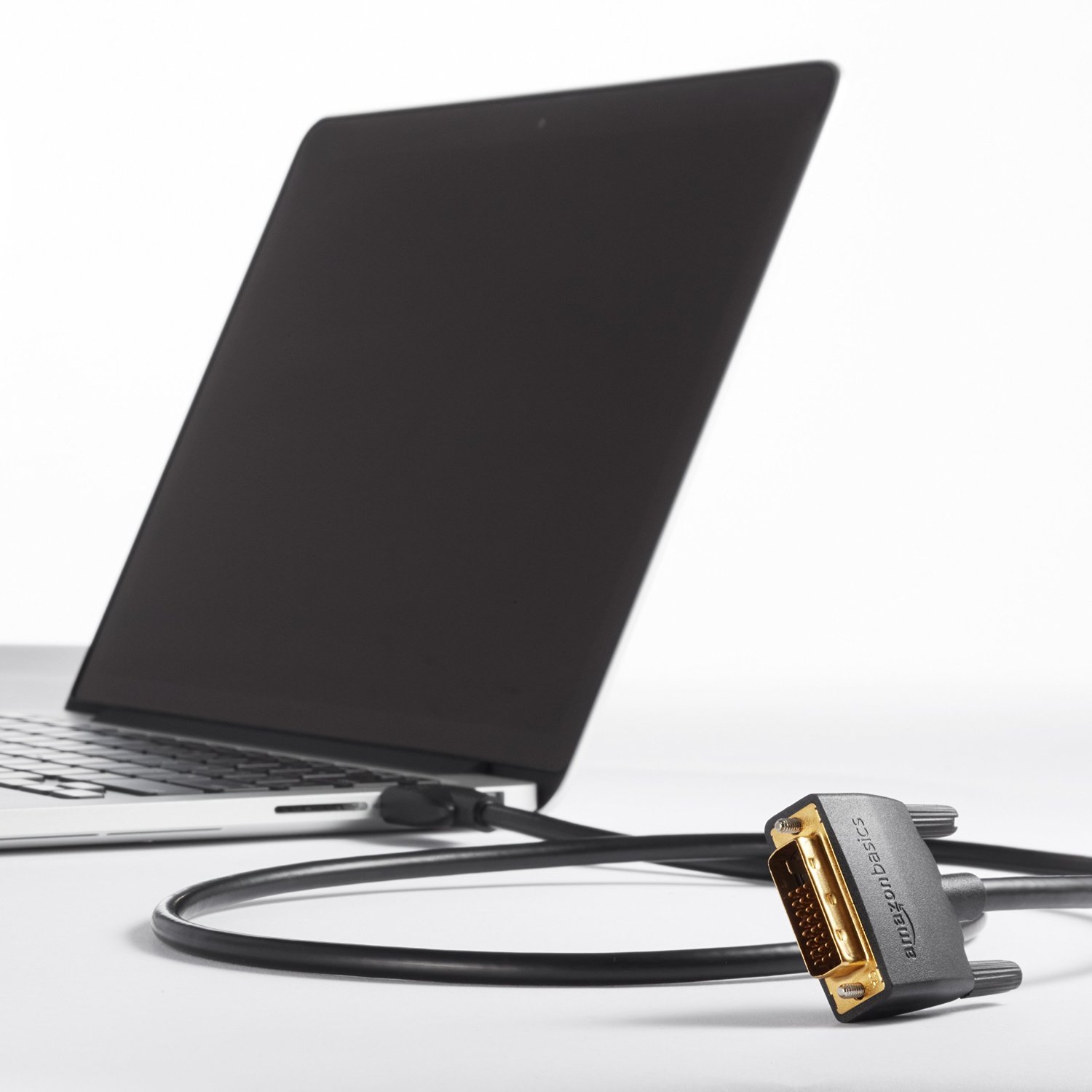
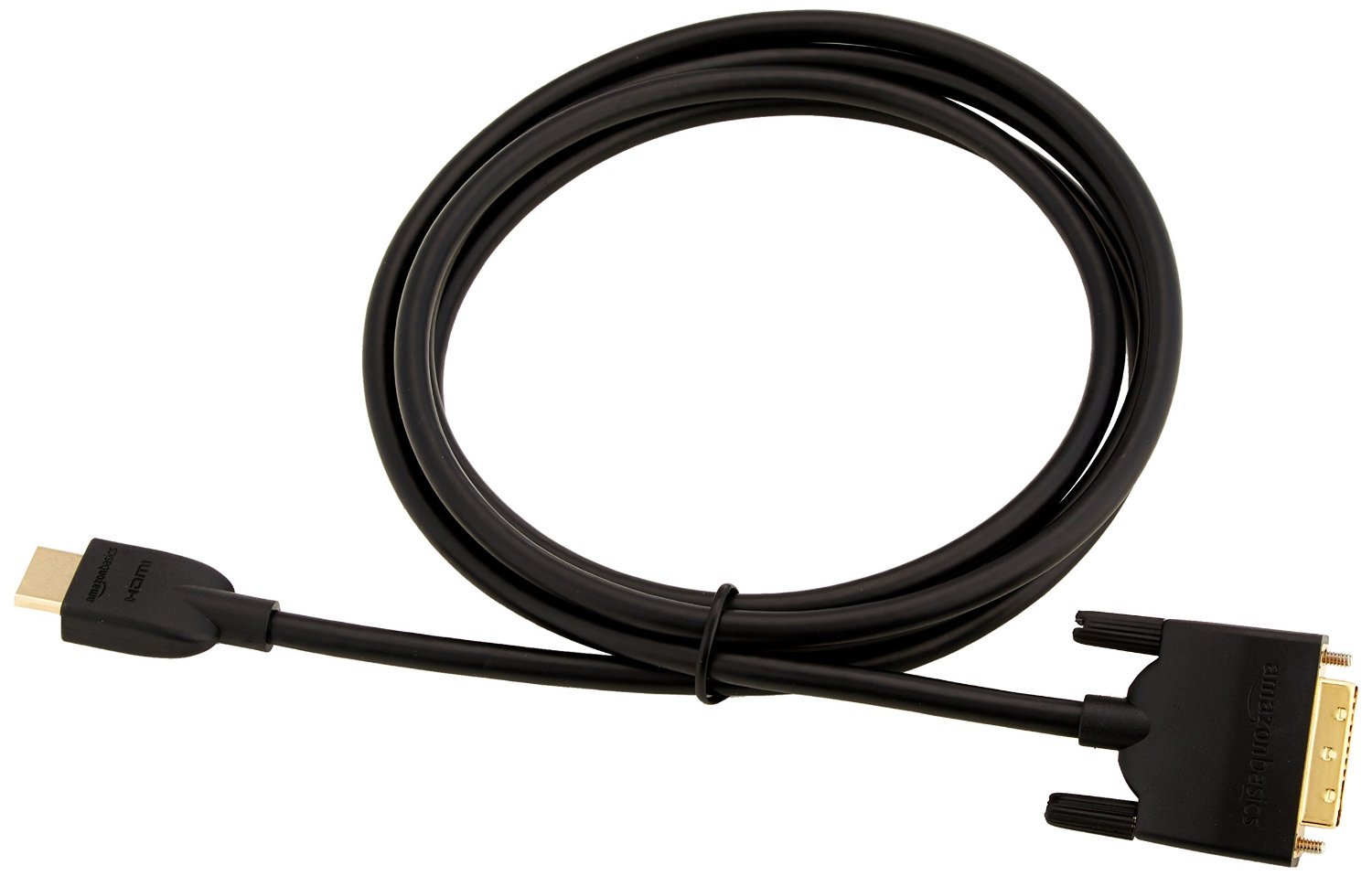
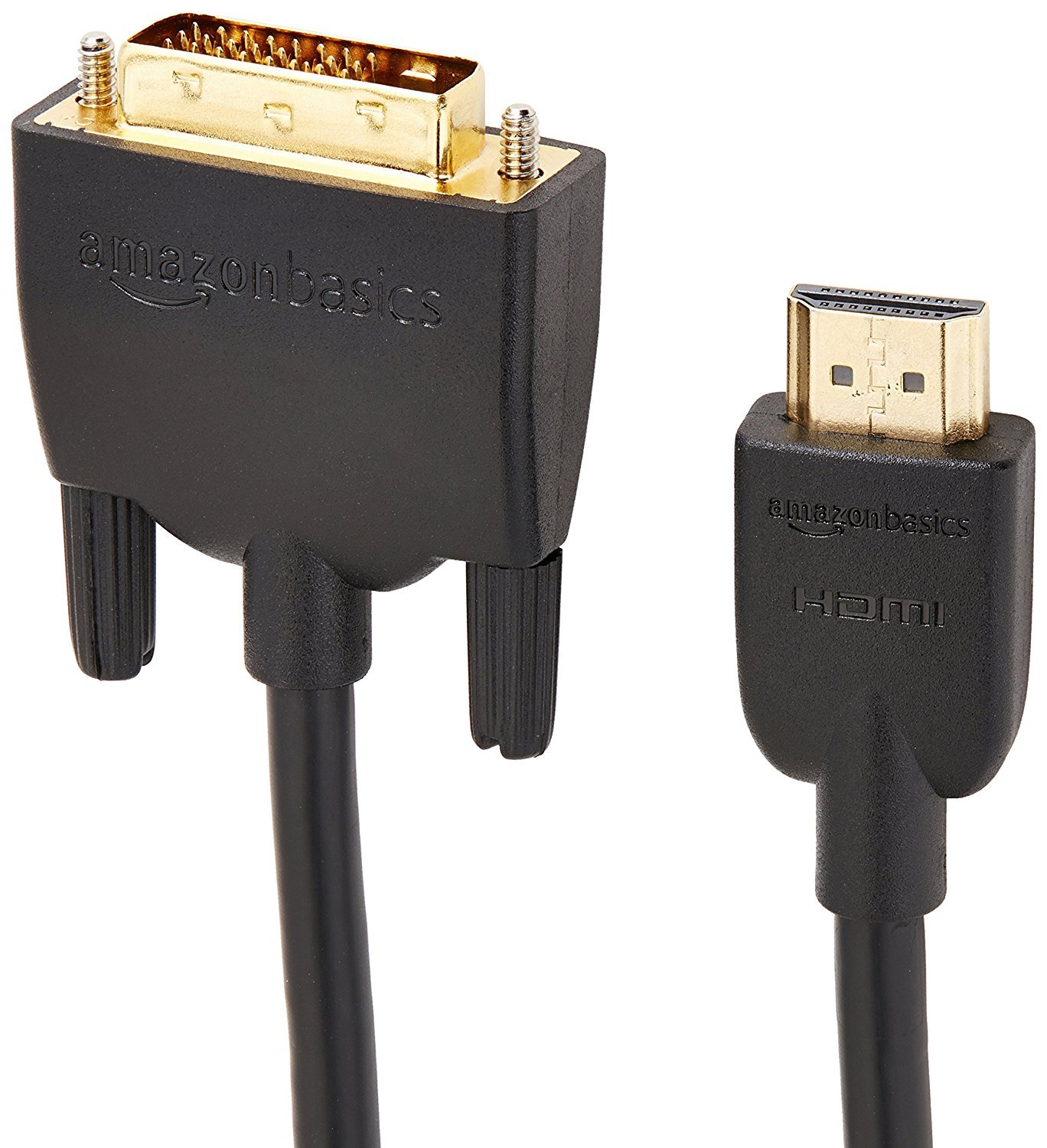
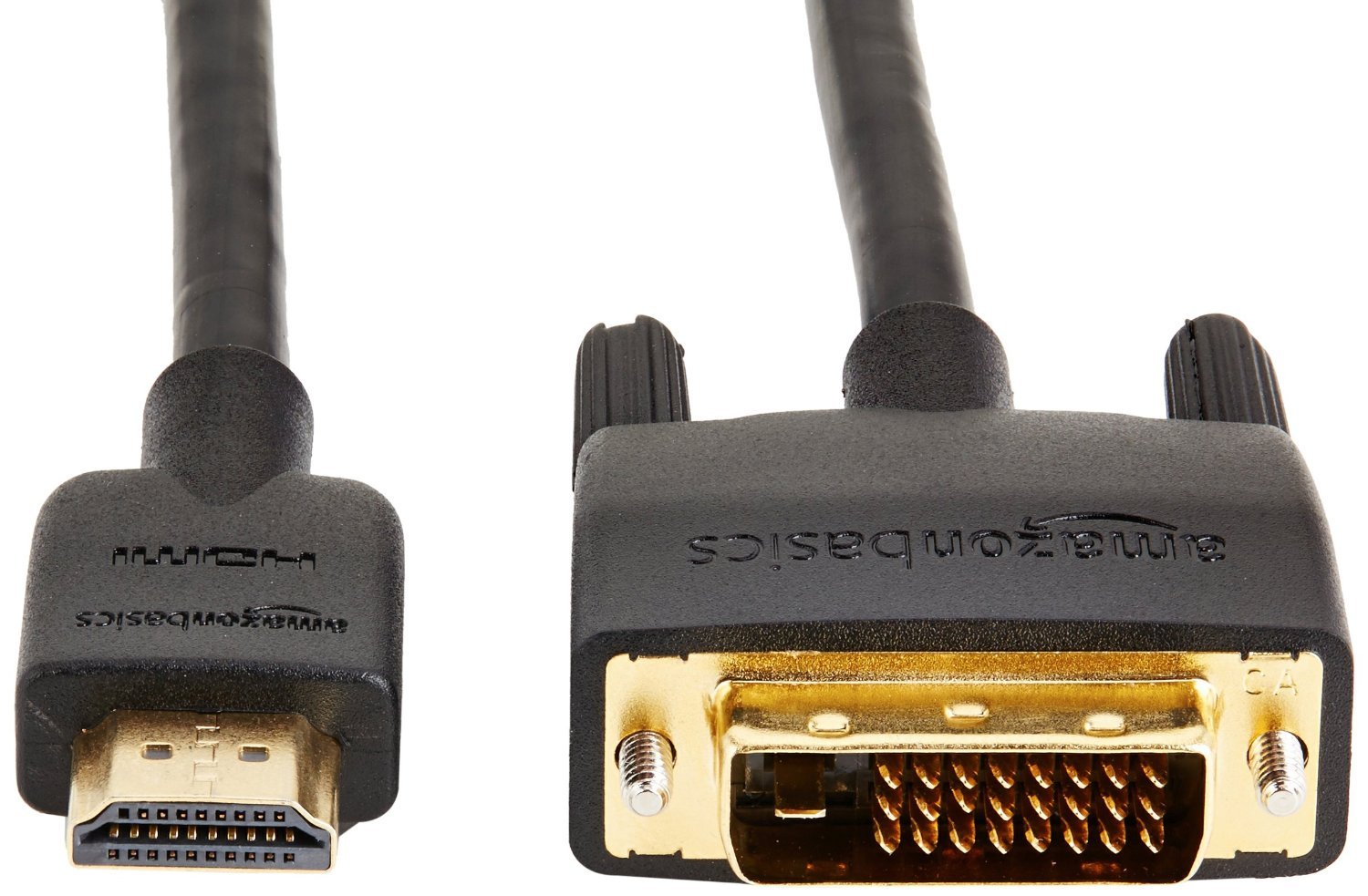
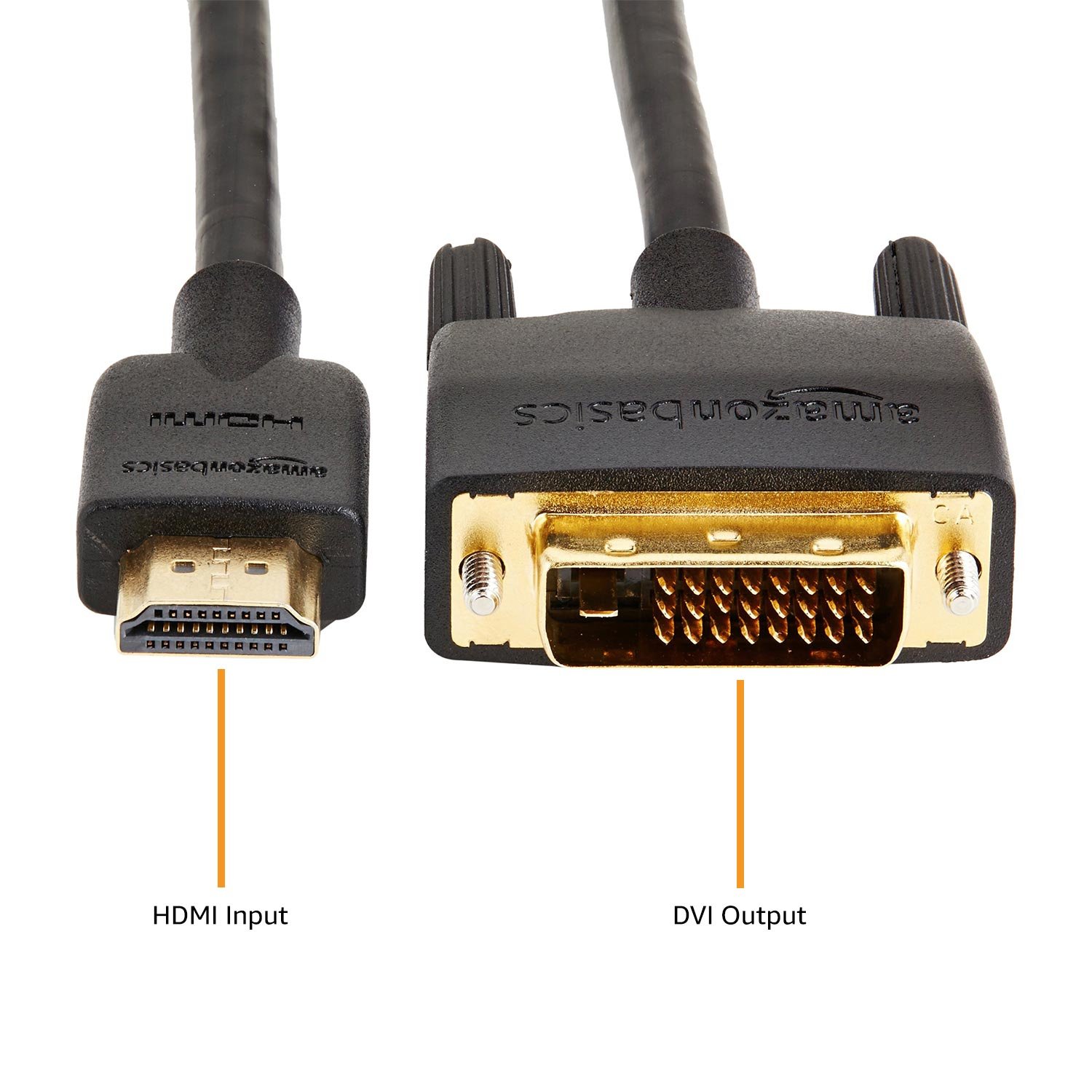
- Convert DVI output to HDMI input with flexible cable
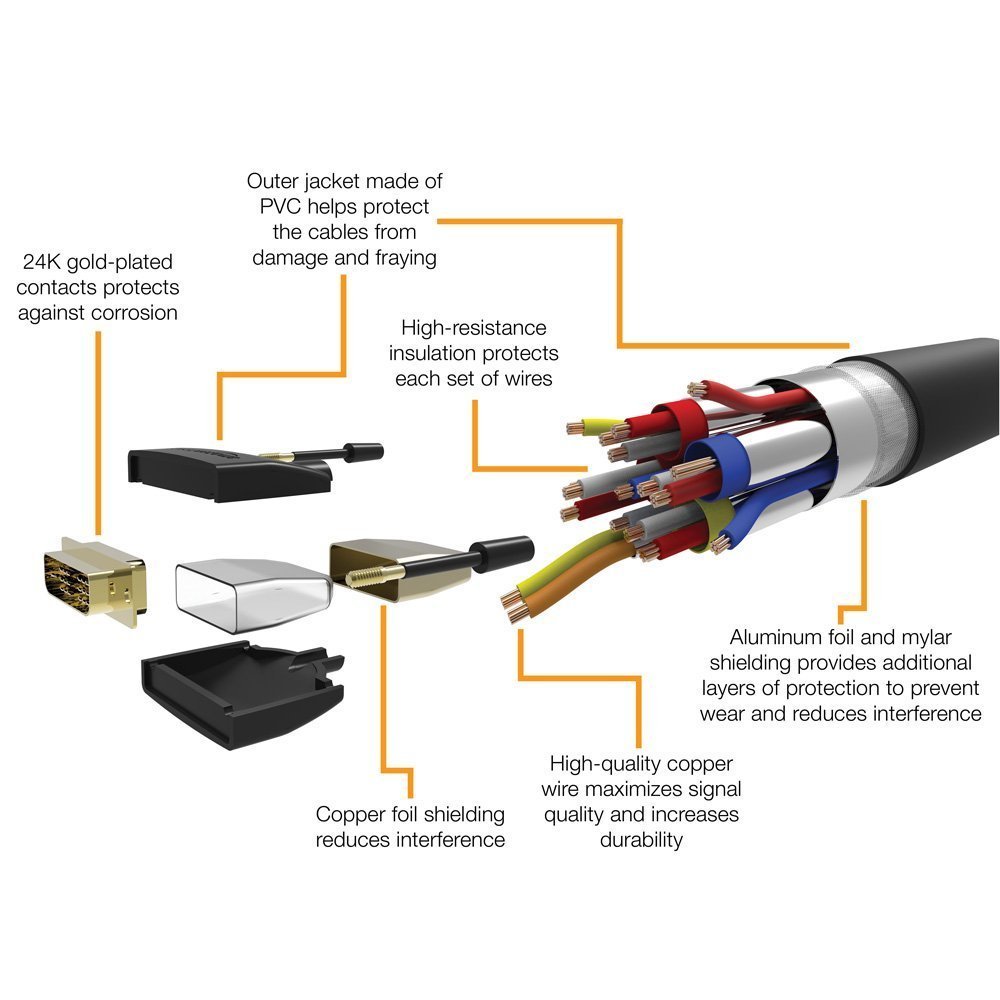
- Gold plated connector for optimum conductivity
- Adopted net coating for reinforcement of protective layer, CL2 rating cable optimum for embedding walls of houses
- Ideal for connecting games or home theater connections from devices with DVI terminals to high definition televisions
- Amazon Basic 1 year warranty eligible product
Product information:
Shipping Weight: 158 g
Package Dimensions: 2.01 x 14.20 x 23.01 cm
Customer reviews from Japan:
 Shared for one display
In case you want to switch multiple PCs with one display. Switchers of DVI are expensive and few kinds. By converting this to HDMI it is convenient to share the display using a cheap HDMI switch. There seems to be no deterioration in image quality.
PC side is DVI, monitor is used for HDMI connection
PC graphics board is DVI output, monitor BenQ monitor display GW 2470HL 23.8 inch / full HD / AMVA + / slim bezel / HDMI 2 lines, VGA terminal / blue light reduction Plus (GW 2470 HL) was the only HDMI input, There is a need to connect and connected with this product. There is no deterioration in image quality, the cable is easy to use because it is easy to bend. At home electronics mass retailers we will price more than twice, but this product is recommended because it is cheap.
Recommended for those using vive or rift but using HDMI monitors
PC graphics board is DVI output, monitor BenQ monitor display GW 2470HL 23.8 inch / full HD / AMVA + / slim bezel / HDMI 2 lines, VGA terminal / blue light reduction Plus (GW 2470 HL) was the only HDMI input, There is a need to connect and connected with this product. There is no deterioration in image quality, the cable is easy to use because it is easy to bend. At home electronics mass retailers we will price more than twice, but this product is recommended because it is cheap.I bought it for rift. Since there is only one HDMI in Grabo, I use the remaining DVI terminal connected to the monitor of HDMI, but there is no problem in particular. Many such manufacturers have never heard of such products, but I chose this from the idea that Amazon would be better than a manufacturer that I do not know. After adding the postscript BIOS setting, it was able to output simultaneously from Grabo and M / B. After all it seems that this cable was not necessary. Whether simultaneous output is possible depends on M / B.
To HDMI selector ...
Connected to the HDMI selector from the PC's DVI, switched between PS 4 and PC, and operated on one monitor While working in the wife 's PC environment properly recognized it connected to the HDMI selector with the remote control of Buffalo There are something quite useful (^ o ^)
 Normal, but that's fine
The construction itself is the same as that of the cable sold at the electric shop. HDMI is also solid. However, packaging is the minimum, so if you are interested buy ELECOM etc.
It is inexpensive and can be used without problems.
The display has only one HDMI terminal, I bought it to use the DVI input terminal for the input of the second HDMI device. Although it is inexpensive, it can be used without difficulty making it crisp.
Screen expansion of sub notebook PC
When using the subnote at home, the screen was still small and it was hard to use, but purchased thinking that it can not use the old NEC's 17 Initi DVI monitor that is left over. I was able to expand the result screen and be able to work at 17 inches at home. It was good as work for a long time became easy.
Buy for MacBook video output
I bought it from the HDMI output of the MacBook for use as two screens on a monitor with DVI input 10 years ago. It did not interfere with the USB terminal next to the HDMI terminal, the length and hardness of the cord was just right. The picture quality was fine, so I immediately inserted it and recognized it with both PC and monitor! Moreover, I can purchase at this price and I am very satisfied.
SHIPPING METHOD
Delivered directly from Japan by Japan Post. It will take 3 to 5 business days to prepare the order for shipping. We guarantee careful packing and safe shipping.Please note that in some cases additional import or VAT charges may incur and have to be borne by the client.
1. Japanpost registered mail
Shipment by Japanpost Registered Mail (Standard). Trackable any time with tracking number. Insurance is not available. Delivery time usually is between 1-3 weeks from the date of dispatch. Some items are not eligible for Standard Shipping.
2. Qxpress Standard
Shipment by Qxpress standard service. Trackable at any time with tracking number. Registered and insured up to a value of item price and shipping fees.Delivery time is usually between 5-10 business days from the date of dispatch.
3. EMS
Shipment by Expedited Mail Service. Trackable at any time with tracking number. Registered and insured up to a value of $200 and usually delivered in 2-6 business day from the date of dispatch.

| Japanpost registered mail | Qexpress | EMS | |
|---|---|---|---|
| Shipping Method | Japanpost Registered Mail (Standard) | Standard Qexpress | EMS (Expedited Mail Service) |
| Trackable | Yes | Yes | Yes |
| Insured | N/A | Yes (Up to item price and shipping fees) | Yes (Up to $200.00) |
| Asia | 1-3 weeks | 5-10 days | 2-5 days |
| Oceania; North America; Central America and the Middle East | 2-4 weeks | 6-14 days | 2-6 days |
| Europe | 2-4 weeks | 6-16 days | 3-8 days |
| South America and Africa | 2-4 weeks | 10-18 days | 4-8 days |
NOTICE:
- For overseas delivery, please be aware that damage to the outer box can be seen.
- If you would like to avoid as much damage as possible, please choose the EMS shipping method.
"According to Qoo10 guide line,overseas shipping fees will be charged to you extra if you choose Qxpress standard shipping.We recommend you to compare the total price of your purchase with EMS."
