


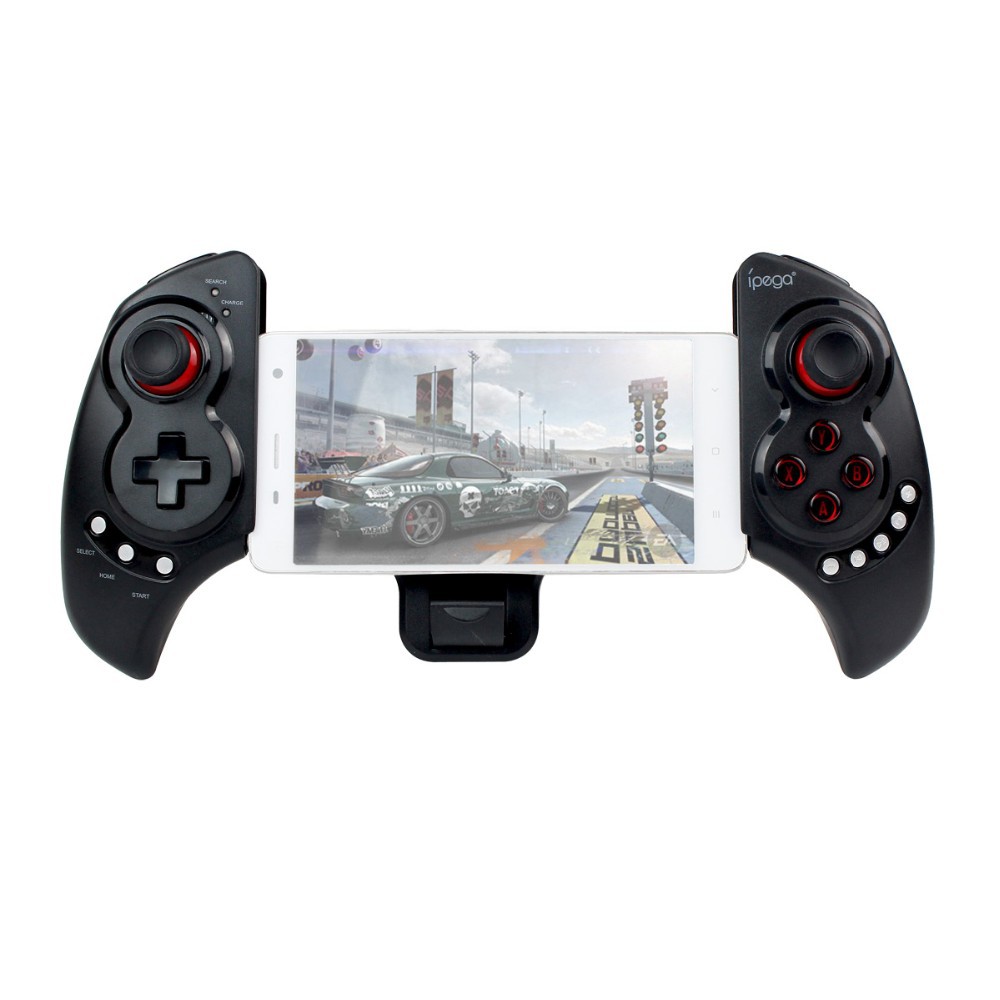
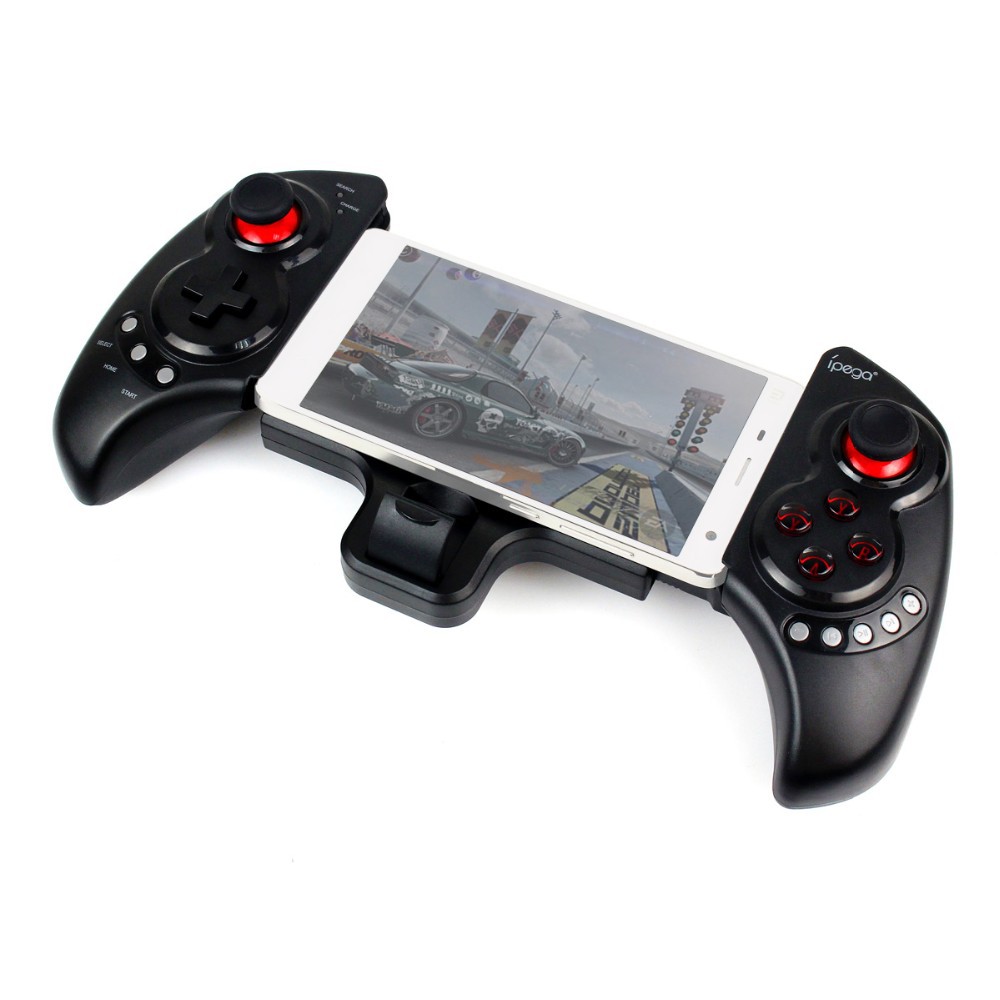
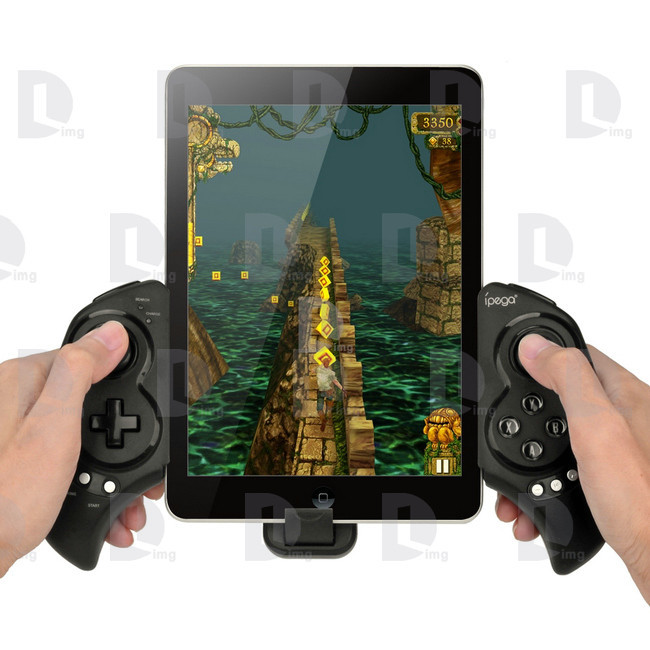
iPEGA PG-9023 Telescopic Wireless Bluetooth Game Gaming Controller Gamepad Joystick for Phone/Pod/Pad/Android IOS Tablet PC


Modle:PG-9023
Kindly Note:
This game controller don't support MTK CPU smartphone
Description:
Hignlight:
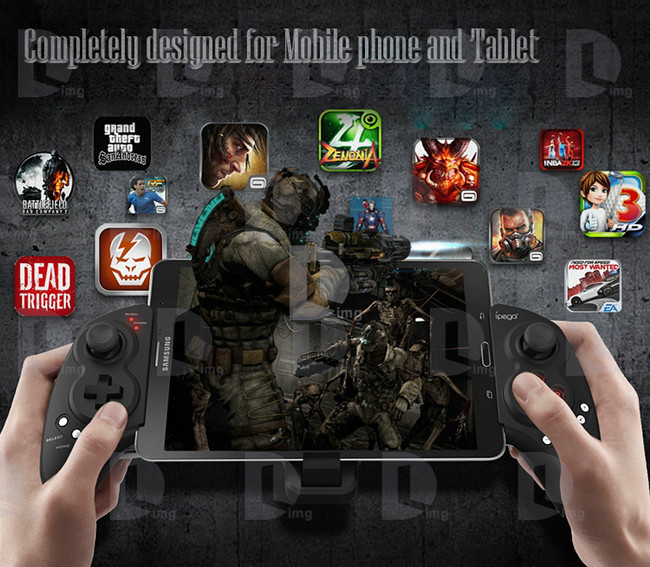
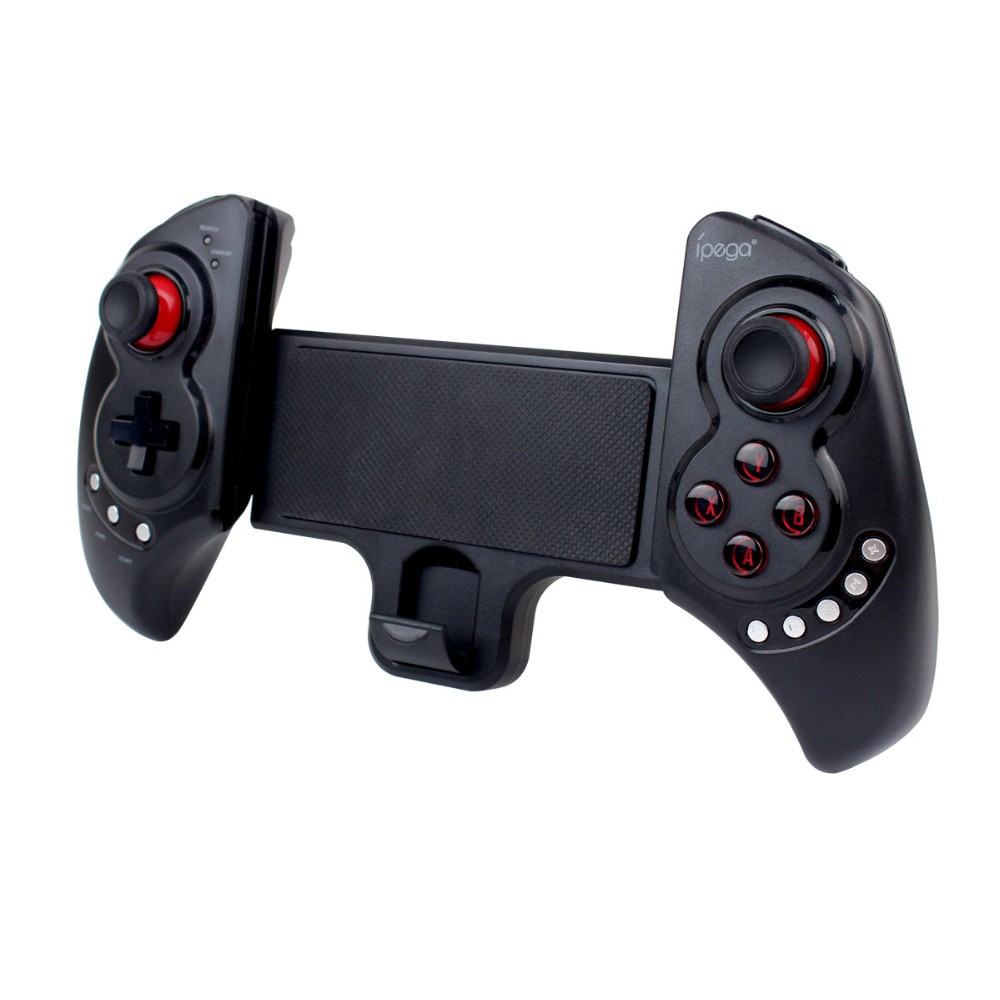
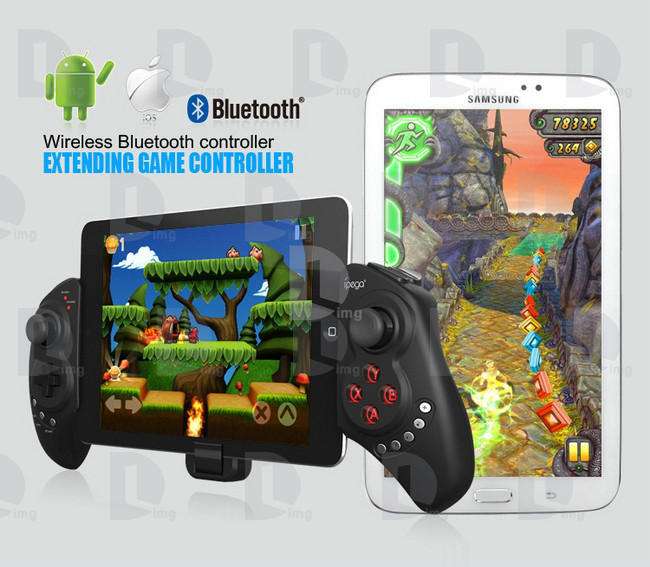
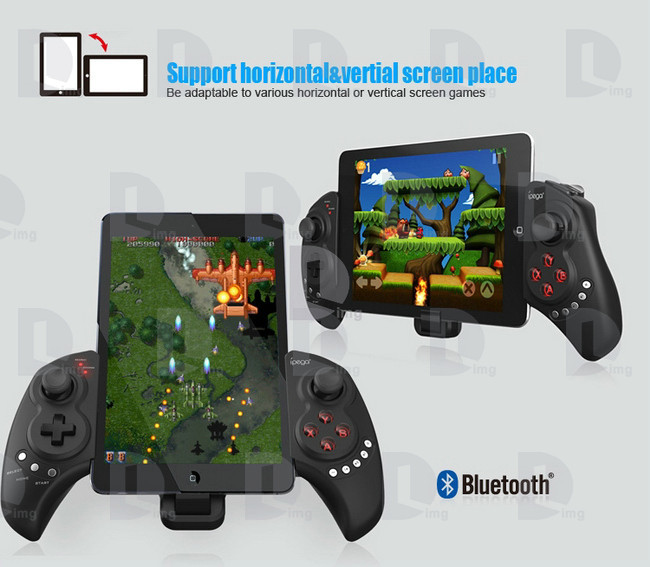
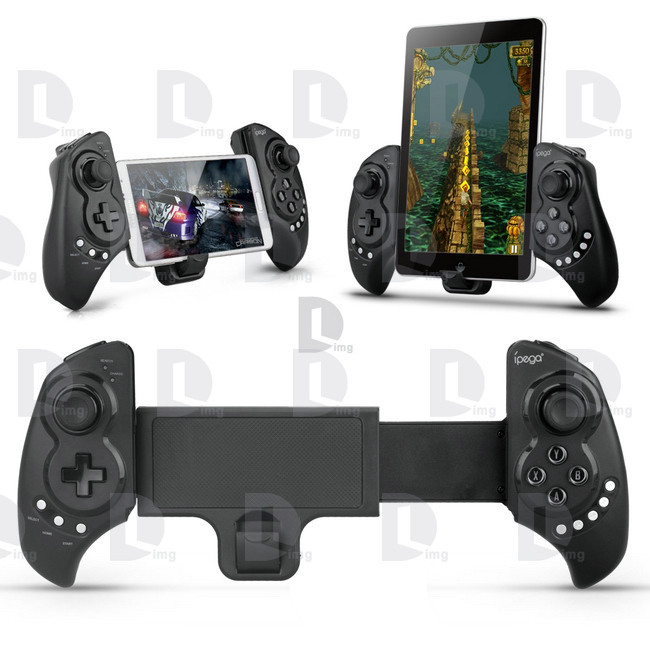
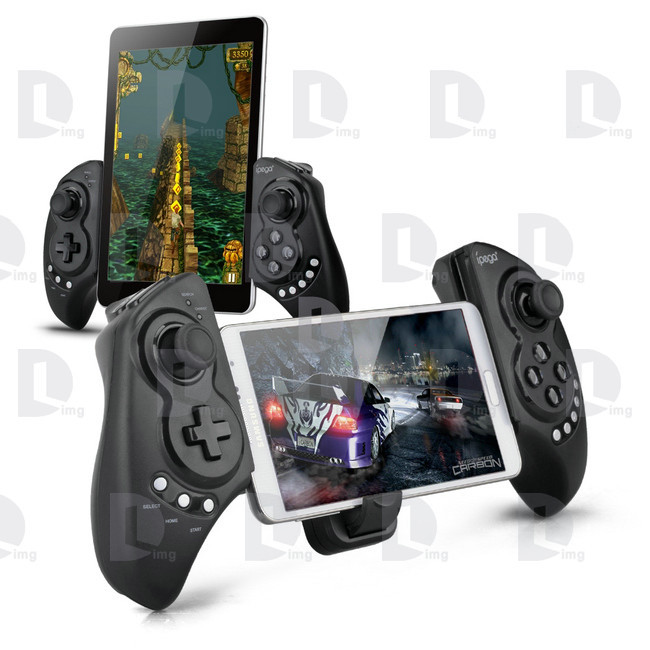
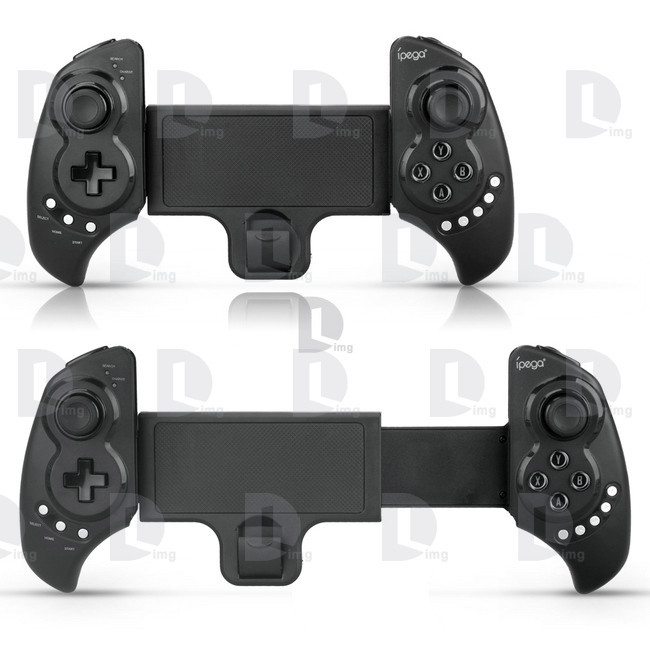
This wireless bluetooth game controller is specially designed for Tablet PC, pad, smartphone,etc.
With bluetooth 3.0 wireless transmission, it can be operated at a distance of 6-8meters without any
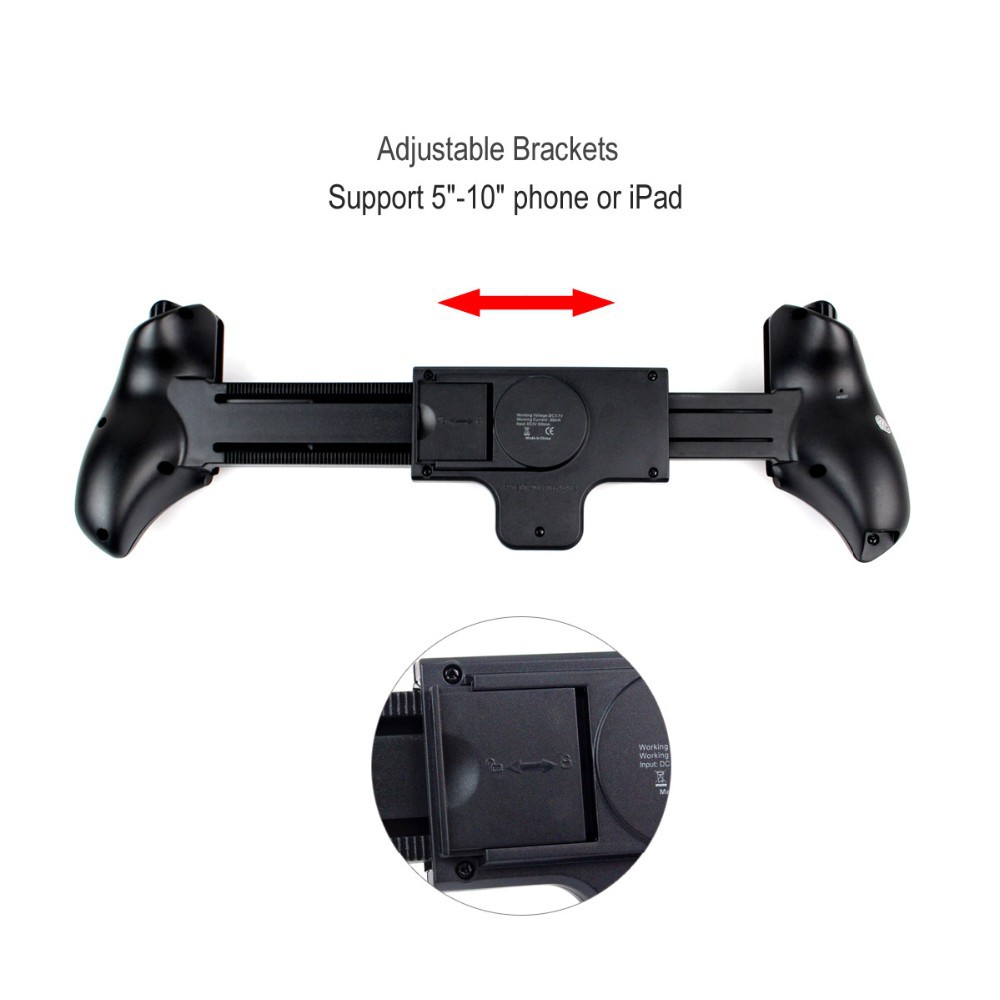
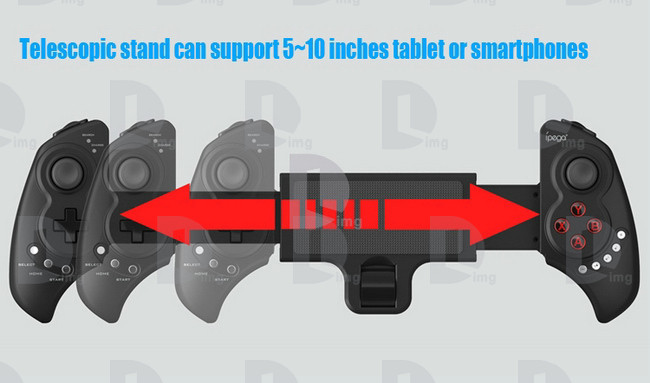
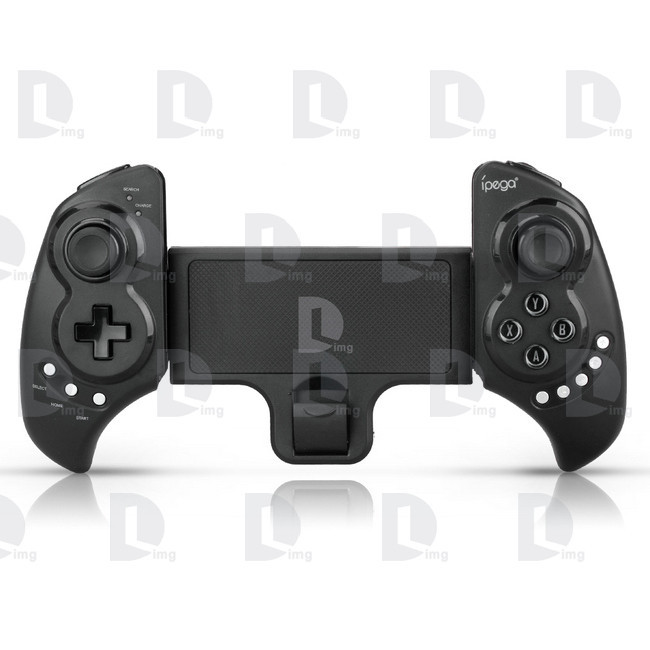
drivers. Telescopic design is one of its highlights, which can be extended to fit diffrent sizes of mobile
phones and tablets(from 5 to 10inches). It is compatible with *Pod/*Phone/*Pad as well as the vast majority of android tablet PCs
Features:
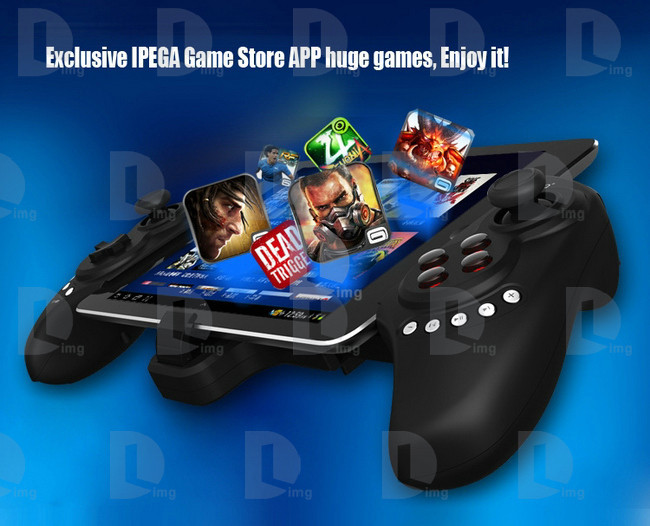
1.Exclusive gaming application platform, the classic hand travel under control (ipega game lobby only for Android platform)
2. Bluetooth transmission with any drivers, effective control distance 6~8 meters
3. Built-in lithium battery, after charging fully, it can keep working for 20 hours, safe and stable
4. Telesopic stand(5~10inch extending length), suitable for the iPod/iPhone/iPad and various android tablet PCs
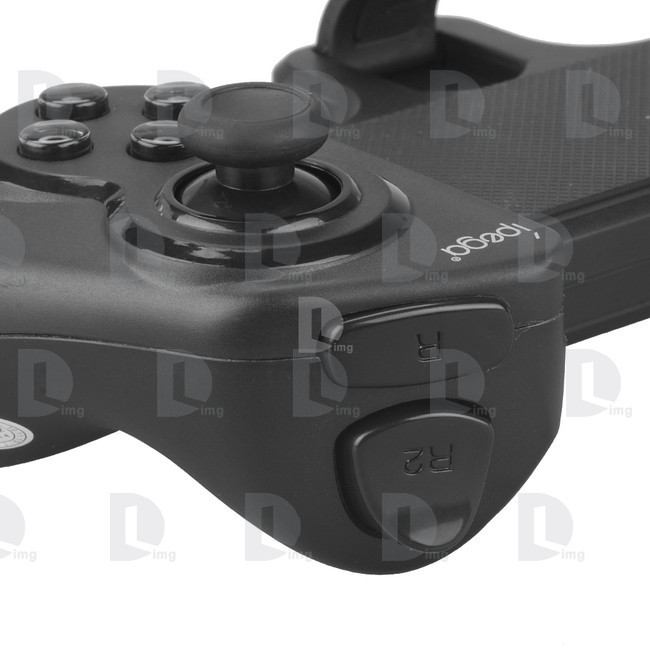
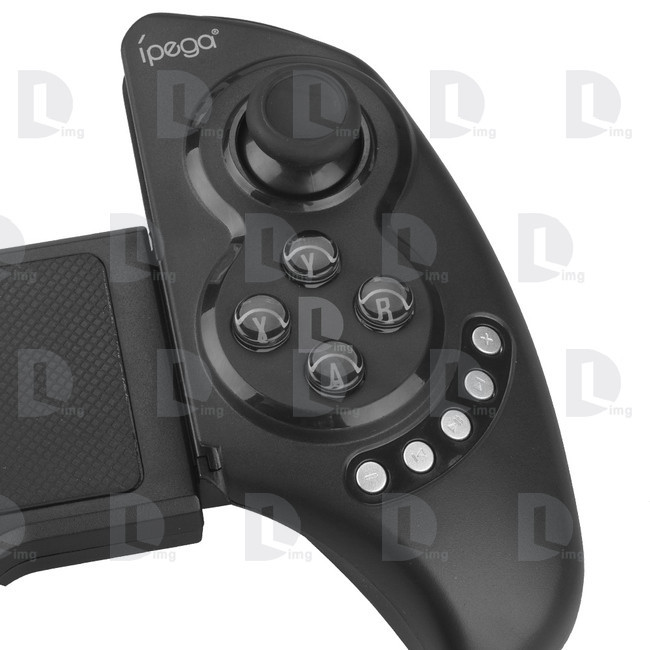
5. With volume+ and volume-, last next play/pause, total 5 multimedia function keys(this function is imcompatible with Y key mode)
6. User-friendly design, automatically enter the energy-saving mode under no connection with no connection state
7. Support Android 3.2, IOS 4.3 or above
Specification:
1. Model: PG-9023
2. Bluetooth: 3.0
3. Controlling distance: 6~8M
4. Telescopic stand: Support 5~10" devices
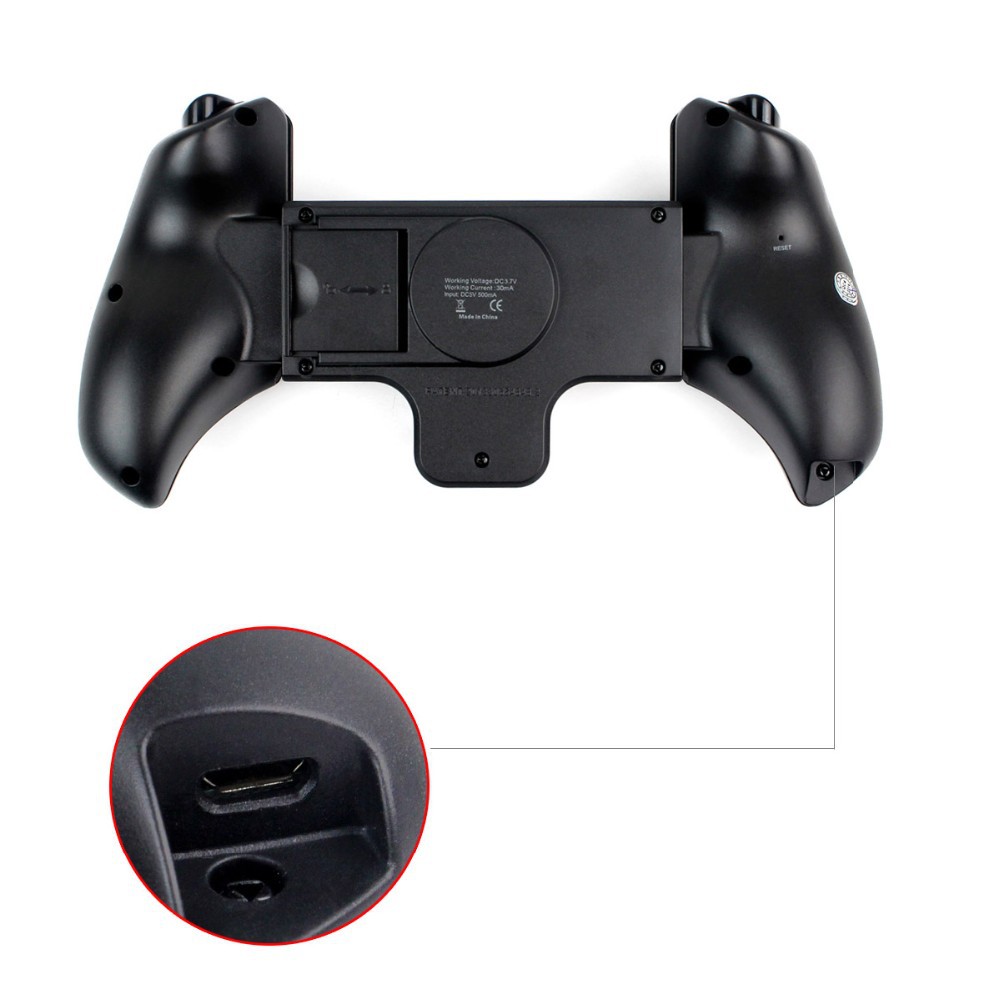
5. Working voltage: DC3.7V
6. Working current: 30mA
7. Input: DC5V 500mA
Game support description
Under Android system, it supports the vast majority of games and simulator games(such as MC4, Wild blood, Dungeon Hunter, Zombie, FC simulator
GBA emulator, arcade emulator, SFC simulator, N64 emulator, Shadowgun, Sonic CD, Cordy, Soulcraft, Zenonia4, 9 Innings2013, Riptide,etc.)
Download method of games that are compatible: Enter itunes and App Store to search for iCade. The handle can be compatible with the vast majority of games, such as Gunman Clive, Helium Boy, League of Evil League of Evil2, Muffin Knight Free Stardash, Temple the Run and so on.
User Manual
|
A |
B |
X |
Y |
|
Keyboard Mode |
iCade Mode |
GamePad Mode |
IPEGA Game Centre/SPP Mode |
X.GamePad Mode: Only Android 3.2+ version supports this mode. When the handle is turned off, first press the X key, then press the HOME key. Bluetooth LED indicator
flash. Then handle enter into the pairing mode and turn on the phone and search Bluetooth devices Ipega Extending Game Controller for pairing. LED indicator light is on after the
sucessful pairing.
A. Keyboard Mode:(For Android system and support various types of simulators) When the handle is turned off, first press the A key, then press the HOME key. The Bluetooth LED indicator
flash and the handle enter into pairing mode. Turn on the phone and search Bluetooth devices Ipega Extending Game Controller for pairing. LED light is on after successful pairing.
B.iCade modes: When the handle is turned off, first press the B key, then press the HOME key. The Bluetooth LED light indicator flash, and the handle enter into the pairing mode. Turn on the phone
and search Bluetooth devices Ipega Extending Game Controller for pairing. LED light indicator is on after successful pairing.
Y key has two modes: 1. SPP Mode(for systems with virtual keys of the game), 2. iPega gaming desktop(see appendix)
1. SPP Mode: When then handle is turned off, first press the Y key, then press the HOME key, LED lights flash and the handle enter into the pairing mode, if the pairing is successful, the LED light indicator
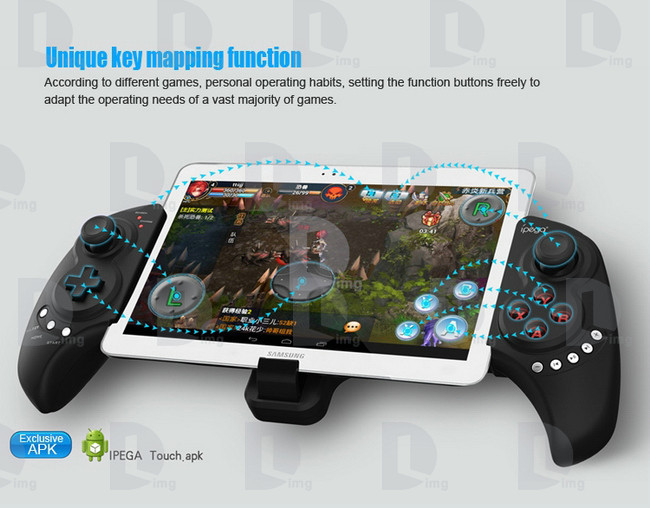
is keeping bright. The handle is in the SPP mode; SPP mode requires corresponding Android APP software to complete the relevant key mapping function.

SPP Use:
1 Go to Settings → Language and input → Select Input Method "GHTouch IM"
2 Open the application "GHTouch" → Choose device "ipega Extending Game Controller" → check "virtual screen buttons"
→ Select Input Method "GHTouch IM" → The device will automatically connect with the handle, after the
connection is completed , the LED indicator light
3 After entering the game, press the volume up on the device or handle "Select" button, the button icon onto
the screen corresponding to the position (Note: Double-click the icon to set the size), press return or click on
About input method setting: Using the controller to play game should set the phone or notebook input method to be default as English language input (For the ios system, be sure to switch the input method, and then pairing. If not, the handle does not work properly.)
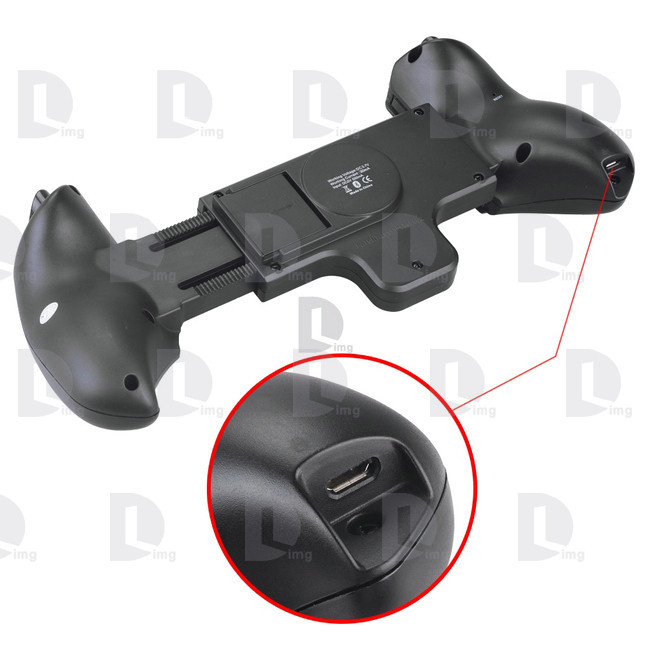
Charging controller: Accessing the controller to 5V power supply for charging (PC device or mobile phone power adapter). In the process of charging, the charge indicator light of handle is orange and LED is off after fully charged.
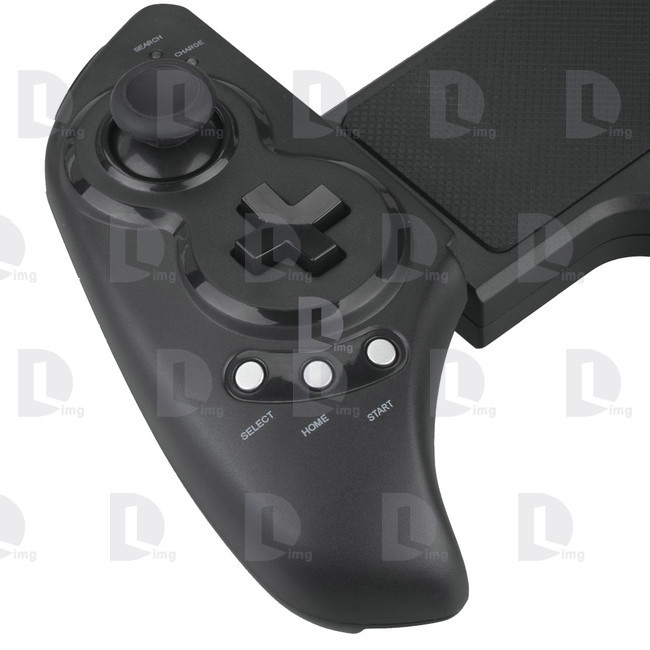
Switch on/off the controller: Press "HOME" button for 3 seconds until the Bluetooth LED is off, it means shutdown is successful. If the phone is not unpair connection when controller shutdown. Just do it again
Press the "HOME" button for about five seconds, until the LED red light flashes slowly. It means that the handle is turned on (the default the last boot mode), the boot handle will automatically paired with the phone connection. If the connection fails, the handle will automatically shut down.
Connect the PC: Open the device’s Bluetooth PC program, and select the "X, A" in either mode can be paired with(and does not have a Bluetooth PC devices need to use the Bluetooth receiver).
Note: To change the controller function mode, please turn off the controller firstly and cancel the bluetooth pairing , then in accordance with the operation mode to replace the steps.
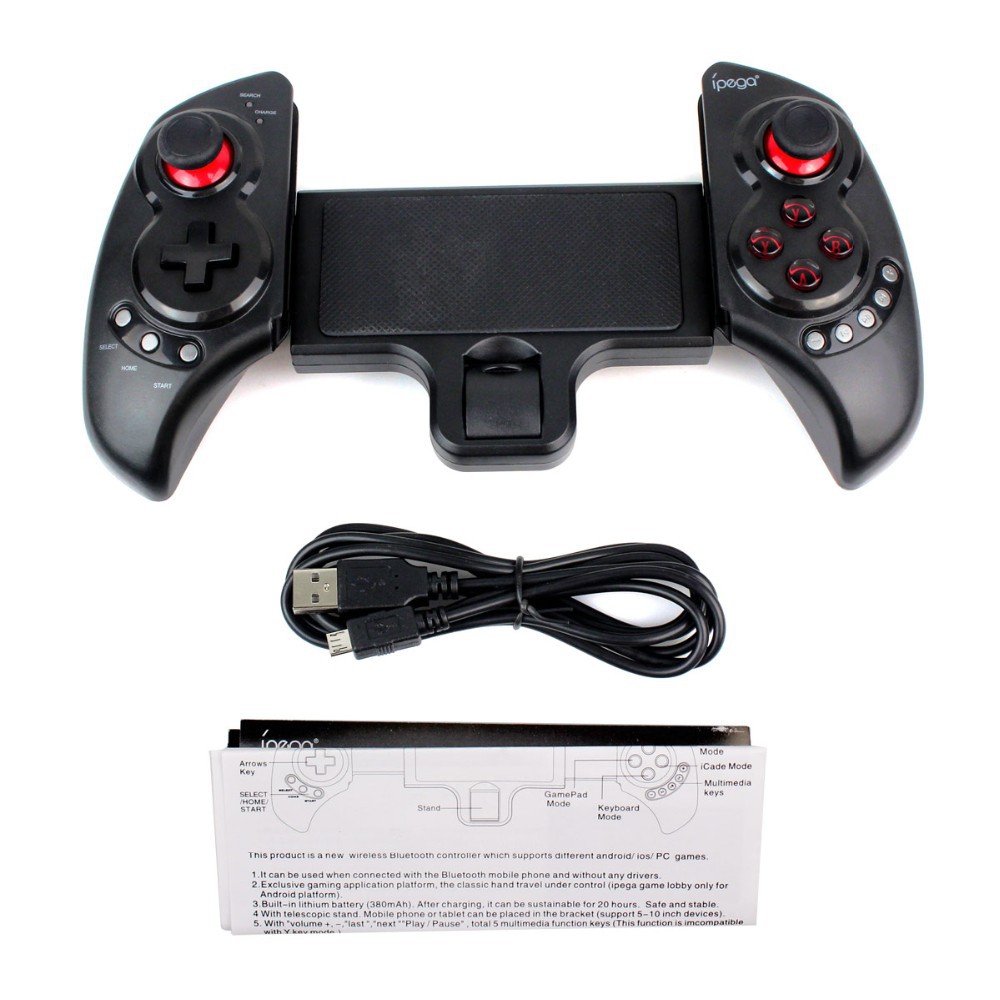
Package contents
1x Ipega Wireless Bluetooth Controller
1x User Manual
1x USB Charging cable


We only ship to your confirmed address. Please make sure your shipping address is correct before purchase.Most orders will be shipped out within 1-3 business days upon payment confirmation.While there will be a delay for something we can not control (such as the bad weather). If it happens, just contact our customer service, we will help you check and resolve any problem.
Taxes & Charges
Import duties, taxes and charges are not included in the item price or shipping charges. These charges are the buyer's responsibility. Please check with your country's customs office to determine what these additional costs will be prior to buyingWe can revise the invoice price as you requested for reduce taxes.
Feedback
Once you have received your item, please leave positive feedback for us as this will inform us that you have received your items. If you are dissatisfied with your purchase, in any way , please contact us first prior to leaving feedback.We always work out problems to our buyers full satisfaction. Trust us ,all the issues could be resolved via communication. And we care our customers ,we love happy customers .if you have any doubt or issue with the order ,please feel free to contact us ,we are here to assist you!
Contact us
We care about our valued buyers, if you have any questions, we try our best to reply to your emails as soon as possible, however, due to high volume of daily incoming emails and time zone difference, we may not be able to reply your emails immediately. Please allow 24 business hours for us to response.