Studio : LIQUN Publisher : LIQUN Binding : Electronics Product Description
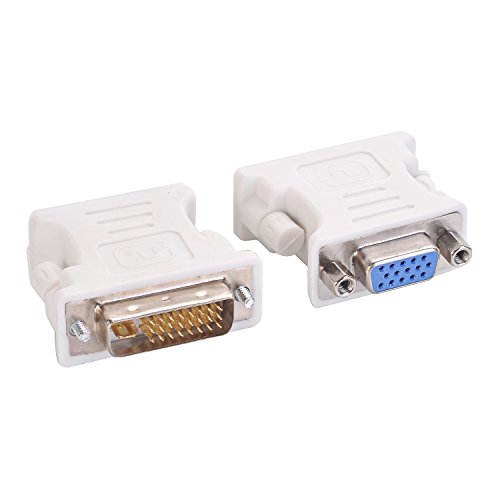
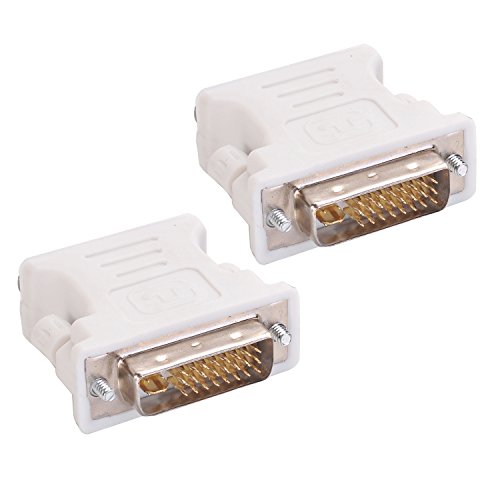
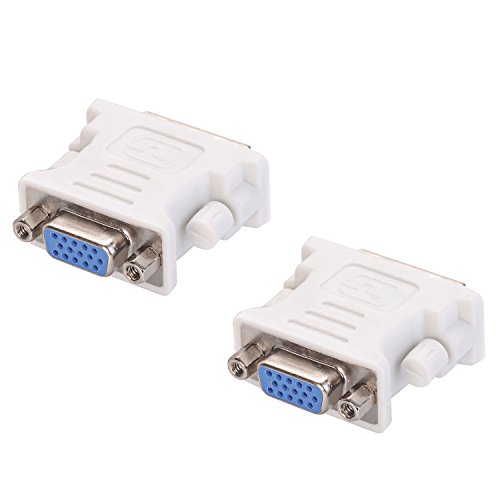
Plug this adapter into your PC's DVI-I port, and then attach your VGA cable to the other side of the adapter. That's it! Simple installation goes quickly and allows you connect your VGA monitor to a newer video card that has DVI-I output.
How it works:
The DVI port adapter have pins that carry the VGA analog signal in addition to the DVI digital signal. So the adapter does not convert signals, it converts your port for use with a VGA cable (which can only carry the analog signal). It may be helpful to think of the adapter as a filter rather than a converter.
0
|