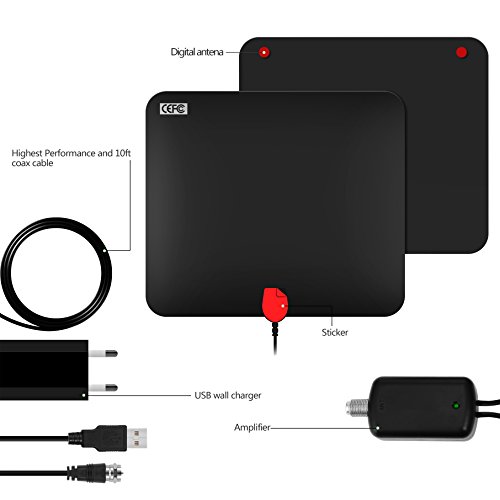
Studio : ANYFONE Publisher : ANYFONE Binding : Electronics Product Description
How to use this TV antenna
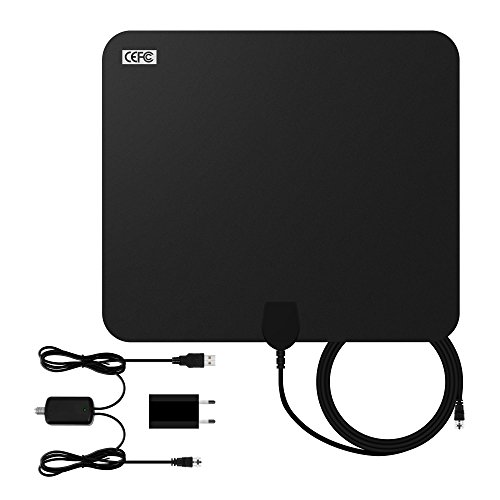
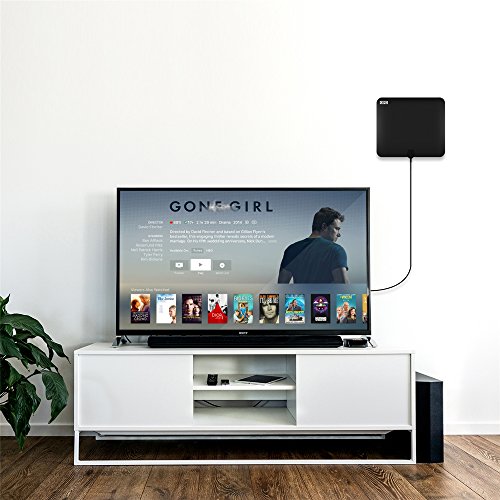
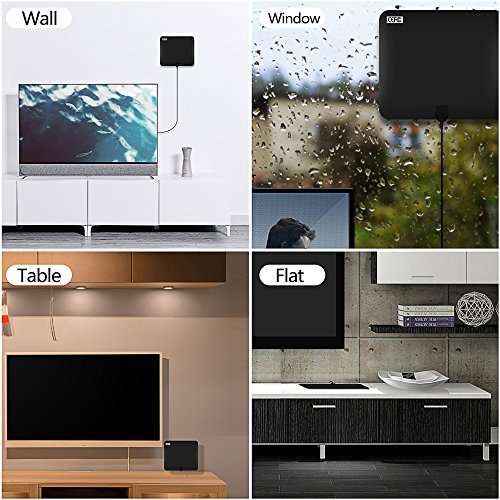
STEP 1: Stick the amplified HDTV antenna on the window or wall
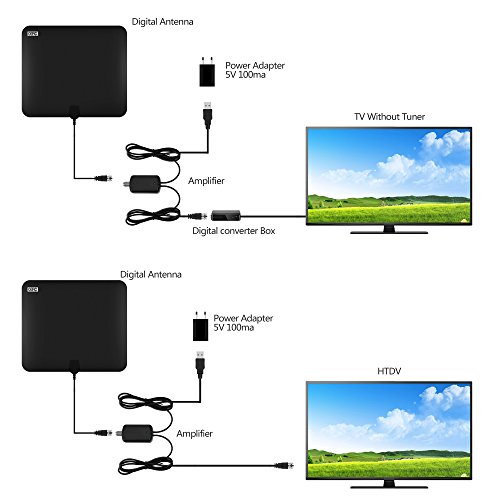
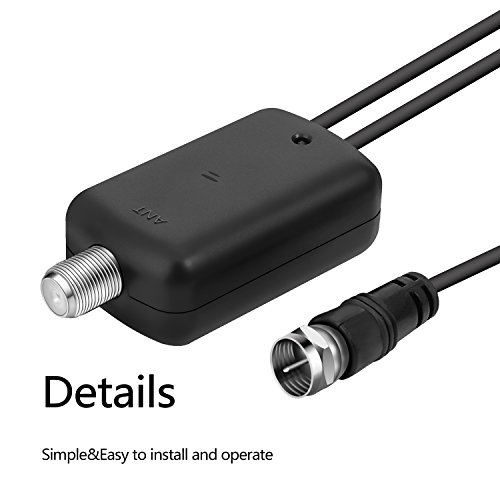
STEP 2: Connect to ANT IN on the back of any digital TV or the set-top box.
STEP 3: Scan the TV channels.
If your Indoor TV antenna is not working as expected,you can follow the tips below:
1, Check to make sure you have correctly connected the antenna to your HDTV or third-party HD receiver.
2, Re-scan for channels: In the TV's setup menu, set the mode to indoor antenna or air. Refer to the TV manual for detailed instructions.
3, Reposition the amplifier antenna in a different location. It is suggested place it higher on a wall or closer to a window. Sometimes moving a few feet can make a difference.
4, keep the indoor antenna away from those big power consumption devices interference, such as air conditioner, refrigerator and microwave oven,etc.
5, This is an amplified TV antenna. If a signal cannot be received with the external amplifier, remove the antenna amplifier and try again.
6.Our TV Antenna is your best choice If you experience any issues with reception or bad signaling ,feel free to contact us at any time.
Specifications:
Reception Range: 60 miles range with amplifier
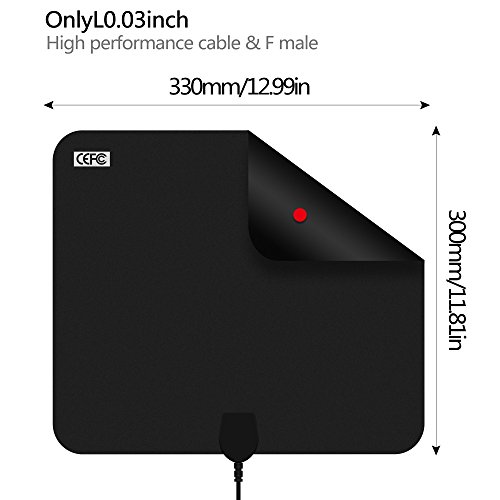
Coaxial Cable: 10ft
Input Voltage: DC 5V
0
|