*** NEW ARRIVAL ***
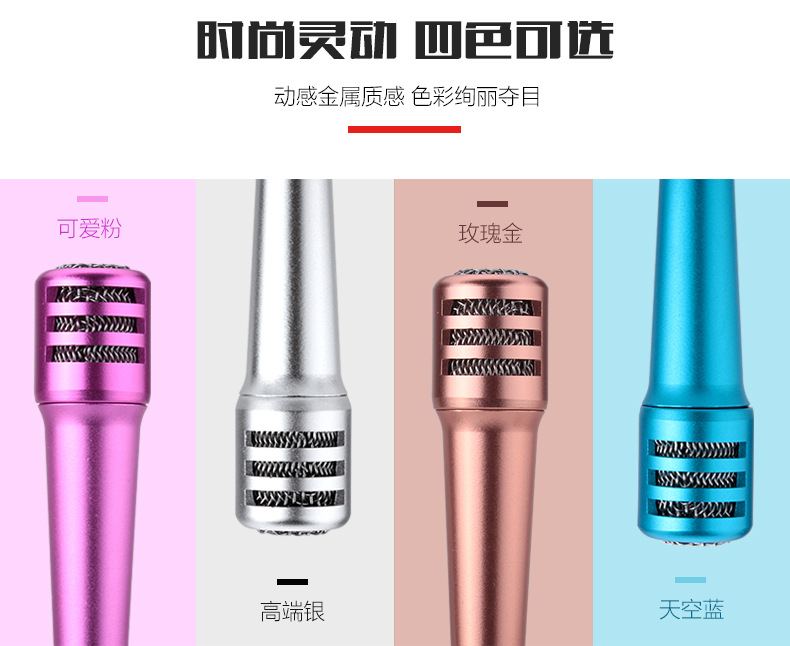
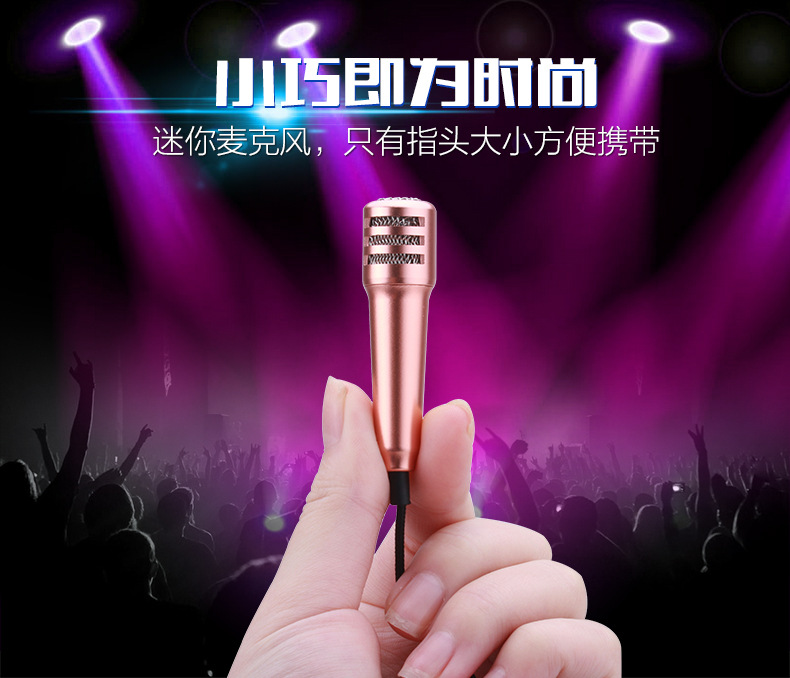
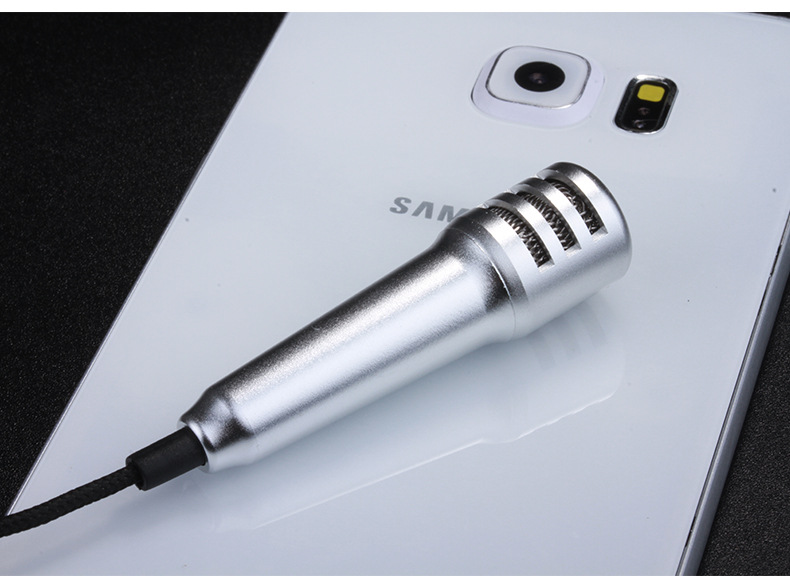
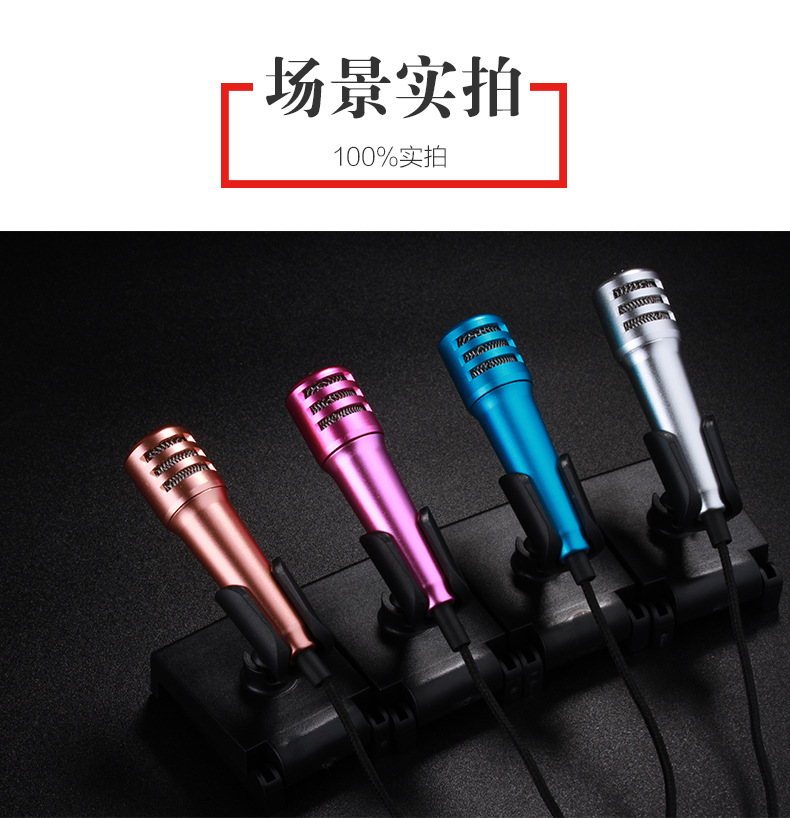
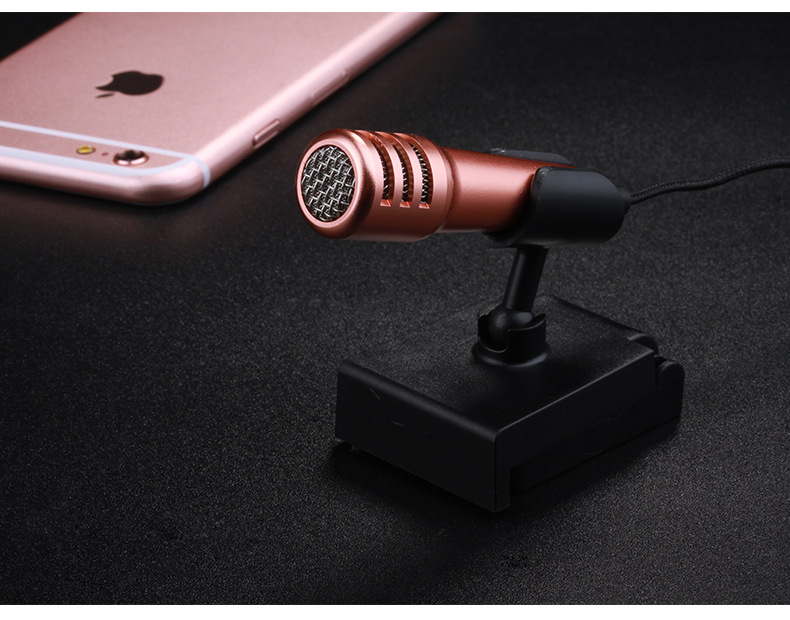
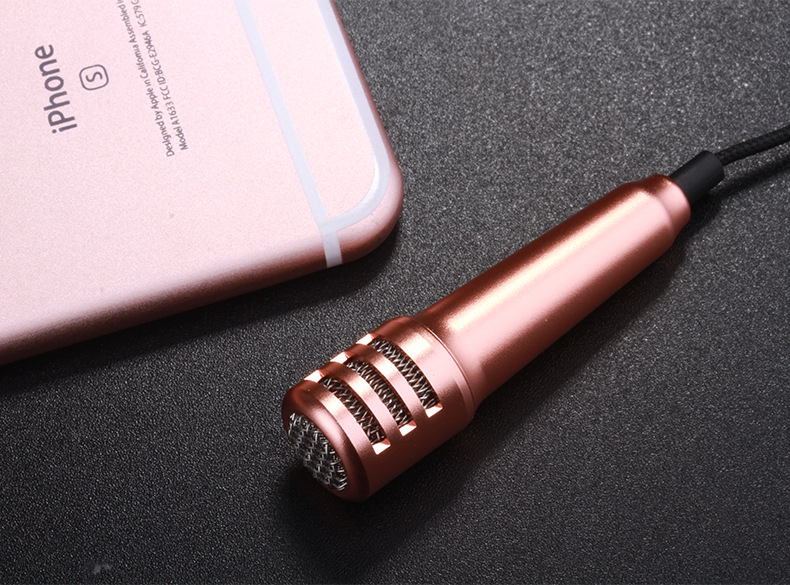
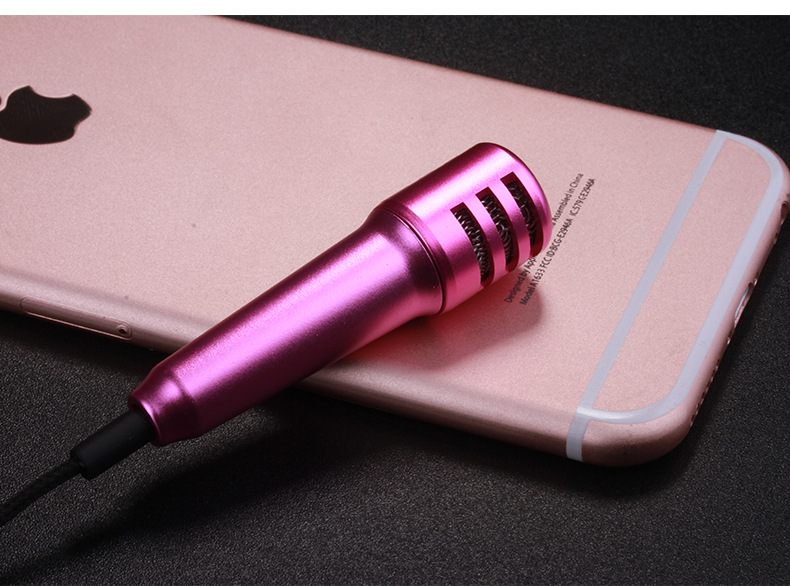
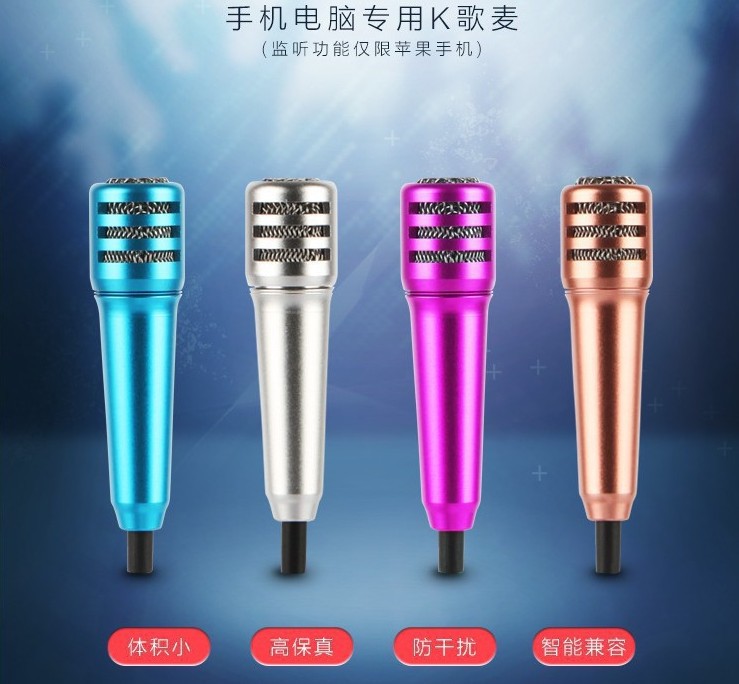
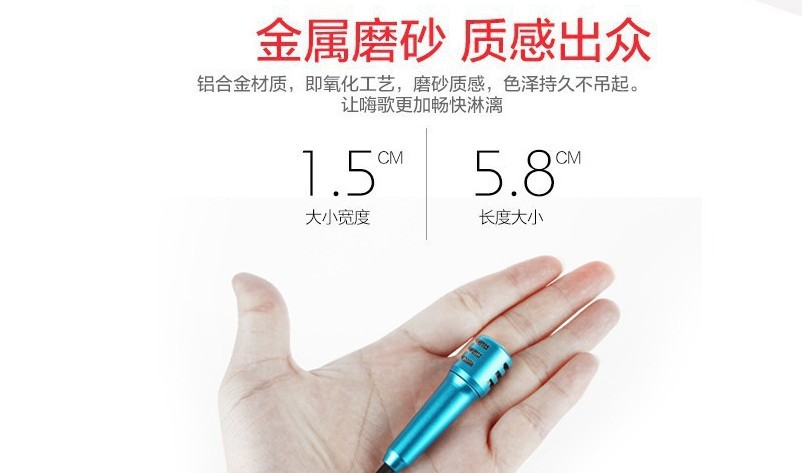
GEN 3 Mini Mobile Microphone
Latest Professional Design


*****************************************************************************************************************************


*** NEW ARRIVAL ***
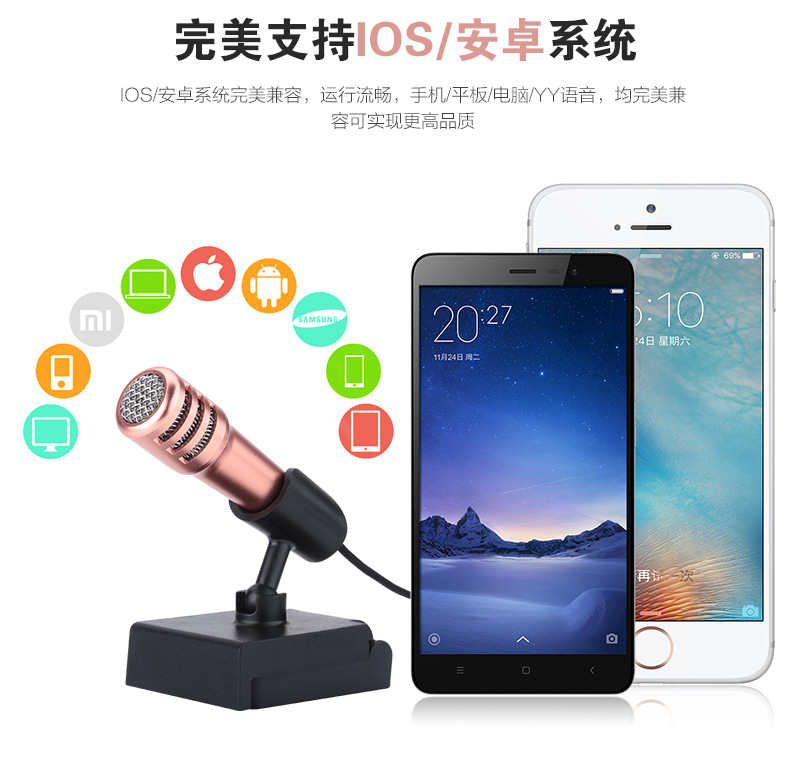
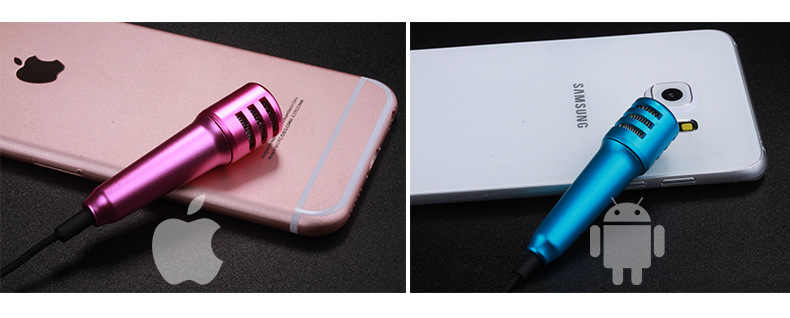
GEN 2 Mini Mobile Microphone
Latest Professional Design
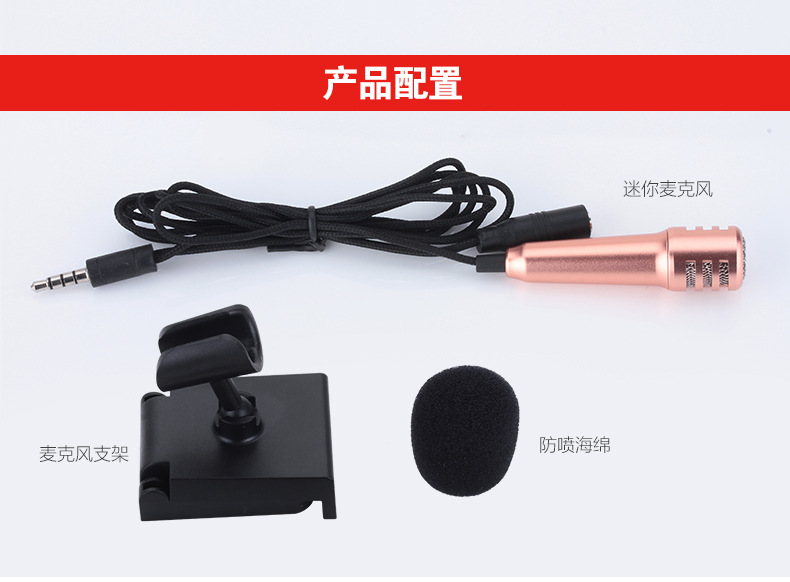
Built-In 2-In-1 Audio Jack Spiltter

undefined

undefined

undefined

undefined

undefined

undefined

undefined

undefined

undefined

undefined

undefined

undefined

undefined

undefined

undefined

undefined

undefined
undefined
undefined

undefined

undefined


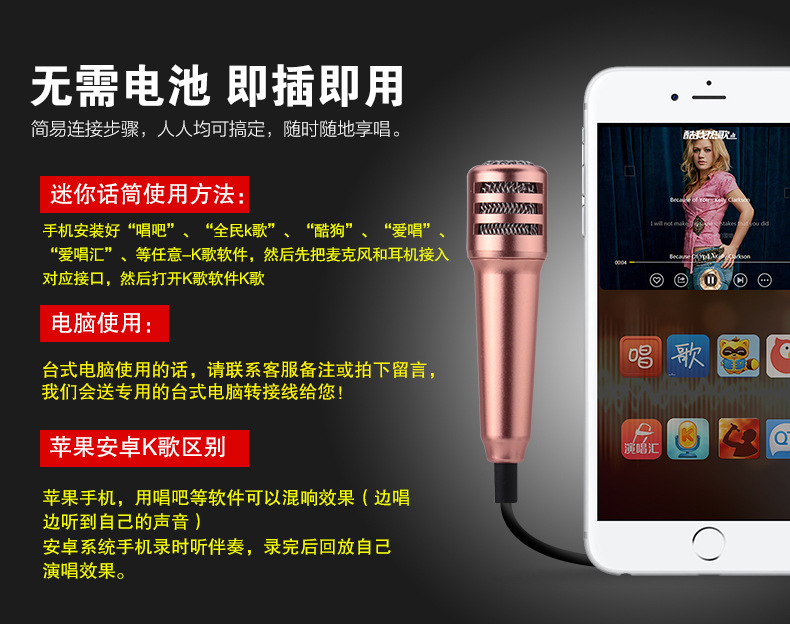
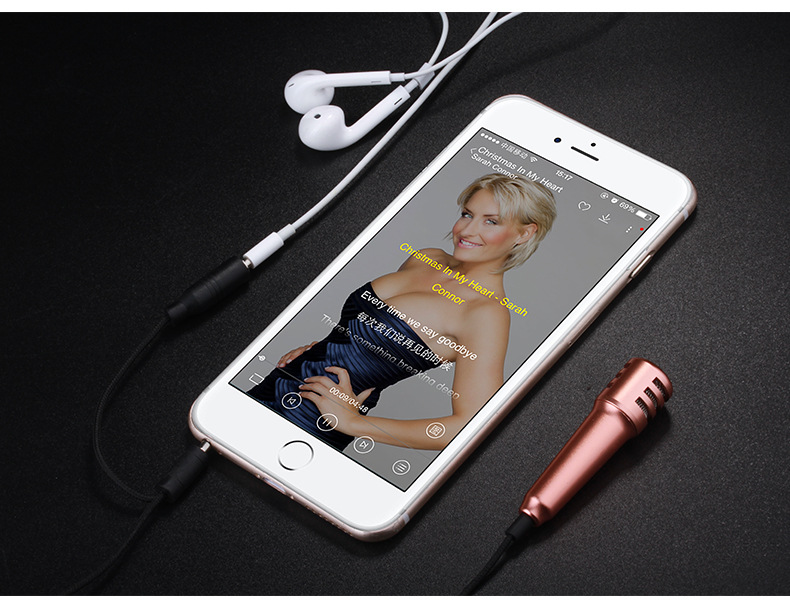
Step 1 Download any karaoke sing along apps from Apps Store or Play Store. Search keyword "karaoke".

Step 2 Plug the 2-in-1 audio splitter into your mobile phone.

Step 3 Plug the mini microphone into 1 of the 2 holes on the 2-in-1 audio splitter (note the microphone icon on the 2-in-1 audio splitter).

Step 4 Plug an earphone into 1 of the 2 holes on the 2-in-1 audio splitter (note the earphone icon on the 2-in-1 audio splitter).

Note: The mini micrphone may not work when directly plugged into the audio jack without going through the 2-in-1 audio splitter.


*****************************************************************************************************************************


GEN 3 Mini Mobile Microphone
Original Everlasting Design

FREE 2-In-1 Audio Jack Spiltter