Product Description
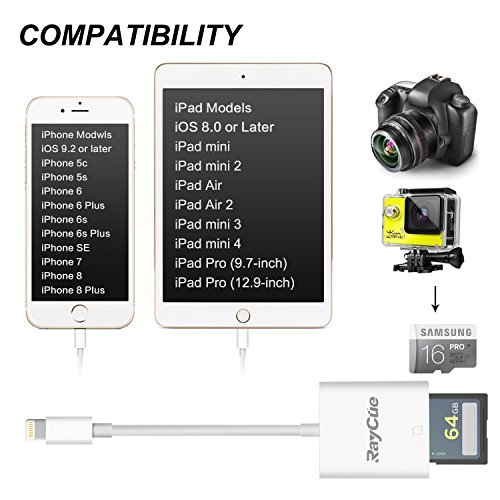
Campatibility iPhone models: iPhone 5, 5c, 5s, SE,6,6 plus, 6s, 6s plus, 7, 7 plus.
iPad models: iPad mini, mini 2, Air, Air 2, mini 3, mini 4, Pro
Tips: 1. If photos or videos aren't transferring, be sure the memory card is inserted properly into the Lightning to SD Card Camera Reader. Completely unplug the Lightning to SD Card Camera Reader and memory card, then reconnect them and try again.
2. Make sure the SD card is a good one. Please be noted the Wi-Fi SD card is not supported.
3. If you are using a mini or micro SD card with an adapter, make sure the adapter is a good one.
4. Check if the iOS is updated to iOS 9.2 or above for iPhone and iOS 8.0 or above for iPad.
5. If photos were not taken by the digital camera, use your computer, create a folder called "DCIM" to the root of your memory card. Copy the photos and videos into the DCIM folder. Rename each photo and video file as "IMG_XXXX", where XXXX is a unique number. For example, if you had one JPG file and one .MOV file, name them "IMG_0001.JPG" and "IMG_0002.MOV".
Feature
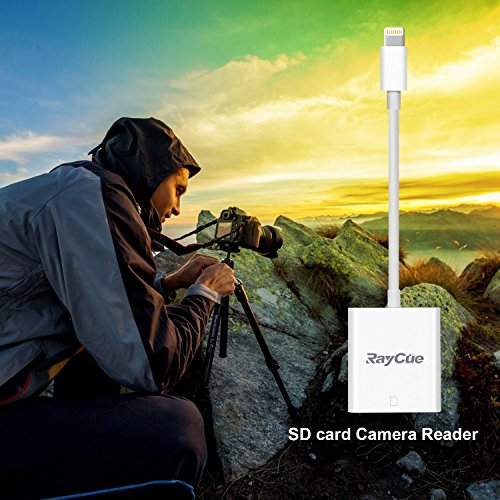
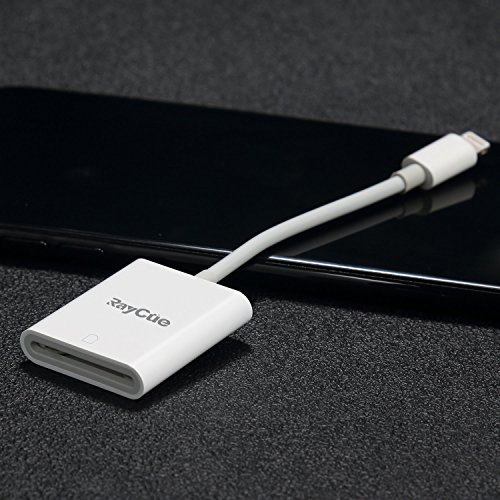
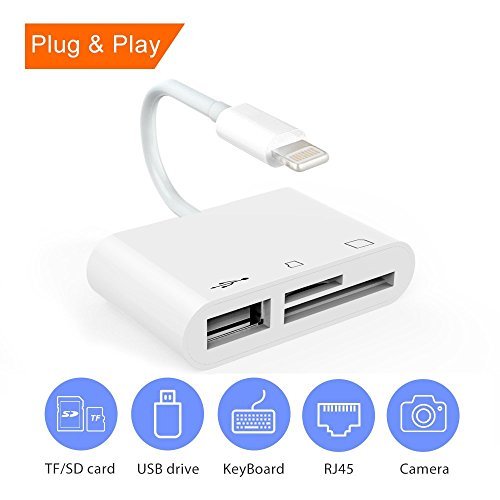
8 Pin Lightning to SD Card Camera Reader Adapter support iPhone models and iPad models. The system requires IOS 9.2 or up for iPhone.
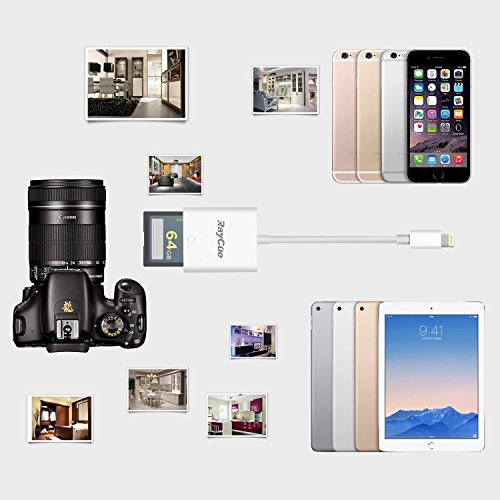
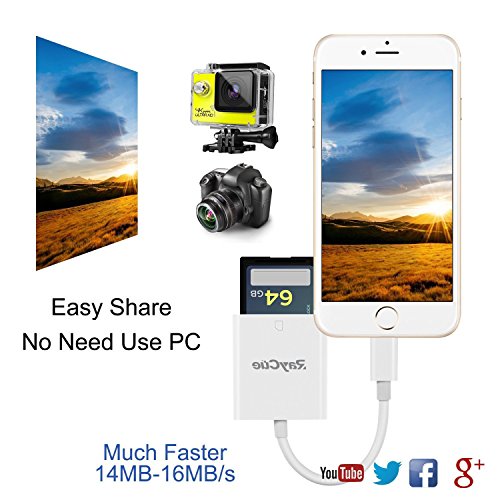
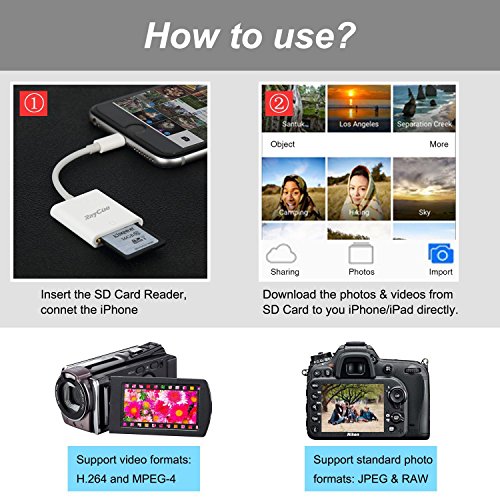
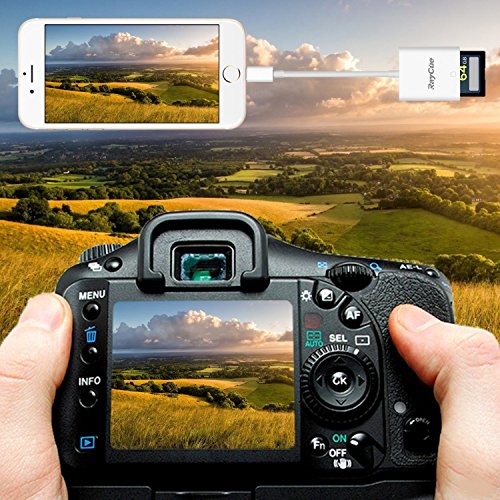
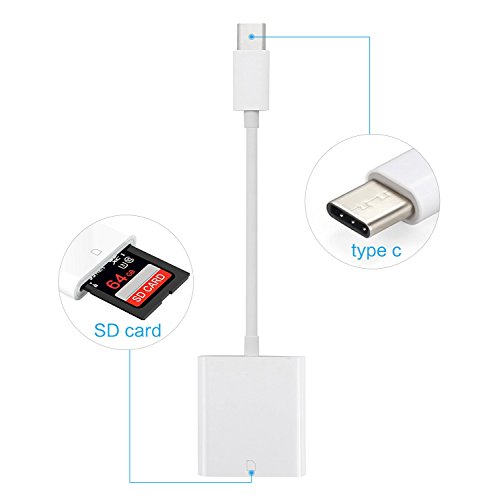
With the Lightning to SD Card Camera Reader, it's easy to download photos and videos from your digital camera to your iPad or iPad mini so you can view them on the gorgeous iPad display and share them with family and friends.
Use this adapter to import photos and videos directly from your camera, SD card to your iPad with Retina display or iPad mini via the Lightning connector.
With the SD Card Reader you can watch movies anywhere and anytime, in addition to the back up photos, can also be in the SD
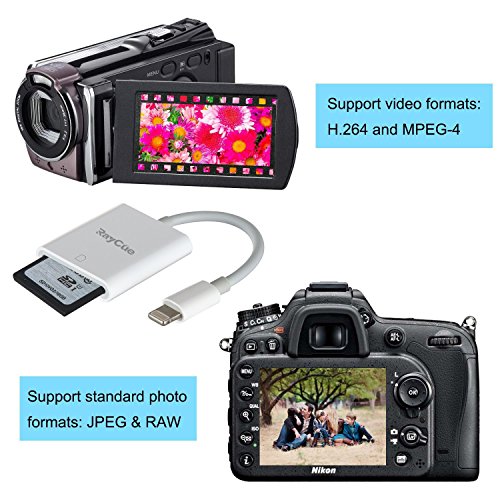
The Lightning to SD Card Camera Reader supports standard photo formats, including JPEG and RAW, along with SD and HD video formats, including H.264 and MPEG-4.
Brand : RayCue
EAN : 6957739640042
Product Dimensions(LxWxH) : 16x7x2cm ; 32 g
Package Dimensions(LxWxH) : 21x9x3cm ; 32 g