|
|

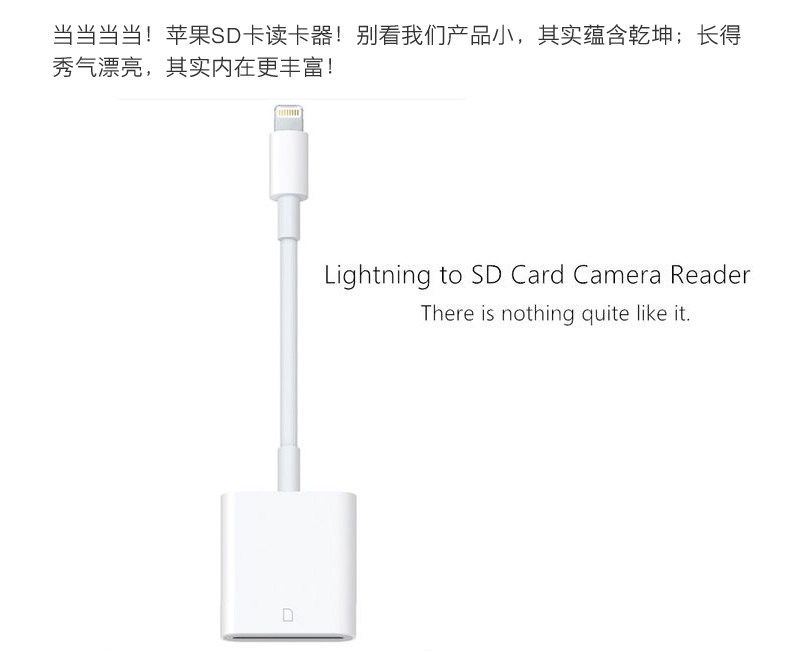
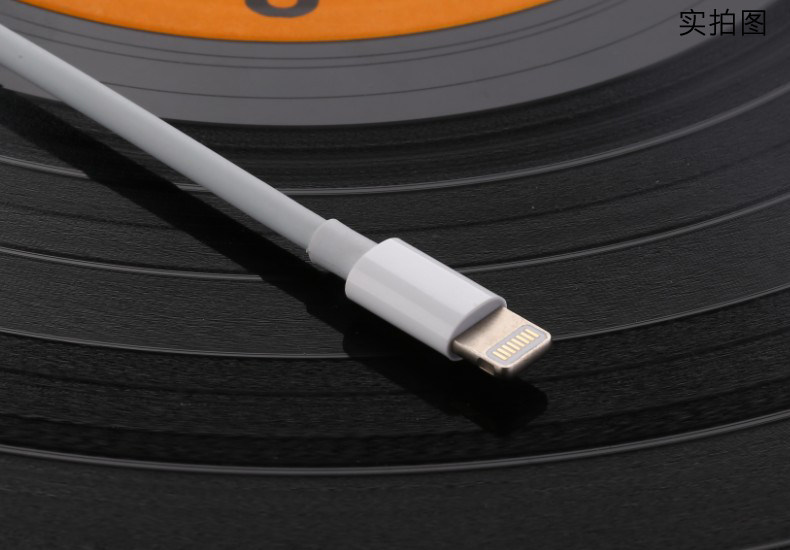
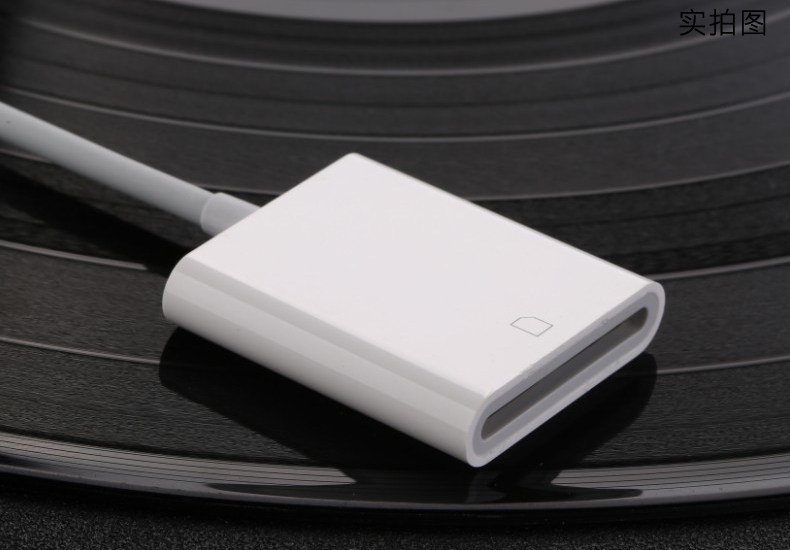
Lightning to SD card camera card reader
(This product is a card reader does not contain memory card)
product description:
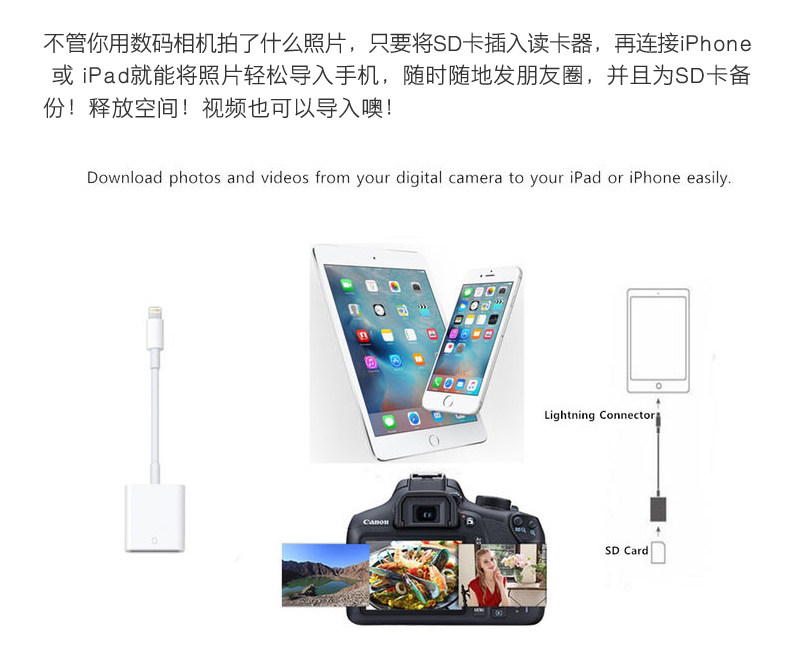
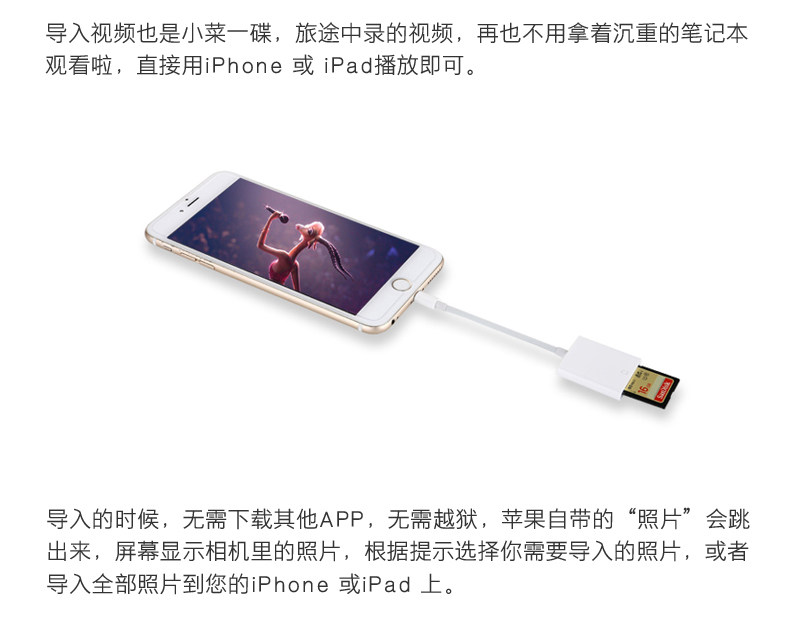
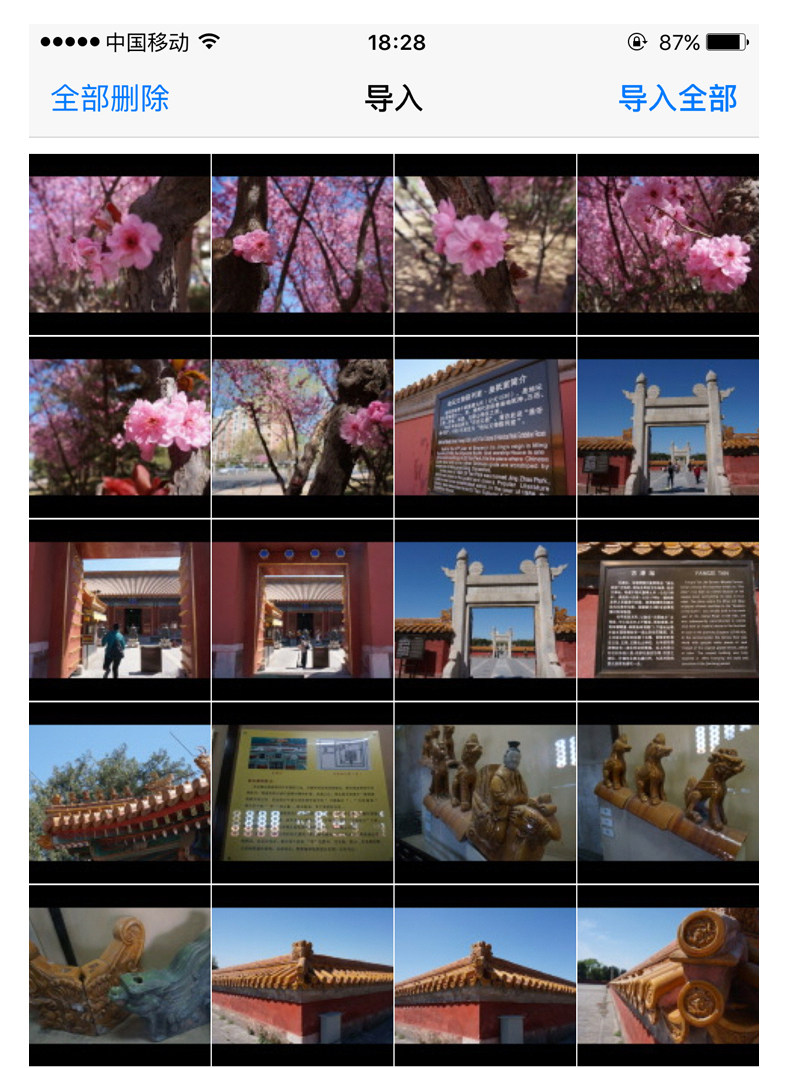
Use Lightning to SD card camera readers to easily download photos and videos from your digital camera to your iPad or iPhone so you can watch them on the brilliant Retina display and share with friends and family.
Suitable Apple equipment:
Full support for the iPhone and iPad with the Lighting port, iPod not supported.
iPhone must be upgraded to iOS 9.2 above, support iOS11.2 and subsequent versions
IPad must upgrade to iOS8.0 above, support iOS11.2 and subsequent versions
If your phone is: iPhone8 / iPhone8Plus / iPhoneX please take the upgraded version
Combo version supports Android phones, the installation of mobile phones must be MicroUSB interface and support for OTG function can be used
Applicable SD card:
Support 64G or less (including 64G) SD card, does not support CF card
Camera photos below 2000 reading the best.
Supported photos, video formats:
The card reader supports standard photo formats (including JPEG and RAW), as well as SD and HD video formats (including H.264 and MPEG-4).
Lighting read speed: 14MB / S ~ 16MB / S, the standard USB2.0 transfer speed
This product supports standard SD card / high-speed SD card, does not support WiFi version of the SD card
In addition there are some customer feedback: Compatible with Sony SD card is not good, will always be retired. The factory found the reason:
SONY SD card current exceeds Apple's limit. The current used by the card reader is given by Apple, and if it exceeds 100mA, Apple will automatically activate a protection mechanism to disconnect it. Unfortunately, SONY's current reached 120mA. The general card is only 90mA.
Does not support reverse export,
If you need a bi-directional card reader for exporting photo video, take the following link: https://detail.tmall.com/item.htm?id=543046900942
·
Another [Andrews Universal]: https://detail.tmall.com/item.htm?id=540640111026
·
【TYPE-C Special Edition】: https://detail.tmall.com/item.htm?id=541129269648
If you have difficulty reading a photo video, check the following details:
Please note that the reader is in place, when the reader, such as the iPhone prompts "Accessories do not support" Please check the system version is not 9.2 or above.
Photo files must be saved in the "DCIM" directory on the SD card. This directory is the standard format for camera format. Files in other directories are not supported for import.
MediaInfo software first check the video encoding is not H.264 and MPEG-4, and then change the video name, for example, can be named: MVI_8593, the number can easily write, and then put the video file into the DCIM file Clip can be, (MVI_ digital naming is the Canon camera naming).