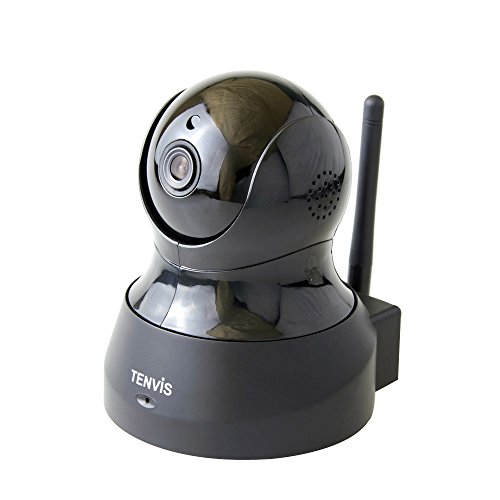
TENVIS TH661 H.264 Megapixel P2P Wireless Surveillance Smart IP Camera Network Security Camera, Baby Monitor, Night Vision, (JPT3815W-HD Plus)- Black
Product Description
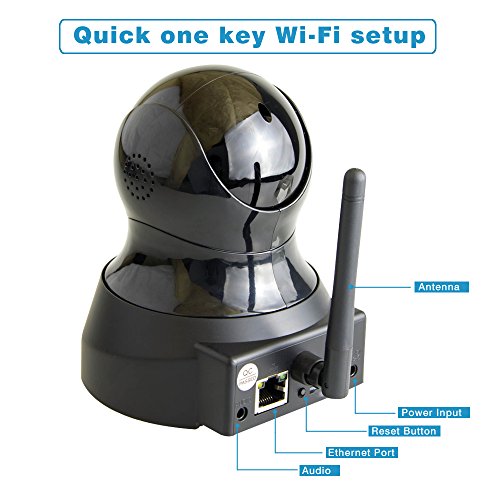
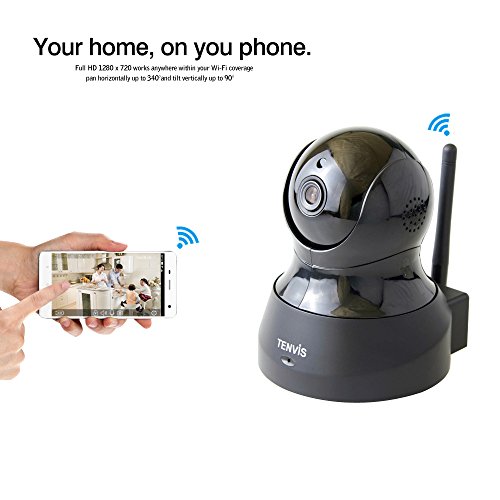
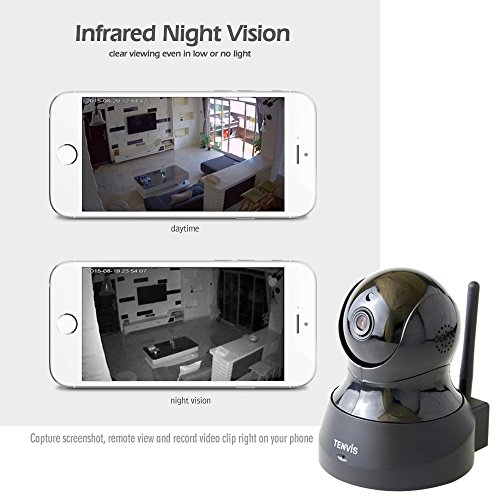
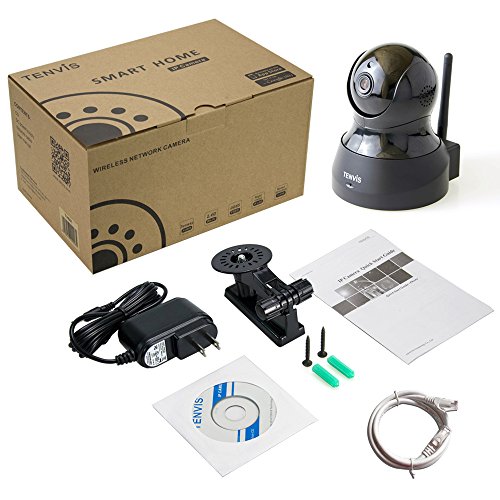
Easy 5 steps installation: 1. Plug in power and network cable to camera. 2. On your smart phone, download and install the "new TENVIS " app from Apple store or google play. 3. Fire up the app to create a account and sign in. 4. The app automatically detects the cameras in the same network for quick edit and live view. 5. Configure the Wi-Fi setting for the camera, then detach the network cable and place the camera anywhere within Wi-Fi network. Specifications: 1)Model: Th661 2)image sensor: 1/4 Color CMOS 3)lens: 3.6MM 4)infrared LED: 10Pcs 5)image: 1 Mega pixels 6)night vision: 10M 7)mini.Feature
2016 newest generation: Upgraded version of jpt3815w-HD independently developed mold with latest technology to achieve award-winning results,