Studio : BOJECHER Publisher : BOJECHER Binding : Electronics Product Description
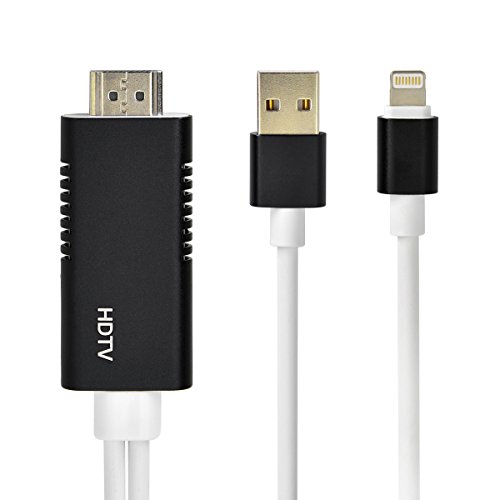
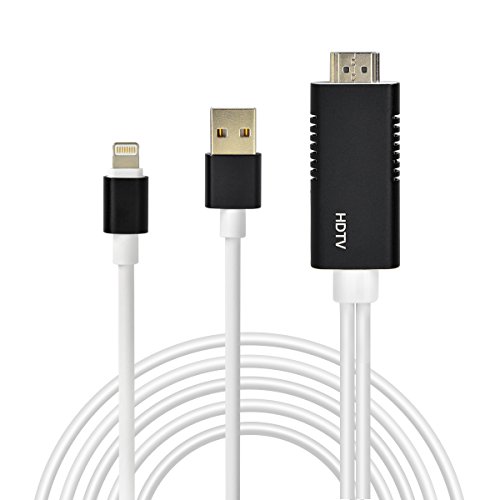
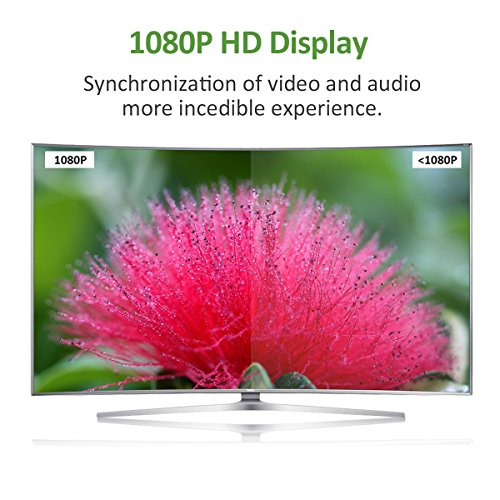
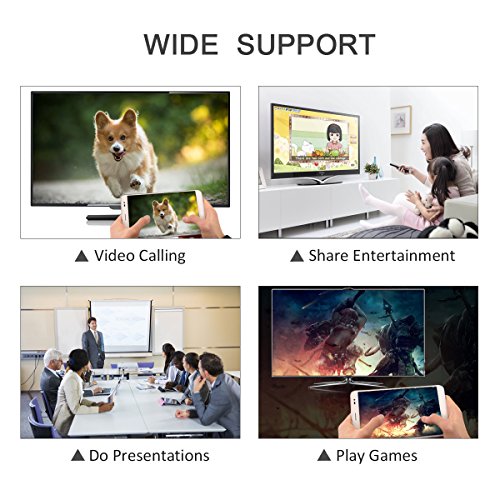
The Lightning to HDMI is great for video callings and sharing entertainment/files with your family, friends and workmates from your Apple mobile devices to big screen.
FEATURE:
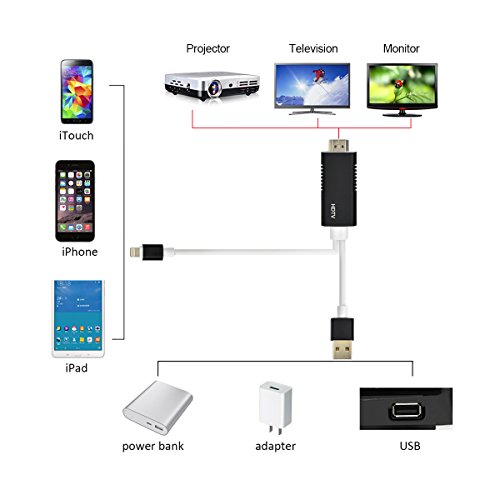
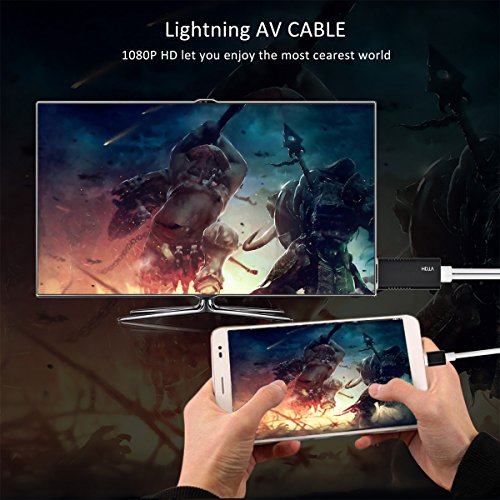
Compatible with:?iPhone/iPad/iPod audio/video/files transfer to display/projector/TV with HDMI port;
Color: Black
HOW TO USE:
Connect to TV or projector via lightning digital AV adapter
Plug lightning to HDMI cable to your iPhone or iPad
Plug USB to power adapter or outlet
Click "trust" and it will sync successfully
NOTE:
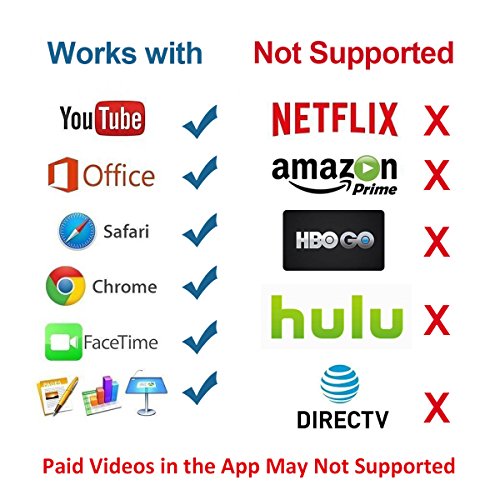
1.Due to copyright protection measures, it won't support some paid contents including Netflix, Amazon Prime videos, Hulu, Comcast tv, Xfinity, Vudu, DIRECTV, etc. Please refer to the terms and conditions of those apps.
2.Make sure of right adapter, 5W for iPhone, 10W/12W for iPad. iPhone/iPad original adapters are the best choices. If lower voltage, it will not work very well.
3.After connecting the cable, the upper and lower sides of the TV/Monitor's screen may be cut off. If this happens, adjust the video settings on your HDTV and check your user manual for details
4.Any incoming calls or messages will pause the media. After taking the calls or acknowledging the messages, the media will resume playing.
PACKAGE:
1x Lighting to HDMI cable
1x Manual
0
|