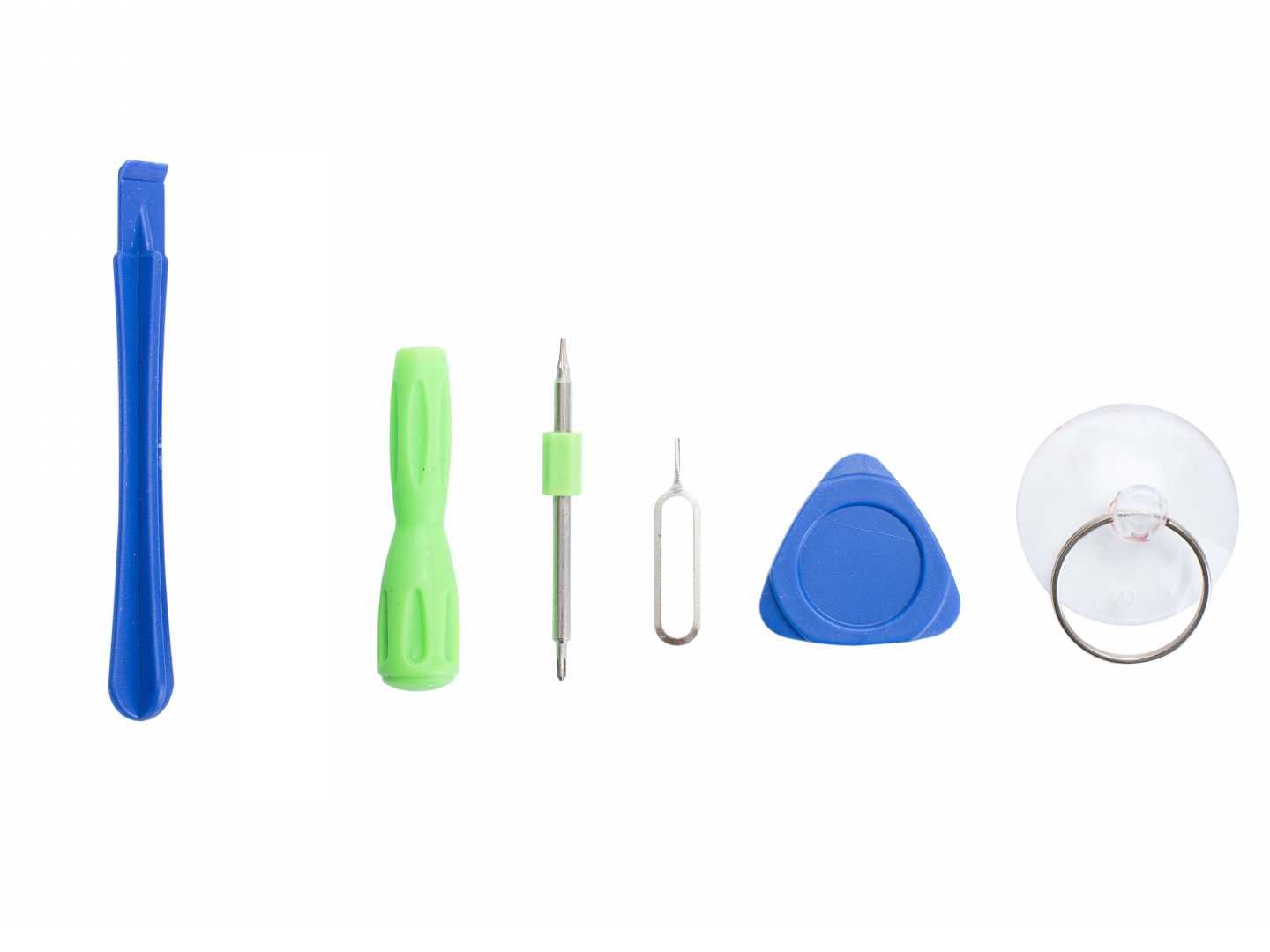
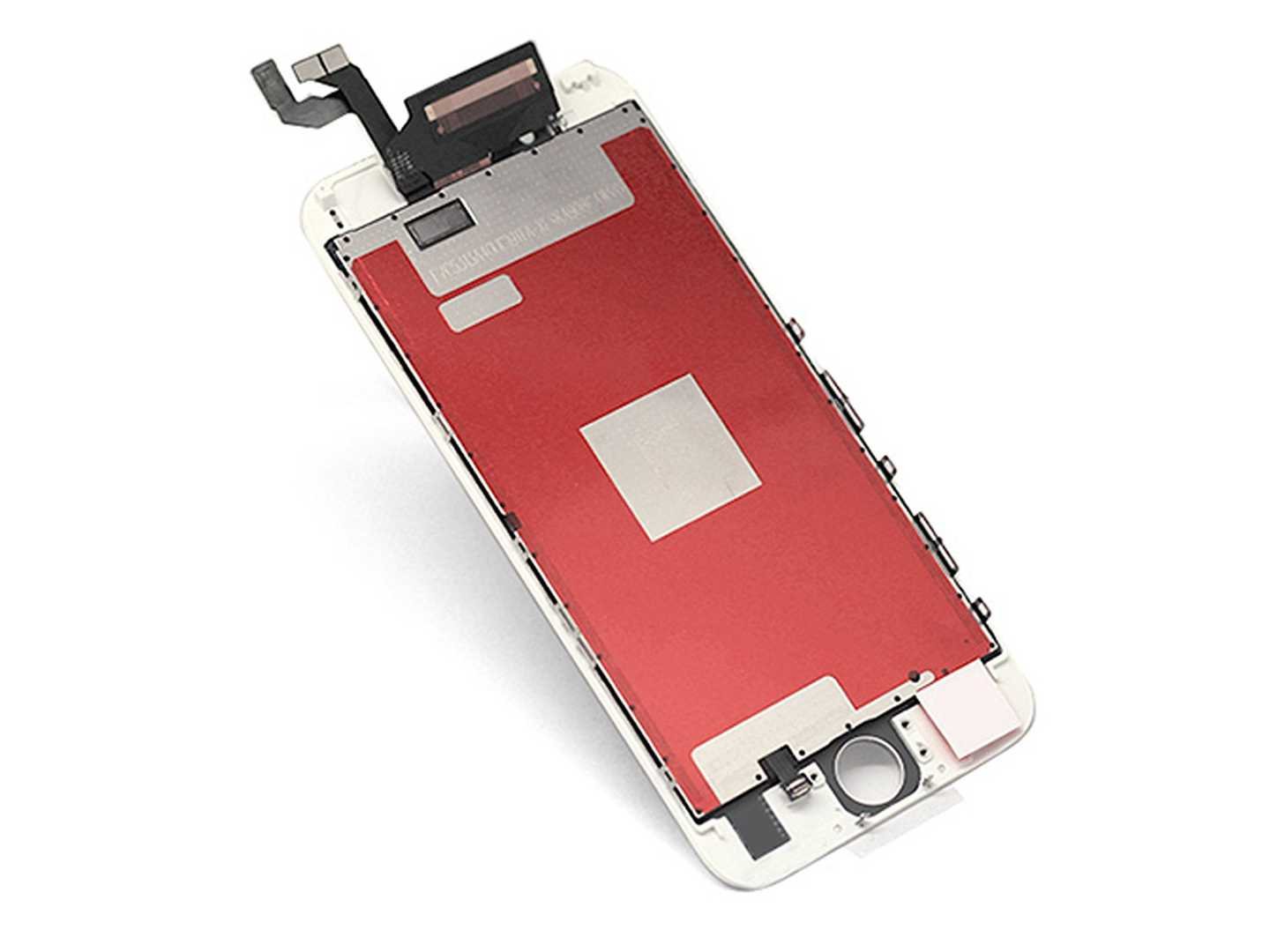
Item Descriptions:
Color:
iphone 6S white
In case
Before installing, confirm that the following parts are not functioning abnormally.
Can be charged
Home button work normally
Operation response of liquid crystal panel
Camera work normal
Speaker working normally
Then, please erase all application programs, put out SIM card, turn off the power.
1. Remove the screws on both sides of the lightning connector and open the front panel
Remove the screws on both sides of the main unit's bottom lightning connector with a star-shaped screwdriver.
Use the suction cup of the iPhone opening tool to open the front panel.
Put on the front panel's home button side with a suction cup, pull it while holding the case with one hand, and make a gap between the panel and the main body case.
Separate little by little with a thin spatula if a gap is formed under the home button.
There is a cable connecting the front panel and the logic board, so do not mistakenly damage the cable.
Do not thrust too much such as spatula.
Because the length of the front panel and logic board connecting cable is insufficient, it can only open 90 °.
2. Disconnect the various connecting cables.
Remove the screw that holds the fixing plate of the cable that connects the front camera to the logic board, and then remove the fixing board.
Remove the cable connecting the front camera and the logic board.
Then remove the fixing plate of the LCD screen, the cable connecting the digitizer and the logic board, and then detach the connector of the cable with a spatula or the like.
When these cables are disconnected, it separates to the front panel and the main unit side.
3. Remove various parts.
Remove the fixing plate after removing the screw that holds the front camera, the speaker, and the fixing plate of the home button.
Remove the front camera and other parts by peeling them off the front panel.
Remove the part where the proximity sensor etc. embedded earlier is embedded.
Because the part of the home button part is affixed to the front panel, it peels off with a spatula or the like.
Remove the home button part by passing the hole for the home button on the front panel from the back to the front.
Then remove the back plate.
When the screw securing the back plate of the liquid crystal panel comes off, peel off the part where the connection cable between the back plate and the logic board side sticks and remove the back plate.
4. After removing the front panel, attach the new front panel to the logic board.
Be sure to peel the red protective plastic on the new front panel before installing.
Please do not push it to the four corners on the outside of the back of the panel absolutely, there is a possibility of damage to the panel.
Attach various connecting cables and parts to the new front panel in the reverse order of removal.
5. Close the mobile phone after closing the screw.
Turn on the power before closing and test to see if it is resurrected.
If you are not resurrected, please try again, or please refrain from contacting us.
Please rest slowly from the back side if you have resurrected.
Fix the two screws on the side of the home button with a screwdriver.
This completes the installation of the new front panel.
I was tired.
Features:
- Please enter model number Confirm this is compatible:
- 1. 3D touch screen for iPhone 6S 4.7 inch, dedicated custom front panel.
- Problems such as defective screen operation, poor liquid crystal touch reaction, screen cracking etc can be solved with one set here.
- 2. Japanese instructions for LCD panel replacement are included.
- Although some knowledge and skill are necessary for installation, those who do not have the technology should refrain from exchanging by themselves.
- 3. Please note that this product requires porting from the original screen without attaching the home button, front camera main unit and attached cable, please be forewarned.
- 4. Before installing the LCD front panel, please confirm that the frame of the motherboard is not deformed.
- If you install the motherboard with the frame deformed, you may not be able to install the LCD panel properly, so if you force it forcibly, you may break the LCD panel.
- 5, Product Details: Replacement liquid crystal panel, front glass digitizer, instructions
Product information:
Shipping Weight: 58 g
Package Dimensions: 1.27 x 11.43 x 17.53 cm
SHIPPING METHOD
Delivered directly from Japan by Japan Post. It will take 3 to 5 business days to prepare the order for shipping. We guarantee careful packing and safe shipping.Please note that in some cases additional import or VAT charges may incur and have to be borne by the client.
1. Japanpost registered mail
Shipment by Japanpost Registered Mail (Standard). Trackable any time with tracking number. Insurance is not available. Delivery time usually is between 1-3 weeks from the date of dispatch. Some items are not eligible for Standard Shipping.
2. Qxpress Standard
Shipment by Qxpress standard service. Trackable at any time with tracking number. Registered and insured up to a value of item price and shipping fees.Delivery time is usually between 5-10 business days from the date of dispatch.
3. EMS
Shipment by Expedited Mail Service. Trackable at any time with tracking number. Registered and insured up to a value of $200 and usually delivered in 2-6 business day from the date of dispatch.

| Japanpost registered mail | Qexpress | EMS | |
|---|---|---|---|
| Shipping Method | Japanpost Registered Mail (Standard) | Standard Qexpress | EMS (Expedited Mail Service) |
| Trackable | Yes | Yes | Yes |
| Insured | N/A | Yes (Up to item price and shipping fees) | Yes (Up to $200.00) |
| Asia | 1-3 weeks | 5-10 days | 2-5 days |
| Oceania; North America; Central America and the Middle East | 2-4 weeks | 6-14 days | 2-6 days |
| Europe | 2-4 weeks | 6-16 days | 3-8 days |
| South America and Africa | 2-4 weeks | 10-18 days | 4-8 days |
NOTICE:
- For overseas delivery, please be aware that damage to the outer box can be seen.
- If you would like to avoid as much damage as possible, please choose the EMS shipping method.
"According to Qoo10 guide line,overseas shipping fees will be charged to you extra if you choose Qxpress standard shipping.We recommend you to compare the total price of your purchase with EMS."
