Studio : RGUSEN Publisher : RGUSEN Binding : Electronics Product Description
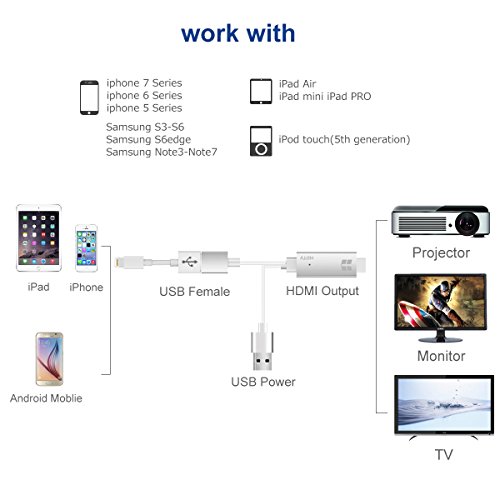
【Compatible Device】
-ForiPhone 5/5C/5S/SE/6/6 Plus/6s/6s Plus/7/7 Plus(iOS 8.0 or above)
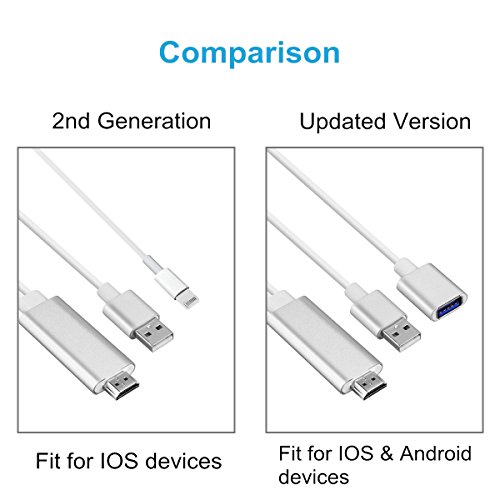
-For Samsung Galaxy S7/S7edge/S6/S6 edge/S/S4/S3 NOTE2/3/4/5/7/Edge,Samsung galaxy A7/J5(Android 4.4 above)
-For Google Nexus 5/ 5x/ 6p,LG,Sony,Motorola,Sony,HTC series and so on
Please email us or leave questions to confirm device compatible if you are not sure!
【Installation】
Step 1: Connect it:
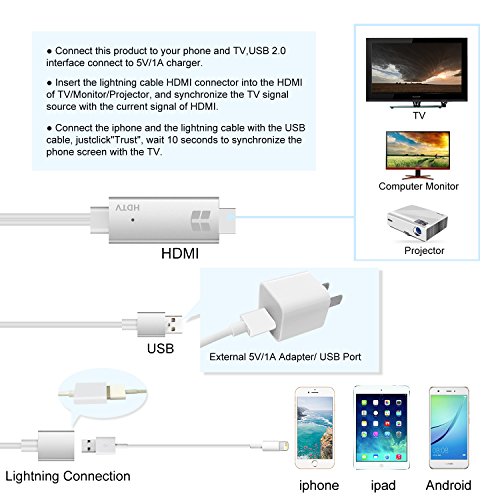
● Insert the USB port into the 5V/1A adapter, or 5V/2A USB interface on the TV / Monitor or Projector.
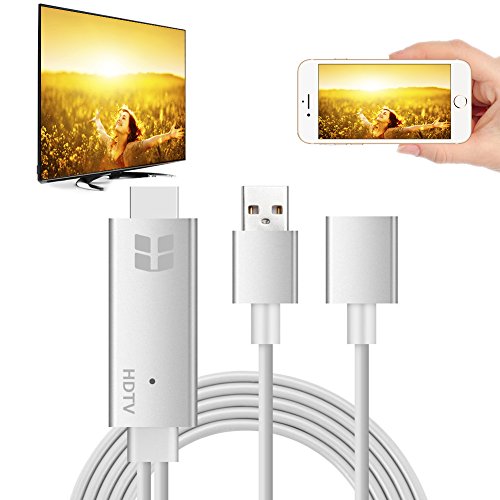
● Insert the HDMI out port of onenuts cable into the HDMI Port of TV / Monitor or Projector.
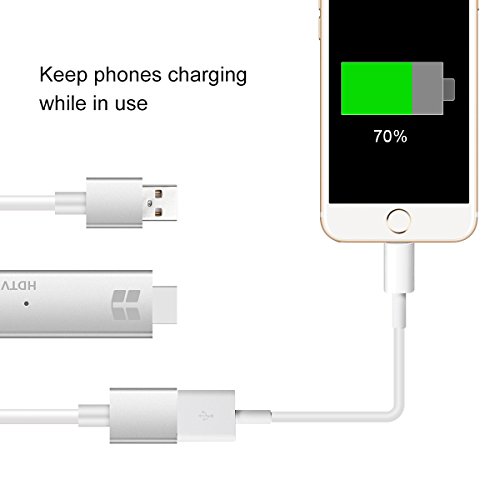
● Insert the Original power cable of IOS devices/ Samsung phone / Huawei phone into USB female port of onenuts cable.
Step 2: Trust for Different Devices
● For IOS Devices
Connect the phone and the lightning cable with the USB cable, just click"Trust", wait 10 seconds to synchronize the phone screen with the TV.
● For Samsung Cell phone
(1) Please open your cell phone "Developer Options", then choose "USB debugging", then click "OK", trust the devices.
(2) If there is no "Developer Options" on your phone, please click 6 times continuously in "Build number" of the "Software info" in the setting, then "Development Options" will be opened automatically.
Matters Needing Attention:
Why it will not work when all the wire is connected?
1)Please use the original or high-quality USB cable, please ensure that the cable could transfer data not just a charging cable, otherwise the synchronization may fall.
2)Please use the adapter of 5V/1A-5V/2A, otherwise, signal instability or synchronization instability may appear.
Heat Problem:
It is normal to get hot while in use as hdmi interface is made of Aluminum alloy. Please take a rest before a long using.
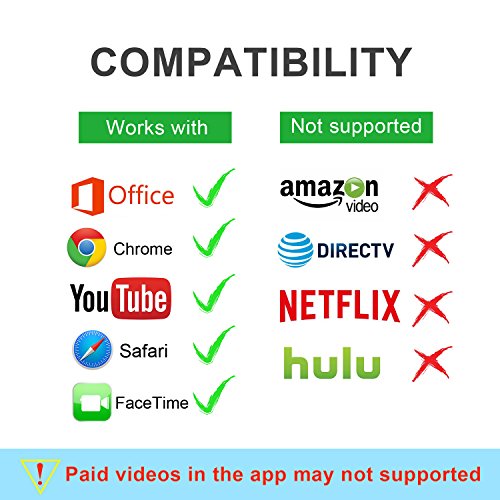
Not work with Apps which have "HDCP" video copyrights protection like Netflix, Honda motor
0
|