Henhaoro 7" Android Car Stereo Gps Navigation Lollipop 5.1 Touch Screen Radio receiver No DVD 2 DIN Resolution 1024x600 Head unit
[Product Information]
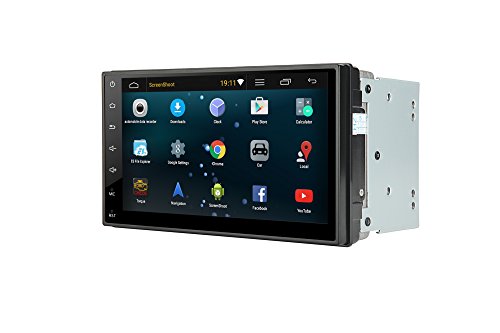
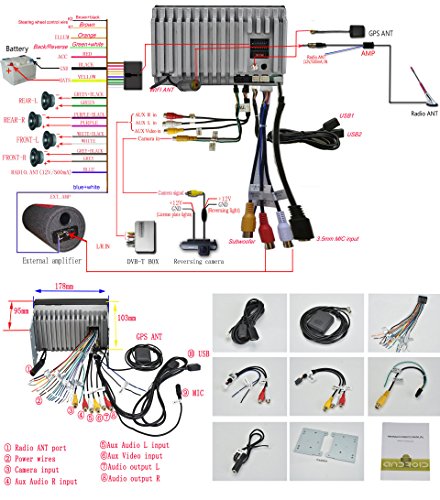
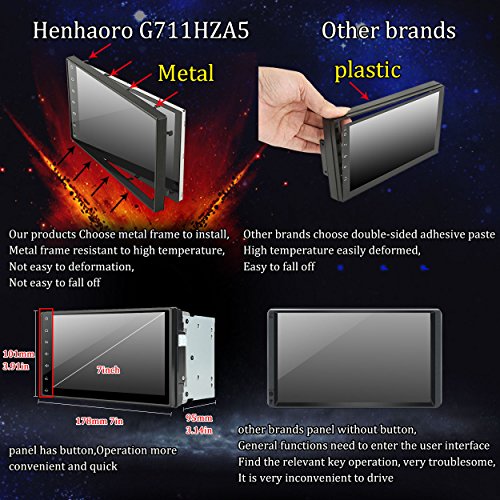
- Android car stereo The face dimension are not standard US 2DIN it is W: 7in(178mm) H: 4.02in (102mm); install dimension: W:7in (178mm)xH:3.94in (100mm) Android 5.1 system,WiFi Built In Capacitive Touch Screen, Resolution 1024 x 600 iNand Momery 16GB Support OBD2 DVR (get free camera need add the camera to your cart) before buy this unit, please confirm your car install hole dimension, if you can't confirm
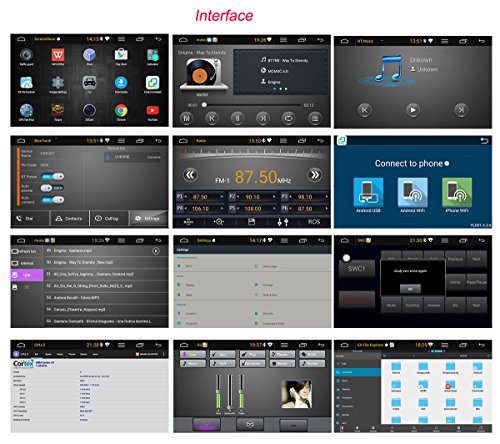
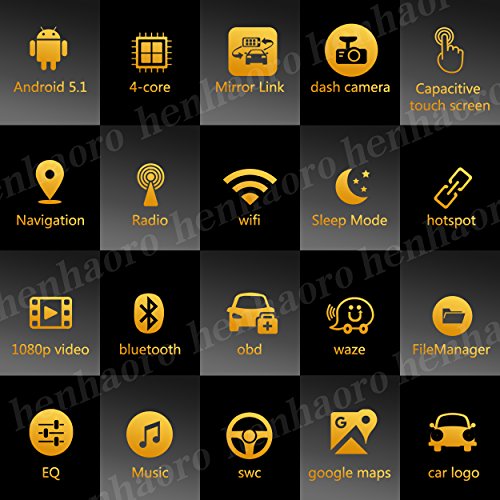
- please through amazon message contact us.link:(https://www.amazon.com/ss/help/contact/?_encoding=UTF8&marketplaceID=ATVPDKIKX0DER&ref_=v_sp_contact_seller&sellerID=AQ5GFWKB6MGD5 ) 4-core Built In Bluetooth For Callphone Handsfree,no need extra adapter GPS Navigation! HD Digital Touchscreen, FM AM Radio,Car logo choosen; steering wheel control, Aux Input Connector, Subwoofer & EQ settings
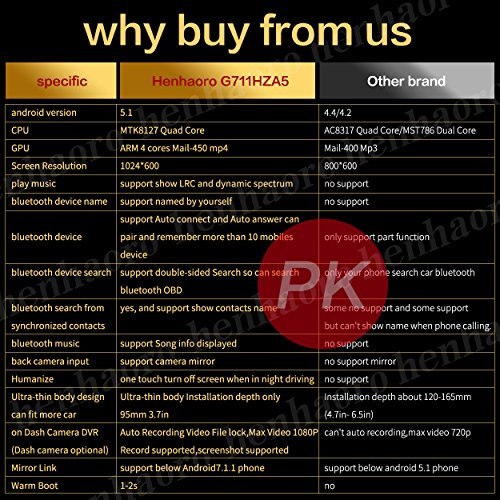
- Support rear view camera Mirror function;Ultra-thin body Installation depth only 95mm 3.7in, one touch turn off screen when in night driving RAM:SAMSUNG 1GB DDR3,OSD Languages:Turkish, Chinese, Russian, Italian, Spanish, German, French, English,
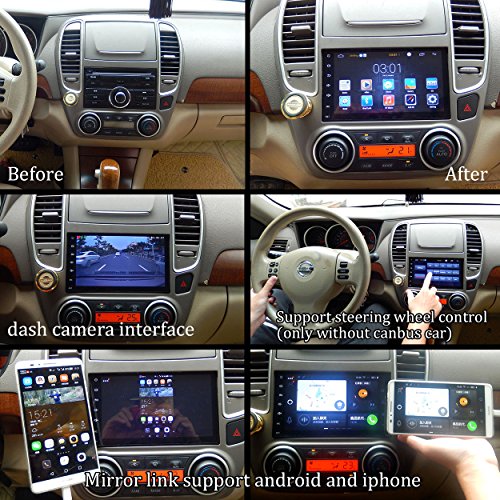
- mirror link support iphone and android phone Support Map: Kudos, Sygic, IGO, Papago etc.not including,Station Memory function can record your favorite radio station, if you find the radio or the music without memory function. please exchange the B++ and ACC wires. Also you can play musics via USB/phone, The Built-in Bluetooth for Wireless Music Streaming- Built-in Microphone for Hands-Free Calling.Support Original Car Steering Wheel Control No support CanBus Car
- Stream audio music from your Smart phone or Tablet to your Car's speakers & Simple operation, Built In Gps had been install Waze and google maps (need downlaod maps data) light up the button light:please find the wire that had been label: "ILL" color orange. this wire need connect to your car light power. or directly connect to +12v. and go to setting--->auto setting--->illuminate detect----> turn on.