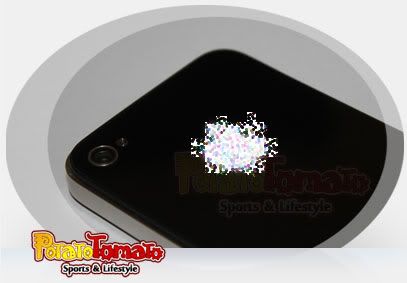
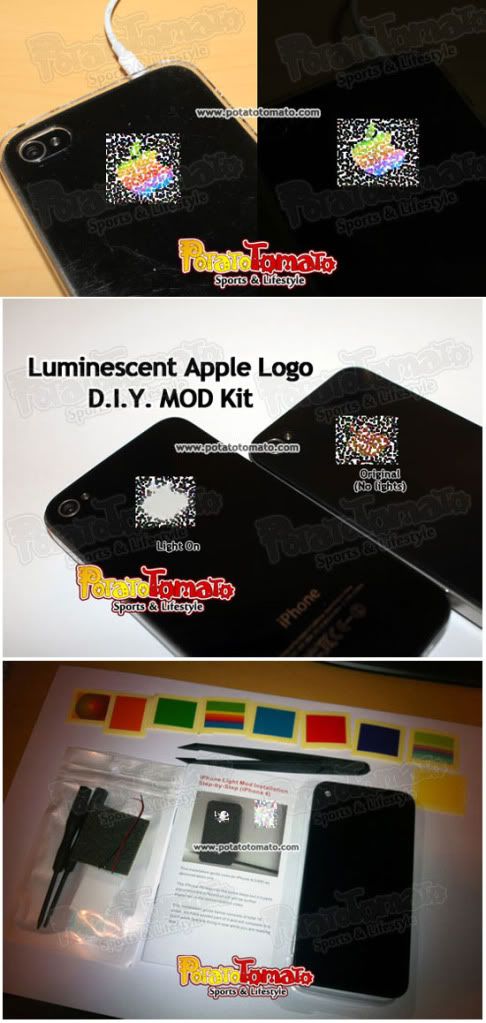
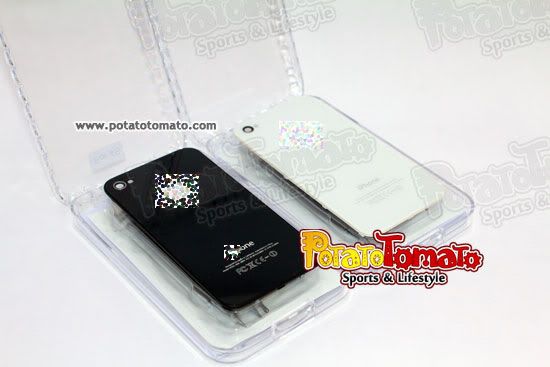
A completely reversable iPhone 4/4S Luminescent / Ligthup Mod Kit that lightup the Apple Logo on your iPhone. It makes your iPhone much elegant and unique.
This MOD kit has the following versions. Please check your iPhone version before place order:
1. MOD Kit for iPhone 4
2. MOD Kit for iPhone 4S GSM
3. MOD Kit for iPhone 4S CDMA
|
- No soldering required and fully reversible - ideal for novice and pro modders!
- 100% increase your coolest
- When you switch on your front screen.
- It stays on for 15-20 seconds after front screen is switched off.
- When holding up your phone and having a phone conversation (even the front
screen is switched off)
- When there is an incoming call, a SMS is received or the phone alarm is ringing
- When the background applications are detected to be sending or receiving
data during standby mode
- When you are charging your iPhone
* The light up signal is a built-in iPhone behaviour. There is no extra circuit or control unit in the Light Panel.
- No noticable impact on battery life
- Come with the pure white illuminant Apple Logo
- No affect on camera functions
- Support iPhone 4 or iPhone 4S (with different rear pancels)
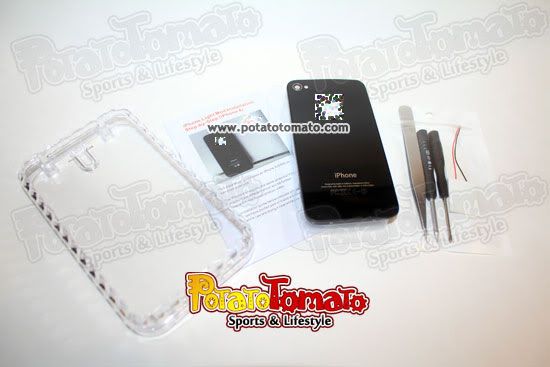
- Crystal box with light and back panel x1
- High Quality Tempered Glass Rear Panel x1 (Outer Surface Material: Tempered Glass)
- Stainless Forceps x1
- Philips Head Screw driver x1
- Pentalobe (Star shape) Head Screw driver x1
- 3M double-sided tape (black or transparent) x1
- Step-by-Step Installation Manual x1
*Please refer to the enclosed installation manual for detail information.
- Power off your iPhone
- Remove the 2 screws near to the connection port at the bottom of the iPhone
- Slide up to open the rear panel
- Remove the screws of the power connector to disconnet the power supply
- Remove the 5 screws at the top (iPhone 4)/ on the left (iPhone 4S) and remove the cover
- Connect the positive cable (+ve in red) of the light panel to the connection point, and fix the position by 3M double side sticker
- Connect the negative cable (-ve in black or white) of the light panel, and fix the location of the light panel
- Put back the cover and 5 screws
- But sure the light panel is in the right position and fix it with the 3M sticker
- Close the rear panel and screw back the remaining 2 screws
- Finish. If you have any difficulties, please feel free to contact us.
|