Item Descriptions:
size:
Overseas version for iPhone
※ au line is not supported.
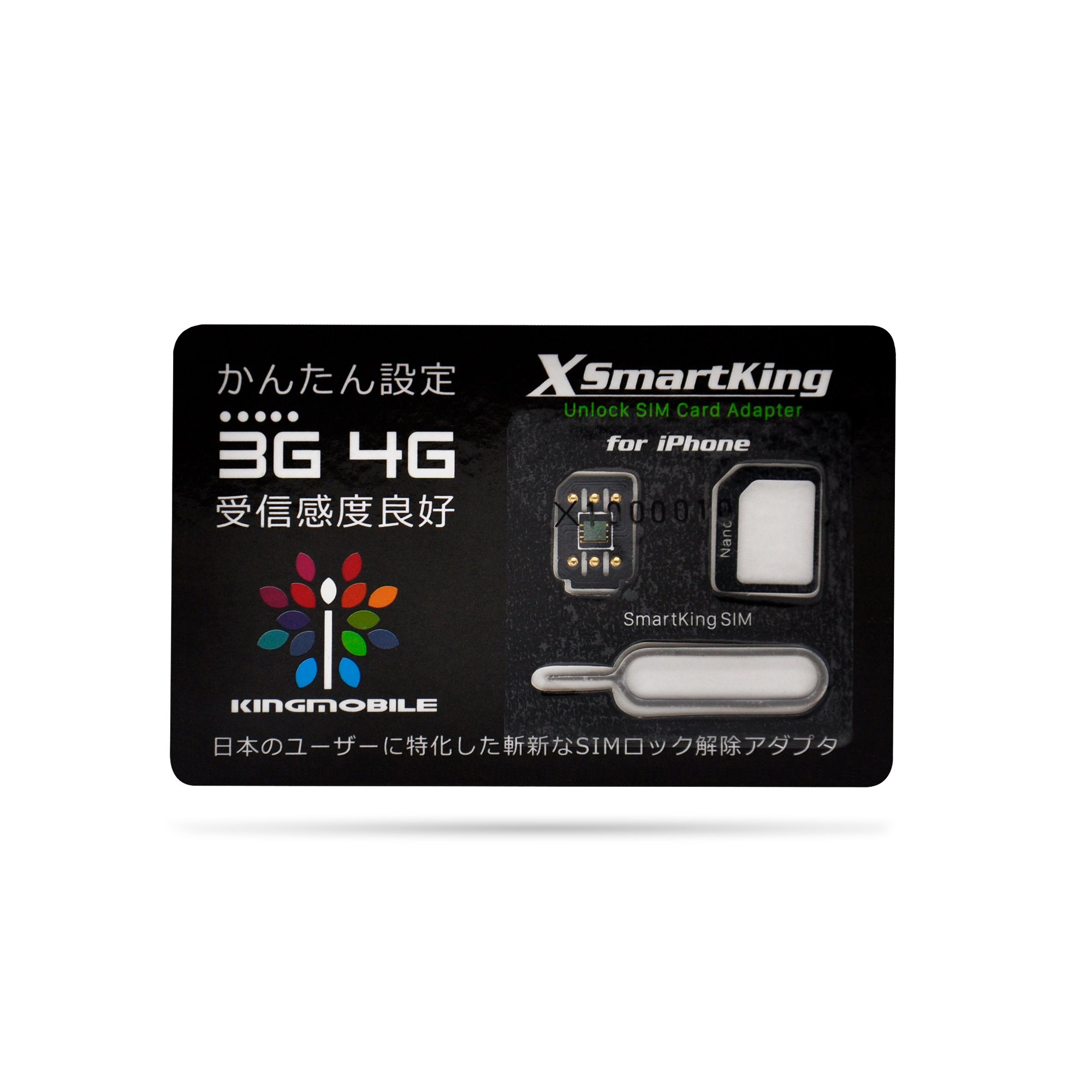
Voice calling / docomo type cheap SIM targeting / 4G compatible SIM unlocking adapter.
SMARTKING Setting method 2018/1/9 ~ VER
2018/1/9 We will introduce the new setting method of ~.
■ Setting method
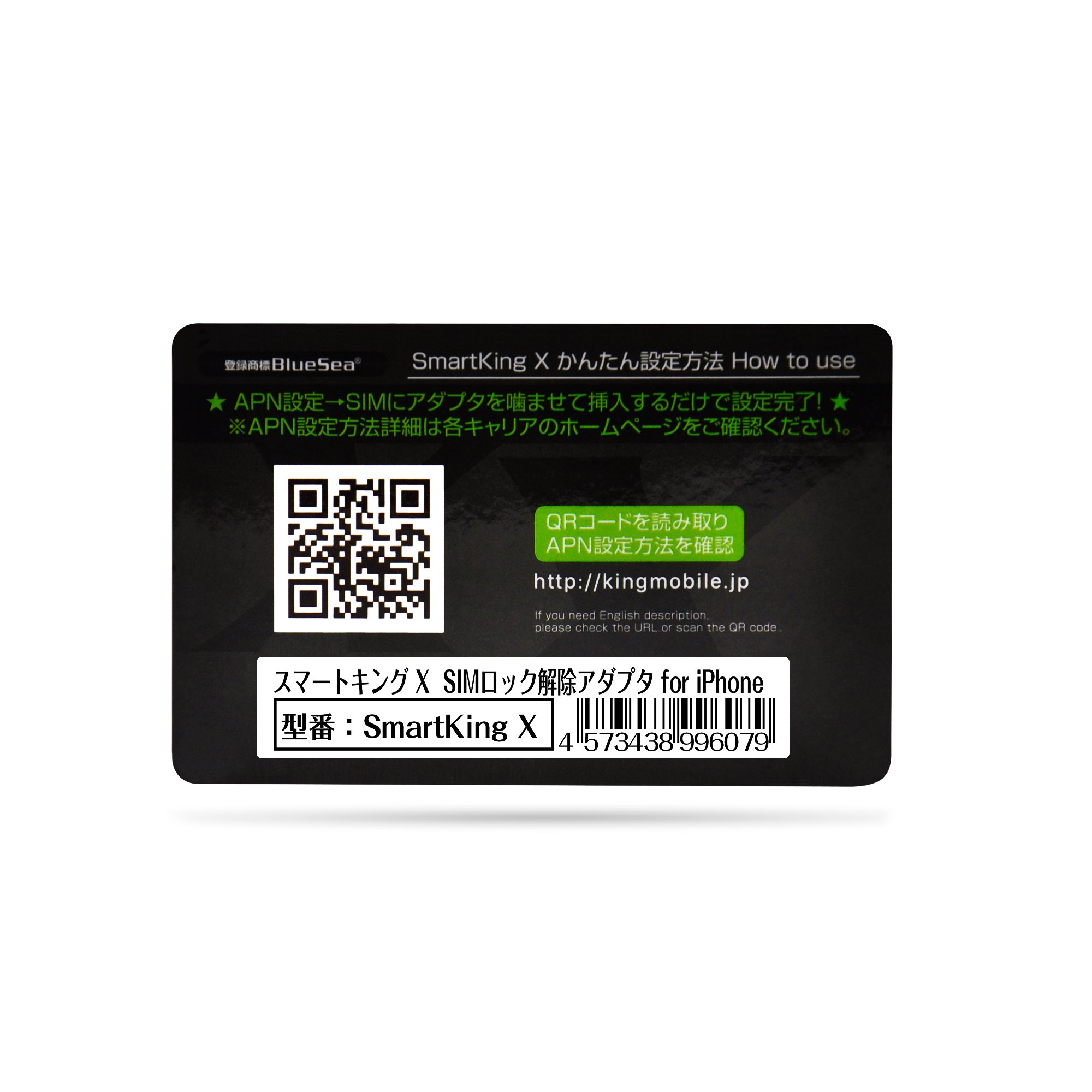
First of all, we will set up APN.
(Required WiFi environment)
※ Network reset and all reset recommended before work.
* If the APN setting is not done, it will not operate normally in the following procedure.
Bite the adapter into the SIM card you plan to use, insert it into iPhone,
When the activation screen such as "SIM is invalid" is displayed, follow the procedure below.
① Press the Home button on the activation screen to display the emergency phone screen.
② Enter "* 5005 * 7672 * 88 #" and tap the call button to move to the next screen.
* Please do not attempt to transition until the next screen if you do not make transition.
③ Enter "8901000000000000001F" at the screen with black background (ICCID number setting) and tap Send.
※ Please be careful about mistakes in the number.
"8901 (0 is 14 pieces) 1F (F is upper case letter)".
④ After transitioning to the original screen (emergency phone screen), please remove and insert the SIM tray once.
⑤ 1: When you return to the activate screen, please follow the instructions of iPhone to complete activation.
2: If you make a transition to the home screen, the above work is unnecessary.
Wait a few minutes and you will catch the radio waves.
* When you change to the black background screen after catching the radio wave, please tap the "return" button.
If you do not catch the radio even if you tried the above procedure,
Although it is very troublesome, please try the same procedure again after trying a network reset or all reset.
If the symptoms do not improve even after trying reset (SIM can not pick up radio waves)
With the SIM unlock adapter and the SIM card you intend to use inserted, turn the setting → Automatic turn off the carrier and select NTT dococo to return to the state where radio waves can be picked up.
★ ★ To customers currently using items set by previous carrier-specific products etc. ★ ★
(1) After starting the call application, enter "* 5005 * 7672 * 00 #" and tap the call button to switch to the next screen.
* Please do not attempt to transition until the next screen if you do not make transition.
(2) Select "RESET SETTINGS or ICCID Perfect" on the black background screen.
(3) Select the carrier "JP AU-i8 / X or JP SoftBank or JP Docomo" in [Body].
(4) Transit to the activate screen.
Please set in steps ① ~ ⑤ above.
In principle, we do not support how to use it, but if you can not set it even if you tried the above procedure,
Please contact us from the inquiry form of Smartking official website.
※ Individual correspondence by telephone is not carried out.
Although I am very sorry, if there is an iOS update in the future,
Until there is an announcement from the official website, please use it without updating / reset / rebooting / removing / inserting SIM / connecting to iTune.
Please note that we can not provide support if you update before announcing.
■ Precautions before purchasing
Please understand that SIM unlocking will be done at your own risk.
We can not guarantee trouble, damage, or any other problem of the terminal due to using this product.
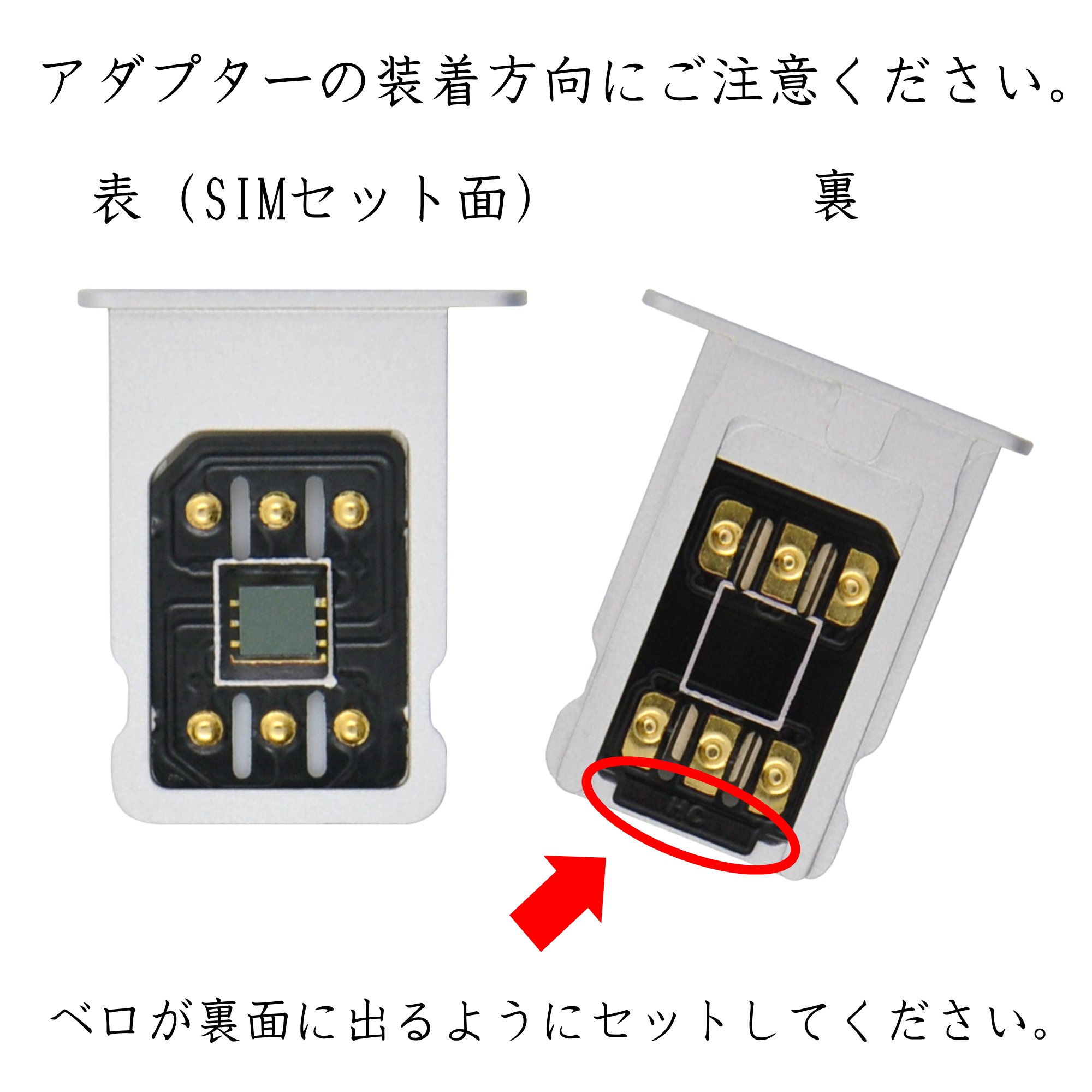
When setting the adapter in the SIM tray, be careful that there are no errors on the front and back of the adapter.
There is a possibility that the main body may be damaged if inserting it in reverse.
In order to perform packet communication, APN setting is absolutely necessary, and a Wi - Fi environment is essential for APN setting.
Setting about tethering is not supported.
As for the APN setting, we do not support because it depends on each contract.
For the values to be entered and installation of the configuration profile etc., please contact the purchaser's manual of the SIM card and the carrier directly.
Regarding frequency standards, we can not answer even if you contact us.
This product does not guarantee to be sure to correspond to all SIM cards and SIM cards to be used all over the world.
This product will be effective only while inserting it with the SIM card.
Regarding iOS update, please use it without updating until there is an announcement from official website.
Please note that we can not provide support if you update before announcing.
Product specifications · packages etc are subject to change without prior notice for quality improvement.
Domestic security with peace of mind.
Returns and exchanges are accepted for 30 days after purchase.
* For damage due to customer's negligence, we will not respond.
Products purchased outside SmartKing authorized dealer will be out of support.
Features:
- Please enter model number Confirm this is compatible:
- From 12/6, 2017, we can no longer use this product with the existing setting method.
- For the new setting method, please confirm the part at the bottom of the page.
- Please understand that SIM unlock release will be done at your own risk.
- We can not guarantee trouble, damage, or any other problem of the terminal due to using this product.
- Regarding iOS update, please use it without updating until there is an announcement from official website.
- Please note that we can not provide support if you update before announcing.
- Product specifications · packages etc are subject to change without prior notice for quality improvement.
Product information:
Shipping Weight: 9 g
Package Dimensions: 1.50 x 8.61 x 13.31 cm
SHIPPING METHOD
Delivered directly from Japan by Japan Post. It will take 3 to 5 business days to prepare the order for shipping. We guarantee careful packing and safe shipping.Please note that in some cases additional import or VAT charges may incur and have to be borne by the client.
1. Japanpost registered mail
Shipment by Japanpost Registered Mail (Standard). Trackable any time with tracking number. Insurance is not available. Delivery time usually is between 1-3 weeks from the date of dispatch. Some items are not eligible for Standard Shipping.
2. Qxpress Standard
Shipment by Qxpress standard service. Trackable at any time with tracking number. Registered and insured up to a value of item price and shipping fees.Delivery time is usually between 5-10 business days from the date of dispatch.
3. EMS
Shipment by Expedited Mail Service. Trackable at any time with tracking number. Registered and insured up to a value of $200 and usually delivered in 2-6 business day from the date of dispatch.

| Japanpost registered mail | Qexpress | EMS | |
|---|---|---|---|
| Shipping Method | Japanpost Registered Mail (Standard) | Standard Qexpress | EMS (Expedited Mail Service) |
| Trackable | Yes | Yes | Yes |
| Insured | N/A | Yes (Up to item price and shipping fees) | Yes (Up to $200.00) |
| Asia | 1-3 weeks | 5-10 days | 2-5 days |
| Oceania; North America; Central America and the Middle East | 2-4 weeks | 6-14 days | 2-6 days |
| Europe | 2-4 weeks | 6-16 days | 3-8 days |
| South America and Africa | 2-4 weeks | 10-18 days | 4-8 days |
NOTICE:
- For overseas delivery, please be aware that damage to the outer box can be seen.
- If you would like to avoid as much damage as possible, please choose the EMS shipping method.
"According to Qoo10 guide line,overseas shipping fees will be charged to you extra if you choose Qxpress standard shipping.We recommend you to compare the total price of your purchase with EMS."
