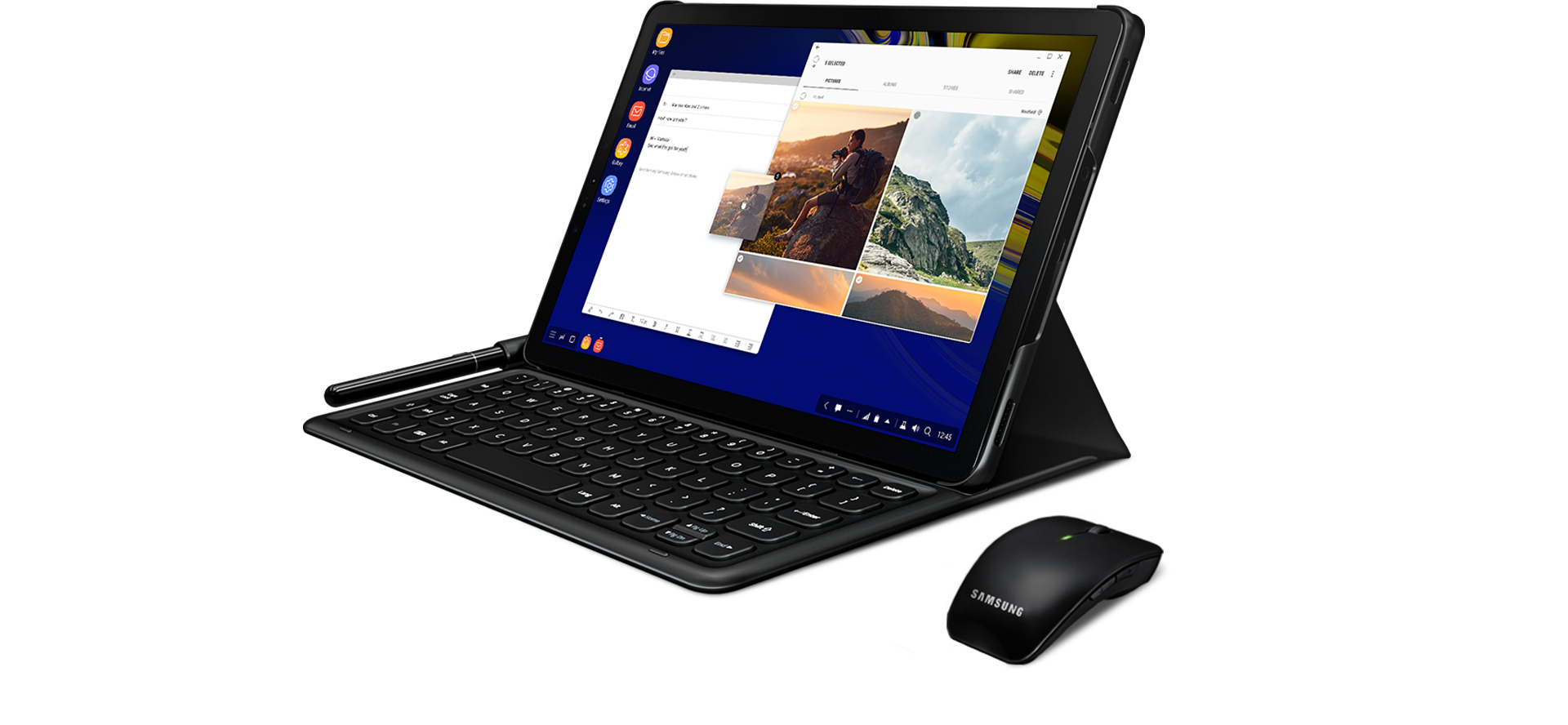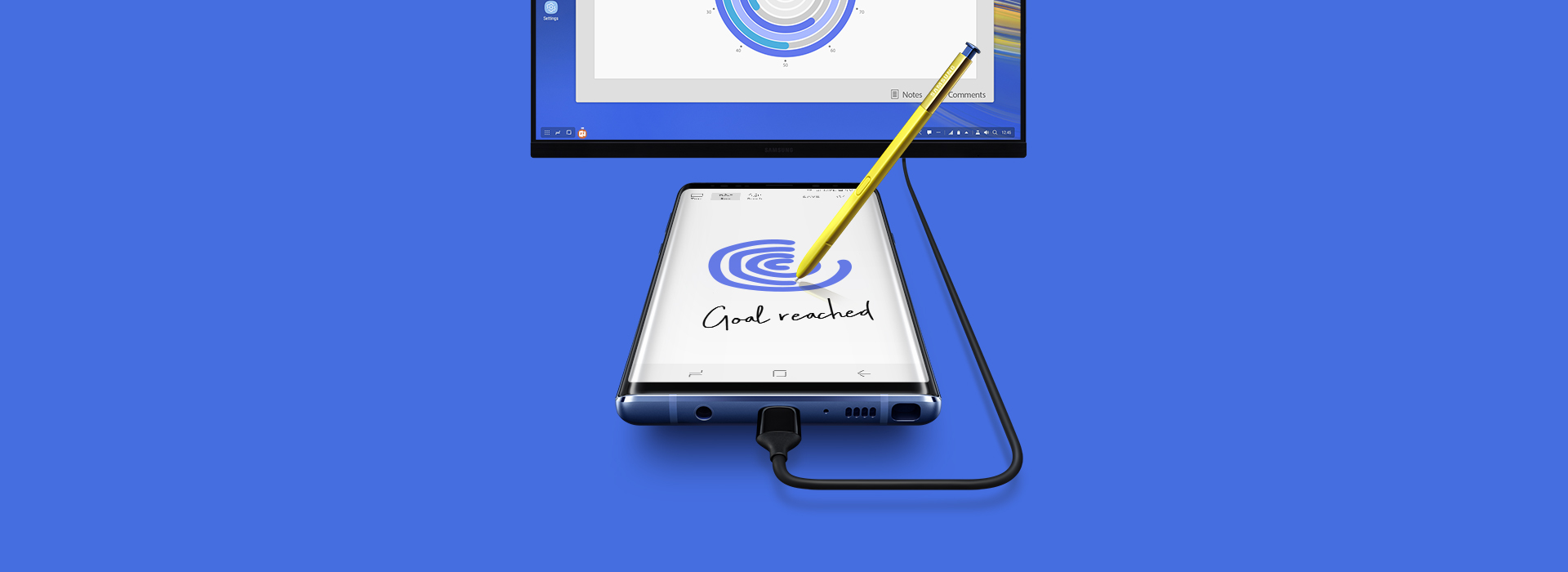
Samsung S8/ S8 Plus MultiMedia Dock DeX
Leave your computerbehind.
Samsung DeX lets you connect yourGalaxy S8/S8+ to a monitor, keyboard and mouse for a desktopexperience powered by your phone.
So you can turn any place into a workplace.
Enjoy a desktopexperience.
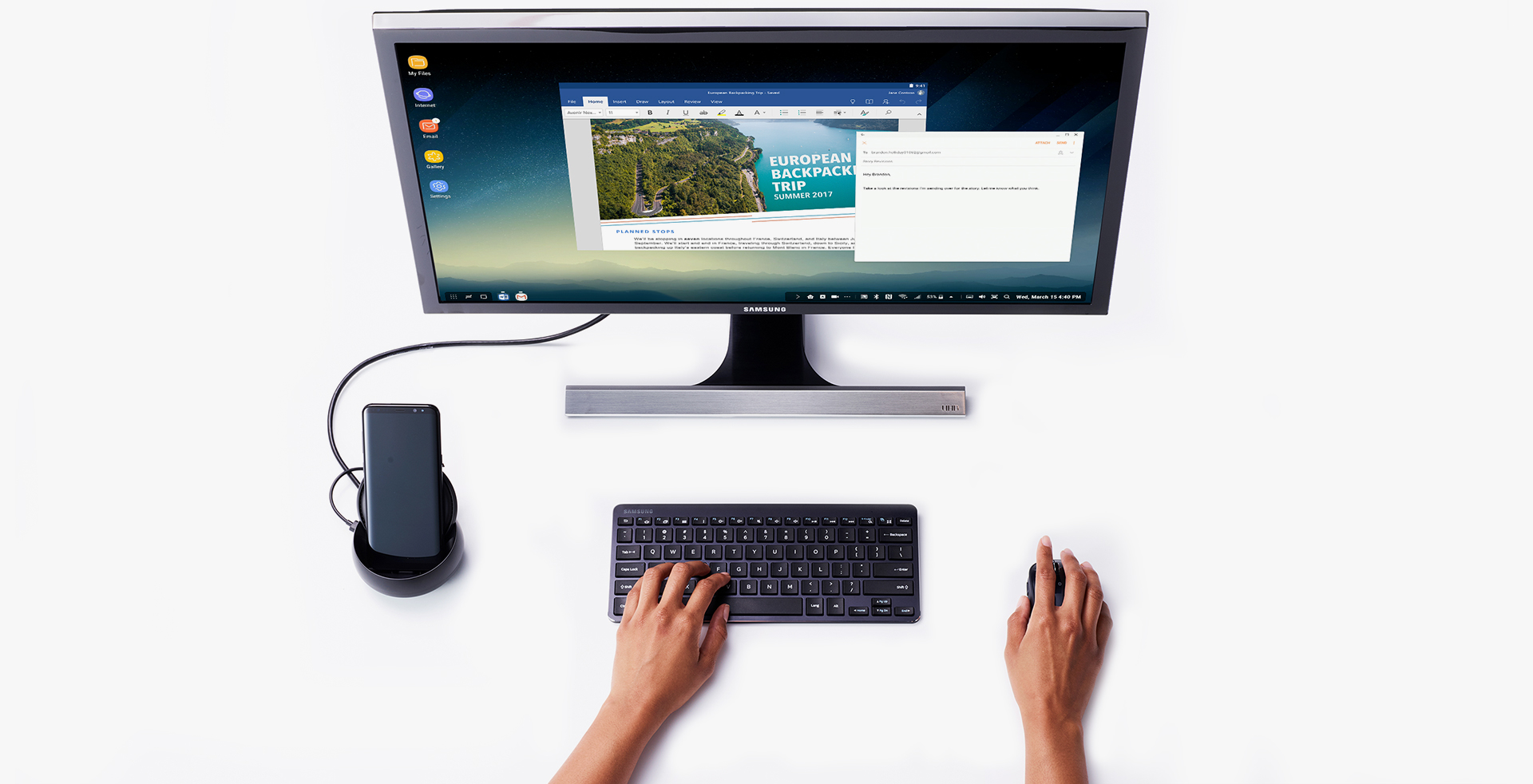
Samsung DeX gives you what you wantfrom a desktop experience: a big screen, a full-size keyboard and amouse.
Just plug your phone into the DeX Station to use apps, reviewdocuments and set or check notifications on a desktopinterface.
* UI of the actual product may bedifferent.
* Microsoft Office requires users topurchase licenses.
* Microsoft Word and MicrosoftPowerPoint require a download to use.
Be a powerhouse ofproductivity.
Some things are just easier on adesktop, like sending an email, bolding text, or copying andpasting between apps.
With Samsung DeX, it can be done with a click of a mouse or a punchof a key.
* UI of the actual product may bedifferent.
* Microsoft Office requires users topurchase licenses.
* Microsoft Word and MicrosoftPowerPoint require a download to use.

Take your apps to desktopmode.
Use Samsung DeX to make your apps moredesktop-like, see more content with an expanded interface and getwhat you need, fast.
The same emails, photos and files on your phone are now moreaccessible in a desktop environment.
* Microsoft Excel and MicrosoftPowerPoint, Adobe Photoshop Lightroom require a download touse.
* MS Office requires users to purchaselicenses.

Keep using yourphone.
Your phone is still a phone, even whenitu2019s plugged into the DeX Station.
Phone calls, text messages and settings are all accessible from thetaskbar on your monitor.

Access Windows anywhere.
Remotely Access Virtual Windowsmachine via VDI(Virtual Desktop Infrastructure) solutions such asCitrix Receiver, VMware Horizon Client and Amazon WorkSpaces.