

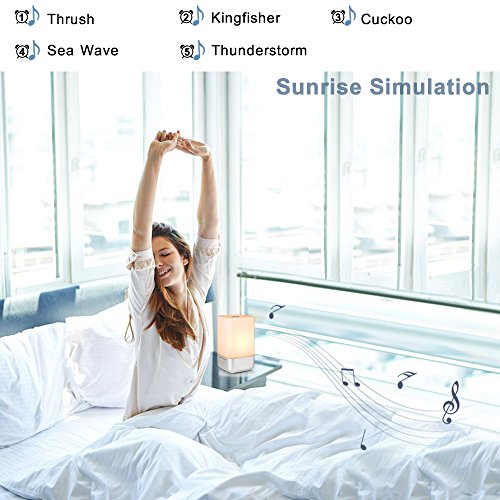
Product Description
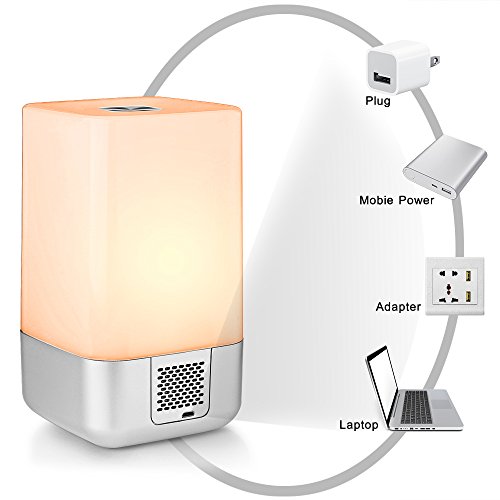
The Wake-Up Light Alarm Clock is built-in rechargeable lithium battery (3600mAh) How to use
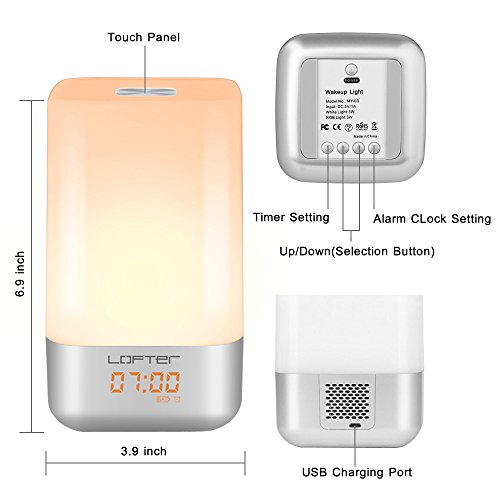
1.Press "Power" button, turn on the Wake up light, screen display lights and time.
2.Press "Clock" button, then "+", "-" to select 12H / 24H mode, press "Clock" button to confirm.
3.Press "Clock" button '3s' , then "+", "-" to set the time, press "Clock" button to confirm.
4.Press "Alarm" button '3s' , firstly press "+", "-" to set the alarm time, secondly press "Alarm" button
to confirm and choose the alarm sound, thirdly press "Alarm" button to confirm. 5.When the night light's creen display "alarm clock" pattern, means the alarm clock is active,
6.If does not display, please press "Alarm" button.
NOTE
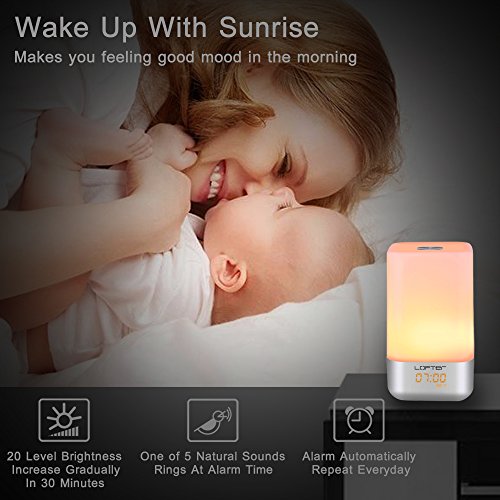
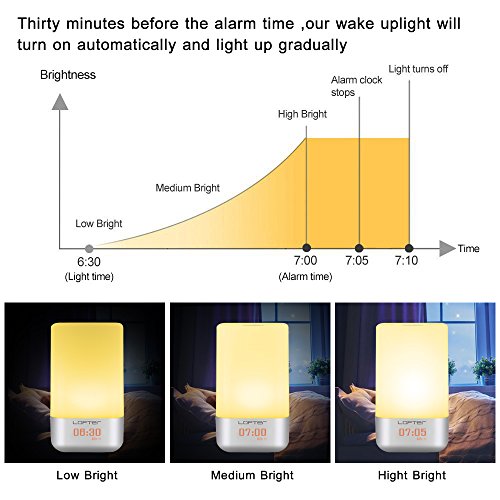
1. If the difference between the alarm time and the current time is less than 30 minute, the Sunrise simulator will not be active, but the alarm sound will sound normally.
2. Please purchase 5V / 1A adapter plug by yourself.
Specifications:
Power input:5V/1A
Built-inbattery: 3600 mAH
Color temperature: 2900-3100K
Shell color: White Bedroom Clock
weight: 400g
Package Includes
1 x Wake-Up Light Alarm Clock
1 x Use manual
1 x USB
Feature
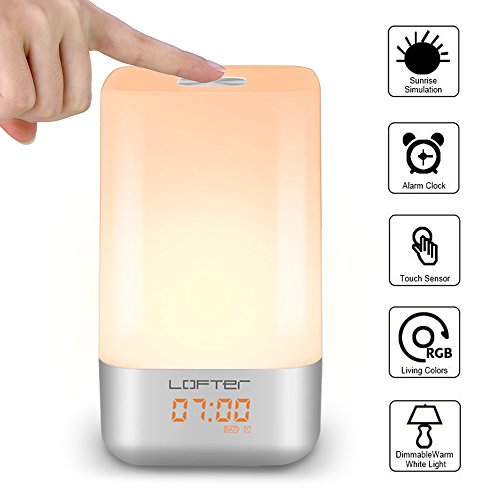
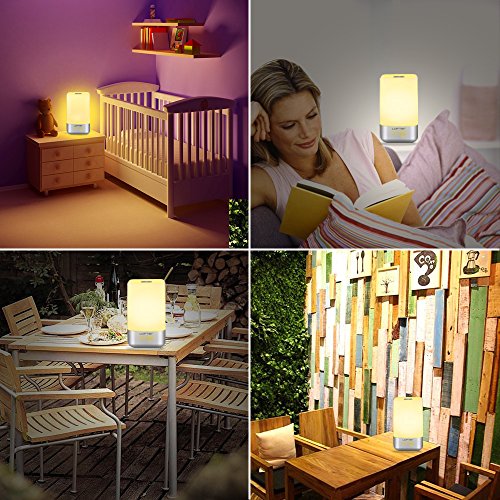
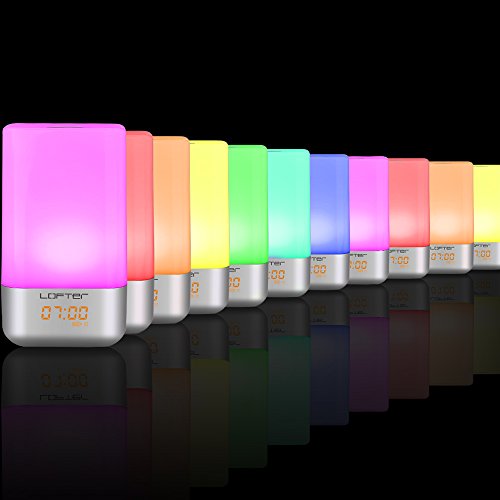
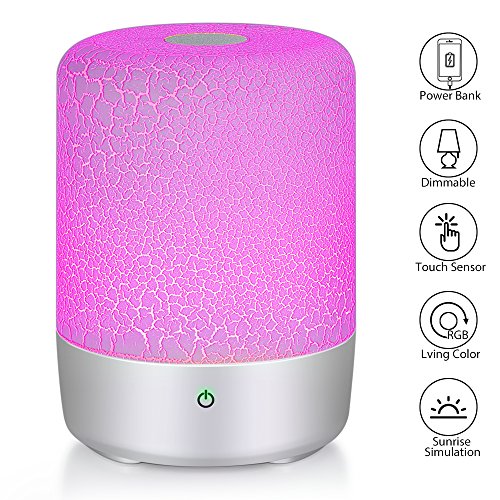
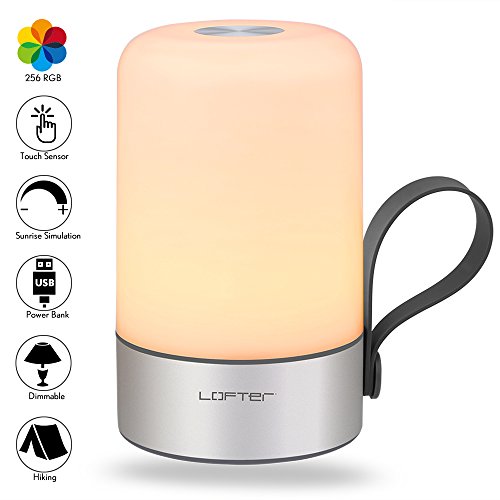
★ TOUCH CONTROL: 360°Touch activated wake up light alarm clock: Tap anywhere on metal base, easy turn on/ off, Change mode/ brightness/colors as you want, in warm white light mode, 3 brightness levels: Dim--Medium-Bright , 256 RGB color for you can select the color of the light according to your mood