*Take note: Please keep full packaging for warranty claim.


BEST Deal in Qoo10! Cheapest in Singapore!


 Don't miss this fantastic deal! Grab it now!


Mocute Game Pad

Main Features:
Wireless Bluetooth gamepad game controller for Android
Can be used when connected with the Bluetooth mobile phone and without any drivers
With telescopic stand
Bluetooth version: V3.0
Bluetooth distance: 2 - 10m

Specification

General

Model: MOCUTE-050 
Functions: Bluetooth 
Bluetooth Version: V3.0 
Compatible with: Android,Android TV,Android TV Box,Smartphone 
Connection Type: Bluetooth 
System support: Android

Power

Battery Type: Built-in 
Capacity: 400mAh 
Battery Voltage: 3.7V 
Charge way: USB Charge 
Charging Time: 2 - 3 hours 
Working Time: About 40 hours

Dimensions and Weight

Product weight: 0.1330 kg 
Package weight: 0.2680 kg 
Product size: 14.00 x 8.50 x 3.50 cm / 5.51 x 3.35 x 1.38 inches 
Package size: 18.50 x 12.50 x 8.00 cm / 7.28 x 4.92 x 3.15 inches

Package Contents

Package Contents: 1 x MOCUTE-050 Gamepad, 1 x English / Chinese User Manual
There is a hero in every person, sometimes, we have no chance to show in the living. 
But, it's not a big problem, let's do it in the game.
To enjoy yourself, whatever the game you like.
imageimage
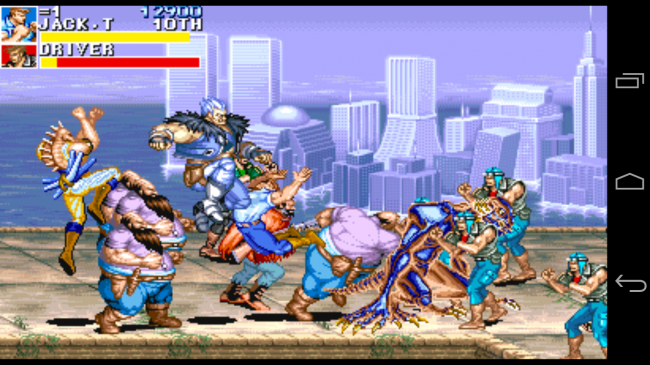
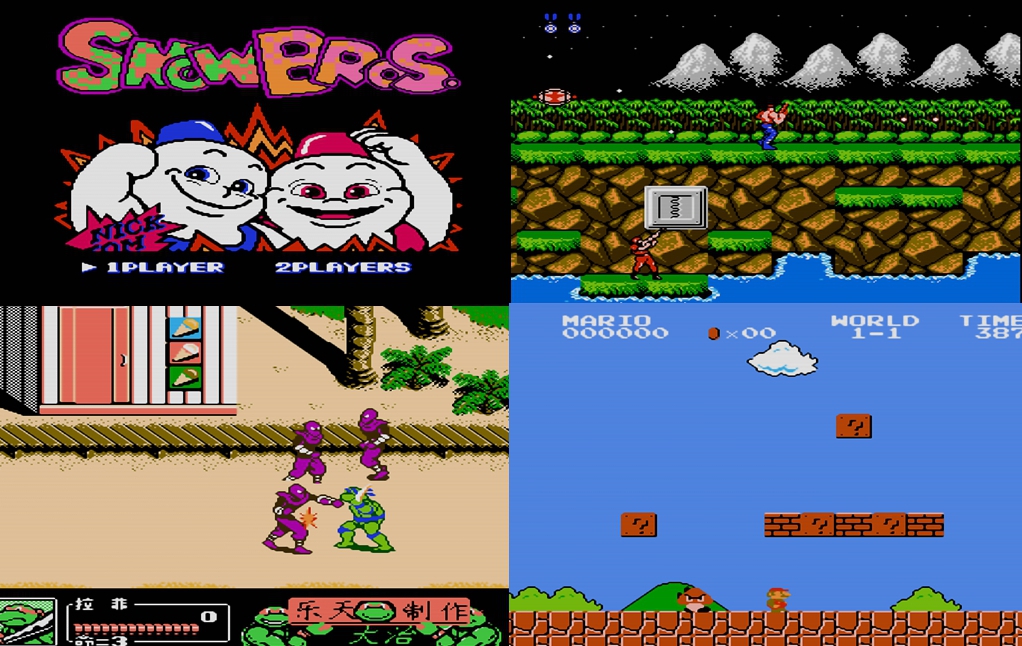
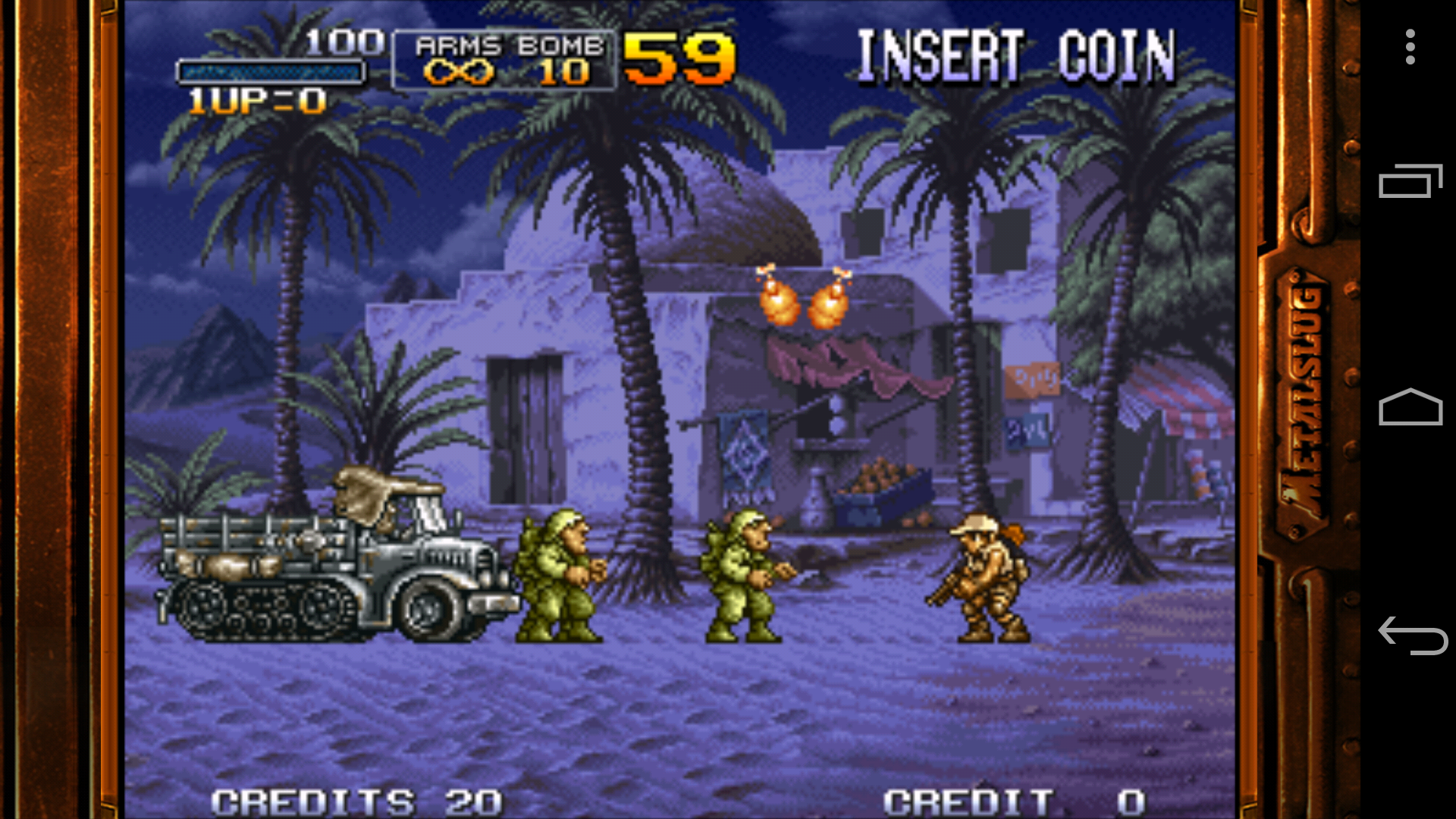
Many games support this gamepad
 
We know that, too many clients come from different countries, and they usually play different games. 
But, it not need to worry about that, there are many games you could play with it.
imageimage
To suit for iPhone,  Smart phone, TV box, Computer 
 
Maybe you said, you want a game comtroller for iPhone , It's OK ! This one could satisfied you. 
There are 2 mode for iPhone,  icade mode, and newgame mode.
(power button + X = newgame mode ,     power button + A =  icade mode )

image
imageimage
Or, maybe you said, you want play it with a TV box, or a computer.
Then, you may find, it could help you.  
But, please, make sure your TV box / computer could work with Bluetooth. 
You really need to comfirm that.
image
Easy to carry 
 
This joystick is very easy to carry. The size is suit for you to put it directly in your trousers .
Then, you could play games everywhere you want, on the bus, at the side of lake ...
imageimage
Powerful charging time 
 
It's really not happy when you want to play it , but there is no power.
This time, you not need worry about it. 
Charge it fully 1 times, you could play it for a day and night , if you want.
image
Some more details 
 
There are some more details you may want to know. 
Such as : the gamepad is specially made Skid , you you not need worry sweaty hands .
360 angles to play with the joystick.
150 angles when you put your phone on the holder, etc.
imageimageimageimageimageimageimage


Ipega PG-9055


Brand ipega
Model PG-9055
Material Plastic
Form Color Black + Red + Multi-Colored
Quantity 1Set
Specification
Compatible Models Android / iOS devices
Connection Bluetooth V3.0 + HS
Keys 14
Operating Range 8m
Built-in Battery Capacity 300mAh
Standby Time 72Hour
Charging Time 2~3Hour
Working Time 10Hour
Other Features
Other Features Adjustable range: 56~160mm, supports max. 5.5" devices
Dimensions & Weight
Dimensions 5.98 in x 4.53 in x 2.05 in (15.2 cm x 11.5 cm x 5.2 cm)
Weight 6.31 oz (179 g)
Packing List
1 x Gamepad
1 x Data cable (150cm)
1 x Chinese & English user manual


NGDS N1 Pro Bluetooth Gamepad Wireless NewGame Controller


Xiaomi Game Controller 


The Unboxing
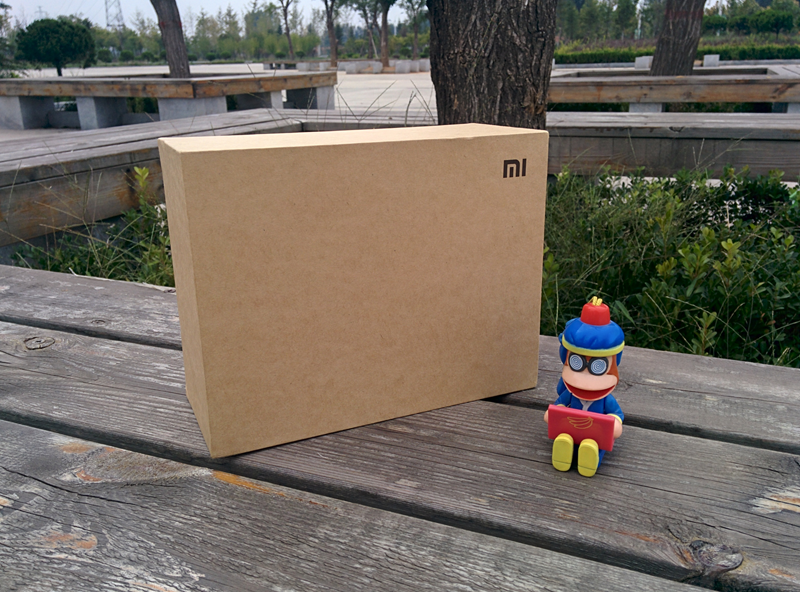
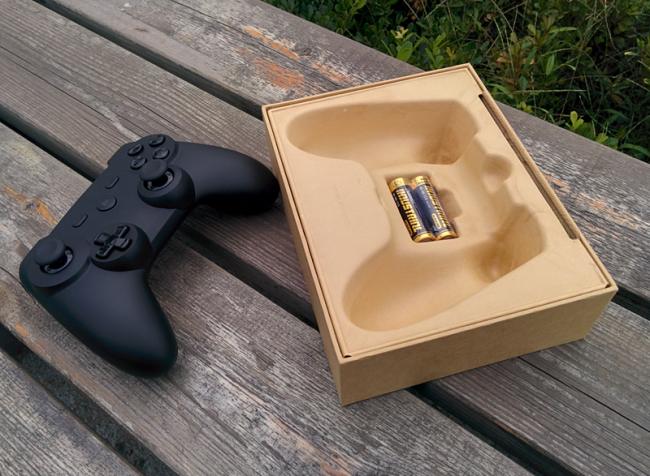
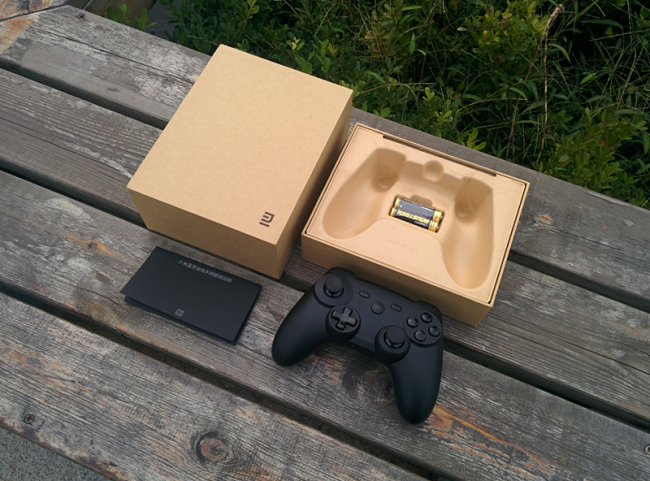
The very familiar colour and packaging. Although it is somewhat bigger than usual.


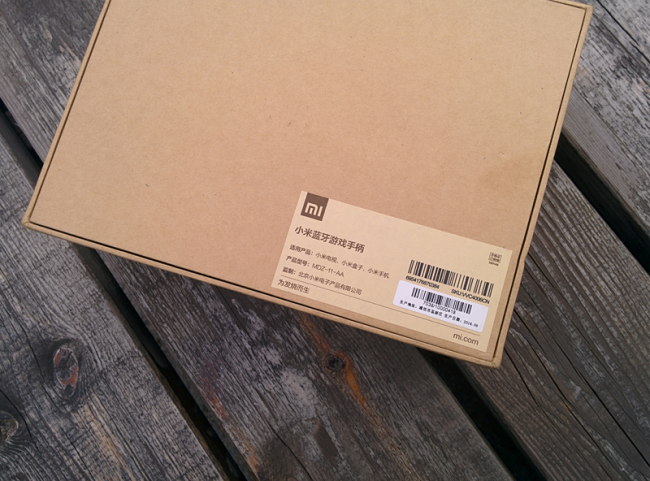
The back of the box stated the speck of the controller. It support Mi Box, MiTV, Miphones. Theorically speaking it should supports all Android based device.


The box has quite a depth which make it a little bit difficult to remove the box when pulling the cover from top.


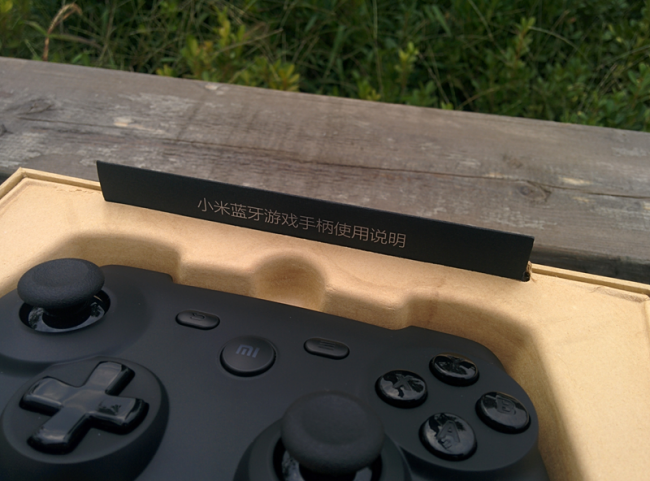
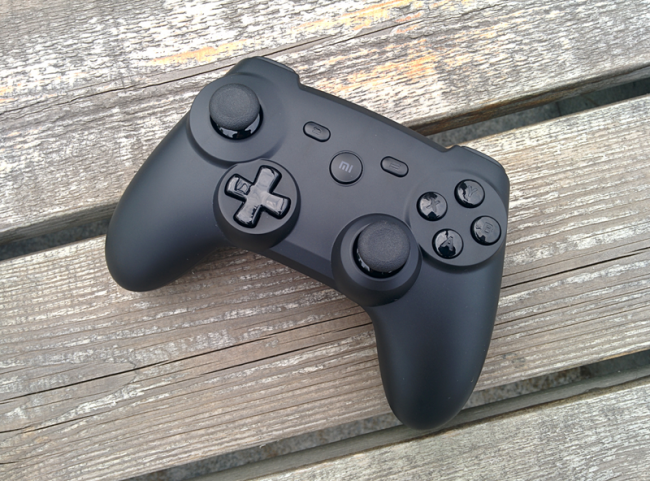
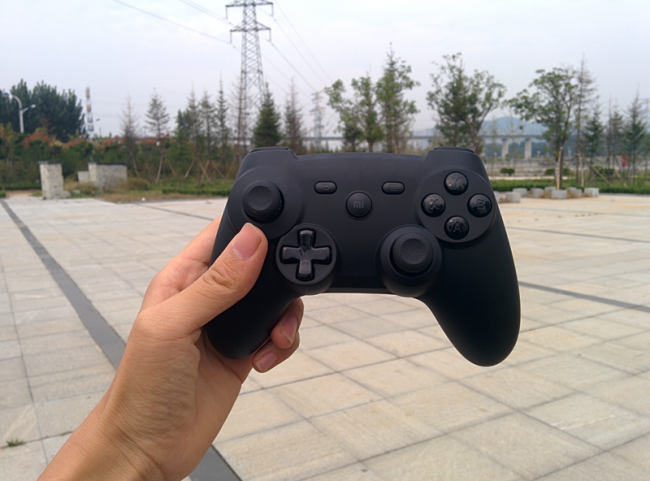
Let me present to you, the Mi Bluetooth Game Controller. Once again i'm impress by this little piece of innovative device from Xiaomi.


Something is poping up right on top of the controller and it says "Mi Bluetooth Game Controller User Manual".


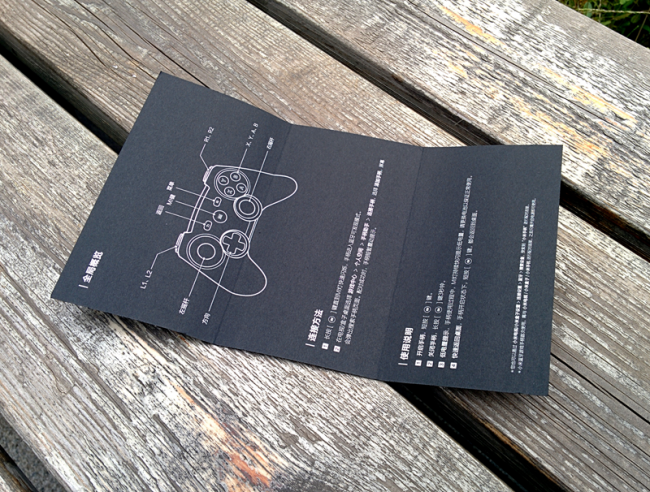
After pulling it out, you can see it is a small simple yet classy looking black pamphlet. There is a Mi logo right infront too.


Opening the pamphlet you will be able to see the button layout, and also the basic user guide about the controller.


A good product is not just only about quality, it is also the good after-sales service. From the phones to accessories, Xiaomi also strive to provide the best service and warranty to their customer.


The ergonomic desiegn of the box helps to keep the controller safe and stable during the delivery process and it is also design to be environment friendly as all Xiaomi product packaging been so far. It also comes with 2 battery and so the user do not need to buy on their own fro the first time.


The included battery are normal battery. It is advisable for user to purchase rechargable battery as that is more economical in a long run.


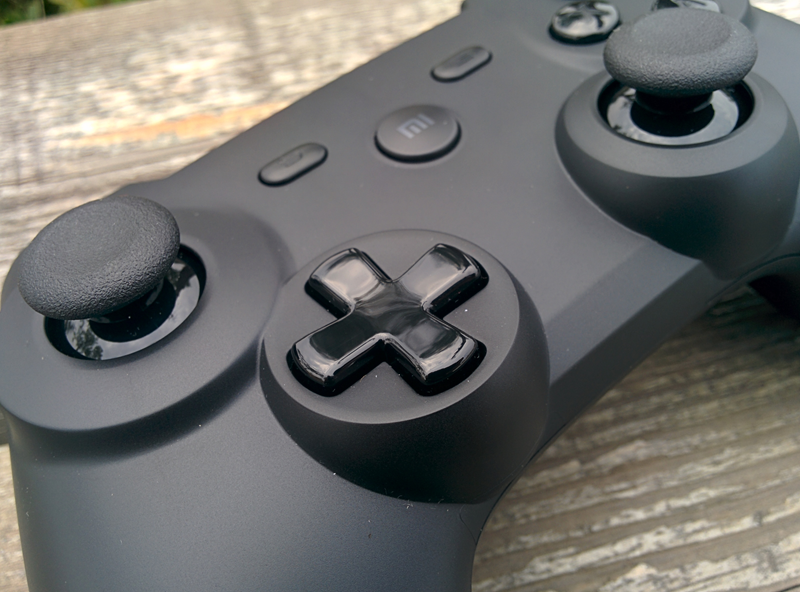
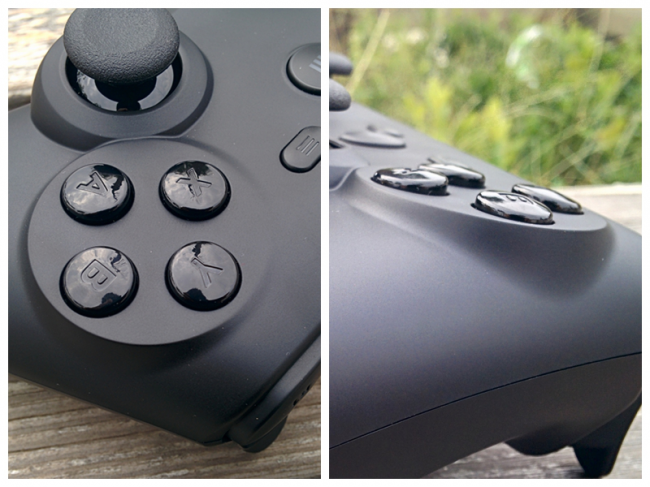
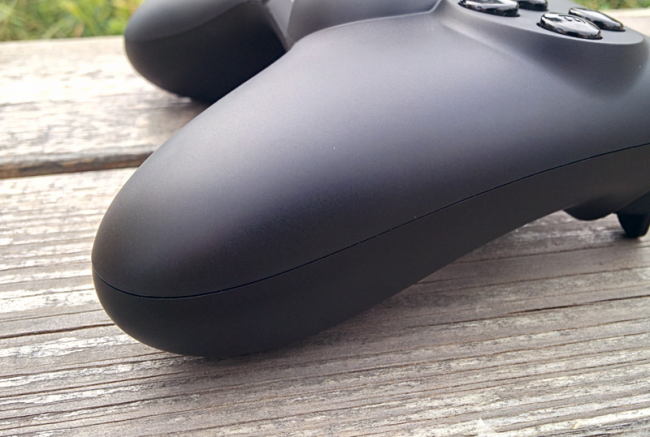
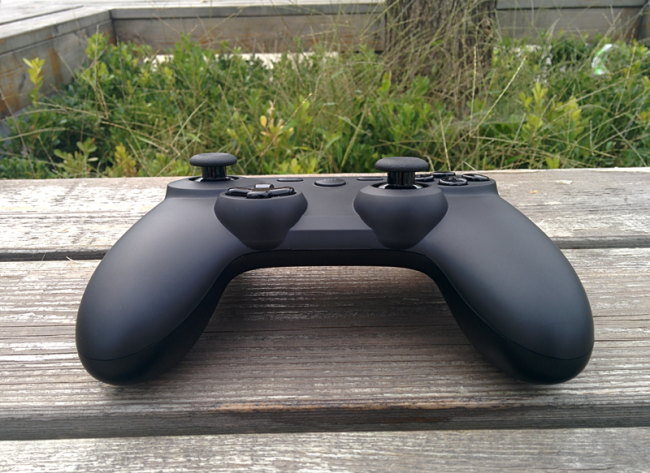
The black surface look simple but elegant too. The surface was sandblast and able to anti fingerprint. The overall feeling is smooth and comfortable too.


The D-pad and thumbsticks feel really smooth to navigate but it seem the D-pad is a little bit sinking too much.


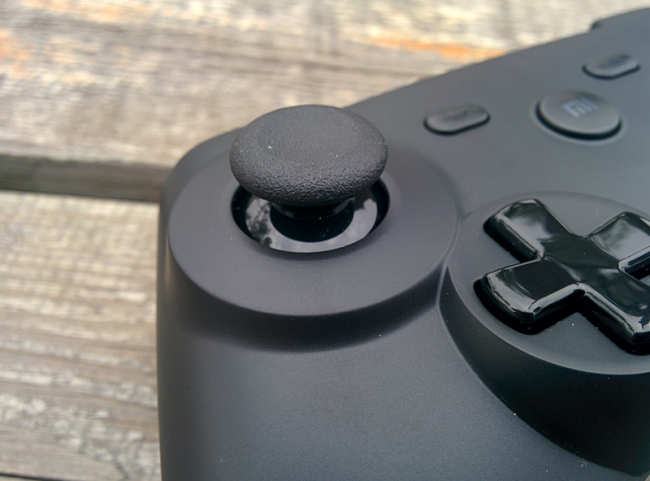
The top of the thumbstick is rubber made while the bottom part is smooth surface like the D-pad. The movement of the thumstick is really smooth. It should complement games like shooting games, football, or racing games. Fighting games still best to use the D-pad.


The ABXY buttons are debossed, which mean carved into the buttons. This will avoid the usual print peeling off problem but it does feels a little bit uncomfortable on the thumb since you can clearly feel the uneven surface. Xiaomi take the design of this controller seriously too. The ABXY buttons are designed ergonomically whereby the center of the 4 buttons are slightly higher and then the buttons sink lower outwards. This is to enhance the comfortablility and smoothness of the buttons. A gamer who always do combos on fighting game should understand this.


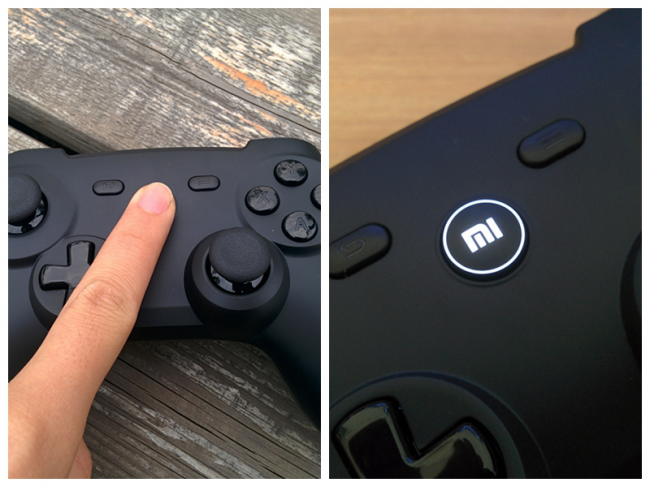
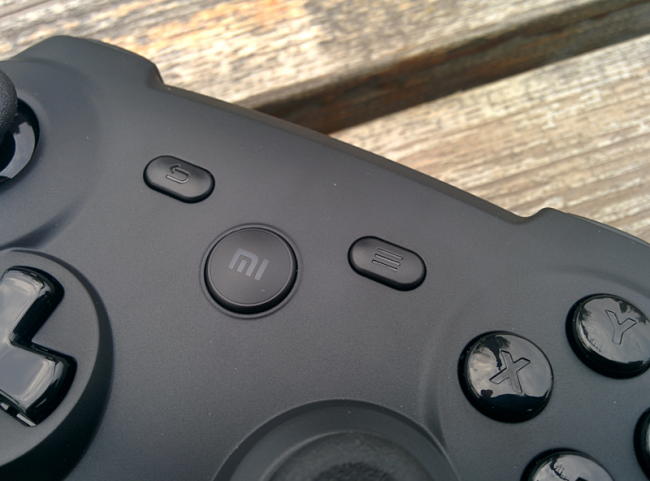
The center of the controller are the Mi logo button which responsible for the connection and status while left and right are the return and menu key respectively. The white light on the Mi button looks beautiful too.


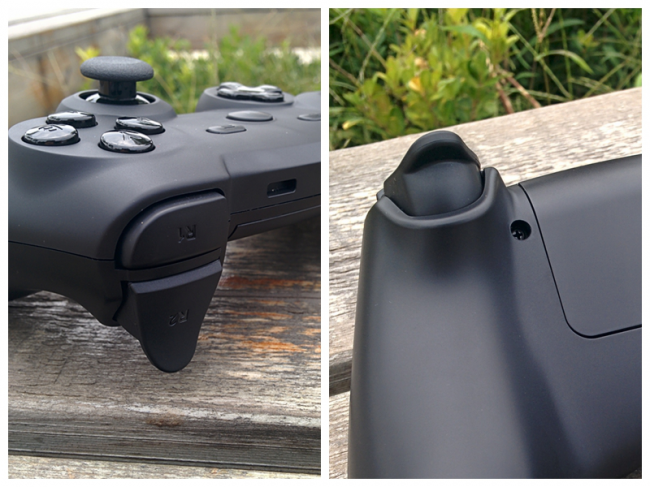
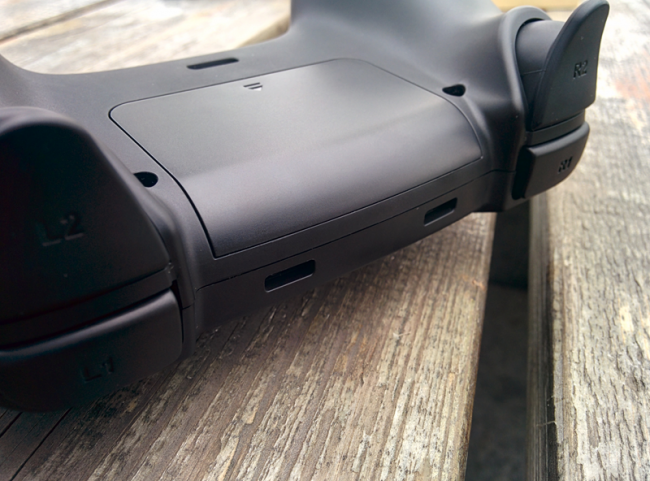
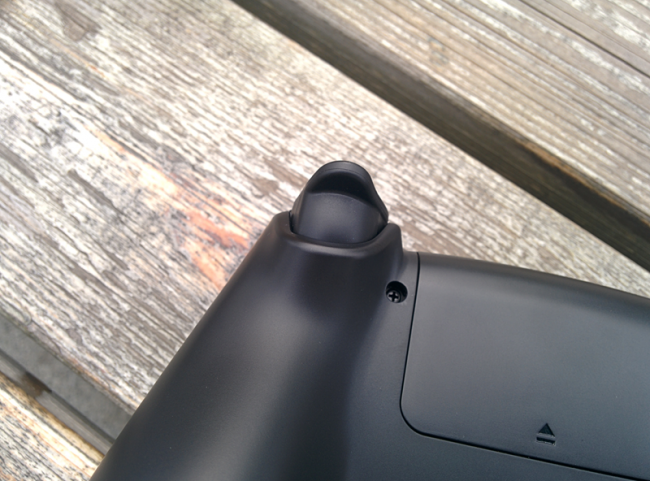
There are 4 buttons in total on theshoulder part as usual. Something to note is that the R2 & L2 button are deisigned differently. It feels like a linear control, whereby it feels like pressing down on a accelerator rather than a button-like feel. Not sure if the different pressure applied will result in different acceleration in racing game. 


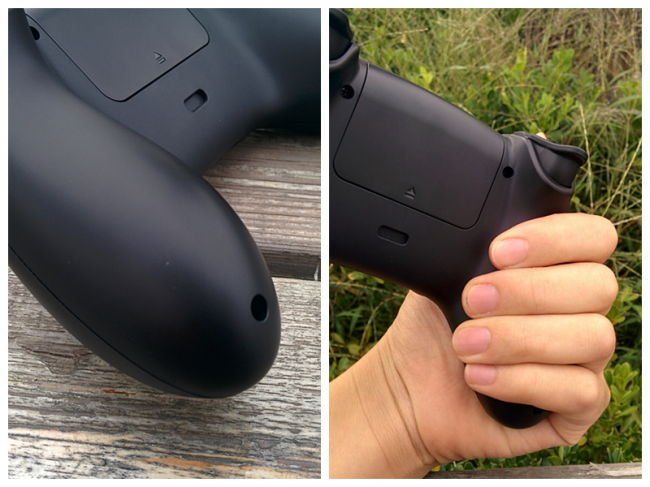
Holding the controller really feels smooth and comfortable due to the ergonomic design and it doesn't feel awkward at all.


Although the gab between the top adn bottom part are closed tighly but if touch in detail, you will still feel some uneven and sharp end. Still, it do not affect the overall comfortability when holding it.


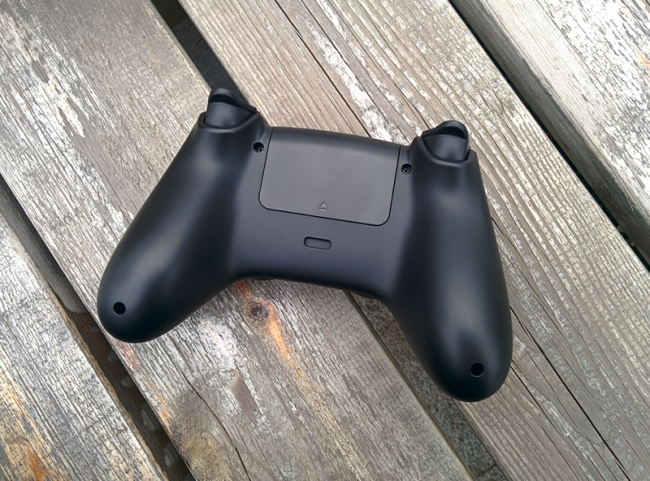
There are 2 hook/slot on top and at the bottom of the controller. This might be the slot for a phone handler/rack or some other new accessories in future. Let's look forward for it.


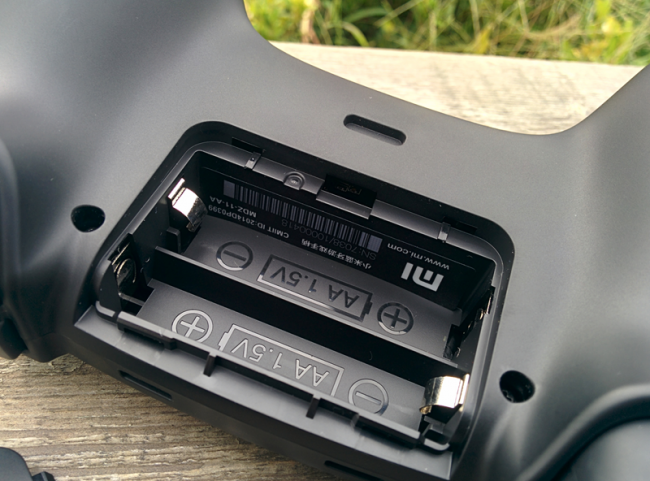
The batter slot at the back.


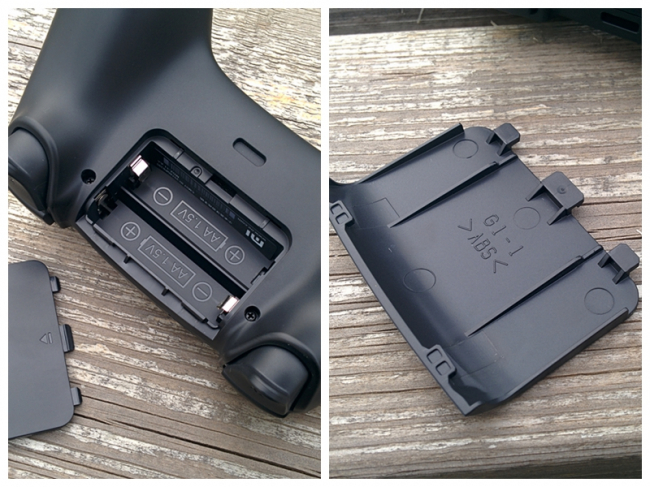
You can open it by pushing upwards, following the arrow direction.


You can clearly see the battery guide inside so it shouldn't be a problem in placing the battery correctly.
The ABS stated at the back of the battery slot cover shown that the shell is made of the ABS plastic material.


You will be able to see a Mi logo and also the serial number inside too.


Overall view of the unbox Mi Bluetooth Game Controller.


Pictures to share


The Pairing

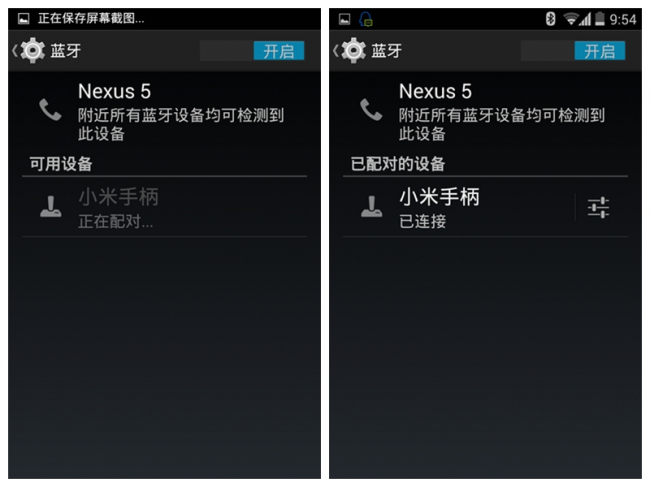
Long press the Mi button till it blinks, then you can activate the bluetooth of your device and search for the controller ID.


Once you select to pair with the controller. The white light of the mi button will lit on accompany with a vibration to indicate successful pairing.


The blinking white colour MI button actually looks beautiful.


Game Test

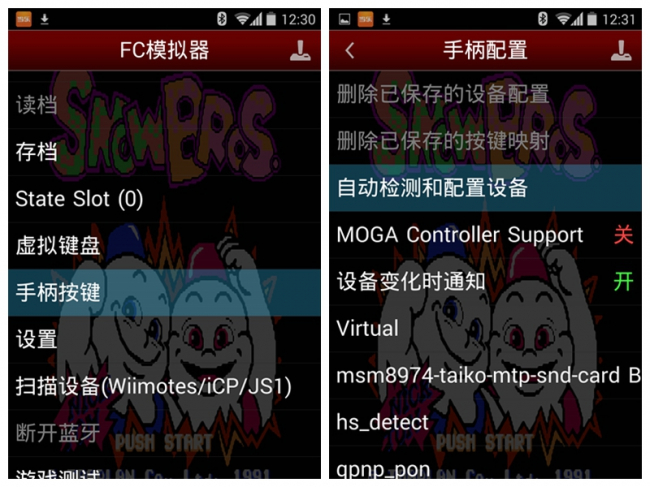
Using the FC Emulator to test some classic games.


Succesfully sync and calibrate.


Overall tested on these classic and new games and the controller deliver the task beautifully.
The thumbstick is smooth but need some getting use to.
The D-pad is very similar to Xbox and so it is a little too low and tiring for sticking your thumb out for too long.


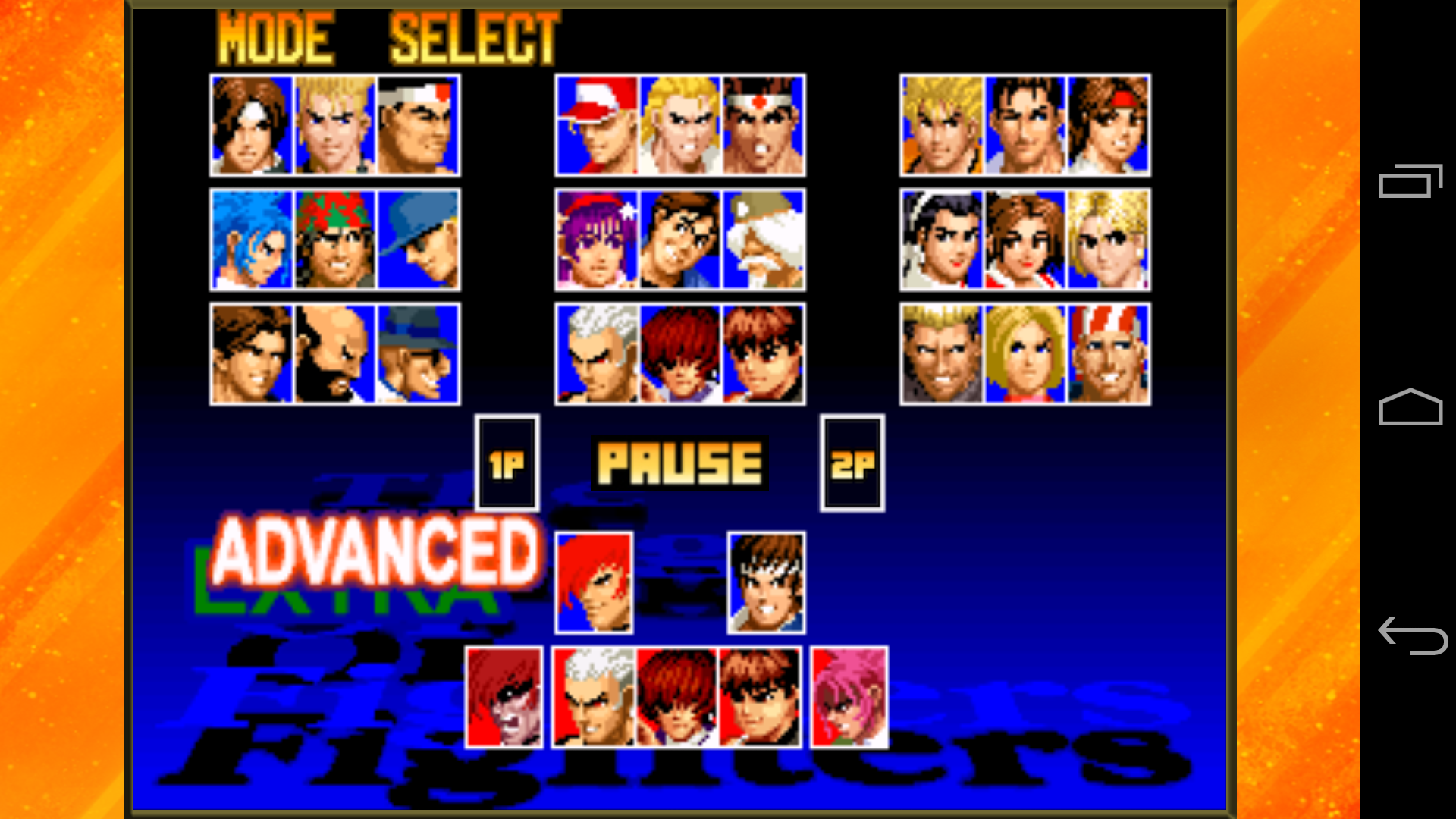
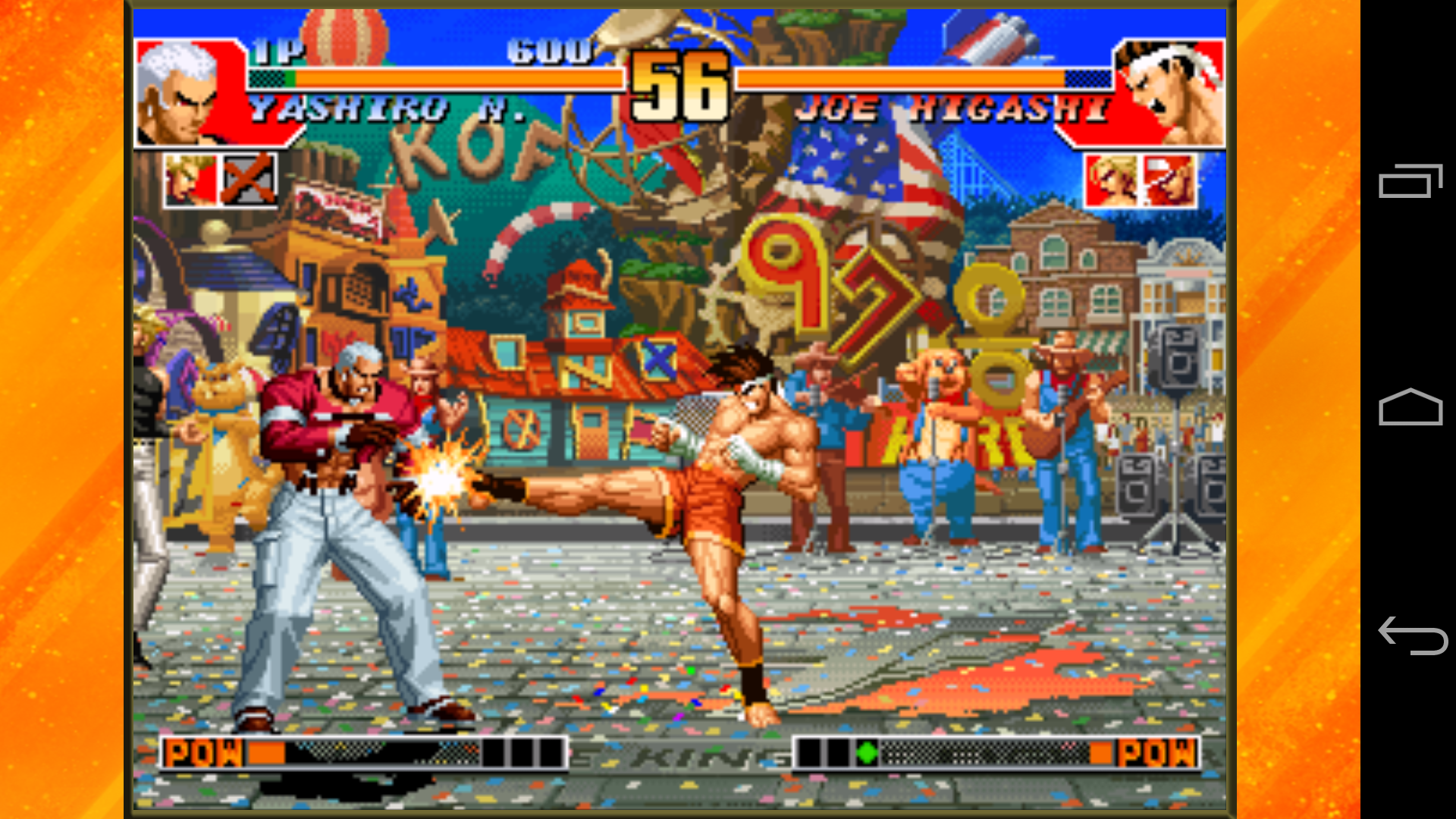
Fighting games like KOF which require heavy combo feels smooth and compatible perfectly too.


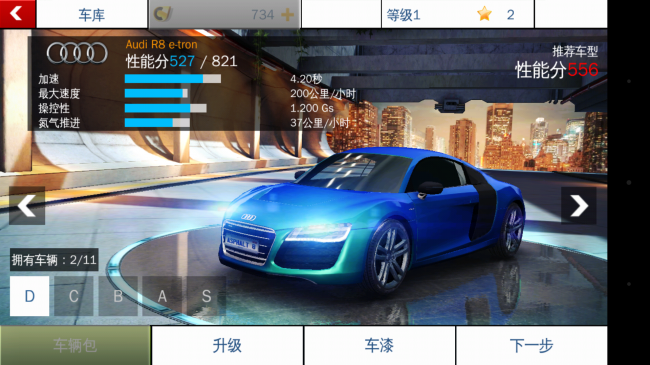
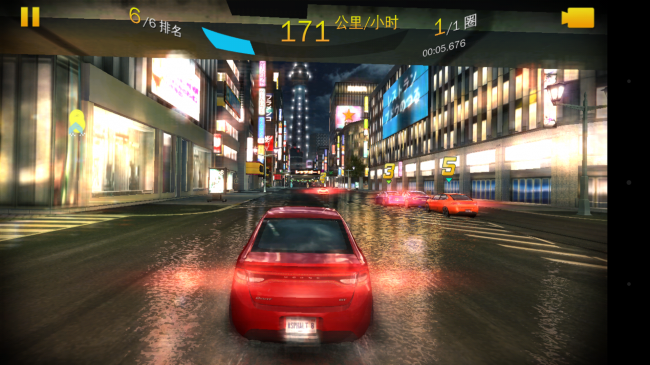
Asphalt 8 is one of the best racing game in the market and the thumbstick of the controller works perfectly fine with it.
The linear-control R2 button makes the overall control very exciting too.


Video Demo

Simple testing on 2 games from the Mi Game Center using MiBox.
The paring was easy and quick. Due to the special R2 & L2 button, you will not feel a distinctive click when you press down.
So it feels bit out of place when you are playing shooting game.

However, it feels really great when playing racing game as the controls are really smooth and nice.

Conclusion

Mi Bluetooth Game Controller is one of the best bluetooth controllers i had used. The compatibility with emulator or Android games works well and it can be used for PC controller too. The overall handling are comfortable and smooth too although there are some cons still.

Pros


Terios T-3 Bluetooth Gamepad


Product Description:
Tablet: Android 3.2 and above systems 
Samsung TAB2 TAB3 series, Samsung Tablet Galaxy note series, Google NEXUS 7 first-generation and second-generation models, etc. Android 2.3 above, 
Android 3.2 system than other brand models (brand-name); need Bluetooth support, no Bluetooth can connect a Bluetooth receiver 
 
Smart TV: Android 3.2 and above systems 
Millet TV, Hani, Haier, TPV, HKC, Lenovo, Hisense, TCL, Samsung, Konka and so on. Note: The need to have Bluetooth support 
 
Computers: desktops, notebooks 
XP, W7, W8, W8.1 system
NOTE: Bluetooth support is required, no Bluetooth can connect a Bluetooth receiver 
Other equipment: Android 3.2 and above systems 
All kinds of boxes, set-top boxes, note: the need for Bluetooth support 
 
Supported phone models: 
Note: Only support Android 3.2 and above systems, not support IOS!!
Samsung whole series (9100 series, 9300 series, 9200 series, S4,7100, note 3 and note 2 so special measuring machine. 
Millet 1,2,3 (all series), Meizu MX2 MX3 whole series, Cool Grand, Motorola and other models 
OPPO find5, Compass peppers, ZTE grand era series, LG F240,  Xperia series, Vivo xplay 
HTC ONE, G10, G11, G12, G17, G18 and other G series, LG P880  XL36H Huawei some models 
Lenovo K860 K860i,  Nokia, HTC, Lenovo, Jin, Cool, duo CD and other mobile phone models
 
How to charge the game controller
Use mini-USB charge
•As it shown in the below picture, you can connect the mini-USB on the consoles to the USB power source for charging, the electric current is 600mah,full charge will take about 3 hours.
•When the NO.1 signal light flashing, it means low level battery, should get charge.
•When the NO.1 signal light keeps normally on, it means be in charge. The light off when fully charged.
•Auto power-off, after charged, you can enter Power key to turn on.
 
Connect Ways
Connect devices
Method 1:
Long press the X key, press the HOME key, then signal light will flash.
Turn on Bluetooth on your Android devices then click for Bluetooth searching
When Android devices search out the Bluetooth device, click to match and connect.
Method 2:
Long press the Y key, press the HOME key, then signal light will flash.
Go into the Candy Game Center, click to connect the devices.
When Android devices or other Bluetooth devices search out the Bluetooth called Bluetooth Gamepad, click to match and connect.
 
Trouble shooting
If your game controller has some problems, try to use methods as following, or contact with Professional maintenance staff.
1. Can't turn on
Use the specialized USB wire to charge the game controller; try to turn on while charging, if the Signal light flashes, which means a low battery and it need to be charged, retry to turn on after one hour’s charging. Or change the battery in order to make game controller work well.
 
2. Can't connect with Bluetooth
Press the A key, and press the HOME key, if the signal light flashes, it means the Bluetooth already opened, press A key and HOME key at the same time, if the signal light does not flash, which means the Bluetooth is not open.
 
3. Can't play games
Make sure the game you selected is matched with game controller, if the game itself doesn't match the game controller, then please try other games and connect them in the right way.
 
 
HTB1bR9IHXXXXXarXVXXq6xXFXXXSHTB1HYWPHXXXXXaUXpXXq6xXFXXXjHTB1UdWTHXXXXXX5XXXXq6xXFXXXrHTB1WOcrGXXXXXajaXXXq6xXFXXXGHTB1ynKOHXXXXXbNXpXXq6xXFXXX4HTB1zTyOHXXXXXbPXpXXq6xXFXXXuHTB12tqJHXXXXXXMXVXXq6xXFXXXP
 
Package Included:
1×T3 Bluetooth Wireless Game Controller
1PCS English instruction
1PCS USB cable

HTB1QUTxGXXXXXajaXXXq6xXFXXXS