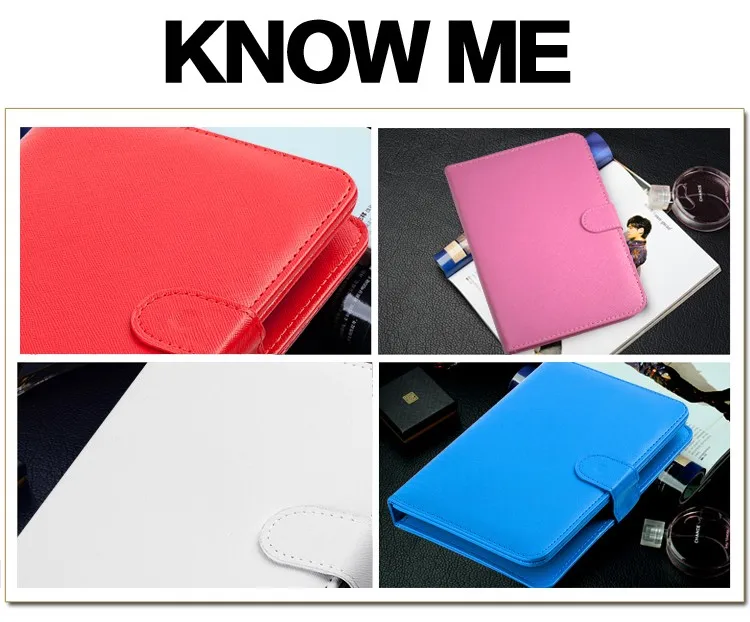
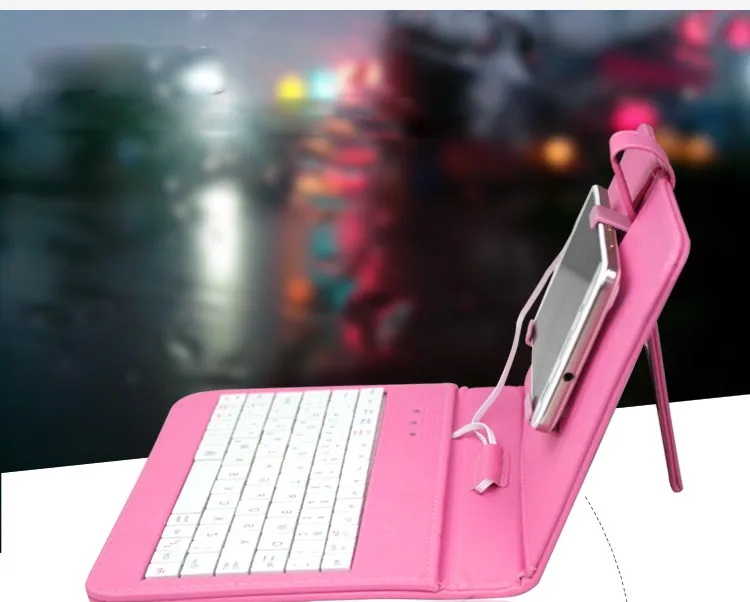
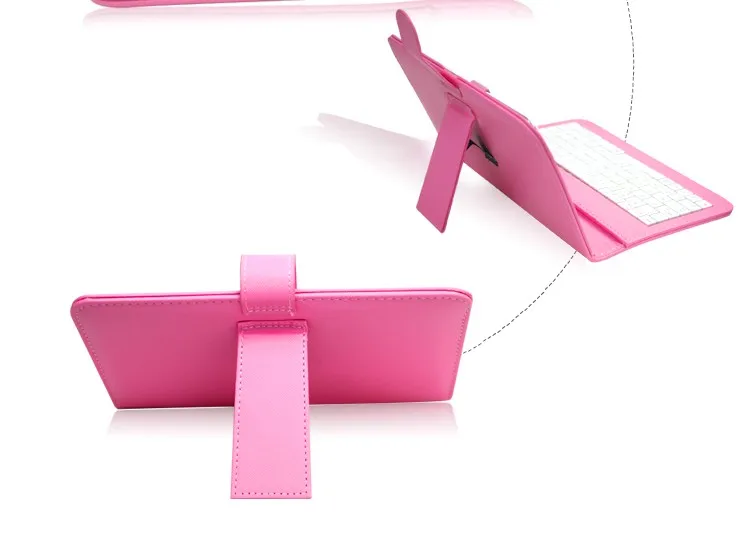
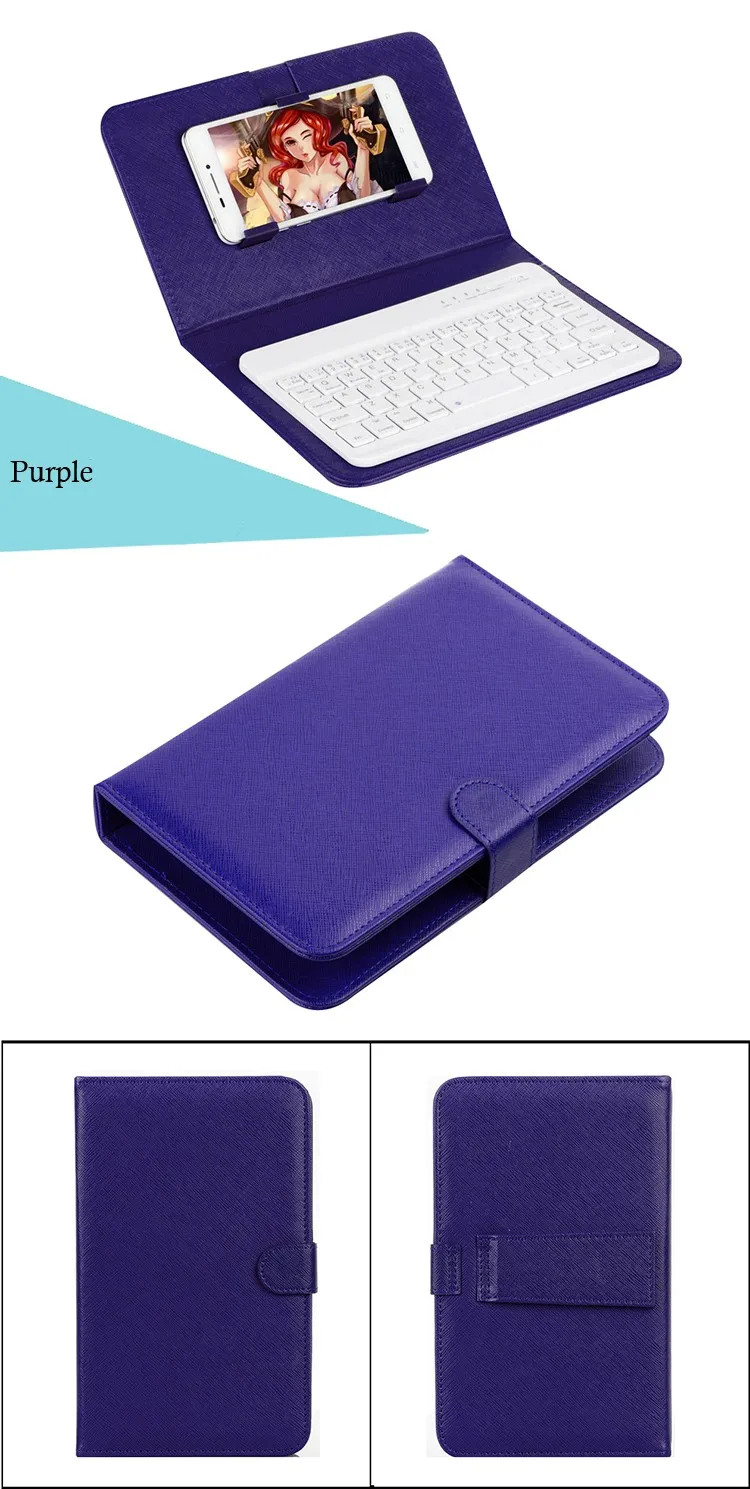
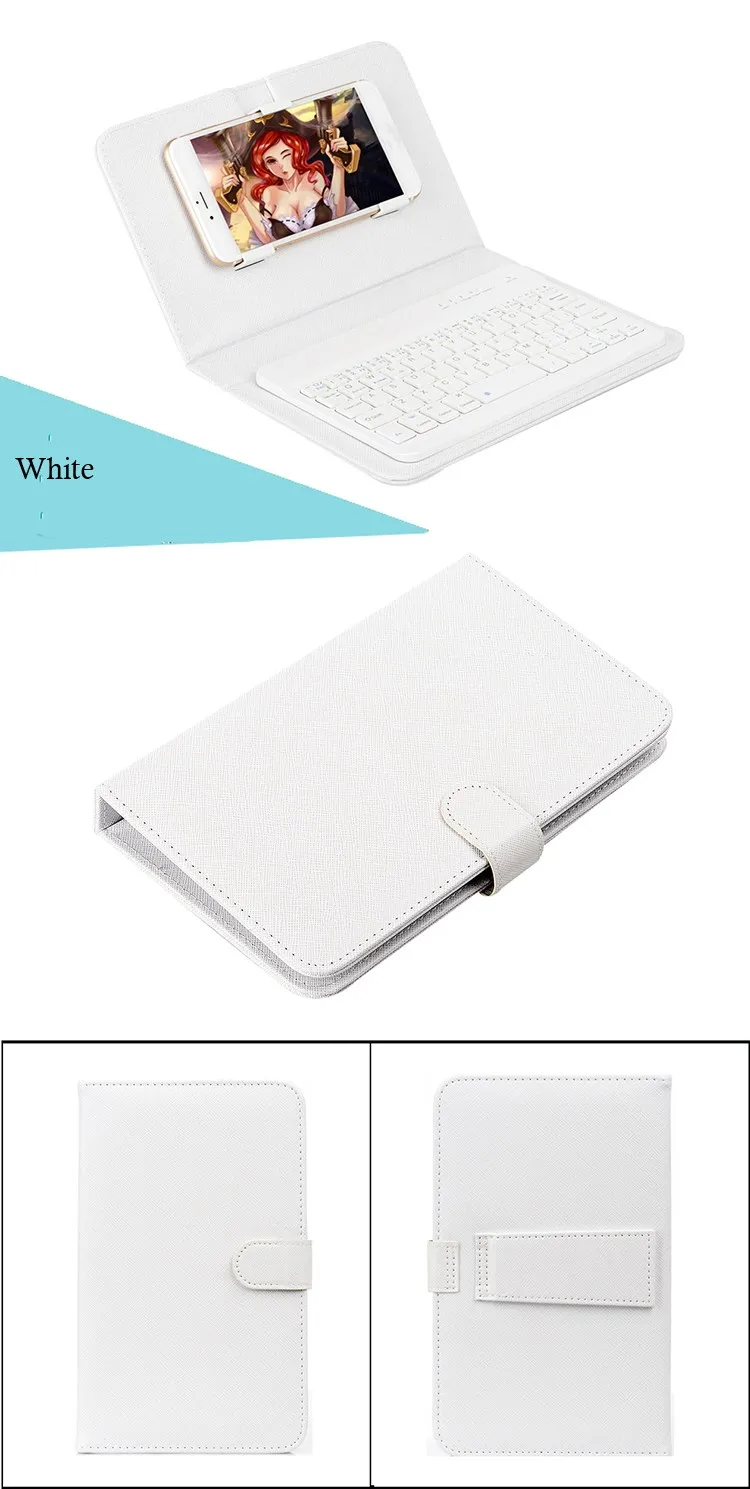
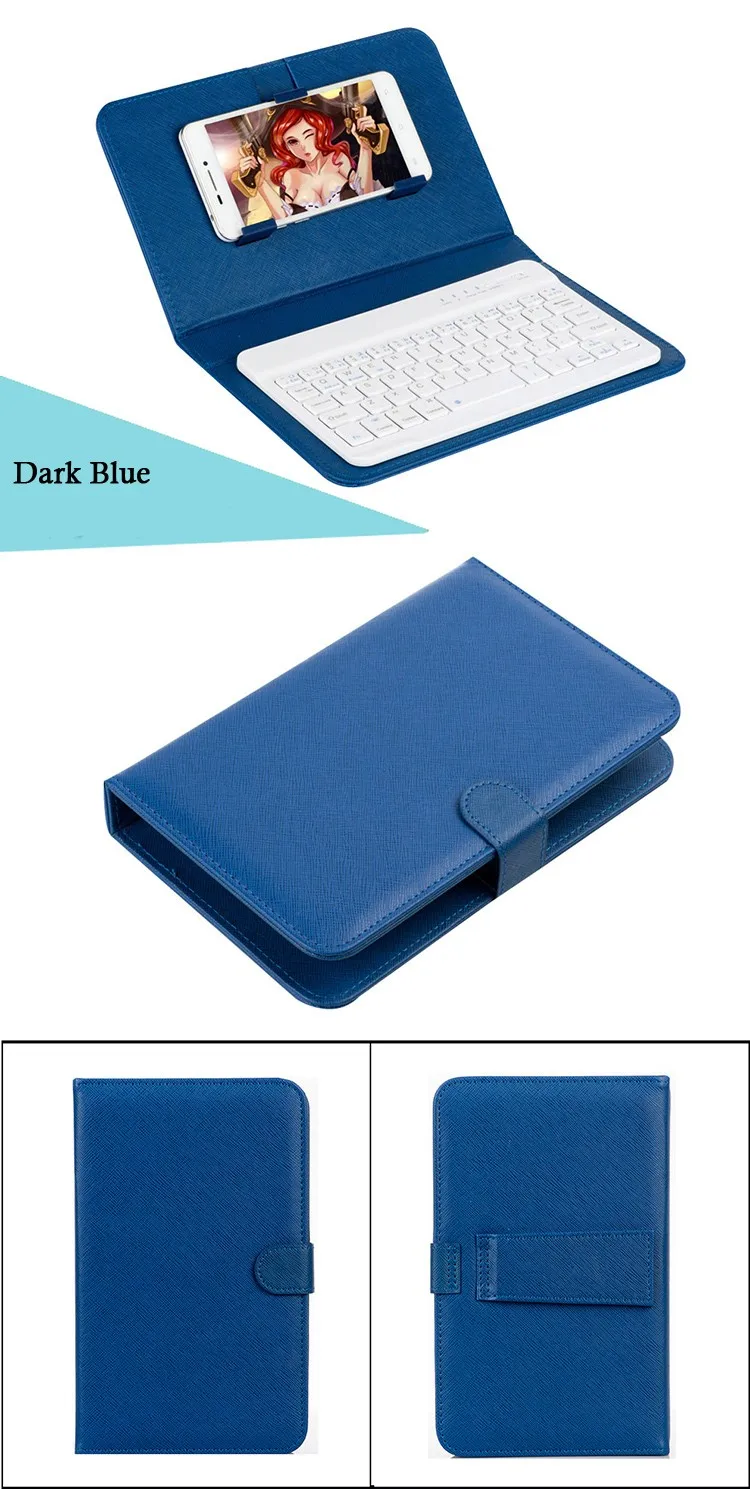
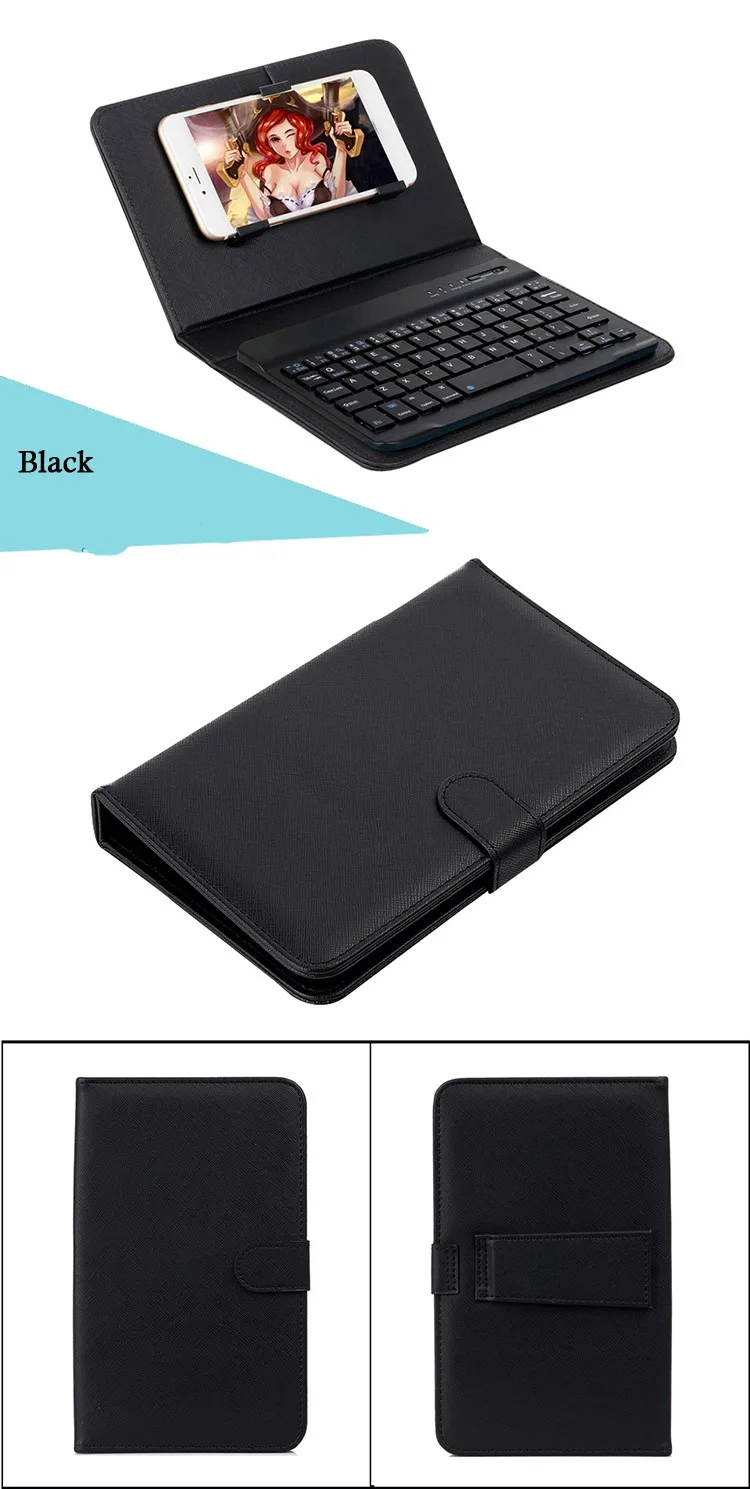
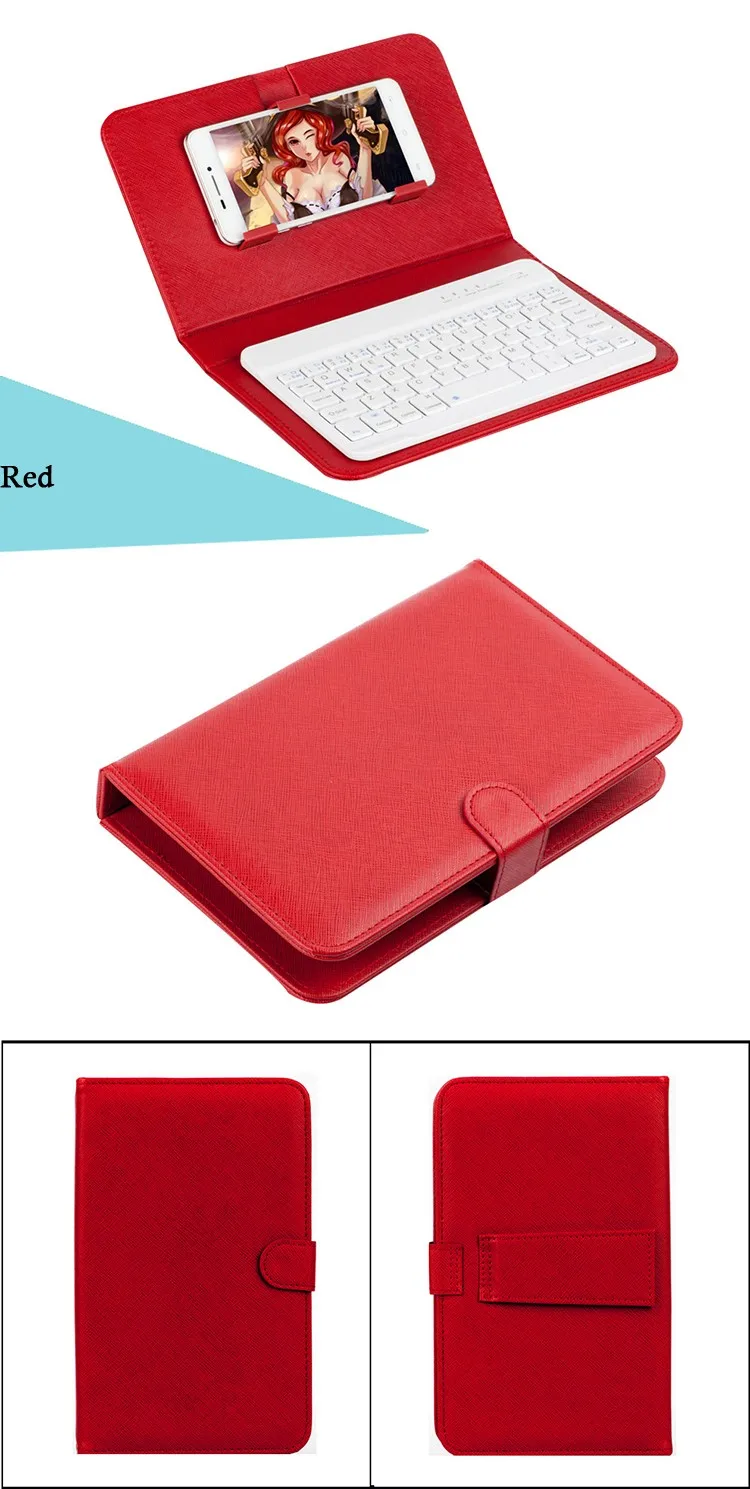
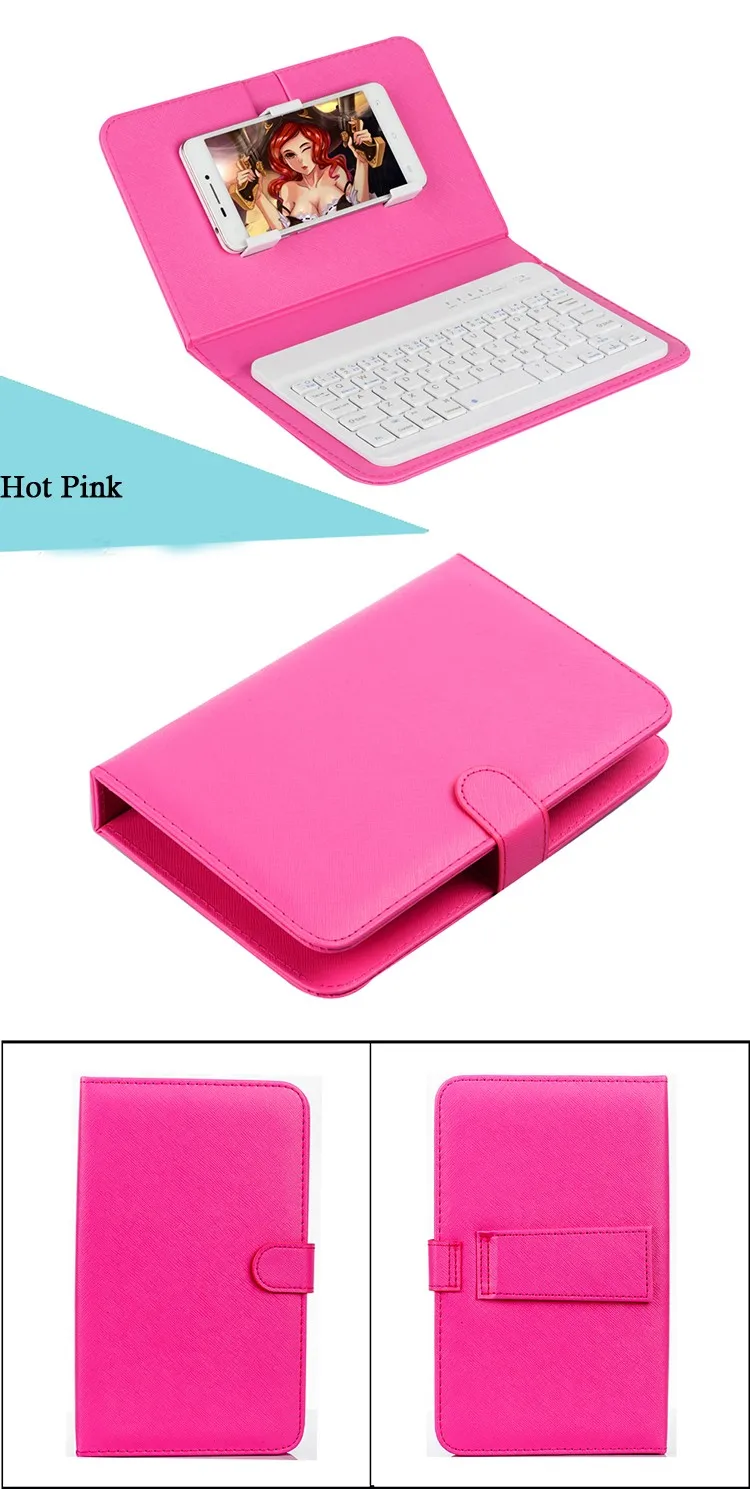
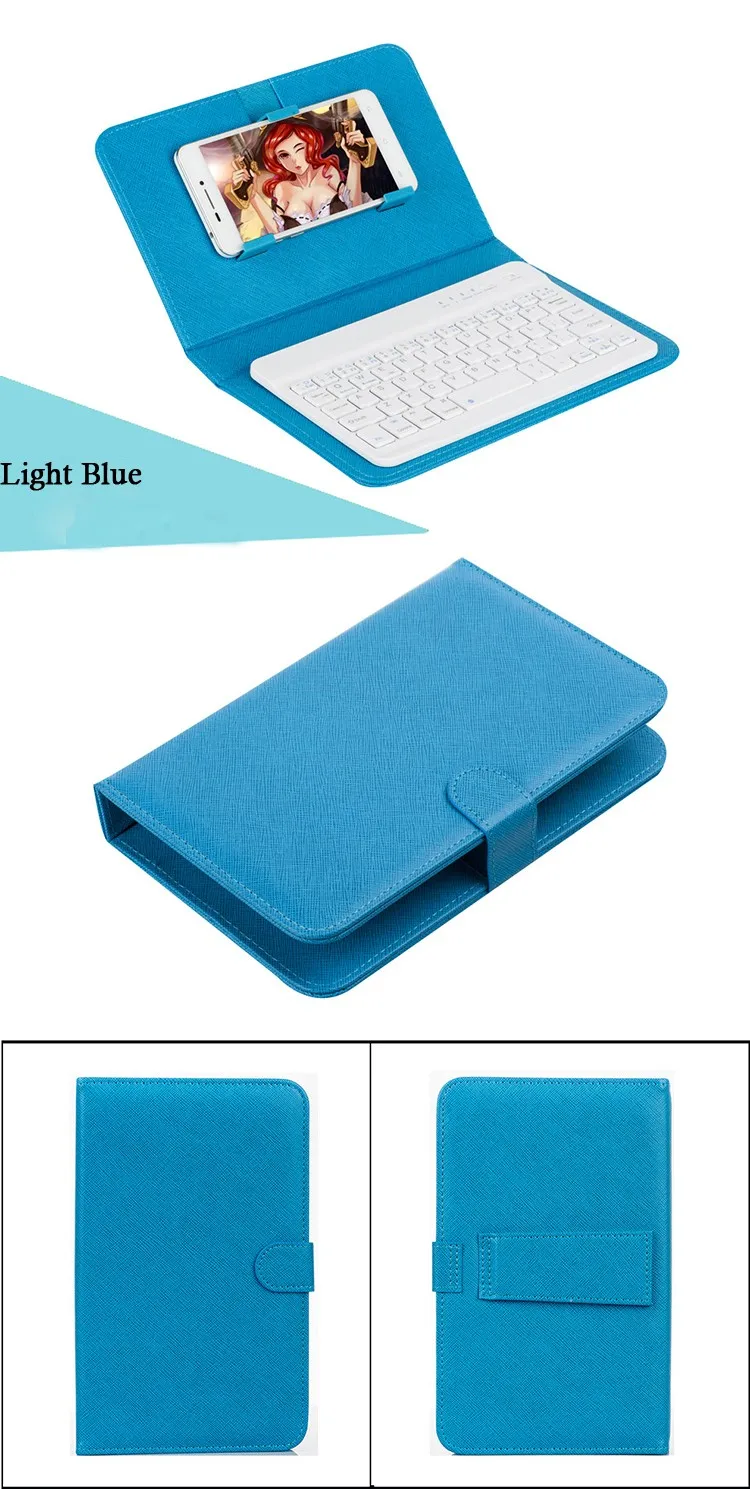
7-inch dual-pull Bluetooth keyboard holster, wireless connection, unimpeded, Apple, Andrews, Windows, three systems common
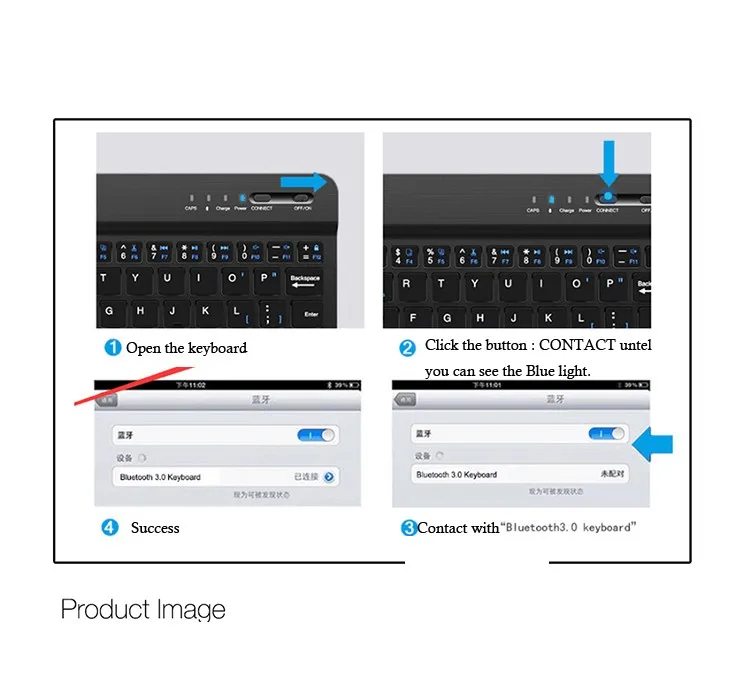
Instructions for use:
Step 1: Turn on the ON / OFF button
Step 2: Press the CONNECT button. The blinking indicator will blink
Step three: At this time to open the flat panel Bluetooth switch, search for Bluetooth devices, keyboard holster is the default name Bluetooth 3.0 Keyboard
Step 4: On the tablet or mobile phone, click Bluetooth 3.0 Keyboard, there will be four digits of the password prompt, enter the keyboard, such as the tablet prompt 0807, press the keyboard, press Enter key can connect