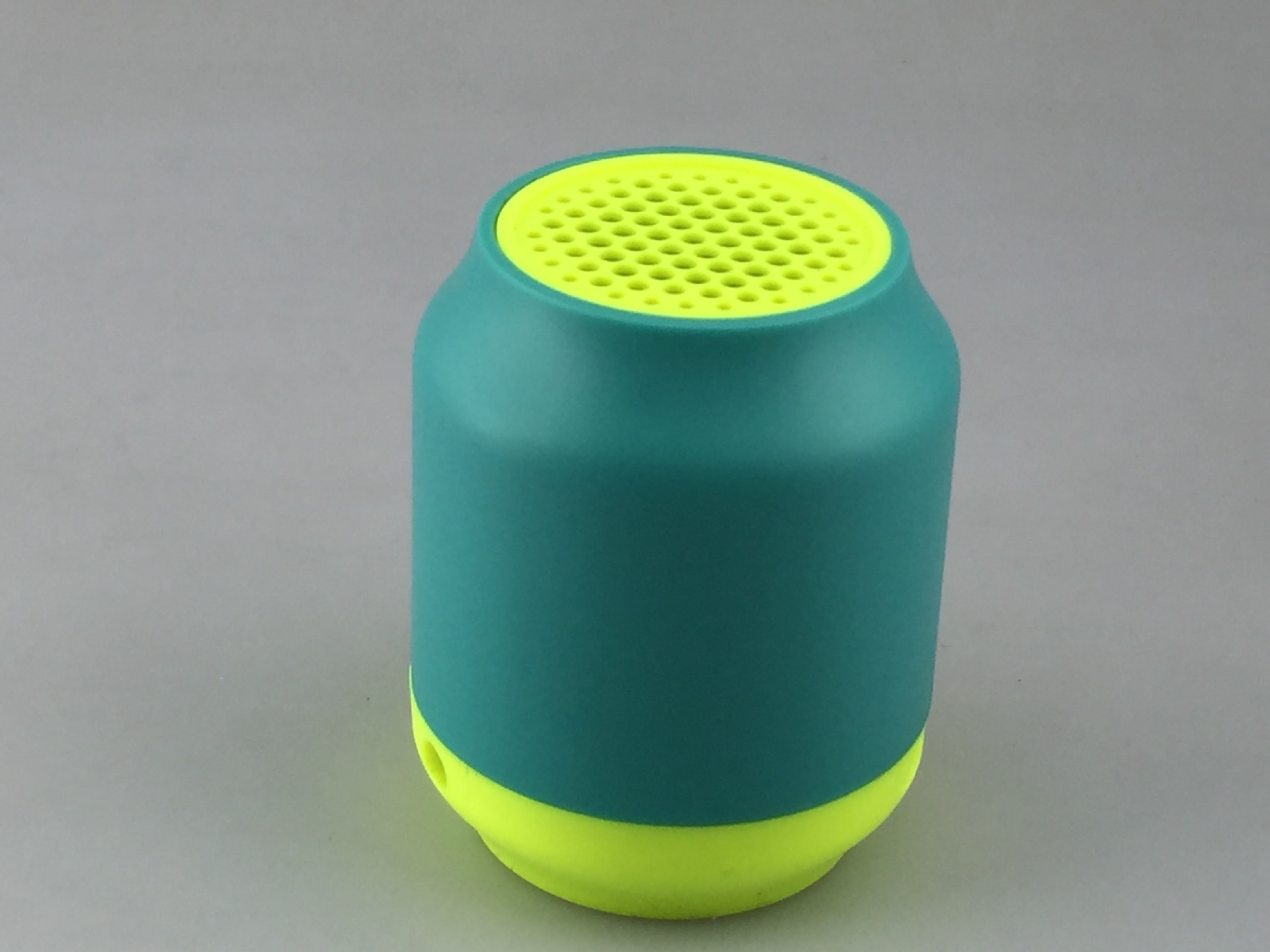
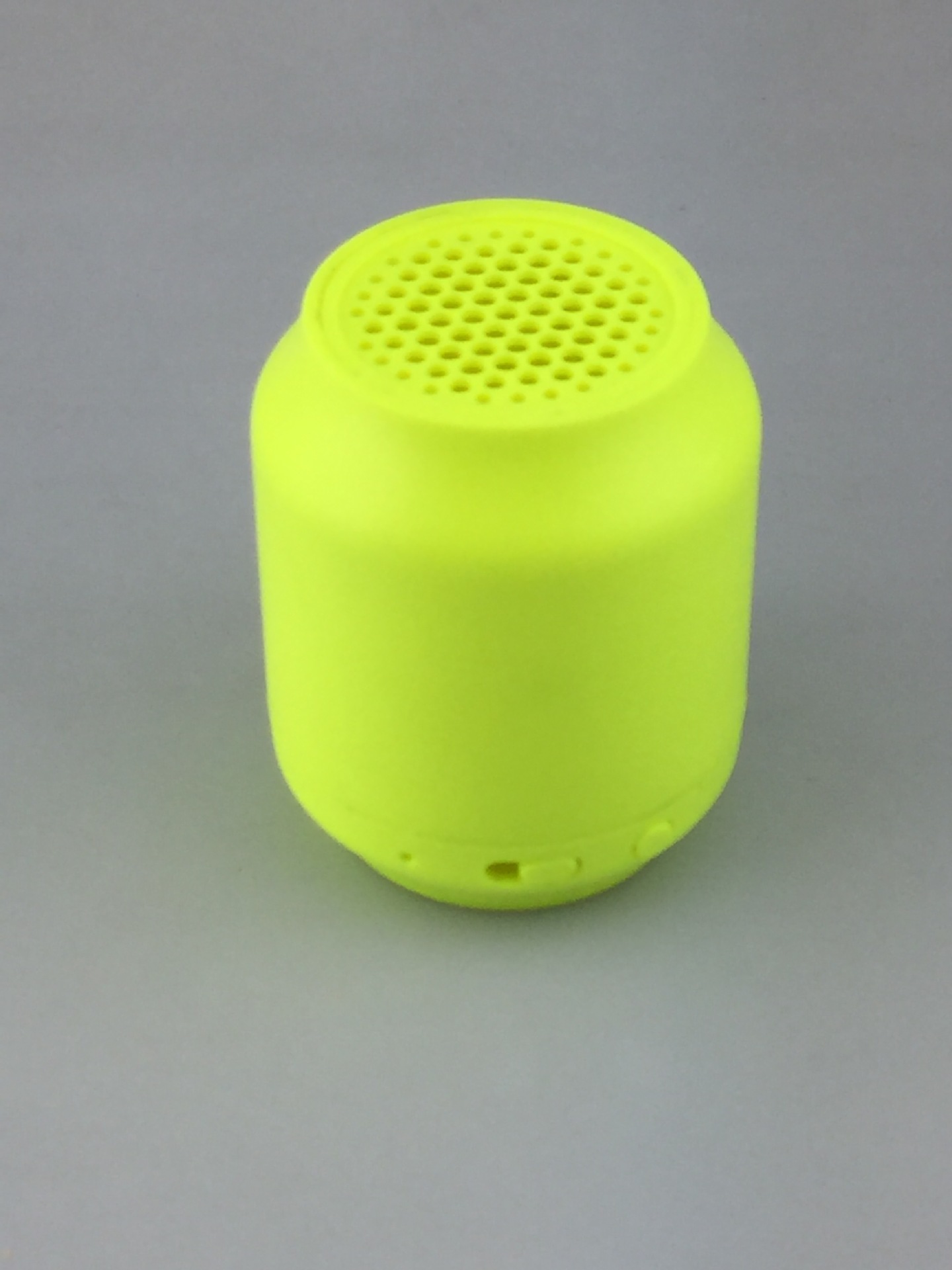
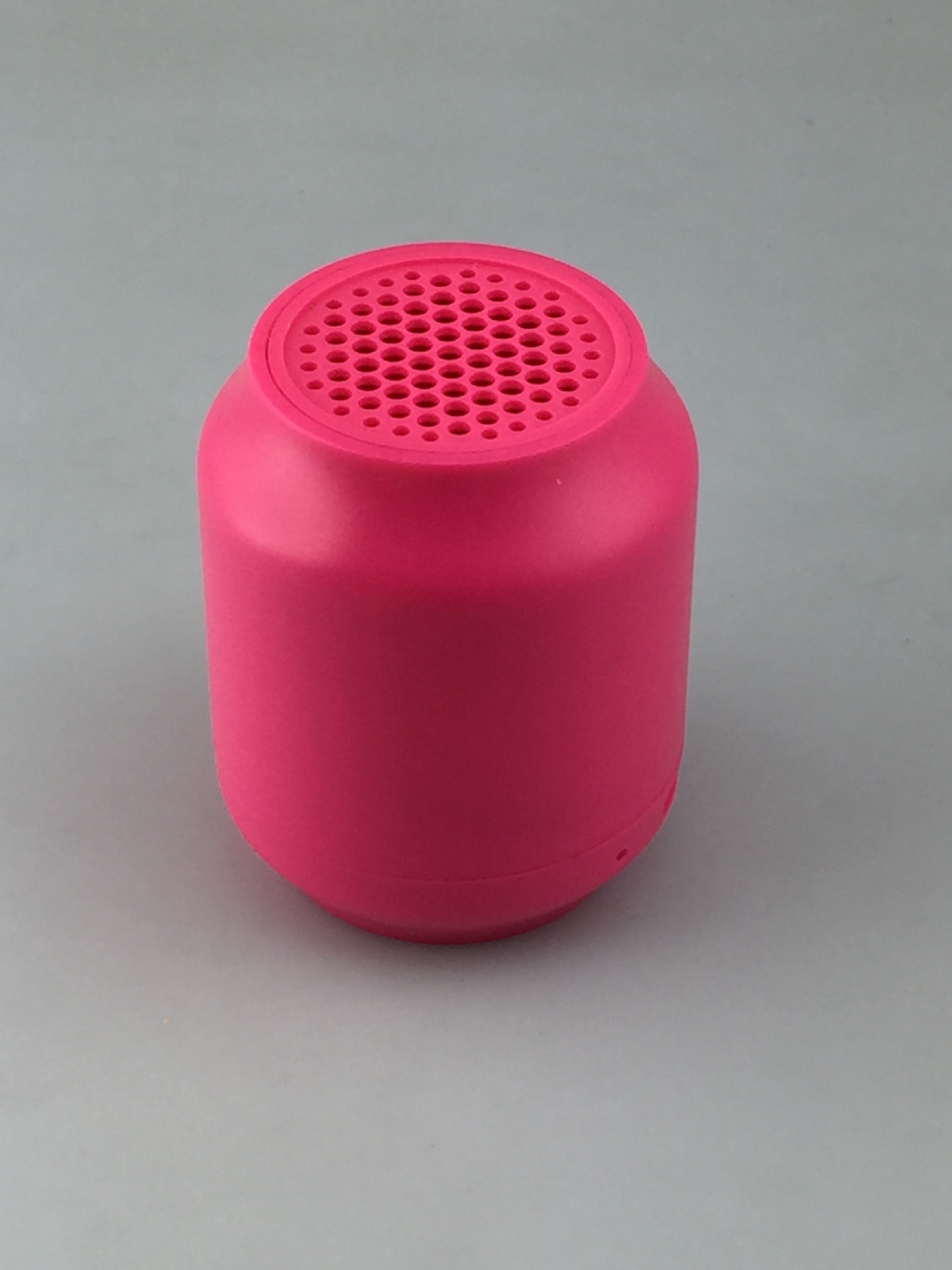
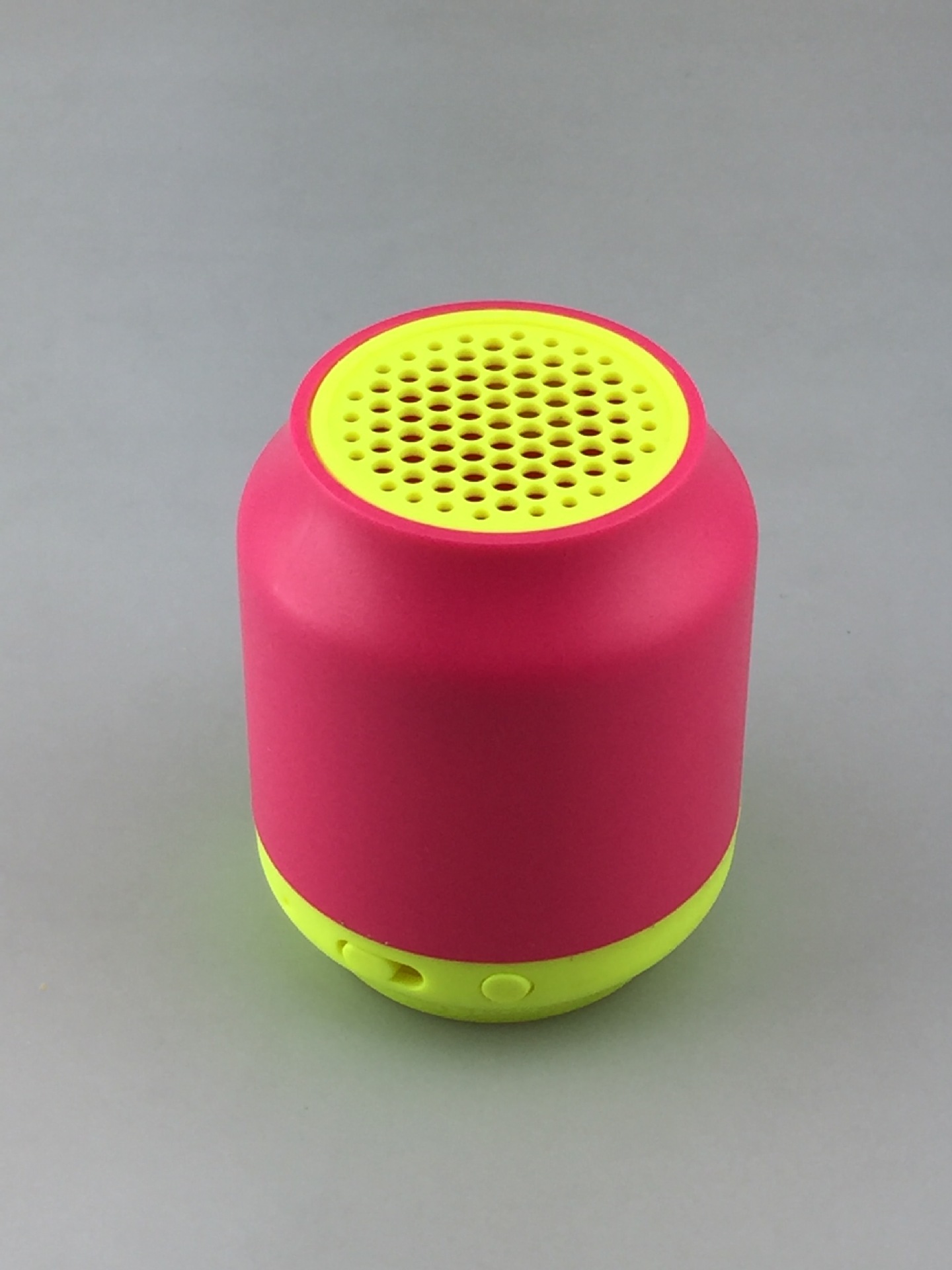
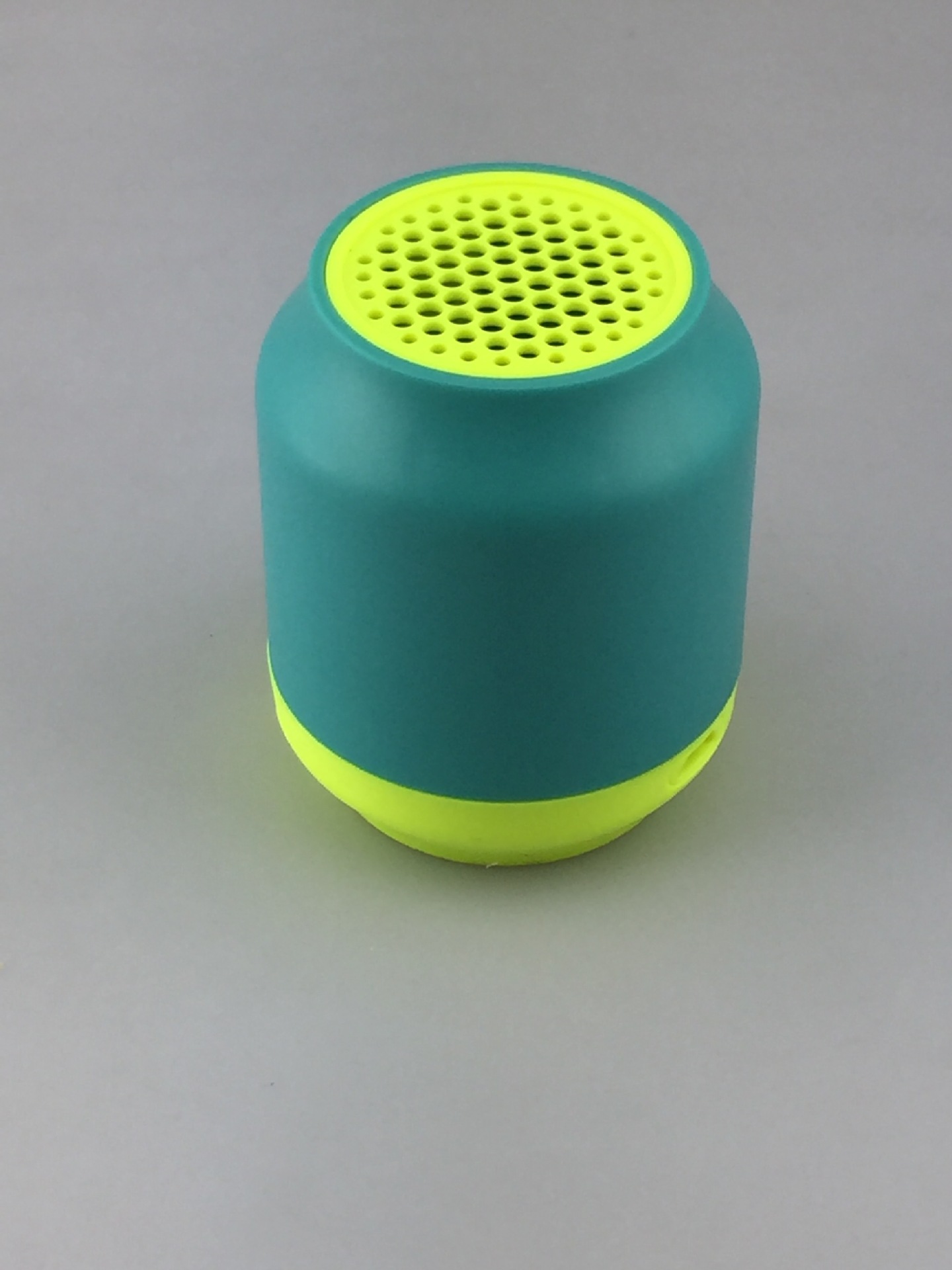
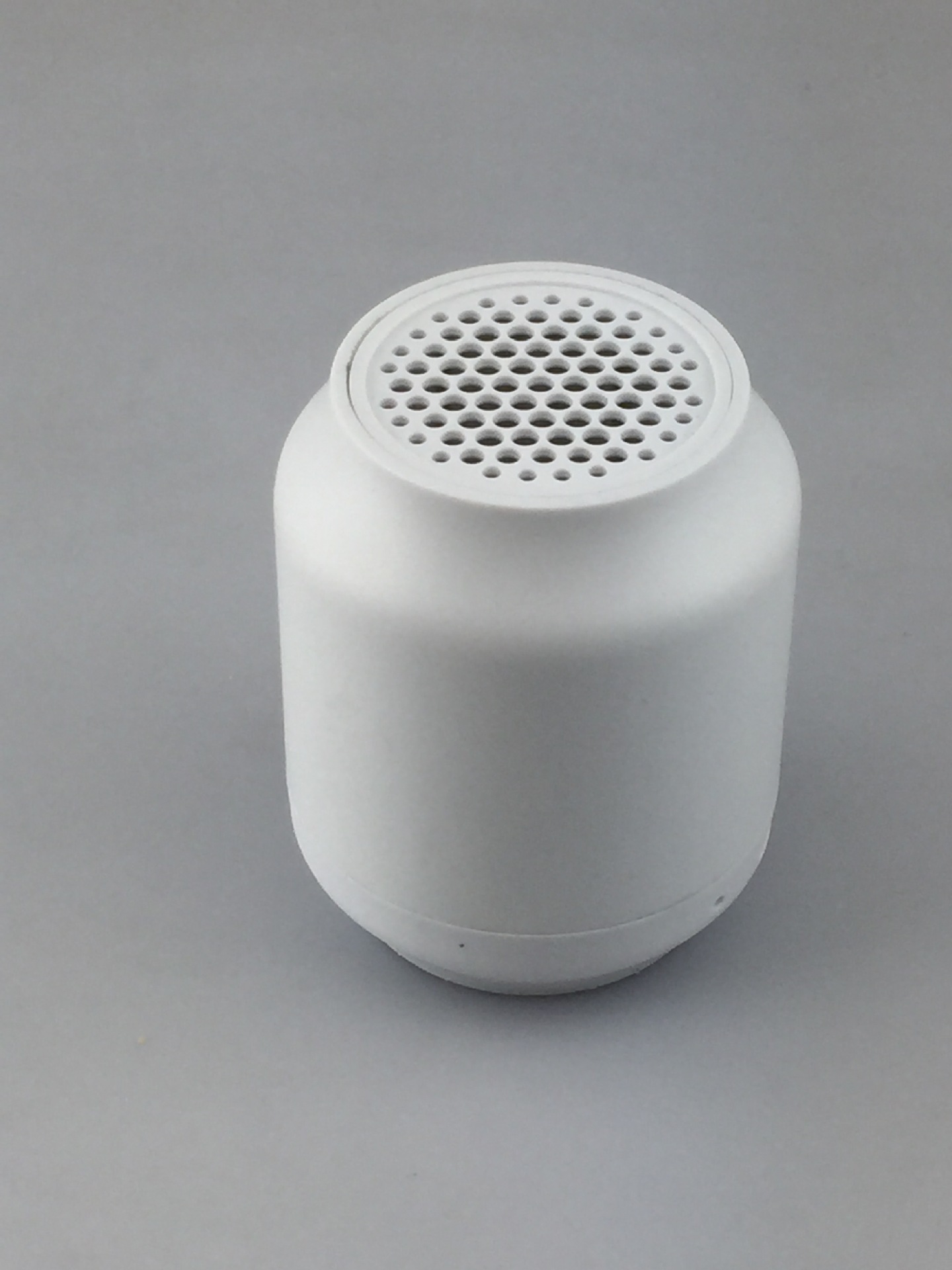


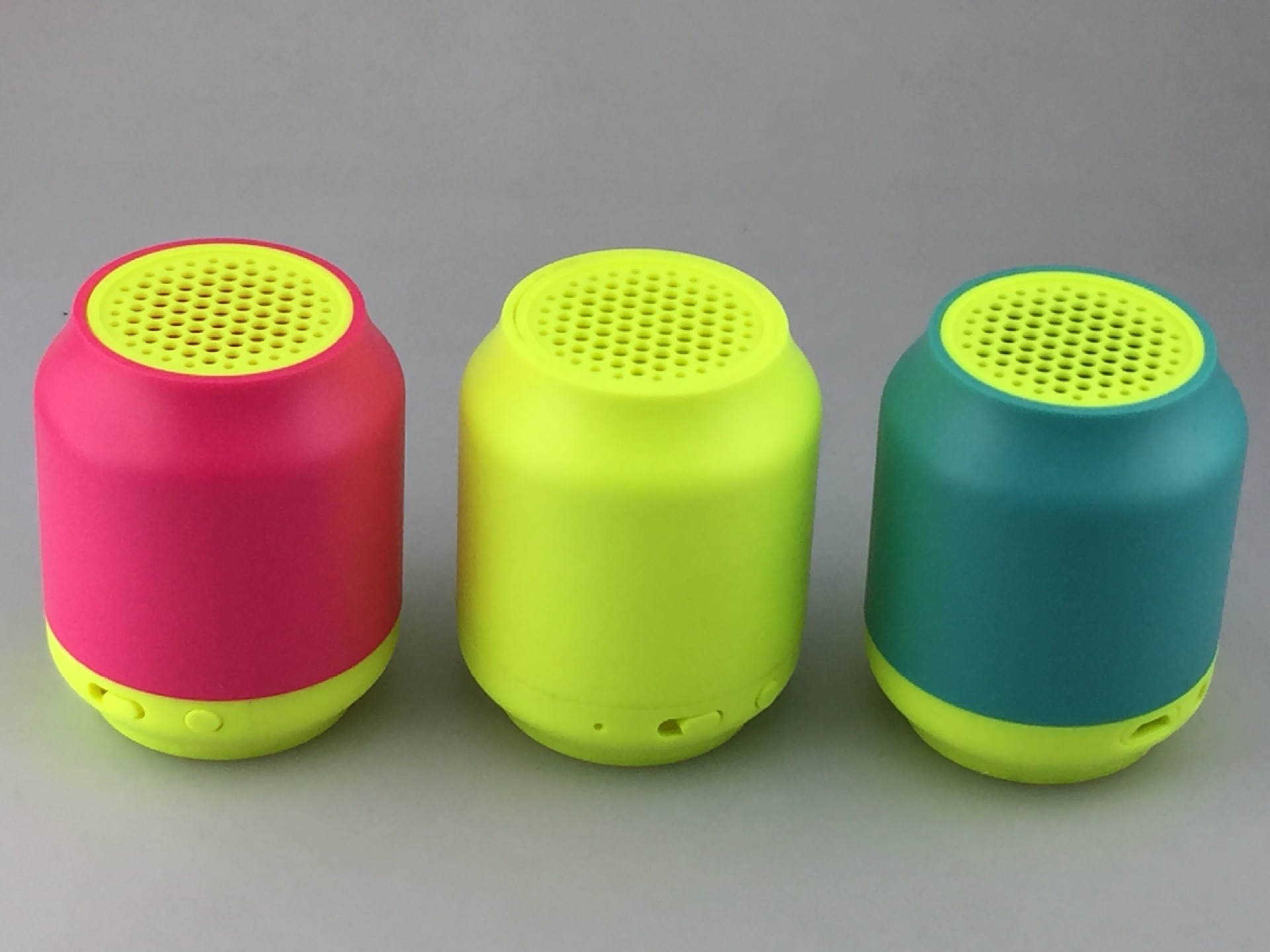
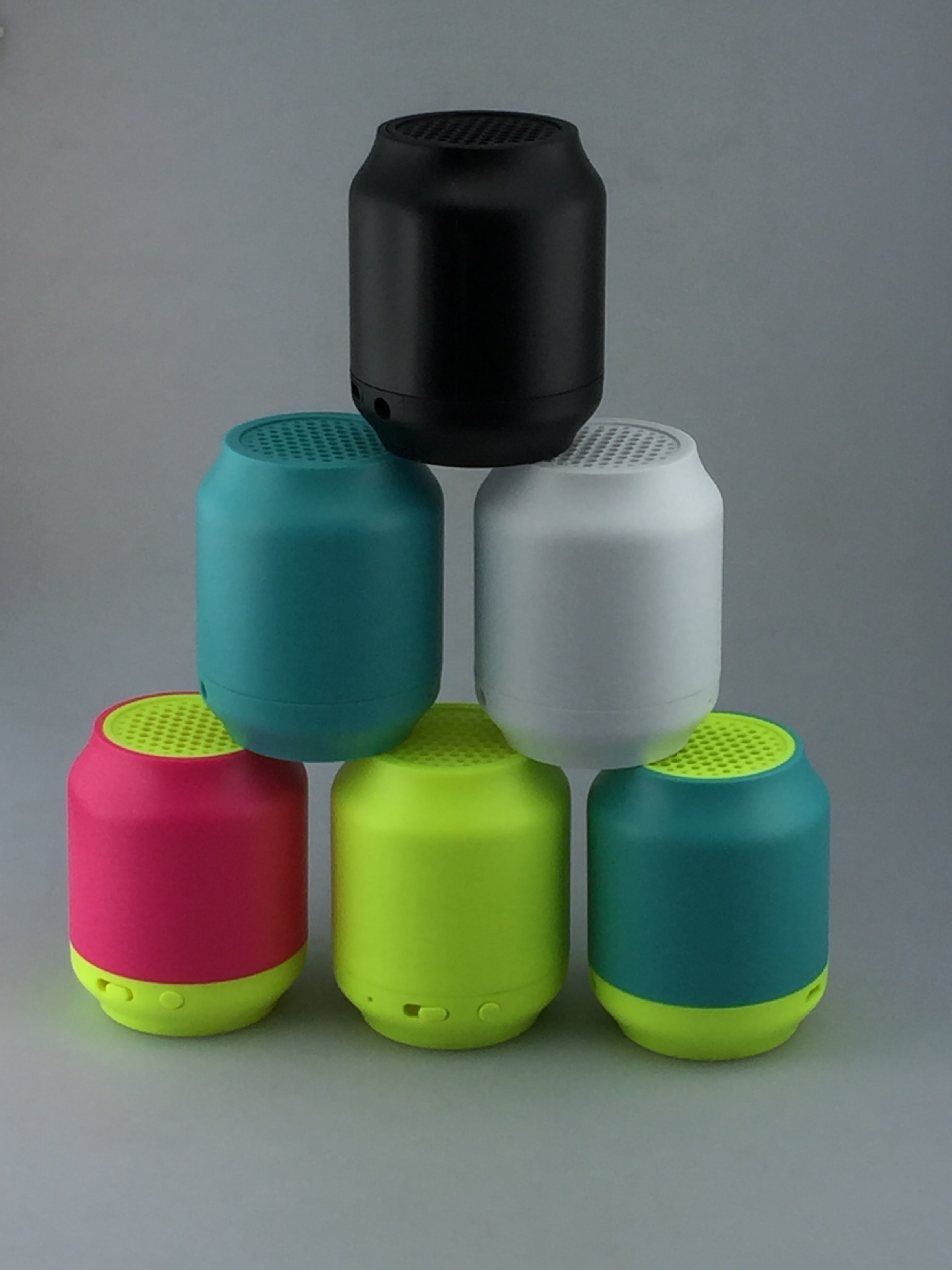
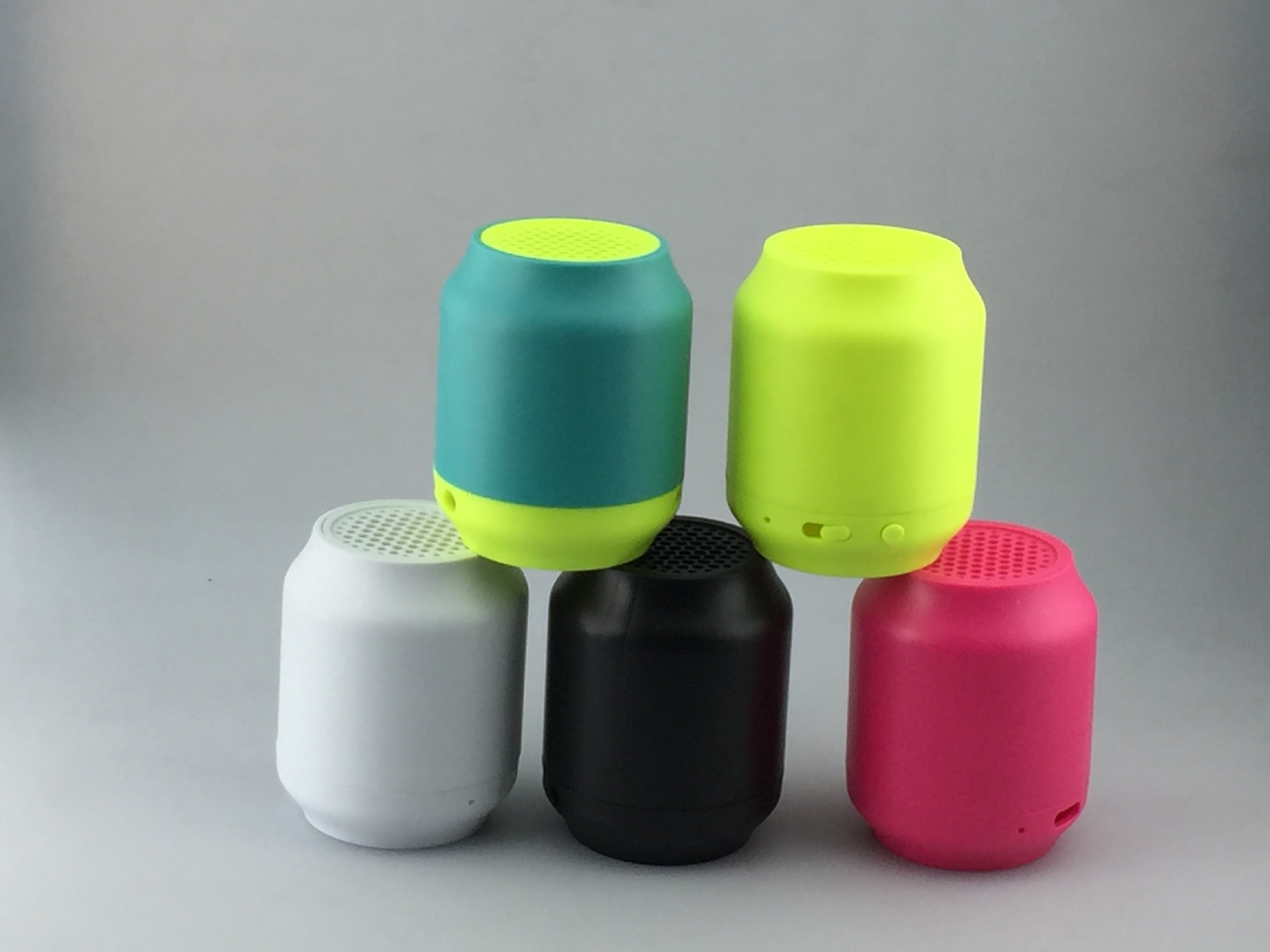
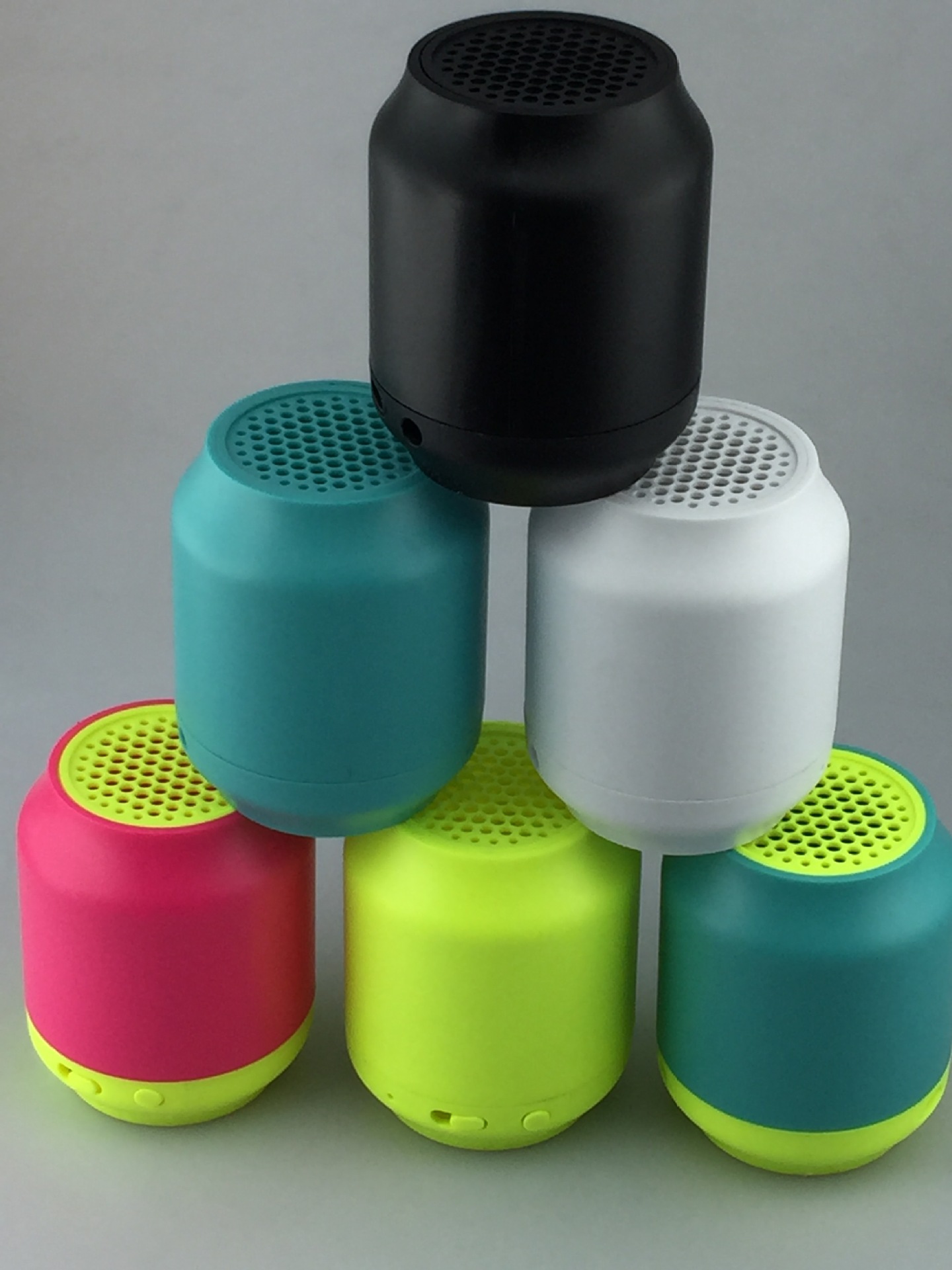

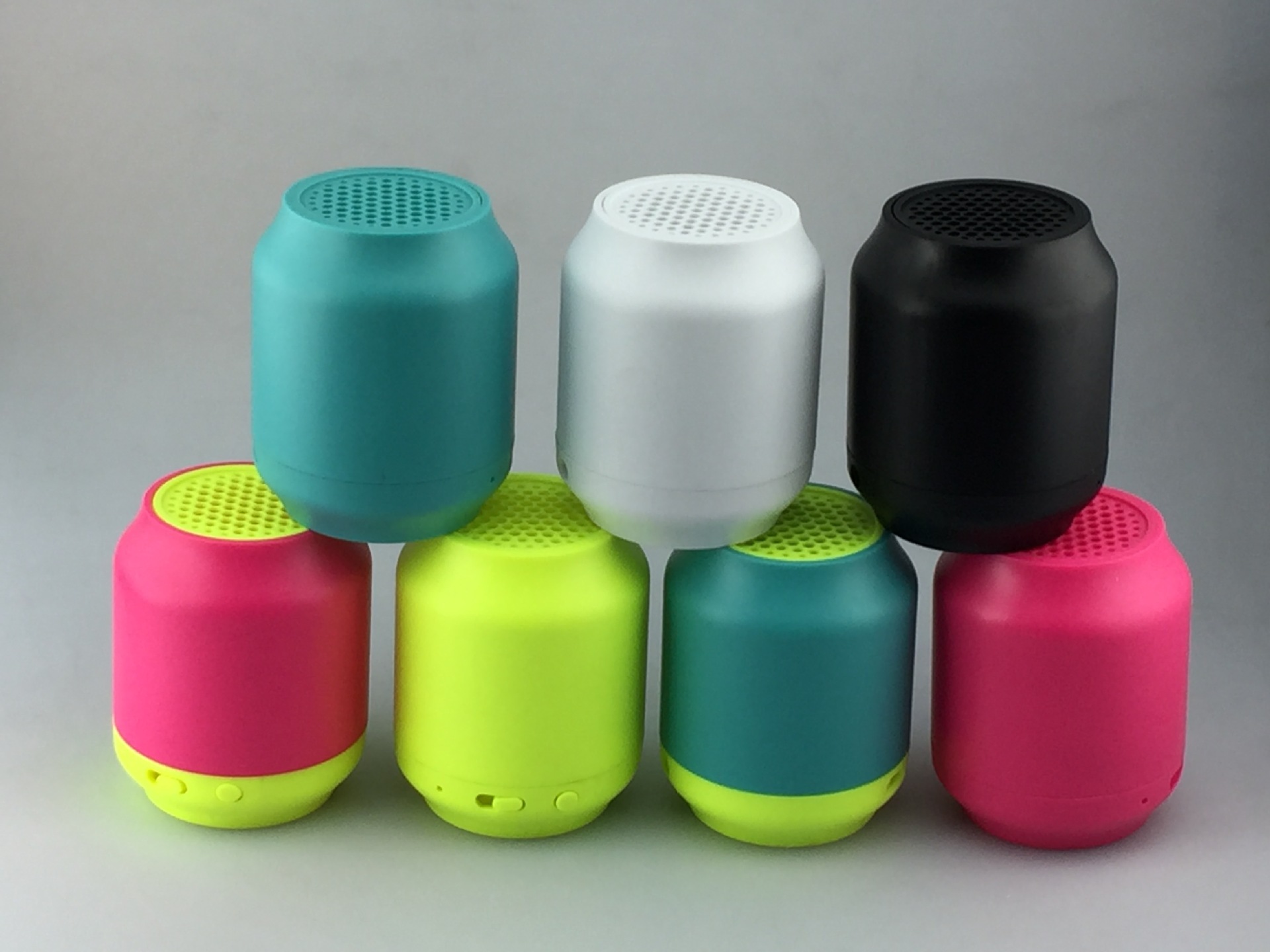
Speaker Specifications:
1.Support A2DP,AVRCP, Handsfree profile.
2.2.Bluetooth Version:V3.0+EDR Class
3.Working Range:Up to 10metes
4.Dimension:65mm*65mm*75mmcharging port
4.Net Weight:100g
6.Speaker:40mm
7.Loudspeaker Output:1*3W
8.Frequency Response:280HZ-16KHz
9.Signal-to-Noise:≥95dB
10.Distortion:≤0.5%
11.Battery Voltage/Capacity:500MAH.
12.Battery Charging Voltage:5V±0.5V
13.Battery Charge Time: 2hours
14.play time values for speakers :10hours
15.Standby time:200 hours
Product Operating Chart
1.Charge/MIC&I
2.Mode switch
3.Schema transformation key
4.charging port
5.AUX in
Manual
One,Use a mobile phone connection methods1. Open the sound power switch to bluetooth mode2. Open the bluetooth Settings, enter the search, when the search after the success of the match, at the same time shown on the mobile phone is connected, then can open the player to play music on the phone3. Key functions: "3" only can connect bluetooth hands-free or hang up the phone, when there is telephone call invasive, at this time to press the button "3" can directly use the stereo talking to each other.There is no call, press the button "3" play/pause, when the camera phones in mode, according to two consecutive can be carried out under the picture
Two,charge using method
Audio extemal charging method is connected to the computer in the attachment USB wire Or 5V/IA power,can realize to prevent the battery power consumption.Please refer to your mobile phone for your tablet operation.
Connection method.
The use of pen and meter conputer operation method:due to the notebook conputer version of the Bluetooth version of a wide variety of connection methods are also different,Such as the first use of the connection can not play,should be installed on the notebook computer version of the new Bluetooth driver.Such as when the case of the connection when the pairing
Difficult,please call the company’s service phone or to have computer operations professionals to seek help.
Three,common problem solving method
1.multioe connections unsuccessful
(1)check whether the audio is in a Bluetooth search state.
(2)Too many perioheral Bluetooth receiving equipment,causing the search difficulty,closong other Bluetooth devices,
2.the sound is too small or distortion check phone volume set value, adjust the amount of mobile phone volume.
3.The music player appears to break the sound is beyond the sound of the audio and effective connection distance or between the audio and mobile phone.
4.The button no role please try the phone system comes with a player or other player.
参数:
1.支持A2DP,AVRCP, Handsfree profile协议
2.蓝牙版本:V3.0+EDRClass 2
3.工作范围:Up to 10 metes
4.裸机尺寸:65mm*65mm*75mm
5.重量:100g
6.喇叭:40mm
7.扬声器输出:1*3W
8.频率:280HZ-16KHz
9.信噪比:≥95dB
10.失真度:≤0.5%
11.电池容量:500MAH
12.充电电压:5V±0.5V
13.充电时间: 2小时
14.工作时间:10小时
15.待机时间:200小时
产品操作示意图
1.充电指示灯,MIC孔
2.模式开关
3.模式按键
4.充电接口
5.音频接口
使用说明:
一.使用手机的连接方法
1.打开音响电源开关到蓝牙模式
2.打开手机蓝牙设置,进入搜索,当搜索配对成功后,同时手机上显示已连接,然后可以打开手机上的播放器播放音乐
3.按键功能:按键"3”只可连接蓝牙才有电话免提或挂断,当有电话呼入时,此时可按一下按键"3”可直接用音响与对方通话。没有来电时,按一下按键"3”播放/暂停,当手机在拍照模式下,连续按两下可进行拍照
二.充电使用方法
音响外部充电方法用附件内USB线连接至电源或5V/1A电源,即可实现防止电池电量的消耗。使用平板电脑的操作方法,请参考手机连接方法。
使用笔记本电脑的操作方法:由于笔记本电脑的蓝牙版本繁多,连接方法也个不同,如使用连接无法播放,应在笔记本电脑上安装新版的蓝牙驱动。如连接配对时遇困难,请拨打公司的服务电话或向有电脑操作的专业人士寻求帮助。
三.常见问题解决方法
1.多次连接配对不成功
(1)检查音响是否处于搜索状态。
(2)周边蓝牙接收设备太多,造成搜索困难,关闭其它蓝牙设备。
2.声音过小或是失真检查手机音量设置值,调节手机音量适量大小。
3.音乐播放出现断音是否超出音响有效的连接距离或音响和手机之间有有障碍物。
4.按键无作用请尝试手机系统自带播放器或其它播放器。