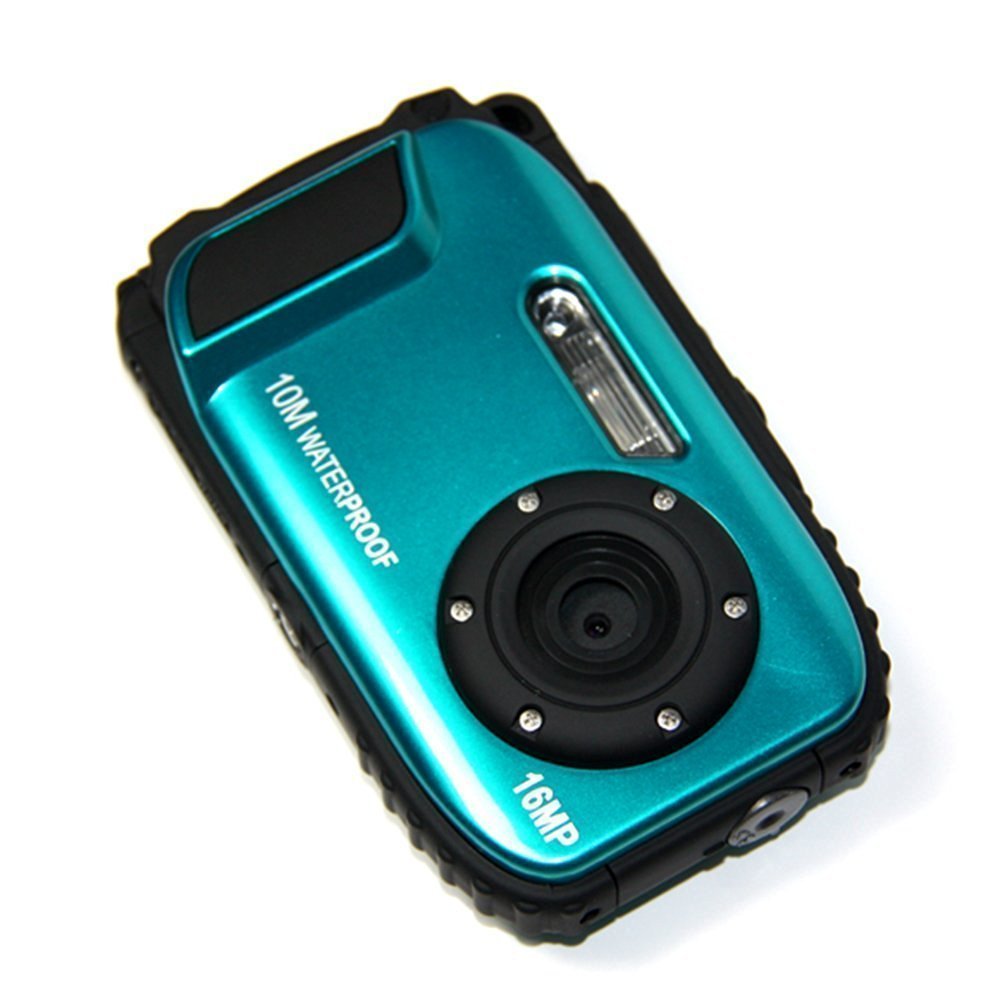
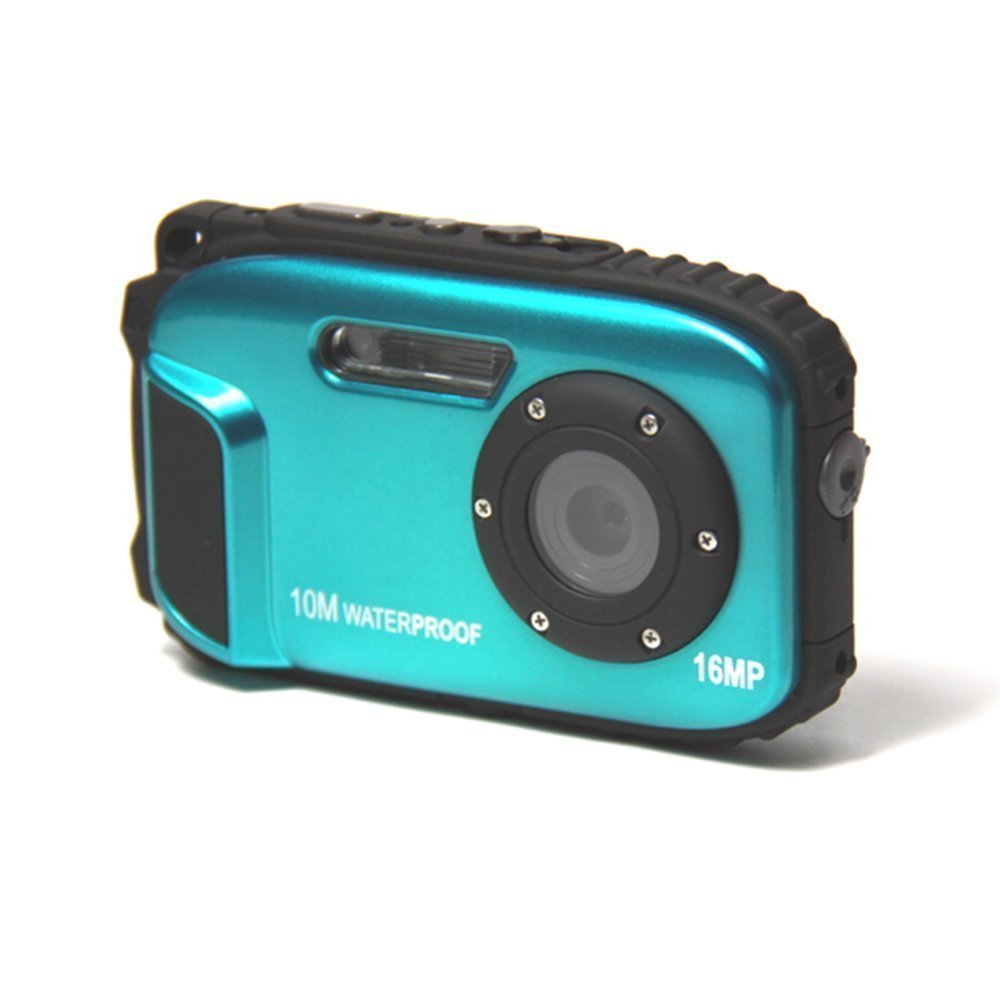
Item Descriptions:
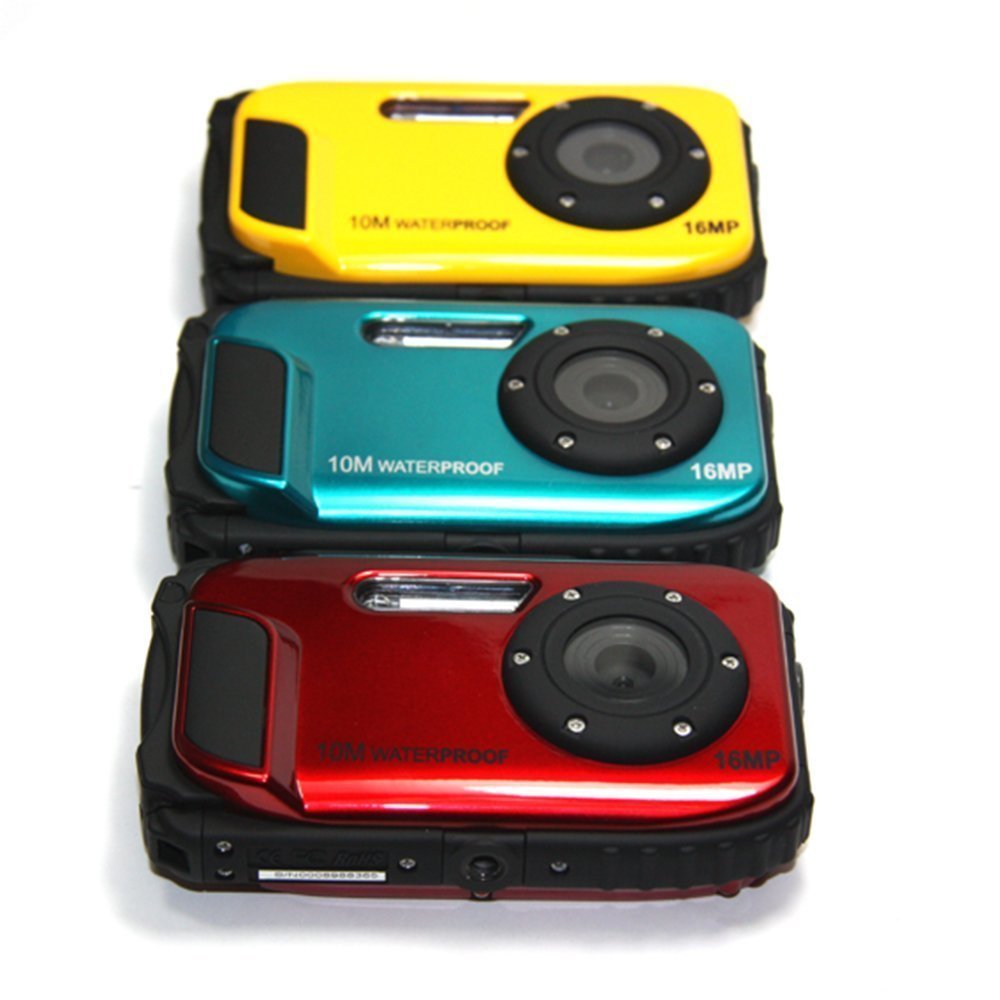
color:
Bull
Main function
Video Resolution: 1280 × 720 (HD), 640 × 480 (VGA), 320 × 240 (QVGA)
Camera resolution - 16 M / 12 M / 9 M / 5 M / 3 M / 1.3 M / VGA
2.7 inch TFT liquid crystal
8 times digital zoom
Shake Reduction Mechanism
Supports up to 32GB MicroSD card
Built-in flash / microphone / face detection
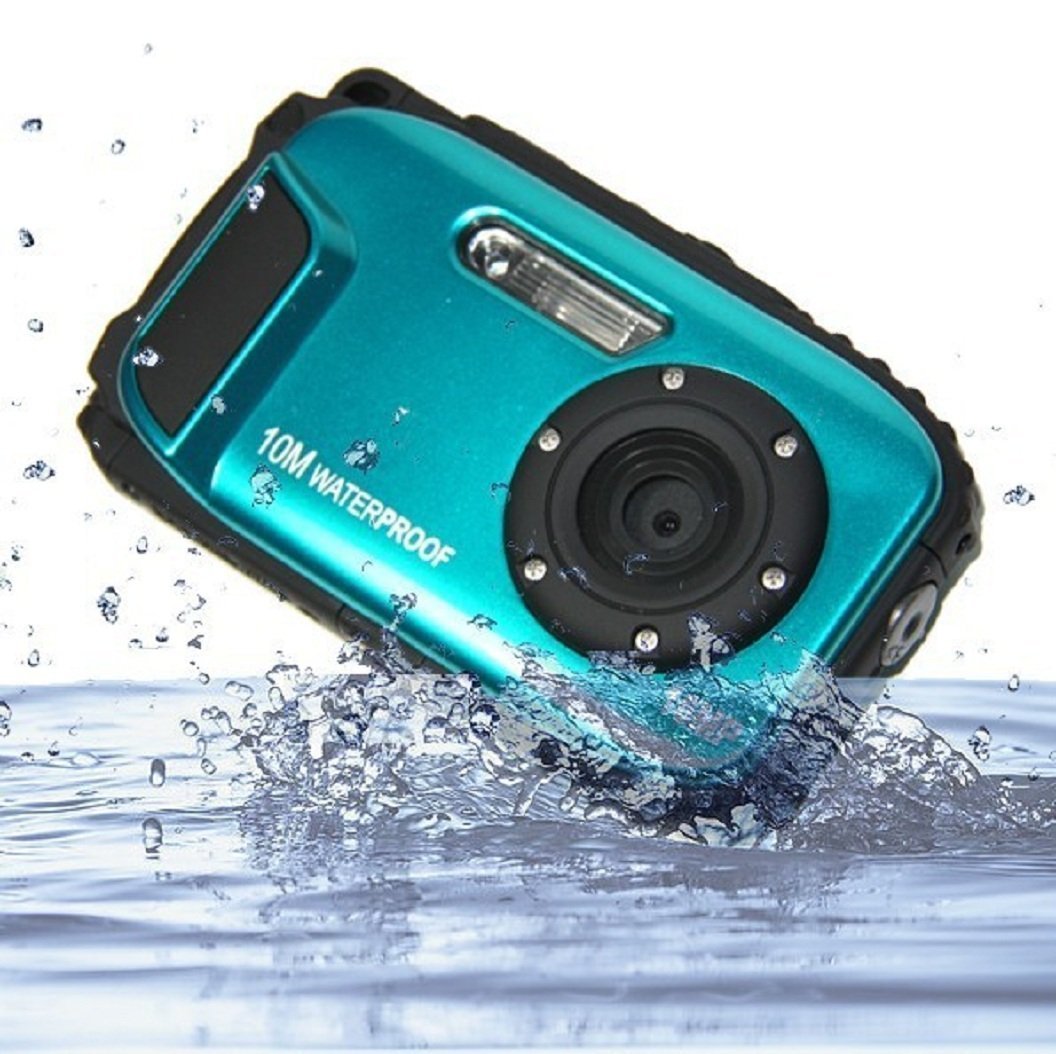
10 m waterproof / 1 m impact resistance / -10 ° C low temperature
Check the package included
CD-ROM
USB cable
Owner's Manual
Hand strap
‧ Pouch
Lithium battery
System requirements of PC (Windows 2000 / XP)
To download photos and videos to PC, the following minimum configuration is required.
Windows 2000, XP Pentium processor or higher
128 MB of memory, 125 MB or more of available disk space
Available USB interface
CD-ROM driver
Recommended screen resolution 1024 x 768 pixels or more.
16 bit color or higher display adapter.
System requirements of PC (Windows Vista / Win 7)
To download photos and videos to PC, the following minimum configuration is required.
Windows Vista / 7
• 800 MHz processor and 512 MB system memory
20 GB hard disk drive with more than 15 GB of free space
Support for Super VGA graphics
Available USB interface
CD-ROM driver
PC system requirements (Mac)
Power Macintosh G3 500 MHz or higher
Mac OS X version 10.2.6 or later
128 MB of available system memory (256 MB recommended), 150 MB free disk space
Monitor with resolution of 800 x 600 or higher displaying millions of colors
Note: Although this hardware supports Plug and Play when used on a Mac, the included software can only be used with the Windows operating system.
3 -------------------------------------------------------------------
-------------------
For safe use
· Do not disassemble the camera.
High voltage parts are present in the camera.
If you disassemble the camera, there is a danger of electric shock.
· Do not touch the exposed parts with hands if dropped and the internal camera parts are exposed.
There is a danger of electric shock.
· Do not place the camera in direct sunlight or hot places.
It may damage the internal parts and the battery, causing explosion.
· To avoid risk of accidental swallowing, please keep the memory card out of reach of children.
· If there is smoke or noise from the camera, stop using it and remove the battery immediately.
Please return the camera to the store for repair.
· Please do not place in hot and humid place.
· Before using this camera underwater, first install the battery and the memory card and lock all the covers firmly.
Please test this camera in water beforehand and check that water does not enter inside.
· If water is present in the camera, please turn off the power and keep it away from water immediately.
· If moisture is attached to the lens, there is a possibility that the lens is leaking.
Please take out the battery and the memory card and send this camera back to the dealer immediately for repair.
· When it gets hot during use, please remove the battery immediately after turning off the power.
· This camera is waterproof and dustproof.
Please do not disassemble this camera yourself.
It may cause camera malfunction.
In case of damage, the user is responsible for repair.
· If the LCD panel is damaged, please do not use underwater.
Please send this camera to the dealer immediately and ask for repair so as not to get injured.
· This camera is water resistant to 10 meters.
Please do not exceed this depth.
· If you do not use the camera, please remove the memory card and the battery.
When charging with a USB charger (optional)
· Please do not use other than specified voltage.
Using a power supply or voltage other than design may cause fire or electric shock.
The specified voltage is 100 to 240 VAC.
• Do not disassemble or remodel the AC adapter.
It may cause fire or electric shock.
· If smoke or abnormal noise occurs during charging, unplug the power plug immediately and return the USB charger and camera to the dealer for repair.
· If a thunderstorm occurs while using the charger, please disconnect the power plug by disconnecting it.
Continued use of the camera may cause damage to the unit or cause fire or electric shock.
· Do not give the charger a strong impact or drop it on a hard surface.
It will be the cause of the failure.
· If the charger generates heat during charging, immediately unplug the power plug.
· Do not bend excessively so as not to damage the output terminal of the AC adapter.
· Do not connect the charger with wet hands.
It may cause electric shock.
· When unplugging the power plug, hold the charger and USB output terminal.
Pulling the electric cord directly may damage it.
· When charging the battery, please place the camera in a safe place.
In case
Failure to do so may result in inadvertent falling and damage to the camera.
Four-------------------------------------------------
-------------------
About waterproof performance
· When using the camera, please be sure to attach the strap through the wrist.
· Do not apply strong impact or pressure.
Waterproofness and dustproof performance may be impaired.
· Close the battery and microphone cover completely before using the camera underwater.
· When using the camera underwater, do not open the battery and microphone cover.
Leakage will occur.
· If you need to replace the battery or memory card during use, first wipe off the dirt and sand of the camera and wash it off with clean water or submerge it in a bowl containing clean water for 2 to 3 minutes.
Please wipe off all the moisture with a clean cloth.
If the camera is clean and dry, you can open the battery door.
This is to prevent substances and water from entering the inside of the camera when replacing the battery or memory card.
*** Do not open the battery or microphone cover with beach or sea.
Also, please do not replace the battery or memory card.
Camera may get wet or become dirty.
· After using the camera underwater, make sure that the power is off and check that the battery and the USB cover are tightly closed.
Wipe off dirt and sand, rinse with clean water, or sink it in a bowl containing clean water for 2-3 minutes.
Next, wipe the camera with a clean cloth.
After cleaning the camera, remove the battery and the memory card.
After washing, please put the camera in the bowl containing clean water thoroughly for 30 minutes.
Finally, wipe the camera with a clean cloth and dry it, please keep it in a safe place.
· Cleaning the camera with soapy water, neutral detergent, alcohol may affect waterproof performance and dustproof performance
Name of each part
Five-------------------------------------------------
-------------------
Screen display
6 -------------------------------------------------
-------------------
Preparing to use the camera
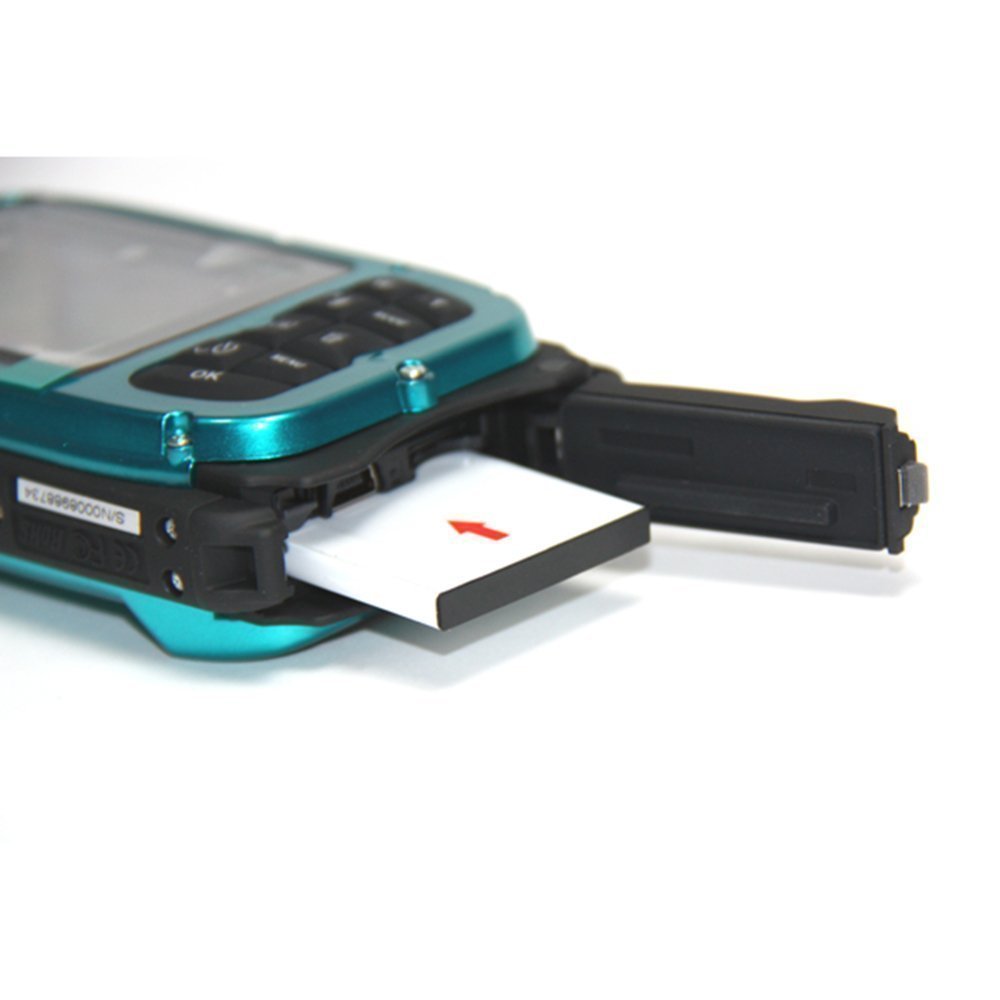
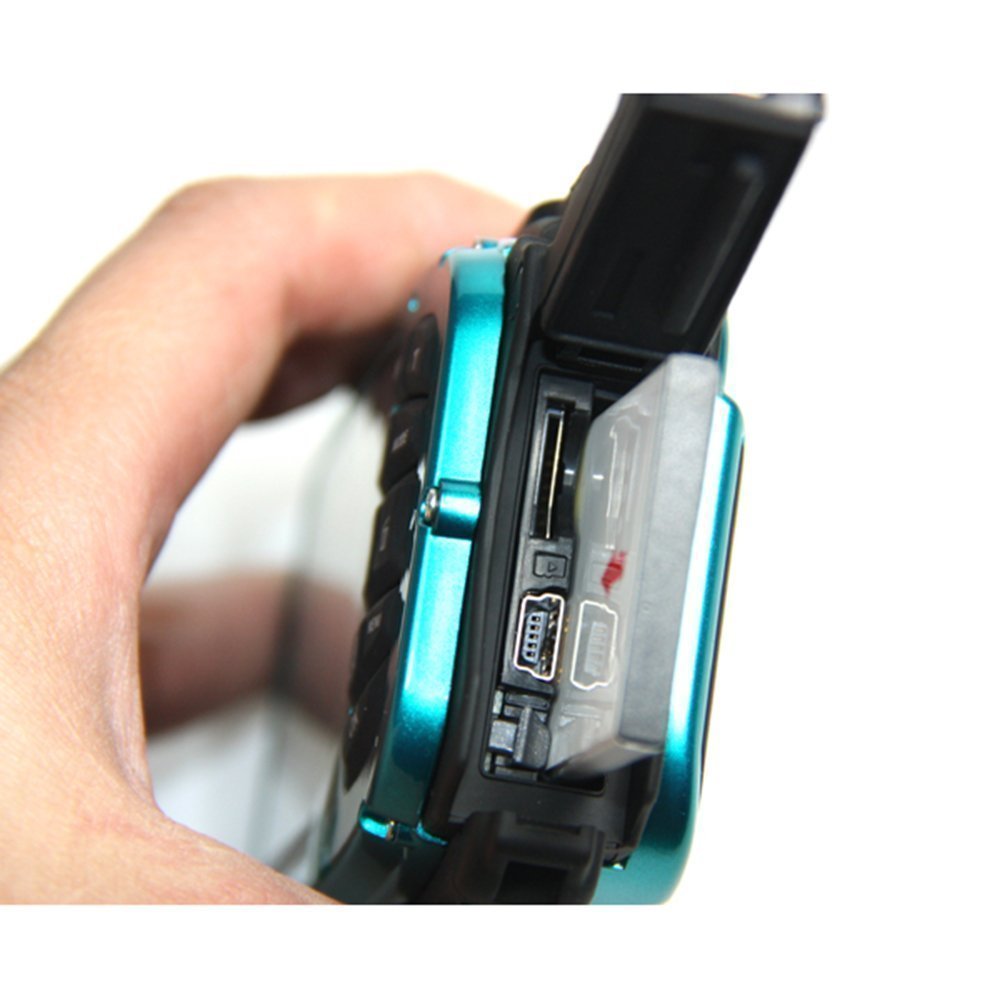
When installing the battery and the memory card, refer to the following figure.
To open the battery cover, press the lock knob
Orientation of micro SD card
Battery Orientation
Battery cover:
Push the battery cover down.
If you hear "click", it means that the cover is tightly closed.
If you do not close it tightly, internal electronic components will leak and break.
Be sure to close the battery tightly before using it.
battery:
1. If the battery runs low and the camera immediately turns off, "Low battery" appears on the LCD screen.
2. When not using the camera for a long time, remove the battery to prevent battery leakage and corrosion.
Micro SD memory card:
This camera supports up to 32 GB of Micro SD memory card, and the built-in memory can shoot only one test picture.
Please insert a compatible memory card before using.
Insert the memory card and insert it until you hear "click".
When an icon is displayed on the LCD screen, it means that the SD card is correctly installed.
1. When formatting, all data on the SD memory card including protected data will be deleted.
2. Do not remove the memory card during formatting.
The card may be damaged and unusable.
Charge the battery
1. Attach the battery to the camera.
2. Connect the camera to the PC / USB charger (option) with a USB cable and charge it.
When the battery is charged, the LED will light up.
7 -------------------------------------------------------------------
-------------------
<1> Through a personal computer:
<2> via USB charger (option):
※ Specification of charger: Input: 100 ~ 240VAC / output: 5VDC.
To avoid camera malfunction or mistake, please do not charge the battery using a nonstandard charger.
Start up the digital camera
Camera mode
Video mode
Playback mode
Camera mode
take a picture
The number of the picture taken is displayed in the upper right corner of the LCD screen.
When the memory becomes full, the message "Memory Full" appears on the LCD screen
Digital zoom function
To enlarge the subject Press the T button.
Press the W button to zoom out.
Icons are displayed on the LCD screen.
Macro / Landscape Shooting
When you slide the macro / landscape shooting switch, an icon will appear on the right side of the camera.
flash
When you press the up button, it switches between auto flash / forced flash (manual flash) / red-eye reduction / flash.
self timer
1. Press the down button repeatedly, or select the seconds self timer or 3 consecutive shots.
2. Press the shutter button to start 2/5/10 seconds or 3 pictures, and when you count down, the picture is taken automatically.
Delete
1. Press the right button to delete the photo.
2. After selection, press OK button to confirm OK or Cancel.
8 -------------------------------------------------------------------
-------------------
menu
Select the setting by pressing the menu button, select the resolution, scene, image stabilizer, image quality, sharpness, exposure, white balance, ISO, and face detection by pressing the up / down buttons.
Resolution:
1. Select "Resolution" and confirm with OK button.
2. Press the up / down button to select 16 M, 12 M, 9 M, 5 M, 3 M, 1.3 M, VGA
3. Confirm your selection by pressing the OK button and press the right button to end.
Or press the MENU button to return.
scene:
1. Select "Scene" and confirm with OK button.
2. Press the Up / Down button to select Auto
Features:
- Please enter model number Confirm this is compatible:
- Dustproof, waterproof up to 10 m, and cold to -10 ° C.
- It comes with a 2.7 "TFT LCD screen with a waterproof button, which is perfect for seeing details of what you are taking.The 5 MP CMOS sensor clears 8 times the digital zoom picture guaranteed.
- Scene: auto, night view, night view, portrait, landscape, sports, party, beach, sensitive, underwater.
- 5 Megapixel provides high quality images up to 16 M by interpolation.
- On a 6.9 cm (2.7 inch) LCD screen, record a video with sound.
Product information:
Shipping Weight: 390 g
Package Dimensions: 6.40 x 17.20 x 20.29 cm
SHIPPING METHOD
Delivered directly from Japan by Japan Post. It will take 3 to 5 business days to prepare the order for shipping. We guarantee careful packing and safe shipping.Please note that in some cases additional import or VAT charges may incur and have to be borne by the client.
1. Japanpost registered mail
Shipment by Japanpost Registered Mail (Standard). Trackable any time with tracking number. Insurance is not available. Delivery time usually is between 1-3 weeks from the date of dispatch. Some items are not eligible for Standard Shipping.
2. Qxpress Standard
Shipment by Qxpress standard service. Trackable at any time with tracking number. Registered and insured up to a value of item price and shipping fees.Delivery time is usually between 5-10 business days from the date of dispatch.
3. EMS
Shipment by Expedited Mail Service. Trackable at any time with tracking number. Registered and insured up to a value of $200 and usually delivered in 2-6 business day from the date of dispatch.

| Japanpost registered mail | Qexpress | EMS | |
|---|---|---|---|
| Shipping Method | Japanpost Registered Mail (Standard) | Standard Qexpress | EMS (Expedited Mail Service) |
| Trackable | Yes | Yes | Yes |
| Insured | N/A | Yes (Up to item price and shipping fees) | Yes (Up to $200.00) |
| Asia | 1-3 weeks | 5-10 days | 2-5 days |
| Oceania; North America; Central America and the Middle East | 2-4 weeks | 6-14 days | 2-6 days |
| Europe | 2-4 weeks | 6-16 days | 3-8 days |
| South America and Africa | 2-4 weeks | 10-18 days | 4-8 days |
NOTICE:
- For overseas delivery, please be aware that damage to the outer box can be seen.
- If you would like to avoid as much damage as possible, please choose the EMS shipping method.
"According to Qoo10 guide line,overseas shipping fees will be charged to you extra if you choose Qxpress standard shipping.We recommend you to compare the total price of your purchase with EMS."
