Item Descriptions:
Wavlink USB 3.0 UG39DK1 Docking Station Features:
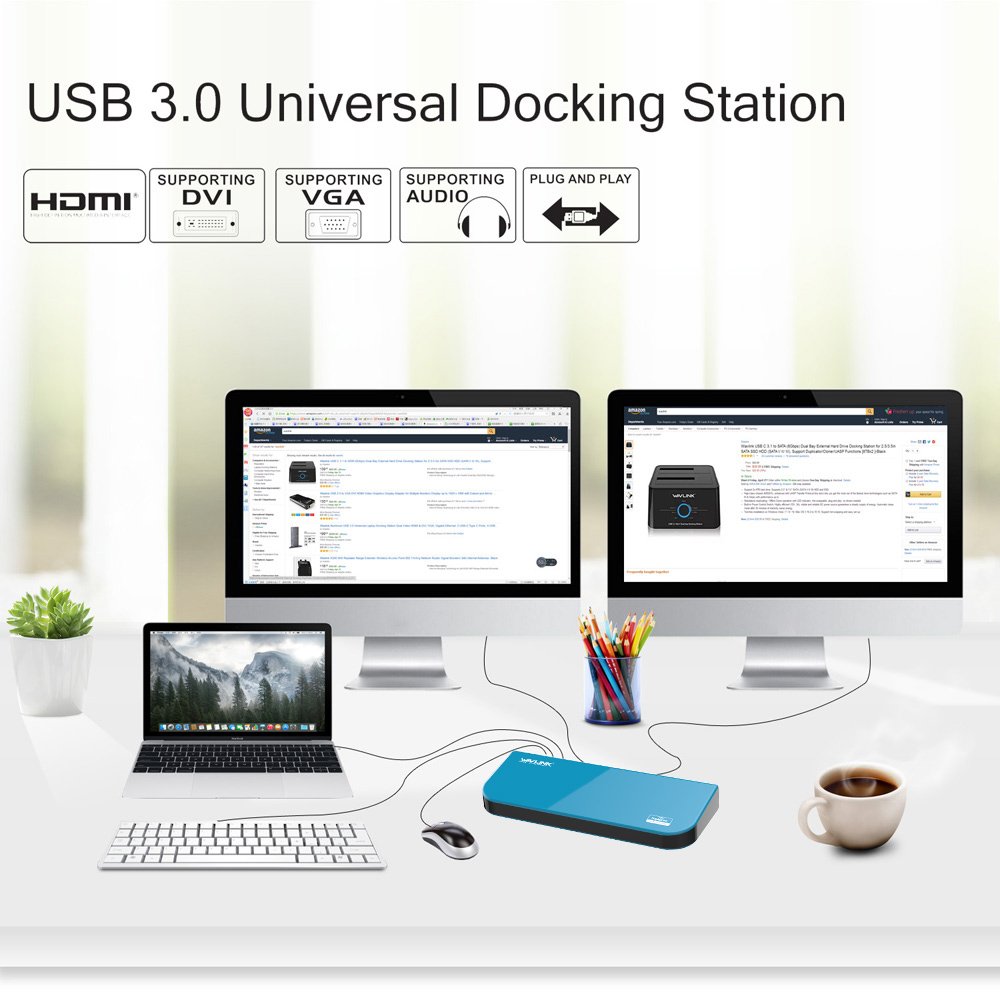
With this product, you can connect various devices to a Windows tablet, laptop, etc. with just one USB cable.
We also support Windows 10 by updating the driver and firmware.
Even PCs with USB 2.0 ports are compatible, so you can connect without problems.
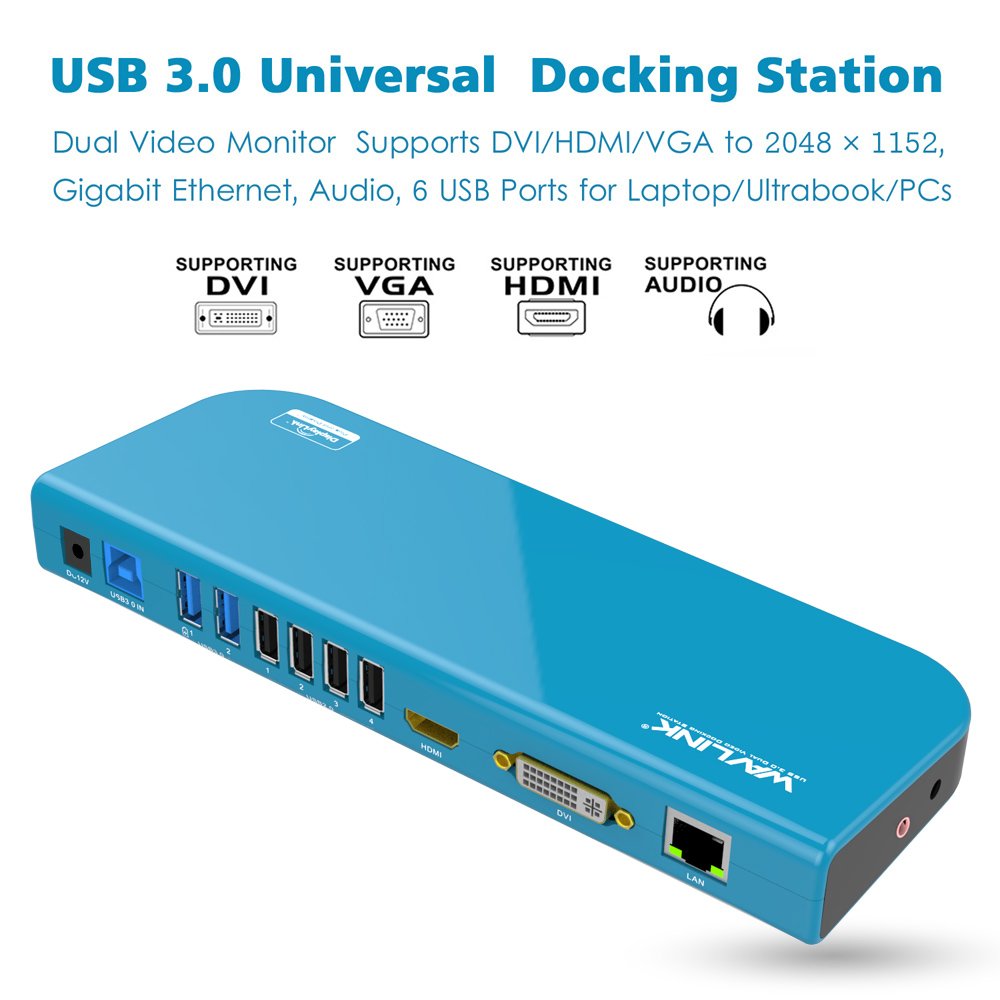
If you connect an external monitor via two graphic ports, HDMI and DVI, you can set it up as a duplicate or extended desktop just like a monitor connected directly to the system.
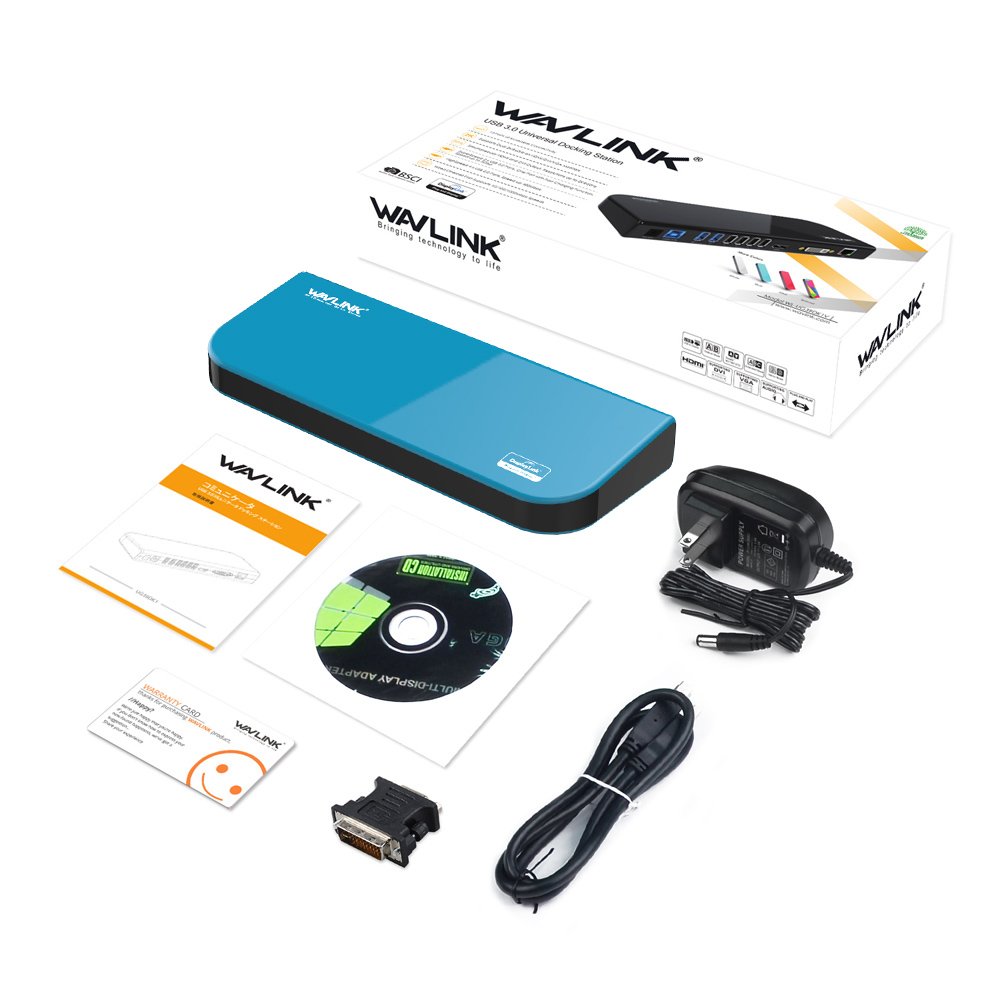
Since a DVI to VGA conversion adapter is also included, you can also connect a VGA monitor.
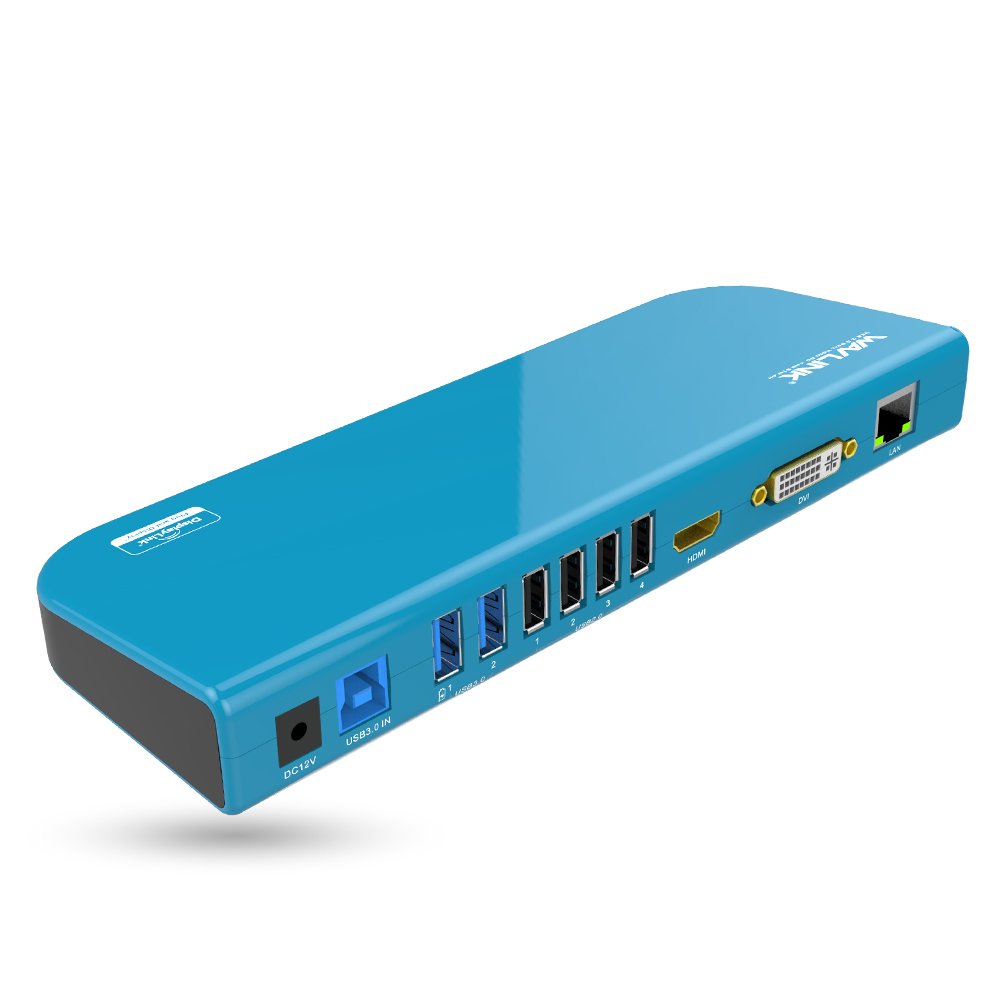
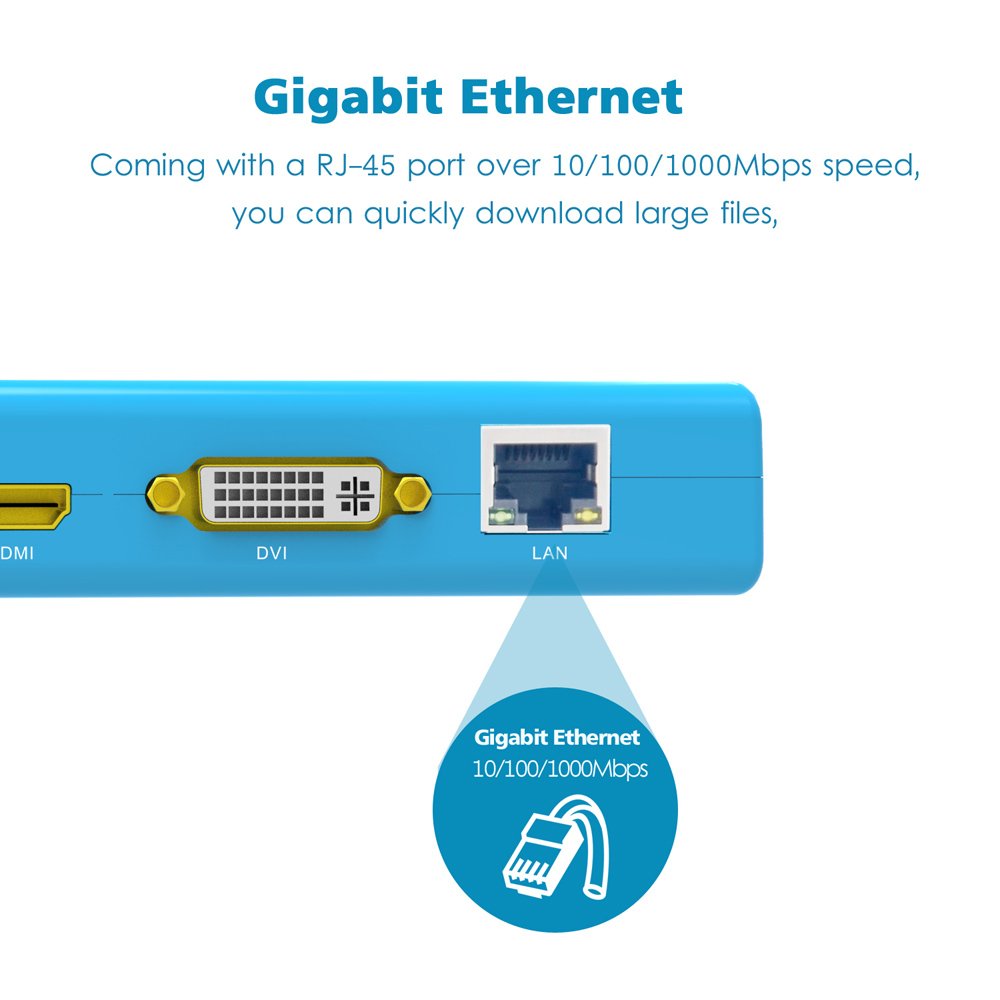
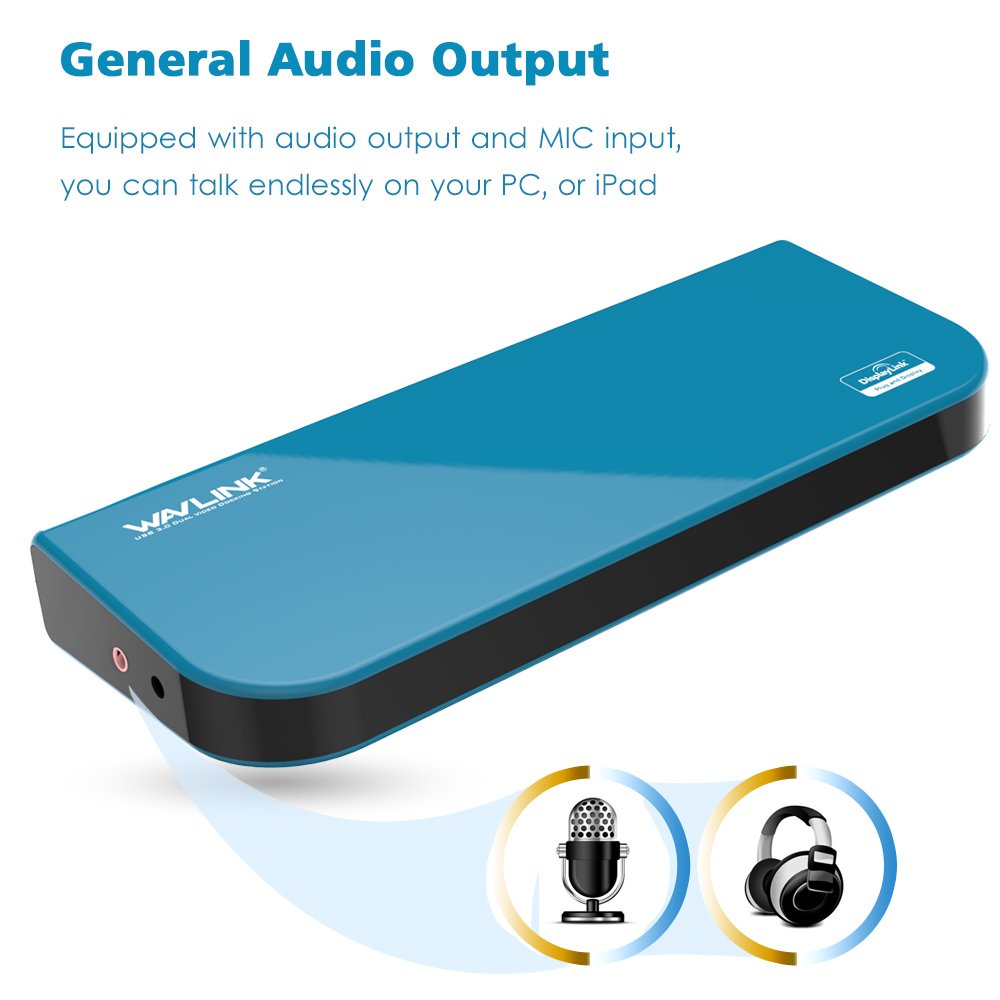
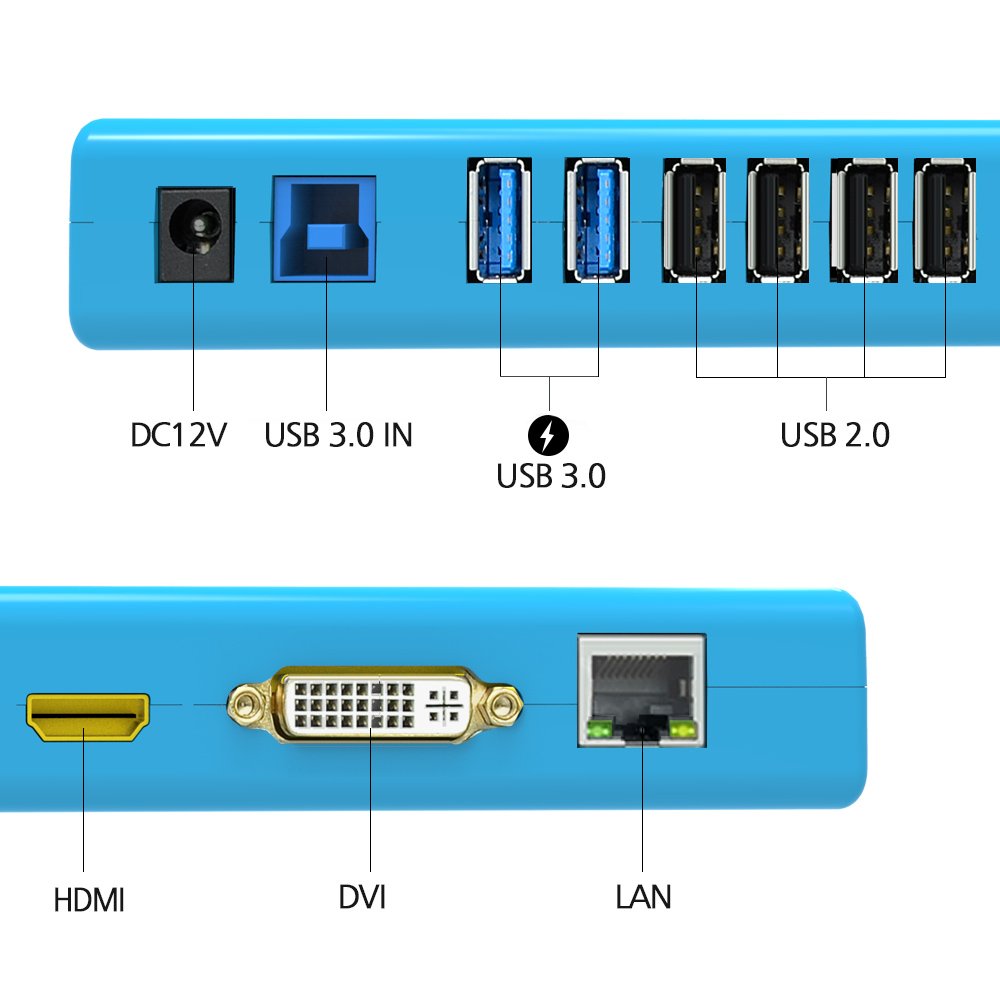
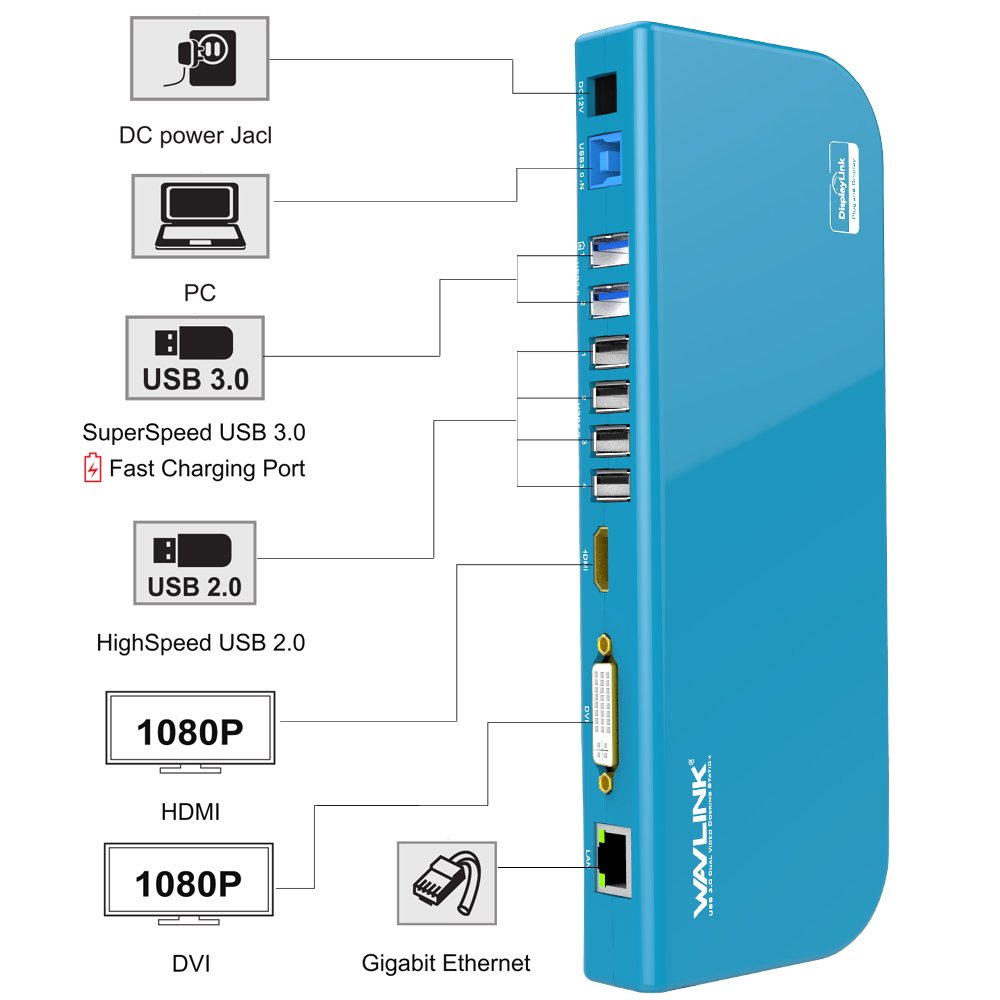
It also has a Gigabit Ethernet port, a voice input / output port, and two quick 3.0 charging ports, two USB 3.0 and two USB 2.0 ports.
Note: The USB port of this docking station is for normal data transfer.
There is no function to supply power to the host system (Windows computer or tablet).
It is necessary to connect the power supply to the host system.
Wavlink USB 3.0 UG39DK1 docking station specification:
One HDMI port and one HDMI port (HDMI and DVI output maximum resolution supports display resolution of 2048x1152), RJ-45 Gigabit Ethernet port (also supports 10/100/1000 Ethernet), external headphones
, Speaker audio output port, microphone input port, two USB 3.0 ports (corresponding to external hard disk and USB graphic adapter etc), 4 USB 2.0 ports (corresponding to mouse, keyboard, printer etc.)
Note 1) When setting the HDMI monitor resolution to 2560 × 1440, only one monitor can be connected.
The maximum resolution for each of the two monitors is limited to 1920 x 1200.
When setting to 2560 x 1440 resolution, you need to use high speed HDMI cable and the refresh rate is up to 50 Hz.
It supports up to 60 Hz at lower resolutions.
When setting to 2560 x 1440 resolution, the monitor side must also support this resolution.
Please note that many 2560 x 1600 compatible monitors do not support 2560 x 1440 resolution.
Installation method:
Landscape
1) Place the docking station flat on the table using adhesive plastic padding on the back of the docking station.
After drying it can be reused by wiping the adhesive pad with water.
2) Before installing the docking station on the stand, it is necessary to push down the plastic pad down firmly to remove it.
3) When plastic padding begins to move, push the plate to the left.
Packing content:
Features:
- Please enter model number Confirm this is compatible:
- 1080P HDMI and DIV graphic ports support up to 2048x1152 / 1920x1200 resolutions.
- Since a DVI to VGA conversion adapter is also included, you can also connect a VGA monitor.
- Two displays via USB 3.0, 10/100/1000 Ethernet, audio out, two more USB 3.0 ports (USB 2.0 compatible) NOTE: If you use this docking station with a Windows tablet that only has microUSB,
- Please note that it is necessary to purchase an OTG cable that converts full size USB to microUSB separately.
- Four USB 2.0 ports support USB 2.0 devices, for example: scanner, digital camera, keyboard, mouse, printer etc
- Through two USB 3.0 ports, the maximum transfer speed is 5 Gbps.
- Quick charge G port can be charged to smartphone as iPhone.
- It is USB type-C docking station with 2.4A charging function.
- It is possible to charge the host system at the same time while connecting up to three monitors and other peripherals at the same time.
- USB 3.0 GPU certified with DisplayLink has been applied.
- Compact and slim square body, motion state is more display than LED, easy to set up, is a product that is gentle operability.
Product information:
Shipping Weight: 698 g
Package Dimensions: 5.99 x 15.39 x 34.80 cm
SHIPPING METHOD
Delivered directly from Japan by Japan Post. It will take 3 to 5 business days to prepare the order for shipping. We guarantee careful packing and safe shipping.Please note that in some cases additional import or VAT charges may incur and have to be borne by the client.
1. Japanpost registered mail
Shipment by Japanpost Registered Mail (Standard). Trackable any time with tracking number. Insurance is not available. Delivery time usually is between 1-3 weeks from the date of dispatch. Some items are not eligible for Standard Shipping.
2. Qxpress Standard
Shipment by Qxpress standard service. Trackable at any time with tracking number. Registered and insured up to a value of item price and shipping fees.Delivery time is usually between 5-10 business days from the date of dispatch.
3. EMS
Shipment by Expedited Mail Service. Trackable at any time with tracking number. Registered and insured up to a value of $200 and usually delivered in 2-6 business day from the date of dispatch.

| Japanpost registered mail | Qexpress | EMS | |
|---|---|---|---|
| Shipping Method | Japanpost Registered Mail (Standard) | Standard Qexpress | EMS (Expedited Mail Service) |
| Trackable | Yes | Yes | Yes |
| Insured | N/A | Yes (Up to item price and shipping fees) | Yes (Up to $200.00) |
| Asia | 1-3 weeks | 5-10 days | 2-5 days |
| Oceania; North America; Central America and the Middle East | 2-4 weeks | 6-14 days | 2-6 days |
| Europe | 2-4 weeks | 6-16 days | 3-8 days |
| South America and Africa | 2-4 weeks | 10-18 days | 4-8 days |
NOTICE:
- For overseas delivery, please be aware that damage to the outer box can be seen.
- If you would like to avoid as much damage as possible, please choose the EMS shipping method.
"According to Qoo10 guide line,overseas shipping fees will be charged to you extra if you choose Qxpress standard shipping.We recommend you to compare the total price of your purchase with EMS."
