Studio : CHEAXICS INC Publisher : CHEAXICS INC Binding : Electronics Product Description
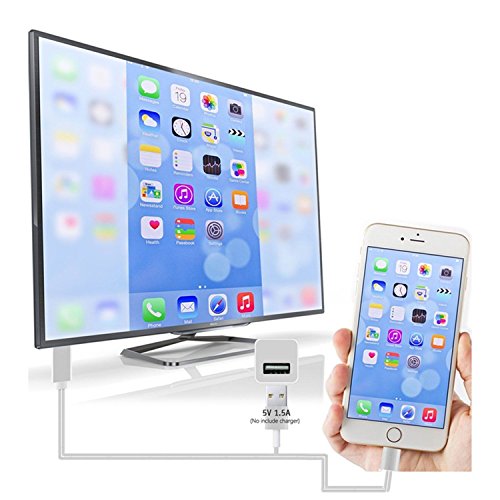
How to Use Lightning to HDMI Cable Adapter:? ◆ Step 1: Connect it:? ▶Connect this product to your phone and TV,USB 2.0 interface connect to 5V/1A charger.(Please use the original charger) ▶ Insert the lightning cable HDMI connector into the HDMI of TV/Monitor/Projector, and synchronize the TV signal source with the current signal of HDMI.? ◆ Step 2: Trust for Different Devices? ▶For IOS Devices? Connect the moblie phone and the lightning cable with the USB cable, just click"Trust", wait 10 seconds to synchronize the phone screen with the TV.? ▶For Android Cellphone? Please open your cellphone"Developer Options", then choose "USB debugging", then click"OK", trust the devices.?
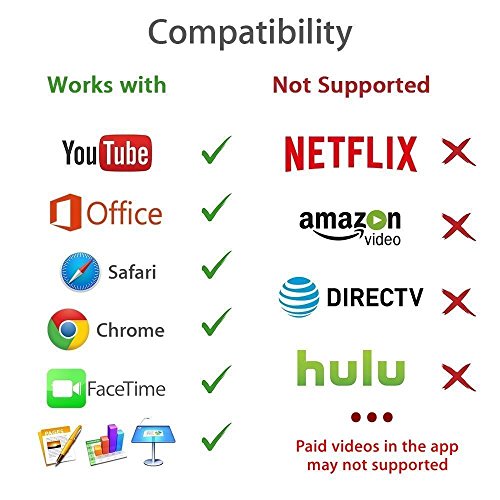
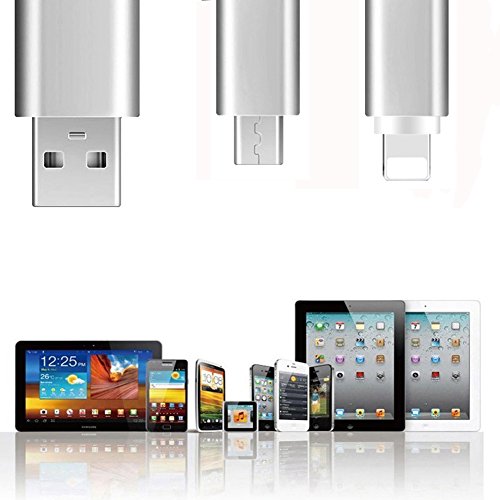
Kindly Remind:? 1.Support IOS 8.0 above and Android 4.0 above only, please check parameter on your devices before purchase. 2.Please make sure of right adapter(5V/1A),5W for iPhone,10W/12W for iPad.iPhone/iPad original adapters are the best choices.If lower voltage,it will not work ? ? ?very well.? 3.Due to copyright protection measures,you may not use multi-screen mirroring with some paid contents including Netflix, HULU, Prime videos, directv and other ? ? ?paid videos,please refer to the terms and conditions of those apps.? 4.This Lightning to HDMI Cable Adapter isn't designed for charging purposes and not compatible with display screen in the car. 5.Only can connect the device which has HDMI interface, do not connect computer or laptop. 6.Any incoming calls or messages will pause the media. After taking the calls or acknowledging the messages, the media will resume playing.
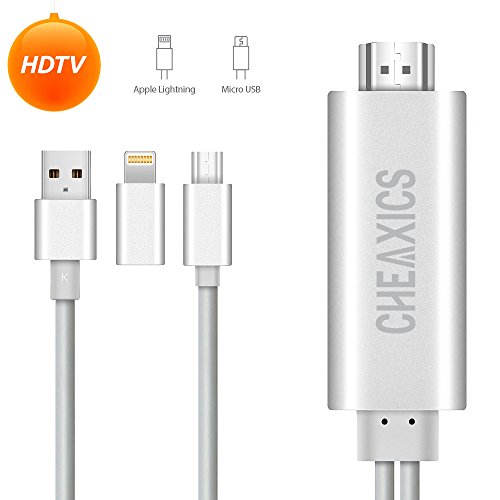
Package Include:? 1 x Lightning to HDMI Cable Adapter? 1 x User Manual 1 x After-sale contact cards 1 year warranty
0
|