
USB C SD Card Reader, USB C Trail Game Camera Card Viewer Reader for Apple MacBook Pro, Samsung Galaxy S8, Type-C Android Phone and Tablet (With Type-C and OTG Function) No App Required
Product Description
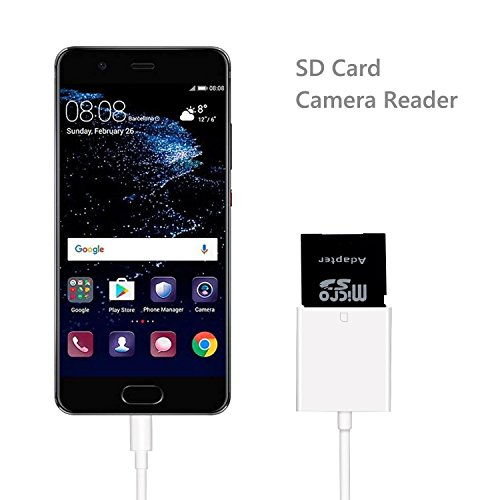
Type-C to SD Card Camera Reader for Android Phone & Tablet Type-C and OTG Function)
How to Use?
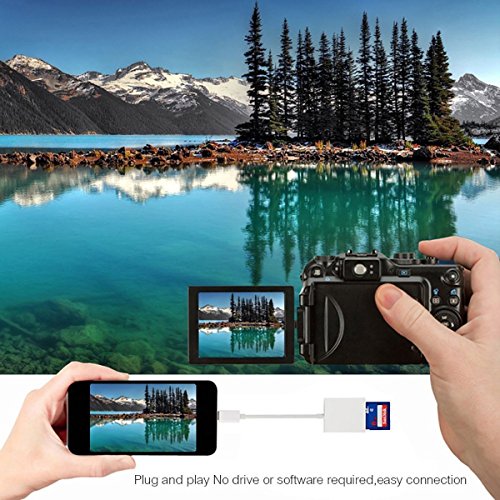
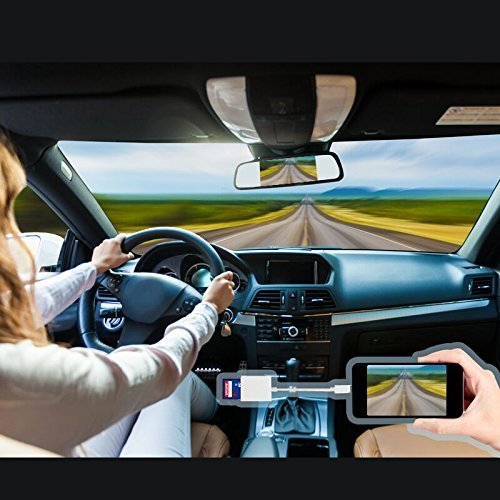
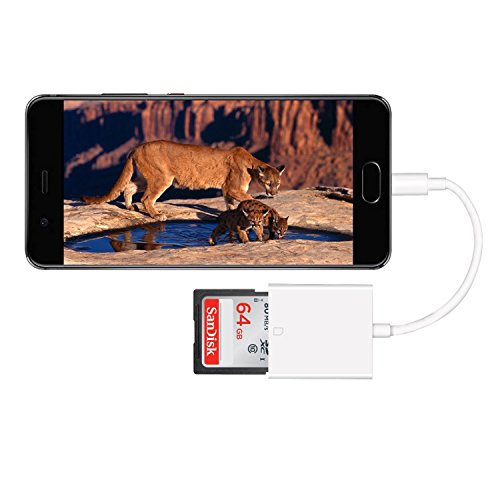
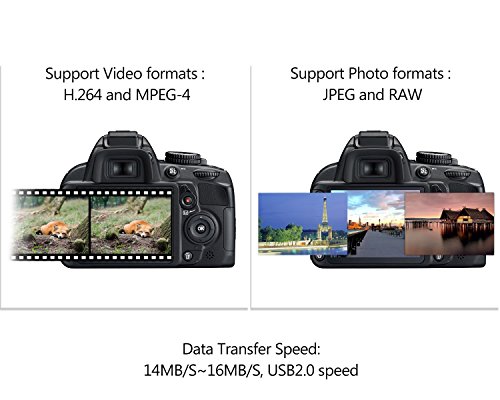
Use the Reader to import photos and video from the SD card to Android phone & tablet.
1.Insert a memory card that contains photos or videos into the SD card Camera Reader.
2.Turn on Android phone & tablet and attach the Reader to the Micro USB receptacle.
3.On Android Phone & Tablet, after 5-10 seconds, you should be able to see the device ( Example; USB Device / SD Card) pop up in your file manager. If you don't have a file manager, please download one from the store. You can view all photos and videos in your SD card and select the ones that you want to import.
Brilliant Product that Supports You:
- Release the space of your SD card and backup your memory card.
If you don't have enough space in your SD card to take more photos and videos, Copy them from your SD card to your iPhone & Macbook and Android Phone & Tablet to release the space for a safe backup.
-Share your photos and videos of your camera on your social network freely.
With this reader, you can easily copy all photos and videos from your professional cameras and share them on your social network freely. It is fast, and easy! No need to use PC anymore.
-Save money on the extra Wi-Fi function for your camera.
You don't need to pay more money to have a camera with Wi-Fi which worth around 100 USD or more for professional camera.
Package Includes:
1 x SD Card Camera Reader
1 x Micro SD Adapter
What Are You Waiting For? Just Get the USB C Card Reader. Great Answer for Photographers in the Field.
Feature
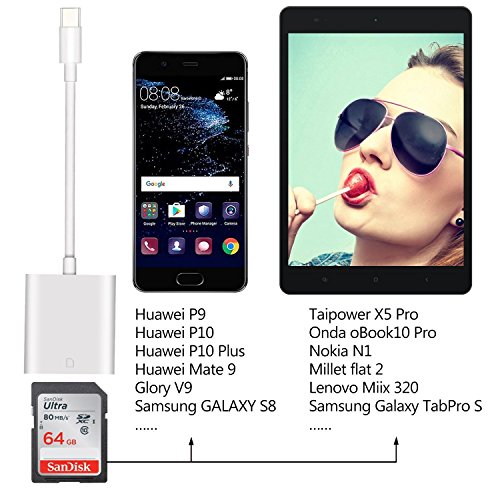
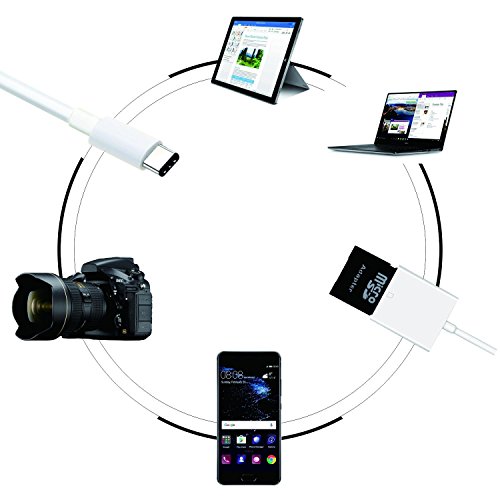
COMPATIBILITY : The USB C SD Card Camera Reader is Compatible with Secure Digital (Standard SD and SDHC) Memory Cards. Mini and Micro SD are Supported when Used with an Adapter to Fit the Slot (Free Adapter Included).