- Type:
- Timers
The timer is used to keep track of your setting time in hours, minutes, and/or seconds.
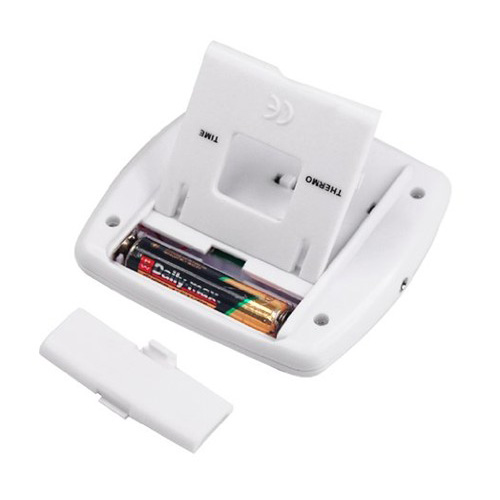
USING THE THERMOMETER :*Use one 1.5 volt. AAA Battery.
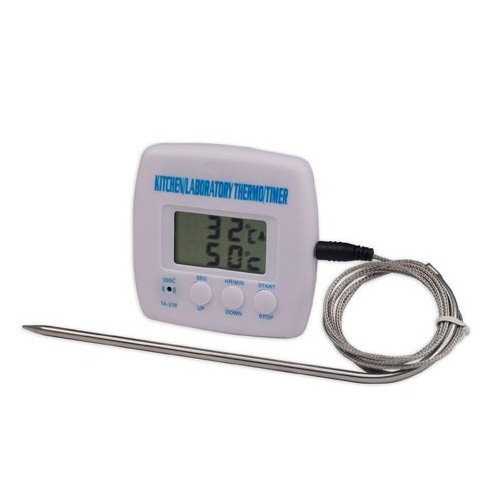
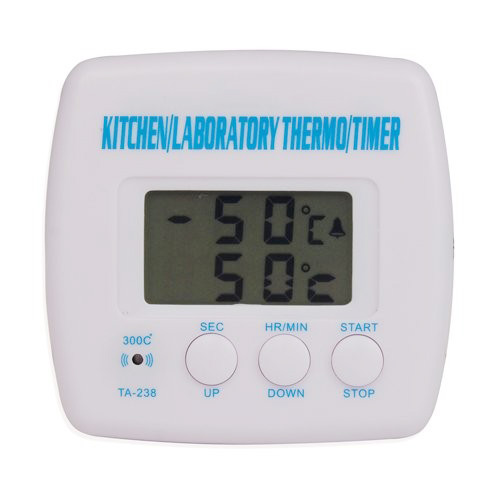
The thermo-temp and set temp will be displayed. The thermo-temp is showing the current temperature. The thermo-temp is showing set temperature for alarm function. 25? THERMO-TEMP 50? SET-TEMP.
The default set -temp. is 50?. Use the UP or DOWN button to set the proper temperature.To decrease the set -temp press DOWN .To increase the set -temp press UP. Hold the DOWN or UP button down for a fast decrement or increment.
If you have set a Wrong temperature, simply press DOWN and UP simultaneously to reset.
Press the START button once, the alarm stand -by mode will replace the setting mode.
The alarm will sound when the THERMO- TEMP reaches the SET-TEMP.
Press STOP button once to stop the alarm. Temp. Range: -50?~300?.
USING THE TIMER:
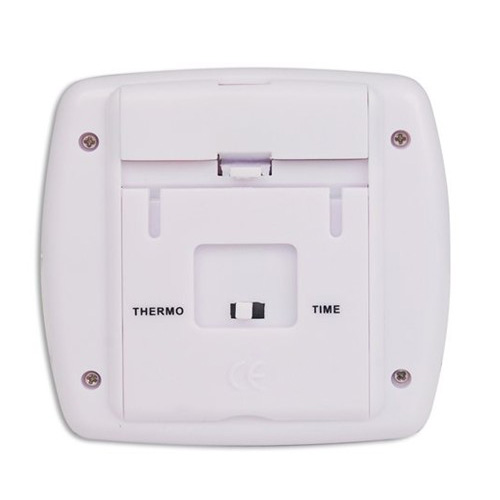
Push the TIMER-THERMO button to the TIMER .The setting mode will be displayed.
Press the MIN and SEC buttons simultaneously to reset. (You may repeat this step anytime to stop or reset the unit.).
Use the MIN and SEC buttons to set the time. Press MIN to set minutes and / or hours. Press SEC to seconds. Hold the MIN or SEC button down for a fast increment .When the minute digit Reach 60; it will advance to an hour.
If you have set a wrong time, rest (see step 2).
If you have set the correct time, press the START button once.
(NOTE: Once the time has been set, DO NOT push the TIMER -THERMO button, since it will cancel the set time.).
The alarm stand -by mode replaces the setting mode the time starts to count down.
The timer will sound when it counts down to 00:00 00.
Please do not surpass 300? above object with this test.Package included: 1 x Multi-functional Timer &Thermometer . 1 x Sense Line . 1 x User Manual.
';
- Unit Type:
- piece
- Package Weight:
- 0.099kg (0.22lb.)
- Package Size:
- 20cm x 15cm x 10cm (7.87in x 5.91in x 3.94in)