
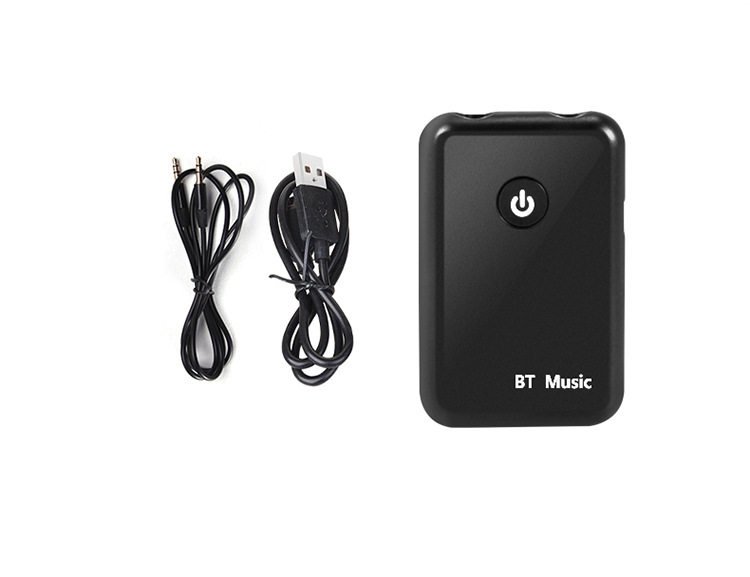

1, product introduction
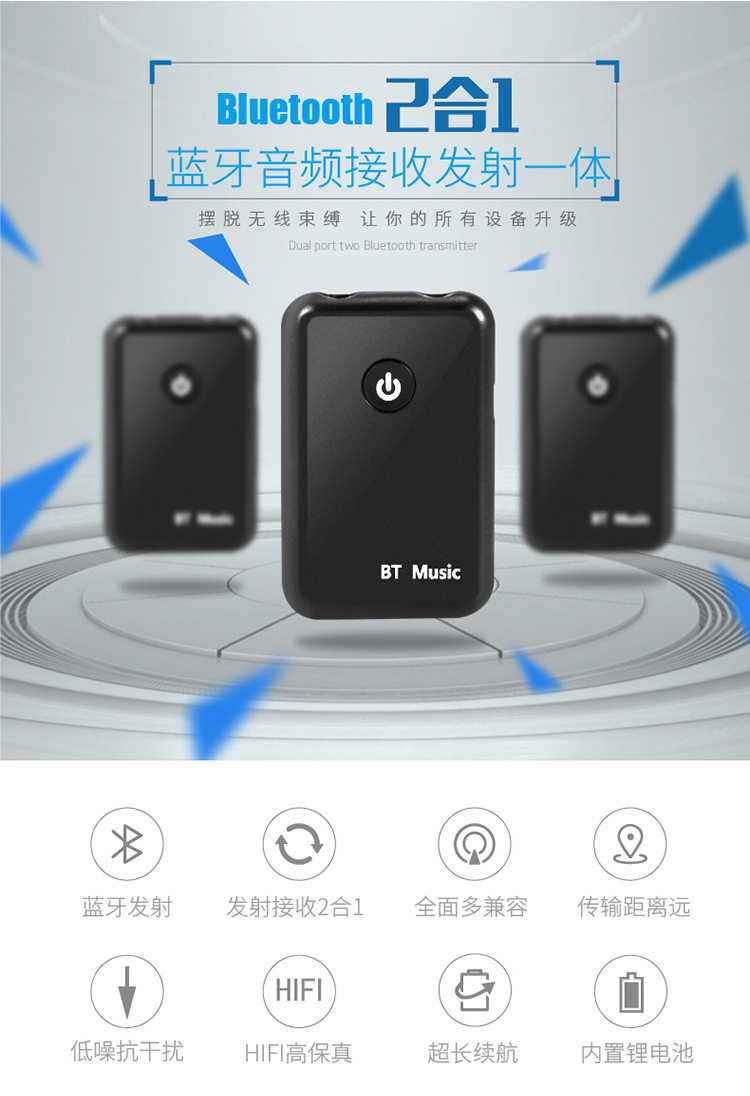
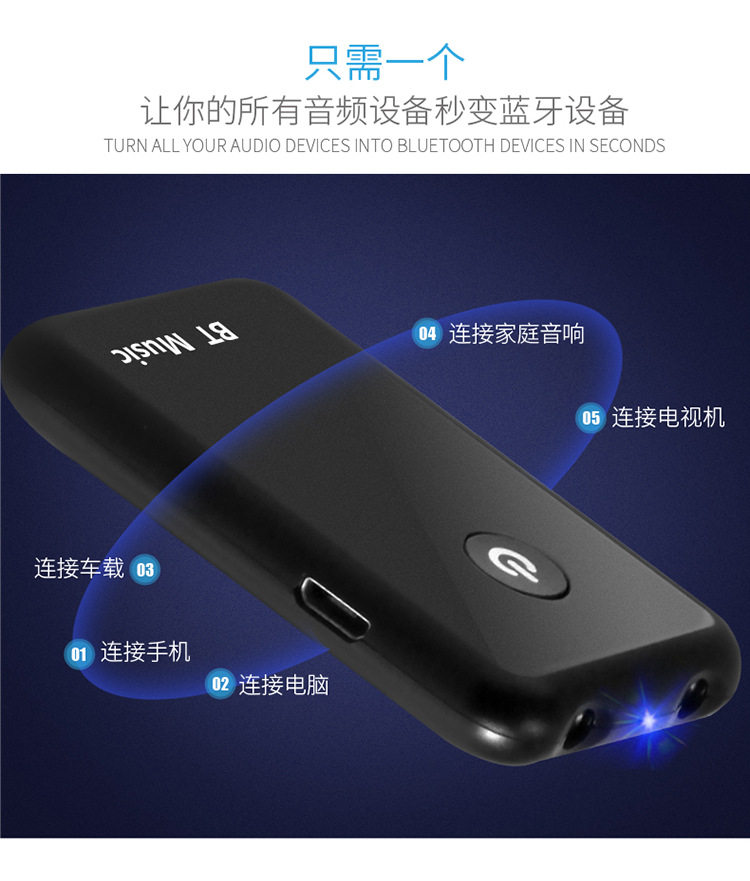
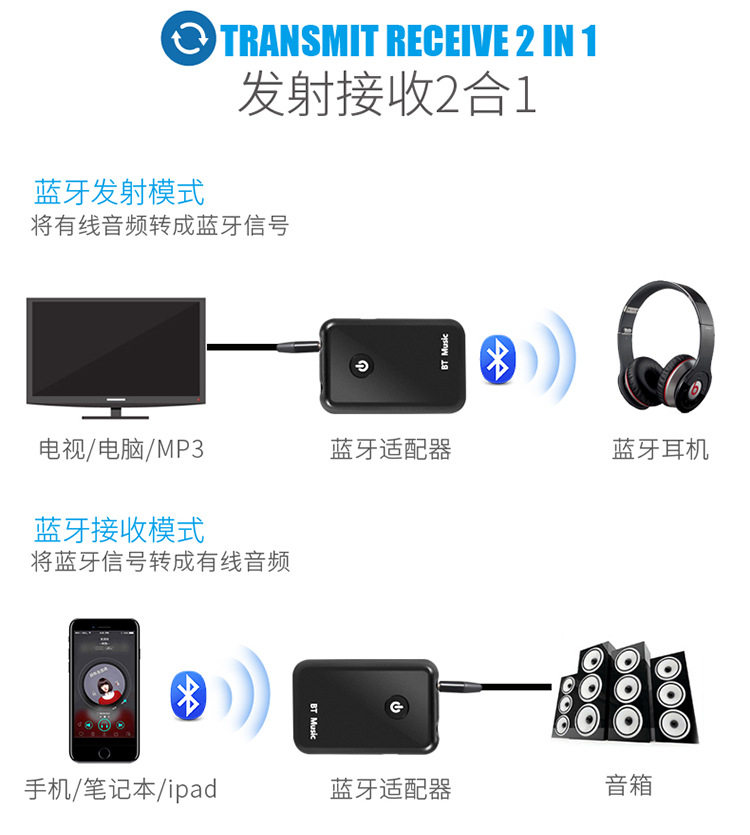
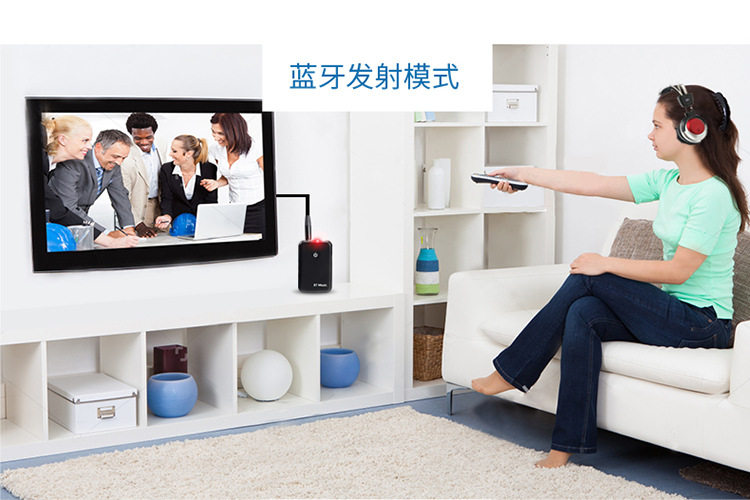
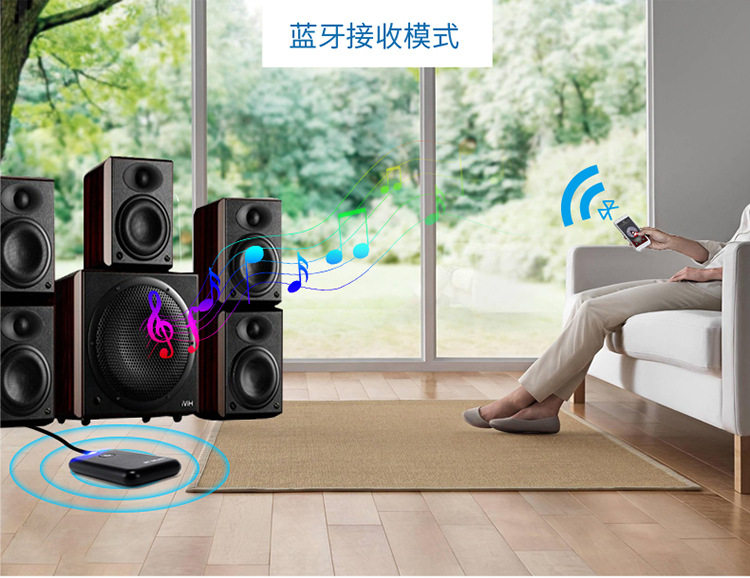
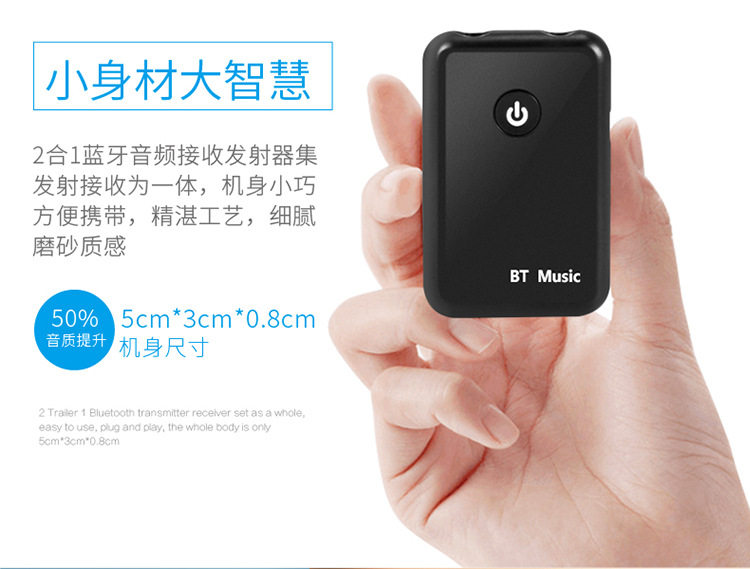
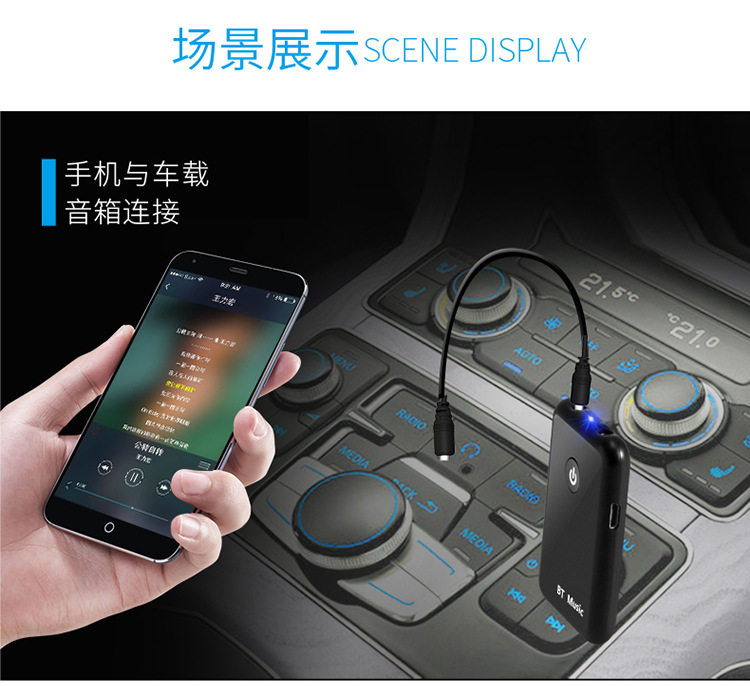
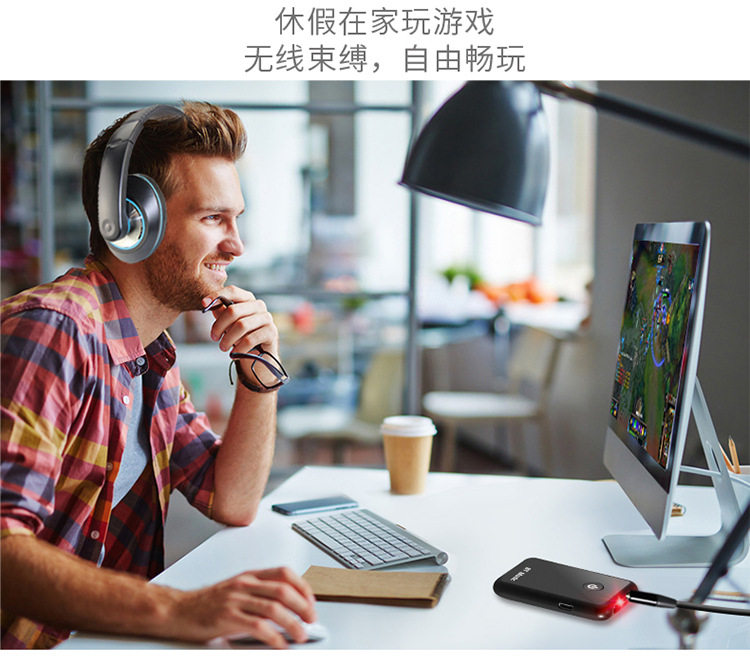
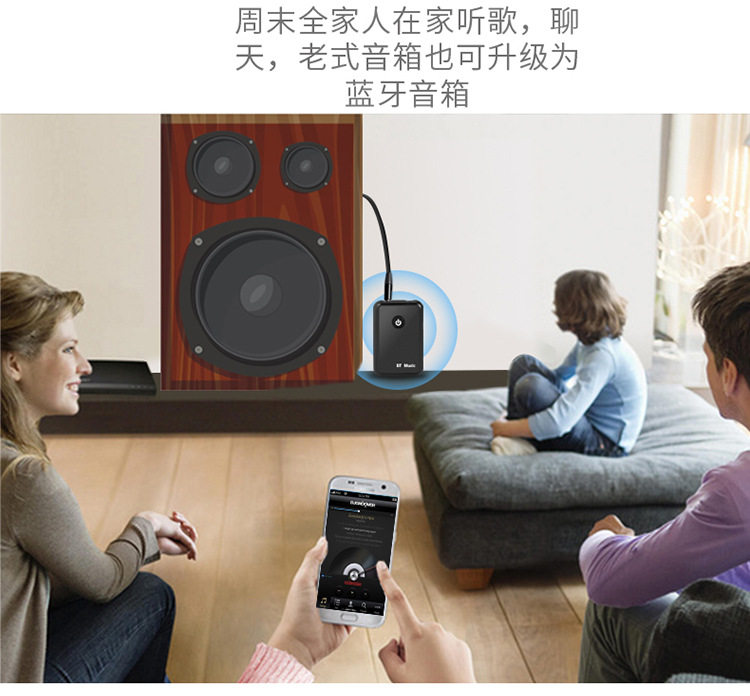
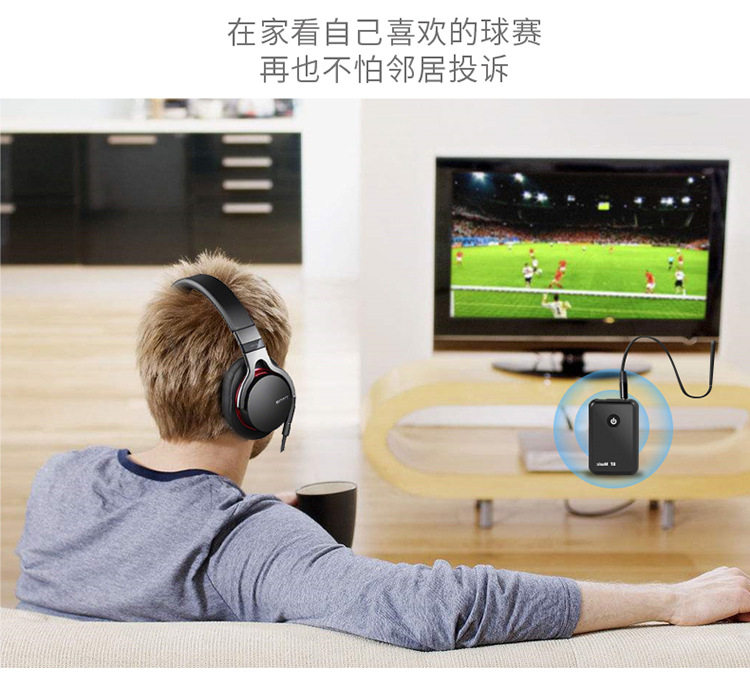
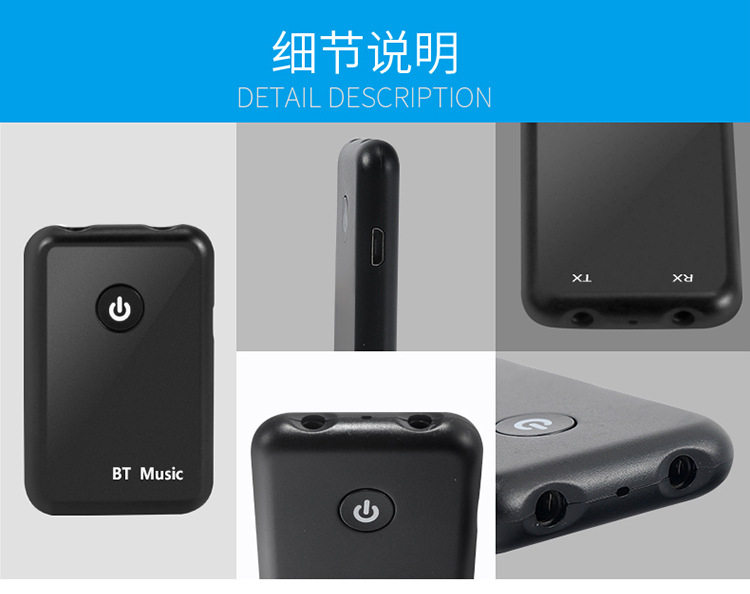
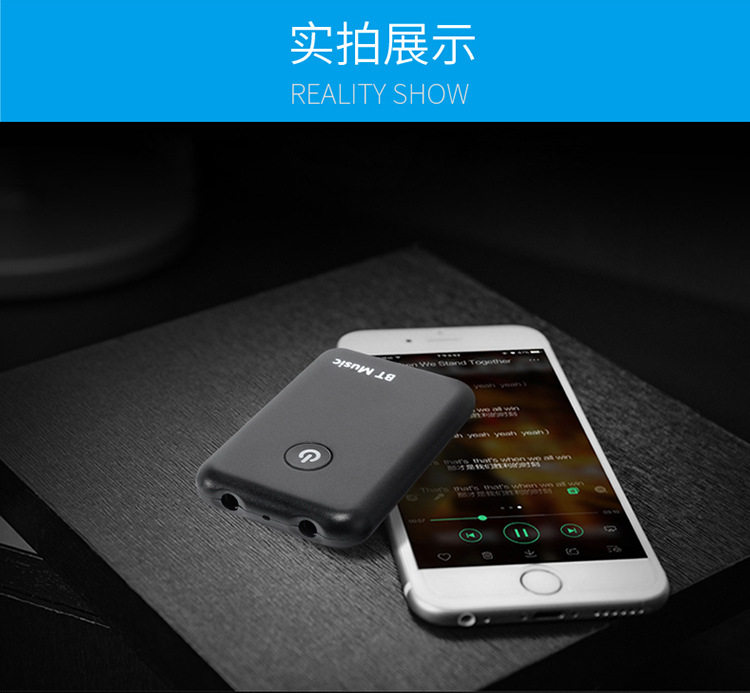
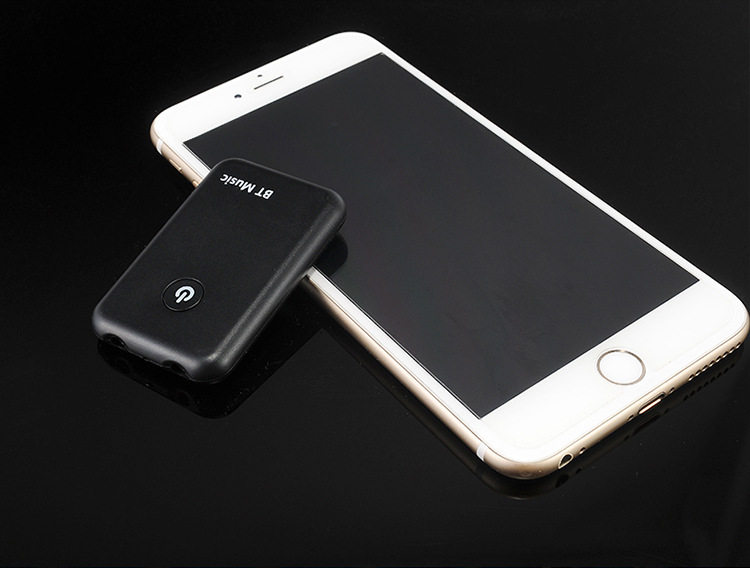
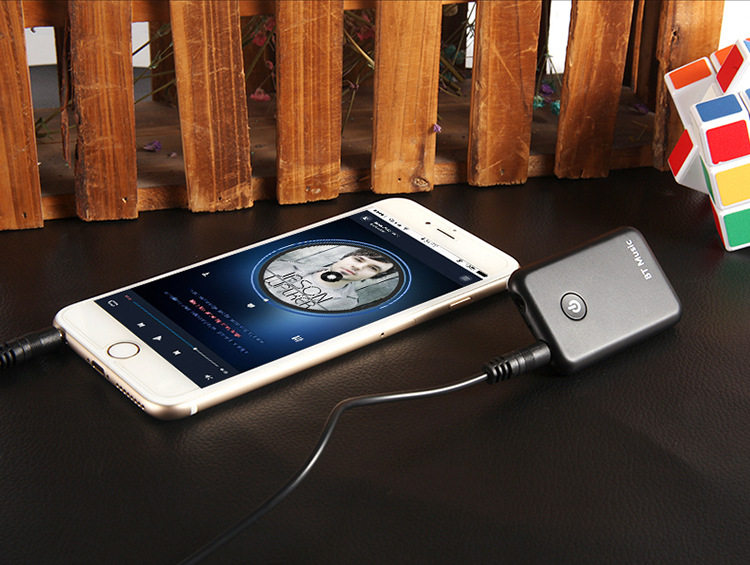
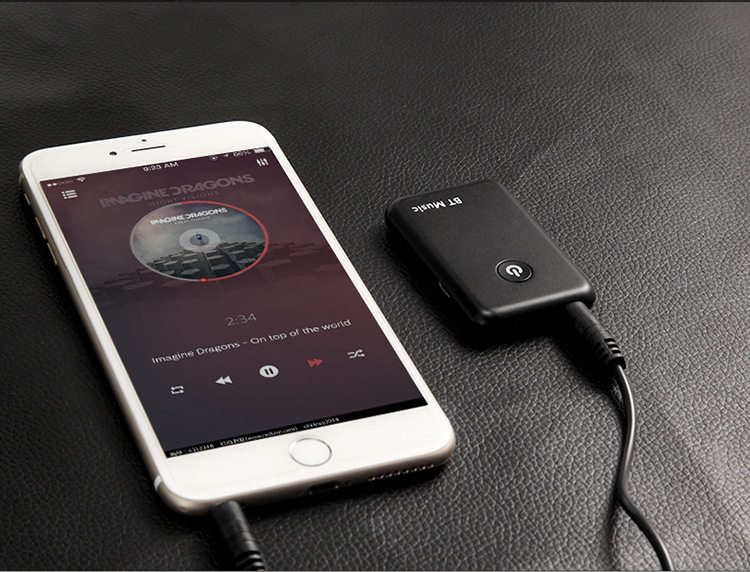
This product is set to receive and transmit two in one Bluetooth device, the product is simple to operate, be free to send and receive all audio signals. Through the product Bluetooth reception mode, the music in the mobile phone can be transmitted to the traditional home audio equipment. It is more convenient to transmit the TV, CD player, MP3 or other audio source to the Bluetooth speaker or the Bluetooth earphone through the product Bluetooth transmitting mode It also supports real-time streaming of online games, TV and movie sound thanks to its low latency technology. This product is built-in rechargeable battery, long battery life, the perfect solution to the limitations of audio equipment, has expanded a variety of audio equipment transfer function.
2, the main parameters of the product
Bluetooth version: 4.2
Bluetooth protocol support: A2DP and AVRCP
Support multi-format decoding: MP3, WAV, WMA, APE, FLAC
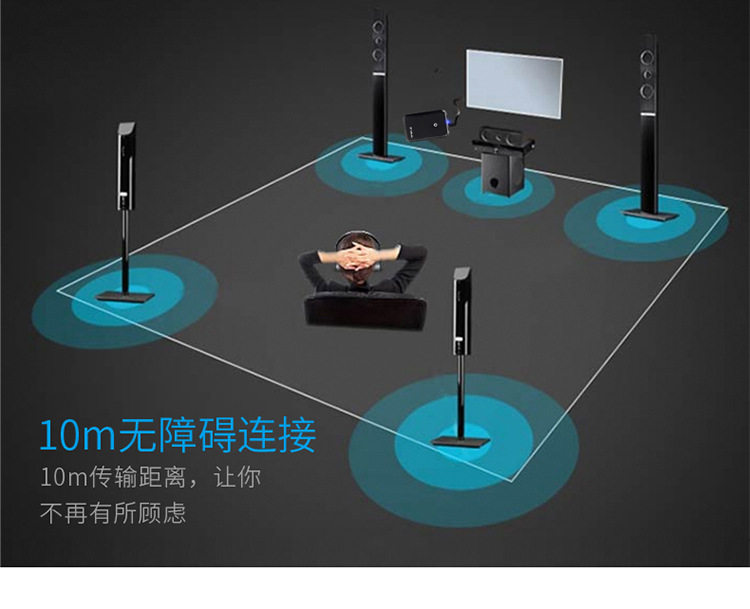
Transmission distance:> 20M (open area)
Charging input voltage: DC 5V
Power supply: 3.7V
Small power consumption: Play less than 20 milliamps, 0.6-4.5 milliamps standby, 2 microamps shut down
Working hours:> 10H
Charging time: 2H
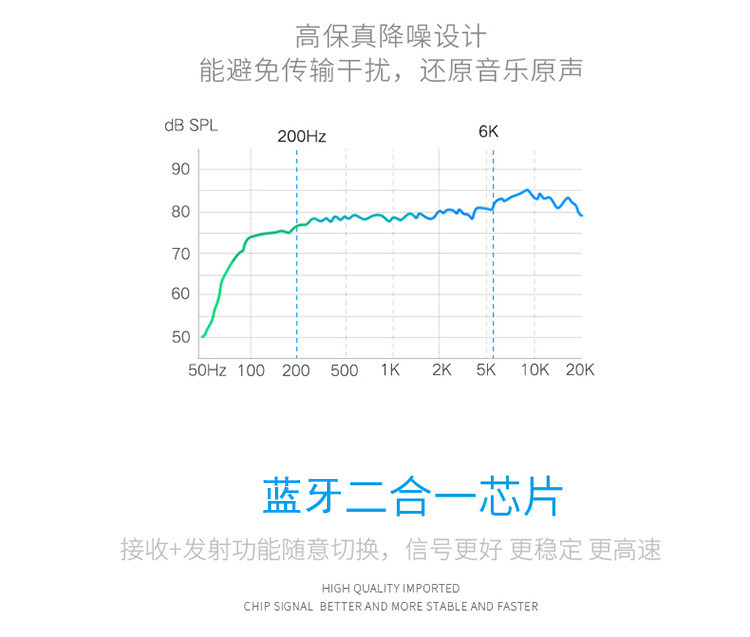
Signal to noise ratio: 95db above
Compatibility: The receiving end is compatible with Android system, IOS system of all brands of mobile phones; transmitter compatible with CSR, a Czech Republic, a network, Vimicro, Ankai, RDA, Kin Wing, and other Bluetooth audio solutions.
3, packing list
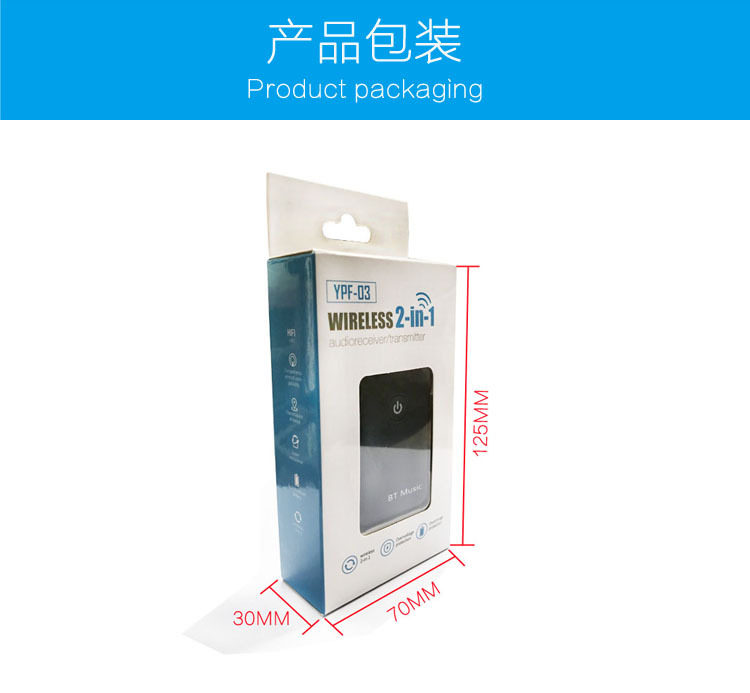
Bluetooth receive, transmit two-in-one machine x1
Product manual x1
USB charging cable x1
3.5MM audio cable x1
4, charging
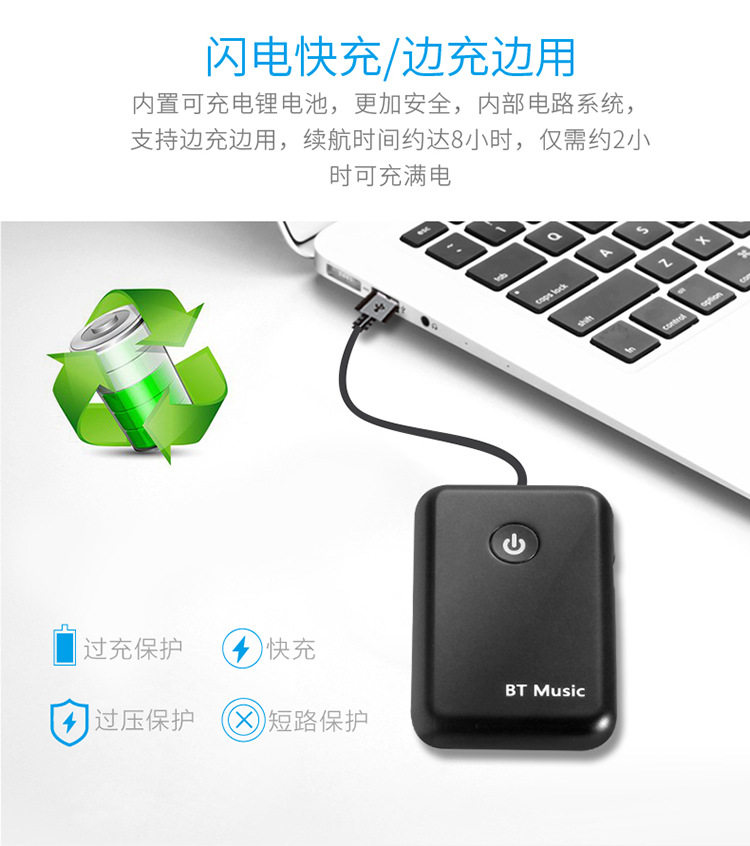
This product is built-in rechargeable battery, for a long time standby and use. It is recommended that you fully charge it before using it for the first time.
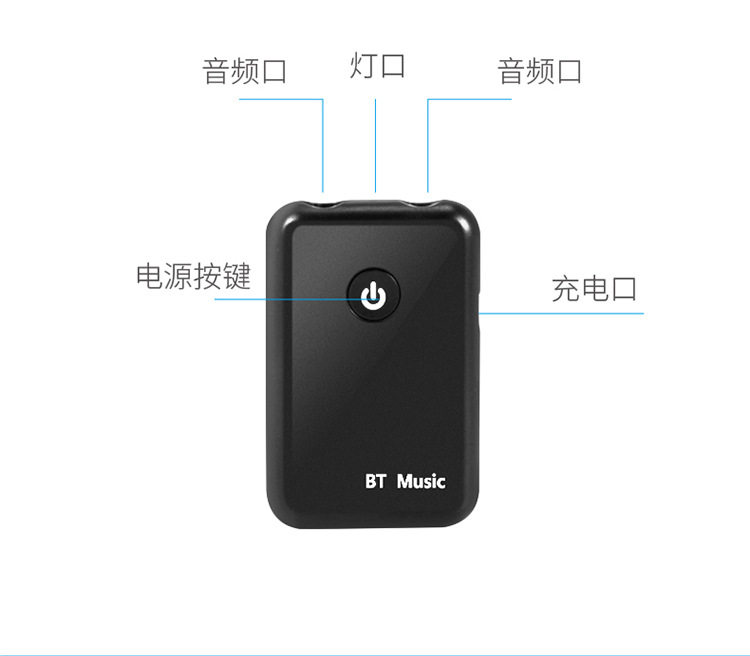
A. Plug the Micro USB charging cable into the product charging port and the other end to the standard USB power output (such as mobile phone charger and computer USB port).
B, charging time about 2 hours.
C, when the red light is charging, the red light is off after the charging is completed.
D, play music when charging, when the power is too low you still want to use this product, you can enjoy the music while charging.
5, functional operation
On / off, long press button 2S boot, boot red light flashes, the default boot to launch status.
Long press the button 2S off, turn off the red light goes out.
Auto power off function, the product in no connection state for 5 minutes, it will automatically enter sleep power saving mode, the light goes out.
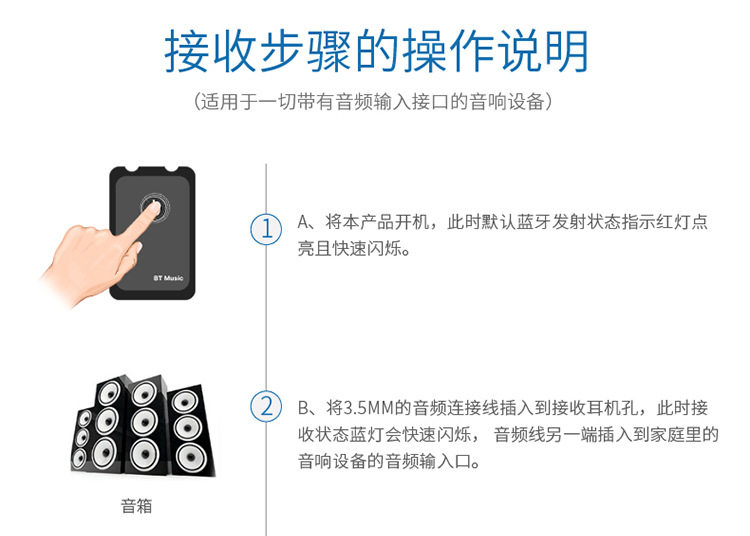
1) Receive mode:
(Suitable for all audio equipment with audio input)
Pairing steps:
A, the product boot, then the default Bluetooth launch status indicator red light and rapid flashing.
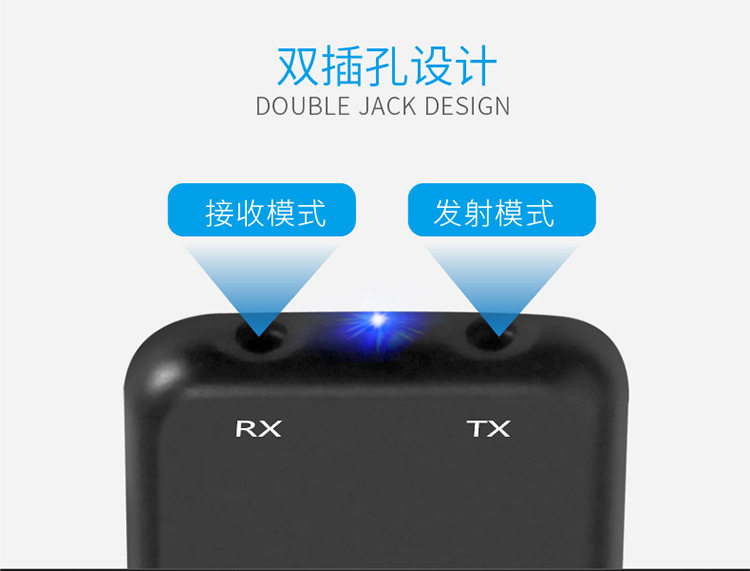
B, the 3.5MM audio cable into the receiving earphone hole, then the receiving status of the blue light will flash rapidly, the other end of the audio cable into the home audio device audio input.
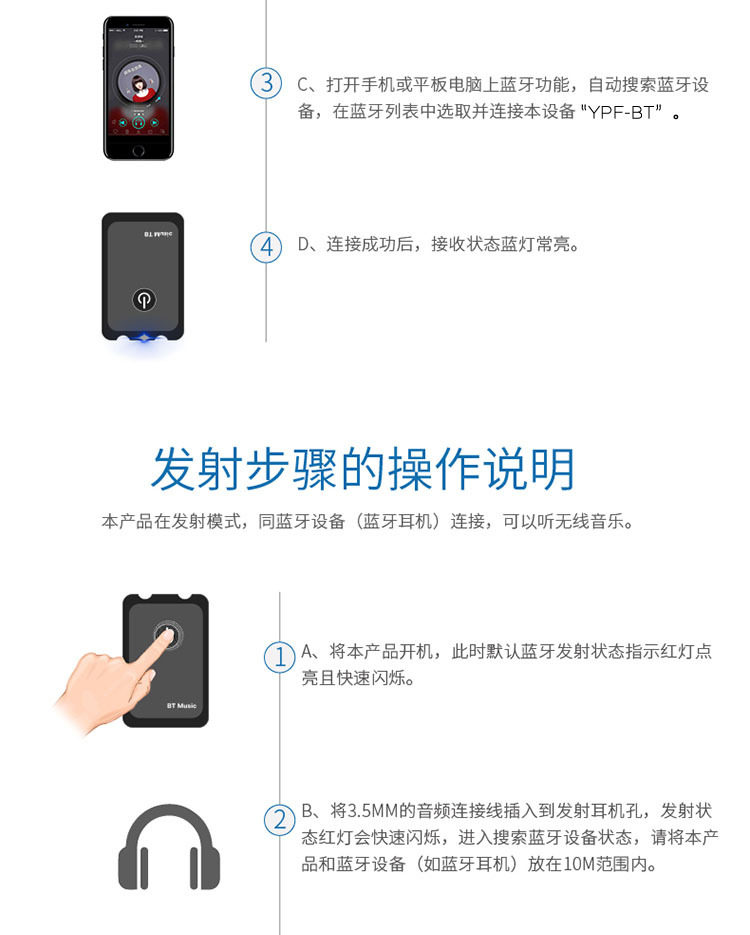
C, open the Bluetooth function on the phone or tablet, automatically search for Bluetooth devices, select and connect the device "YPF-BT" in the Bluetooth list.
D, the connection is successful, the receiving state blue light is always on.
2) launch mode
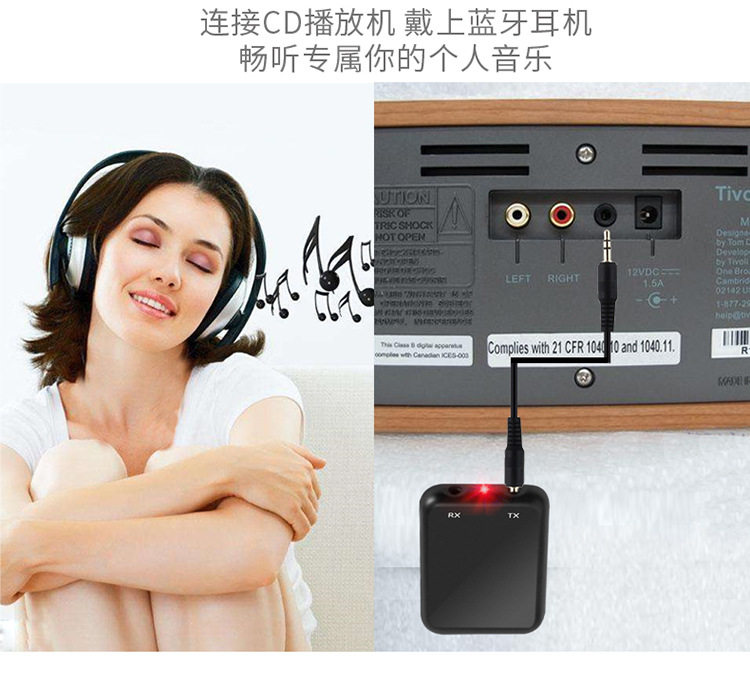
This product launch mode, with the Bluetooth device (Bluetooth headset) connection, you can listen to wireless music.
Pairing steps:
A, the product boot, then the default Bluetooth launch status indicator red light and rapid flashing.
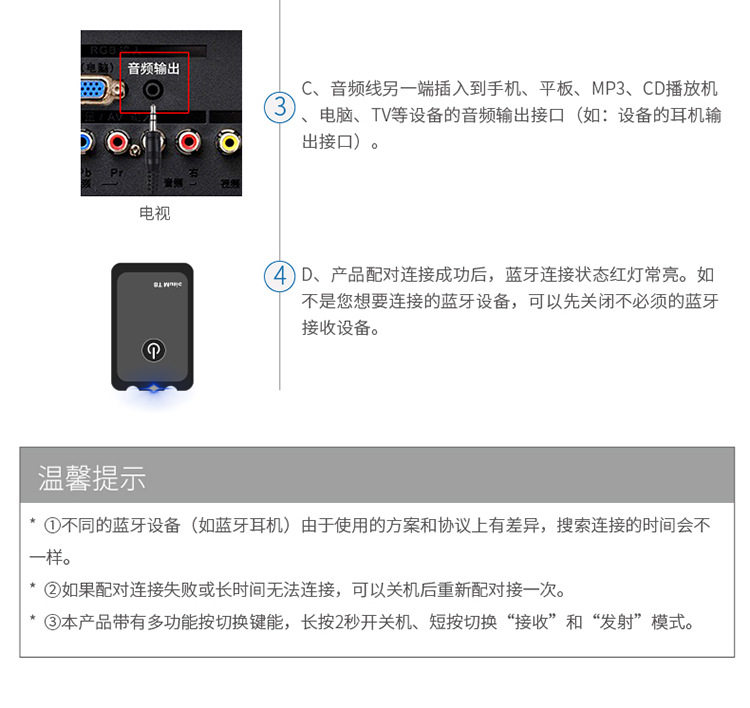
B, the 3.5MM audio cable into the launch headphone jack, the launch status of the red light will flash quickly into the search for Bluetooth device status, please this product and Bluetooth devices (such as Bluetooth headsets) on the 10M range; the other audio cable One end into the phone, tablet, MP3, CD player, computer, TV and other equipment, audio output interface (such as: headphone output device interface).
C, the product pairing connection is successful, the Bluetooth connection status is steady red. If you do not want to connect the Bluetooth device, you can turn off unnecessary Bluetooth receiving device.
* ① Different bluetooth devices (such as bluetooth earphone) Due to the different schemes and protocols used, the search connection time will be different.
* ② If the pairing connection fails or can not be connected for a long time, you can switch it off and then pair it again.
* ③ This product is equipped with multi-function switch key, long press 2 seconds to switch machine, short press to switch "receive" and "launch" mode.
6, fault diagnosis
When you encounter the following problems, you can try to solve the following methods, if there are still problems after handling? Please contact your local dealer, do not start the repair on their own, so as to avoid unnecessary trouble!
Product does not work?
1) Please check whether the power is on.
2) Please plug in the charger, check the battery is power.
3) Turn off the power and then turn it on to check if it can wake up.
4) To play the music of a Bluetooth device that has been paired and searched first, cancel the pairing with the unused device, and re-configure the new device with reference to the manual.
5) The working mode of this product should be based on the mode indicator. The default product launch mode is launch mode. If both earphone jacks are plugged into the audio cable, the product will also default to launch mode.
6) Please check the working mode of this product is correct, 3.5MM audio cable is inserted into the corresponding headphone jack, the device's operating mode can be judged according to the indicator.
7) Do not connect the Bluetooth device (such as Bluetooth headset), Bluetooth receiver can be close to some distance, or press the button to switch to try again, or not to restart the product or restart Bluetooth audio power try.
8) Due to the unmatched problems due to different Bluetooth receiver chip schemes and transport protocols, we are continuing to work hard to optimize product compatibility issues.