
What’s in the box
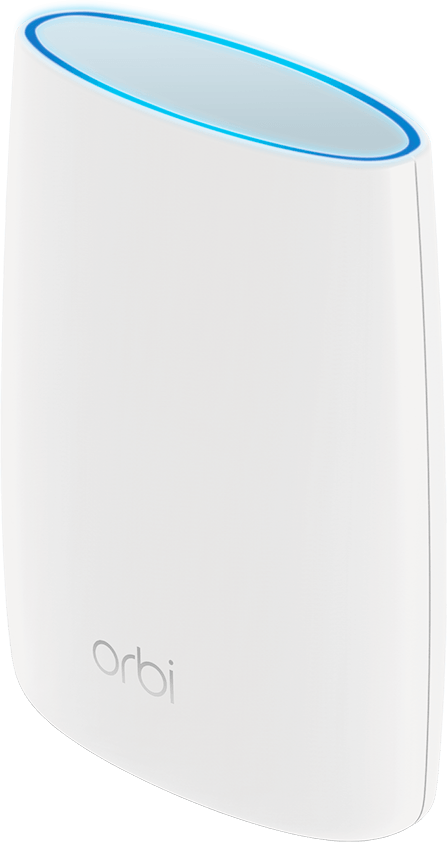
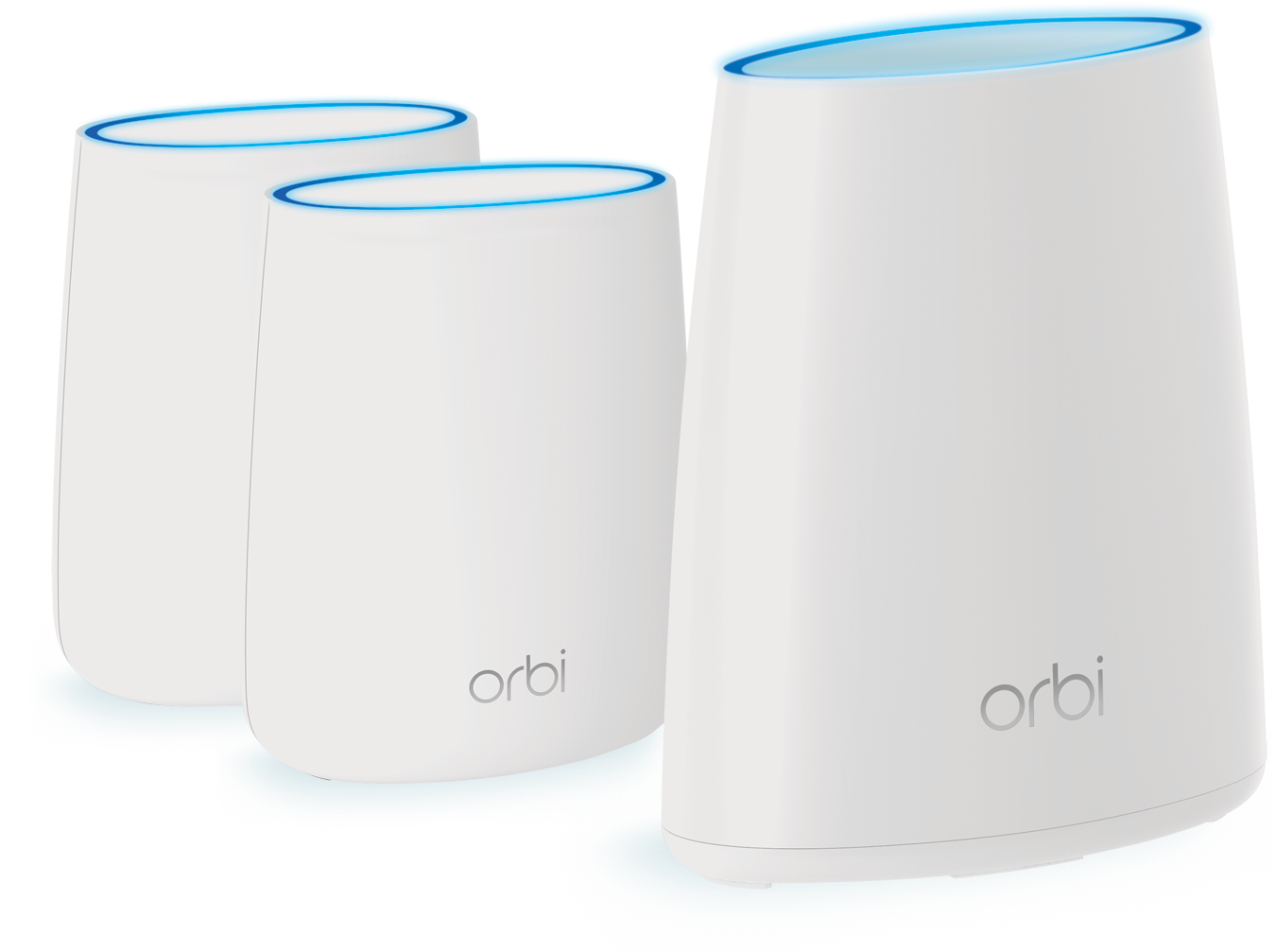
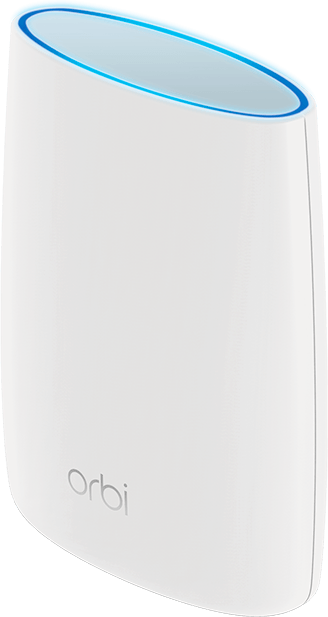
- One (1) Orbi Router (RBR40)
- Two (2) Orbi Satellites (RBS40)
- One (1) 6.5 ft Ethernet cable
- Three (3) 12V/2.5A power adapter
- Quick start guide
-
Quick and Easy Setup with Orbi App
Use the NETGEAR Orbi app, now with a new dashboard, to install & personalize your Orbi Home WiFi System. No accounts to create or personal information needed to setup.
LEARN MORE Manage WiFi settings, share network credentials
 See list of connected devices. Pause device access to internet.
 Easily setup separate internet access for guests
 Perform speed test
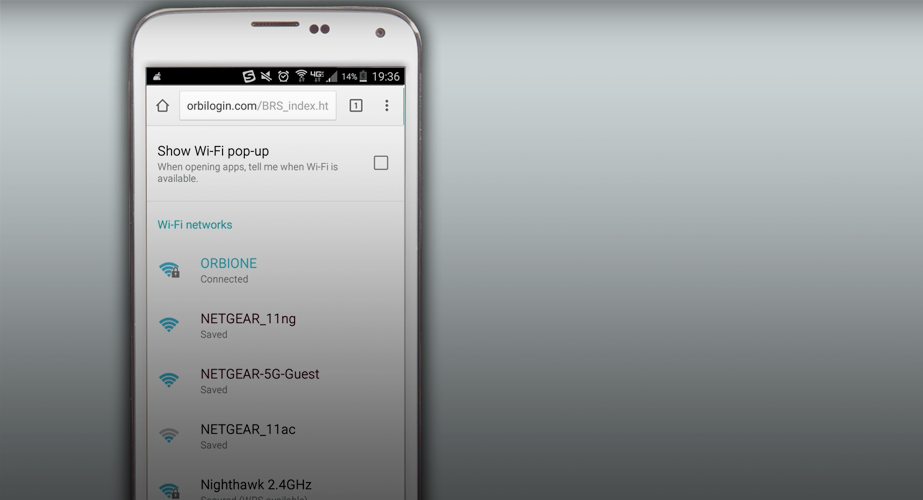
Note: You can also use web-based installation wizard at orbilogin.net. Fingerprint login is available for iOS devices.

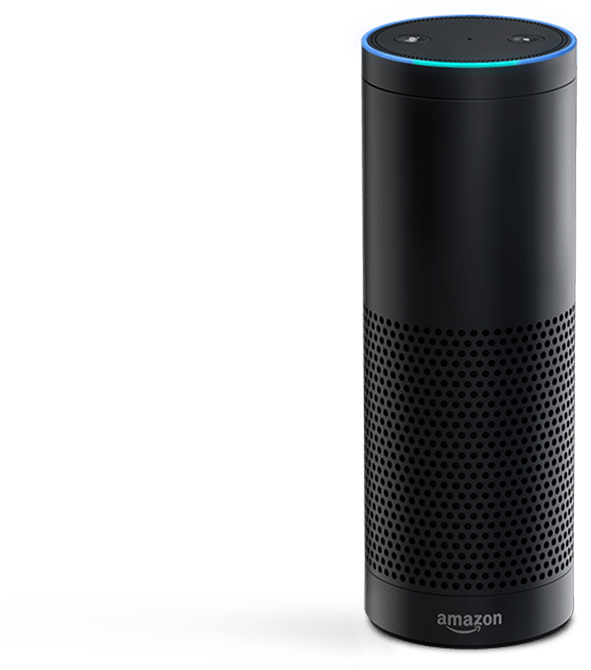
Works with Amazon AlexaTM
Control your NETGEAR WiFi network with simple voice commands by using Amazon AlexaTM and the NETGEAR Skill.
LEARN MOREReliable whole home WiFi ready in minutes
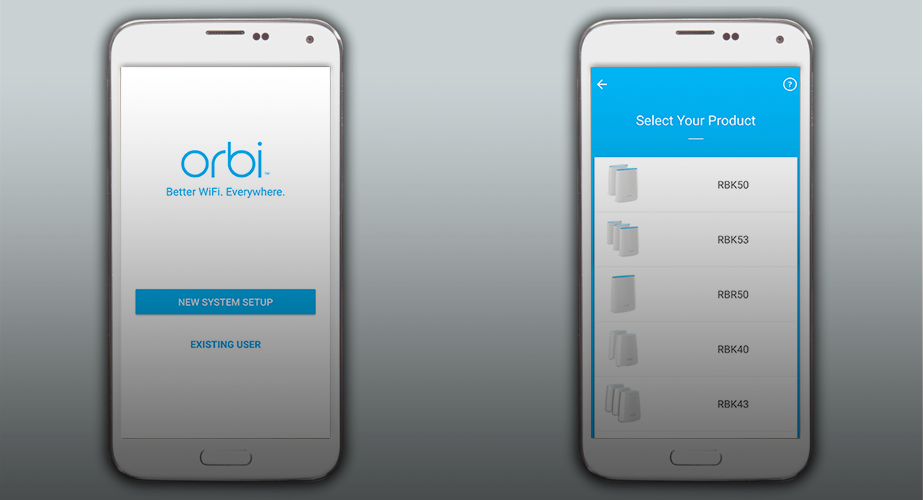
2. Use The Orbi App
NETGEAR does not require you to sign up for an account to use the Orbi Home WiFi System. Just plug-in and follow the instructions on your computer or use the NETGEAR Orbi app on your mobile device.


 STEP 1
 STEP 2
 STEP 3