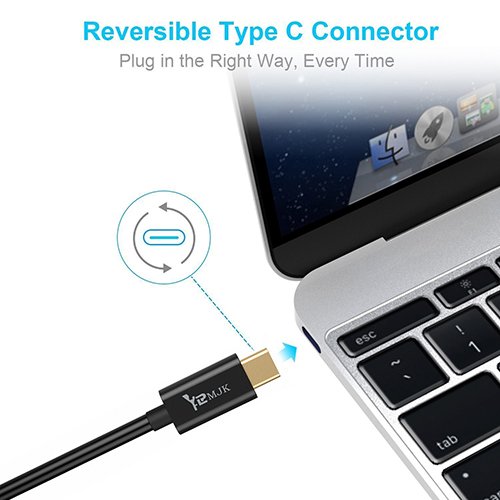
Studio : YRMJK Publisher : YRMJK Binding : Electronics Product Description
No Adapter, No Converter
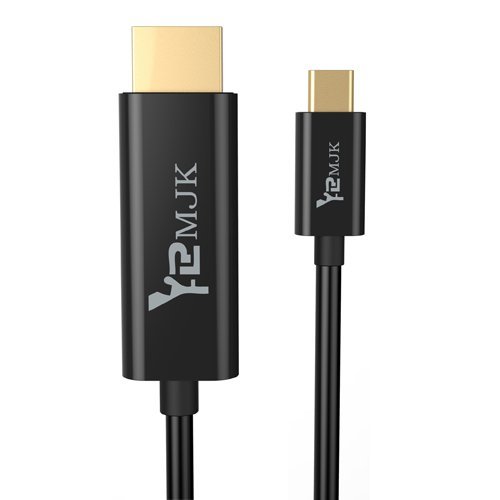
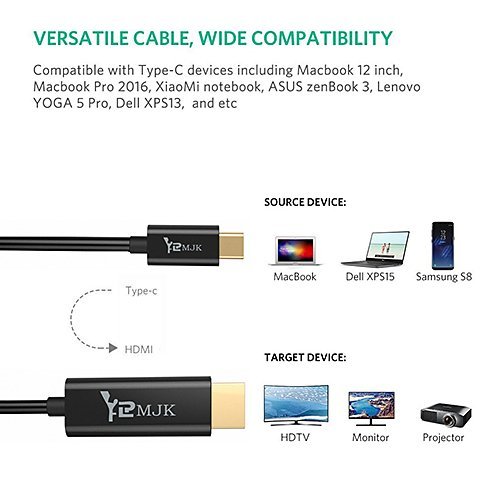
YRMJK USB C to HDMI Cable lets you use the USB-C port on your computer to directly deliver visuals on your HDMI-equipped monitor/HDTV/projector without the need for cumbersome adapters.
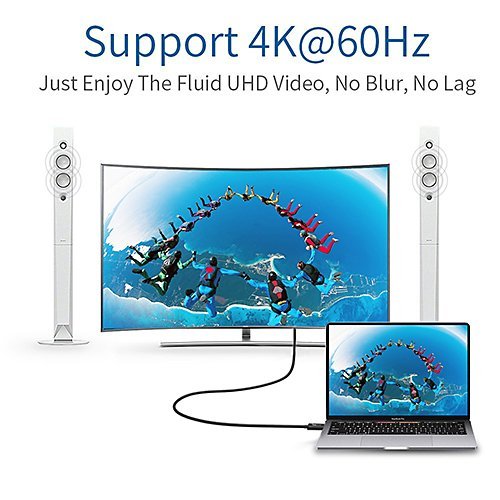
Resolutions up to 4K 60Hz
Support resolutions up to 4K with a refresh rate of up to 60Hz for a clear picture that reduces blurring during fast-action scenes.
Plug and Play
Plug and play design, no external power and driver required with this cable. Supports bus-powered and self-powered operation.
OS Compatibility
Compatible with Windows OS XP/Vista/7/8/10 (X86/X64), Mac OS 10~10.12.1.
USB Type C Compatible Devices:
- 2017 MacBook Pro
- 2016 MacBook Pro
- 2015/2016 MacBook
- ChromeBook Pixel
- Dell XPS 13-9350-R1609 13.3", XPS 15
- Acer V15 Nitro
- Asus GA-Z170X
- HP EliteBook Folio G1
- Asus ZenBook UX390UAK
- Lenovo Yoga 910
- HuaWei MateBook
- Samsung Notebook 9 900X5L-K01
- Samsung Galaxy S8 or S8 Plus
- LG 34" Class UltraWide Gaming Monitor
etc.
Important Notes:
1.It works for Thunderbolt 3 compatible Type-C port only.
2.It is only compatible with computers with DP alt mode, not for USB-C smartphones and tablets, as most of them work with MHL or SlimPort solution.
3.It needs 8-10 seconds for the signal to synchronize from computer with your monitor.
4.DO NOT used with another adapter
5.4K resolution requires a 4K equipped source, and 4K display.
For instance, if your computer supports 4K 60Hz, while your monitor/TV only supports 4K 30Hz or 1080p, you can only output 4K 30Hz or 1080p rather than 4K 60Hz.
MacBook 12" Adoes not support 4K 60Hz output; it has a maximum output of 4K 30Hz.
6.Make sure your Notebook is Thunderbolt 3 USB 3.1 compatible or this wont work for you
0
|