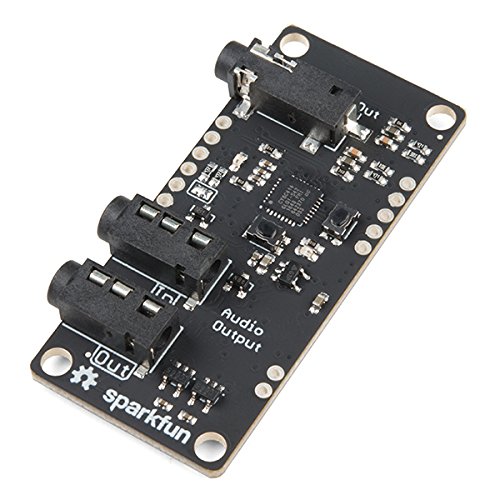
SparkFun (PID 14034) Spectacle Audio Board
Product Description
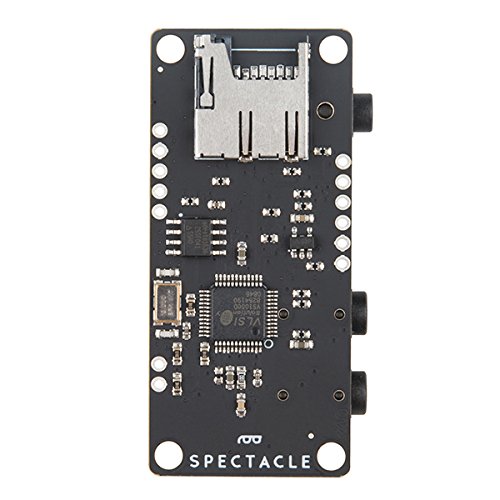
Spectacle is a product ecosystem centered around a simple idea: creative people shouldn't have to learn new skills to use electronics in their projects. You've spent years developing the skills you use, and SparkFun wants to recognize that and help you expand your creations to include electronics without requiring you to spend years learning about electronics and programming.The Spectacle Audio Board allows you to add sound from a microSD card to your Spectacle projects. Each board accepts a microSD card with sounds in .ogg format, and has a 1/8" (3.5mm) audio jack line-level output ready to be amplified. It is important to know that the files used by the Spectacle Audio Board must be in OGG Vorbis format. This free codec has a higher compression ratio than MP3 and, more importantly, can be used without paying a licensing fee to any third-party organization.
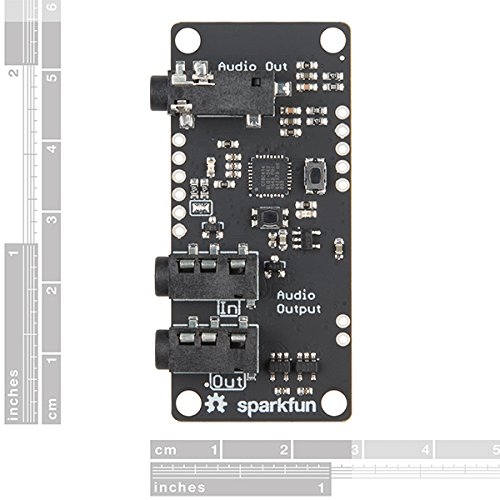
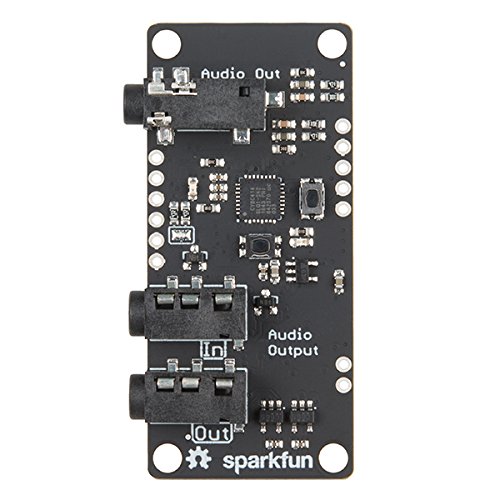
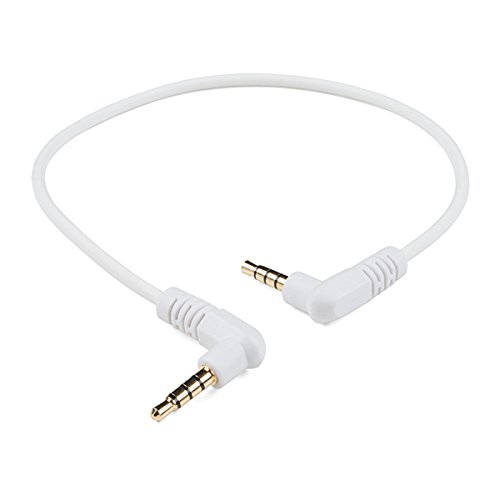
The Audio Board is equipped with three 3.5mm TRRS jacks: two for Spectacle control signals from a Director Board and one for an amplified speaker. The one labeled "In" should be plugged into a board that is closer to the Director Board than the Audio Board is, or into the Director Board itself. Make sure to pay attention to the directionality of the jacks, as they will dictate how your Spectacle modules speak with one another and with the Director Board. As with every other Spectacle module, you will need the Director Board to operate any Spectacle project.
We have written an in-depth User's Guide and Audio Board Hookup Guide to help direct you through each step of setting up this and any board in the Spectacle product line.
Note: The "Out" jack is not for audio signals. Plugging an audio device into one of the Spectacle jacks could cause damage to the audio device. The audio jack on the Audio Board produces output suitable for amplification only. It is not suited to headphones or unpowered speakers.
Feature
Audio files for Spectacle should be formatted as .ogg files. Audio files should have names 00.ogg, 01.ogg, 02.ogg, etc