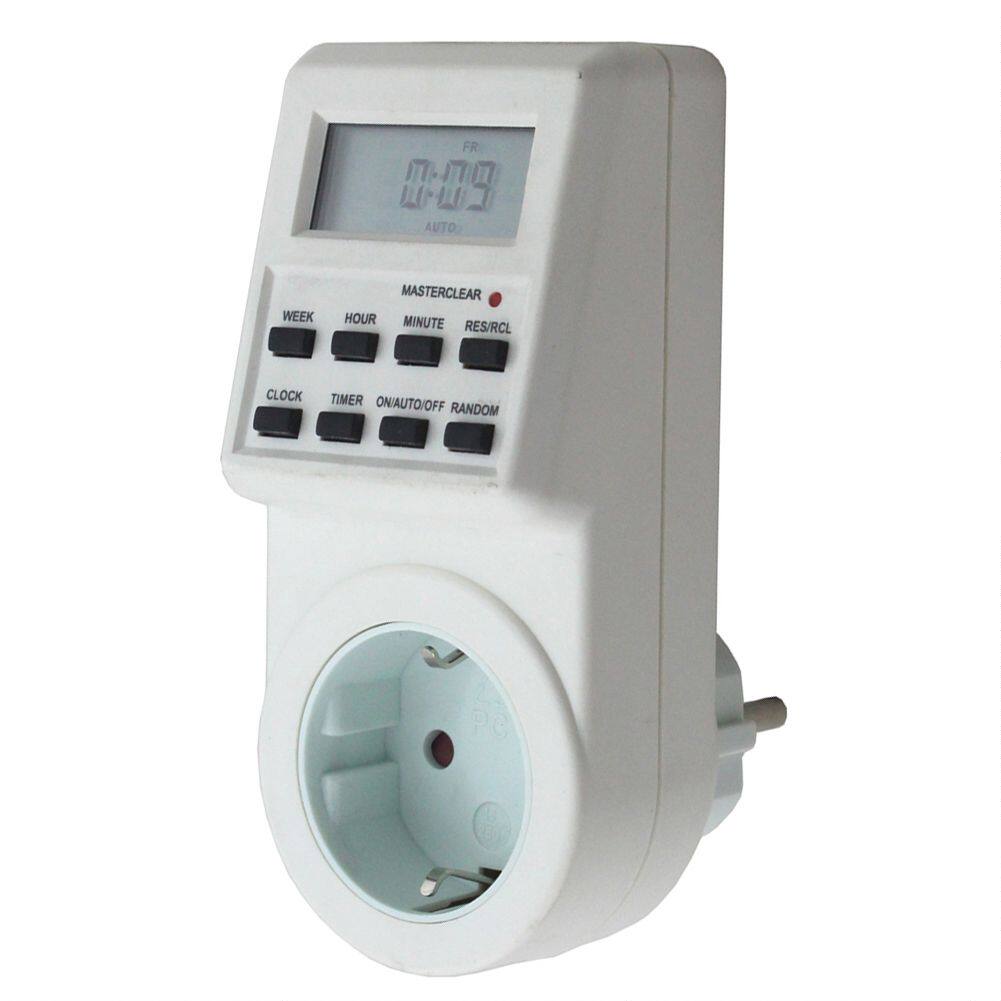
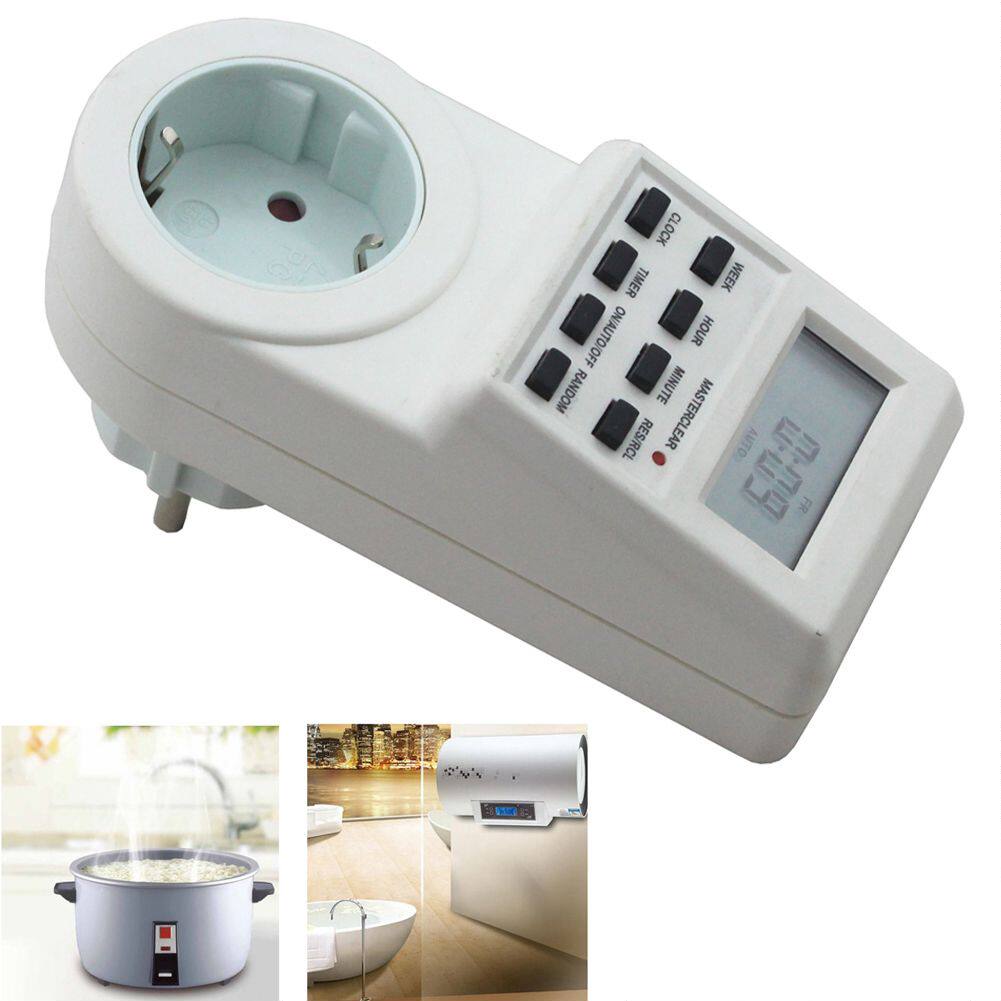
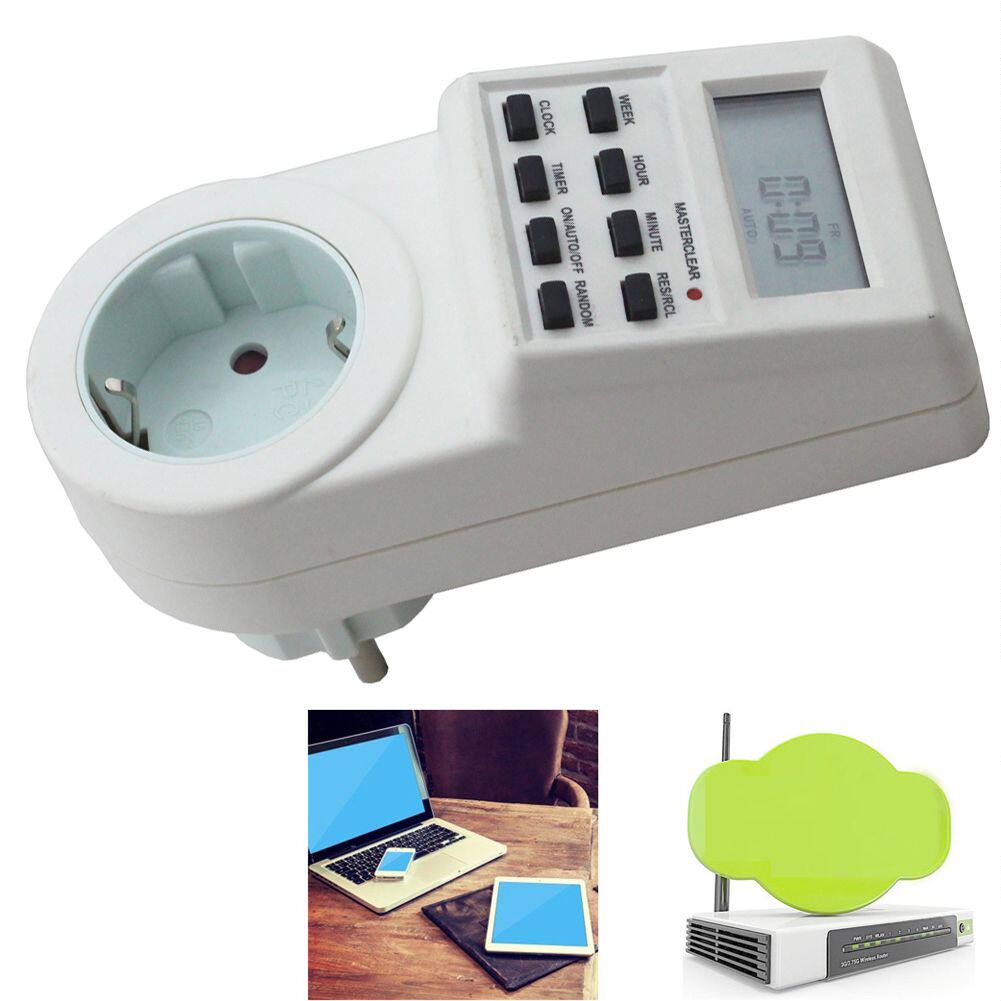
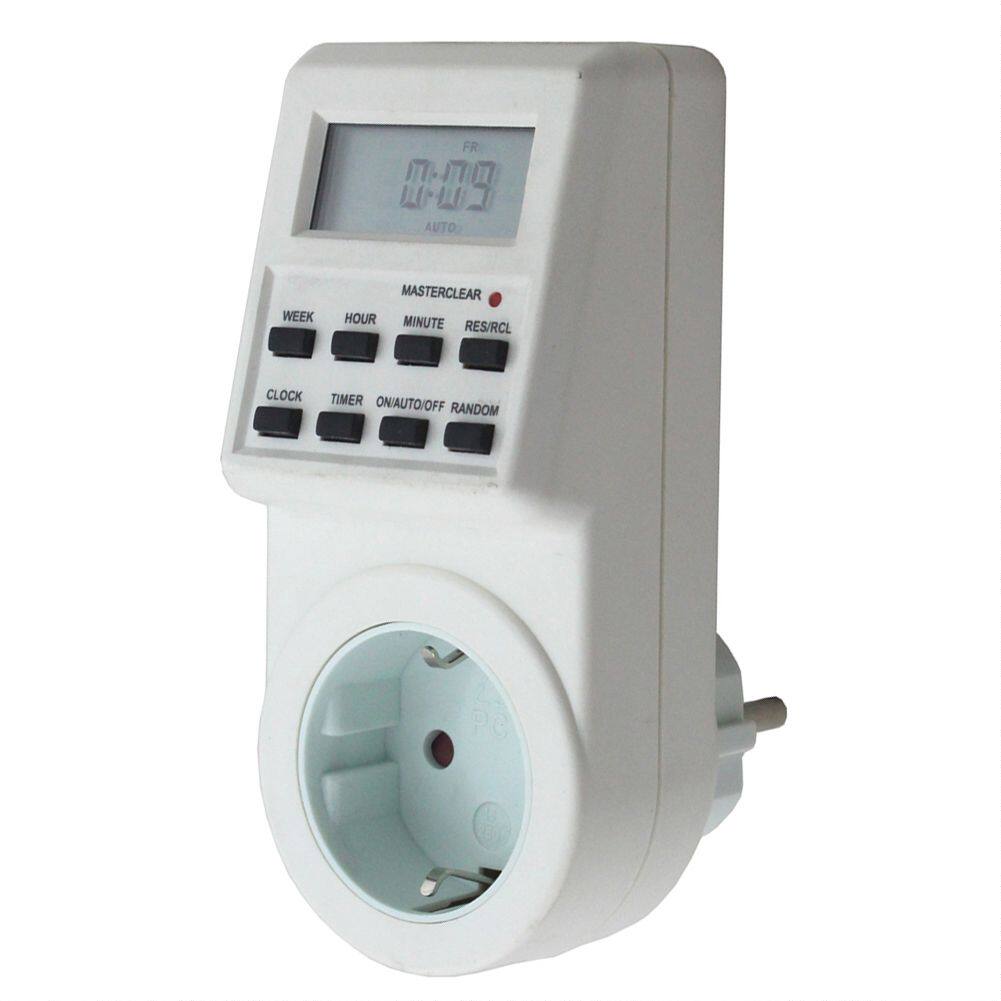
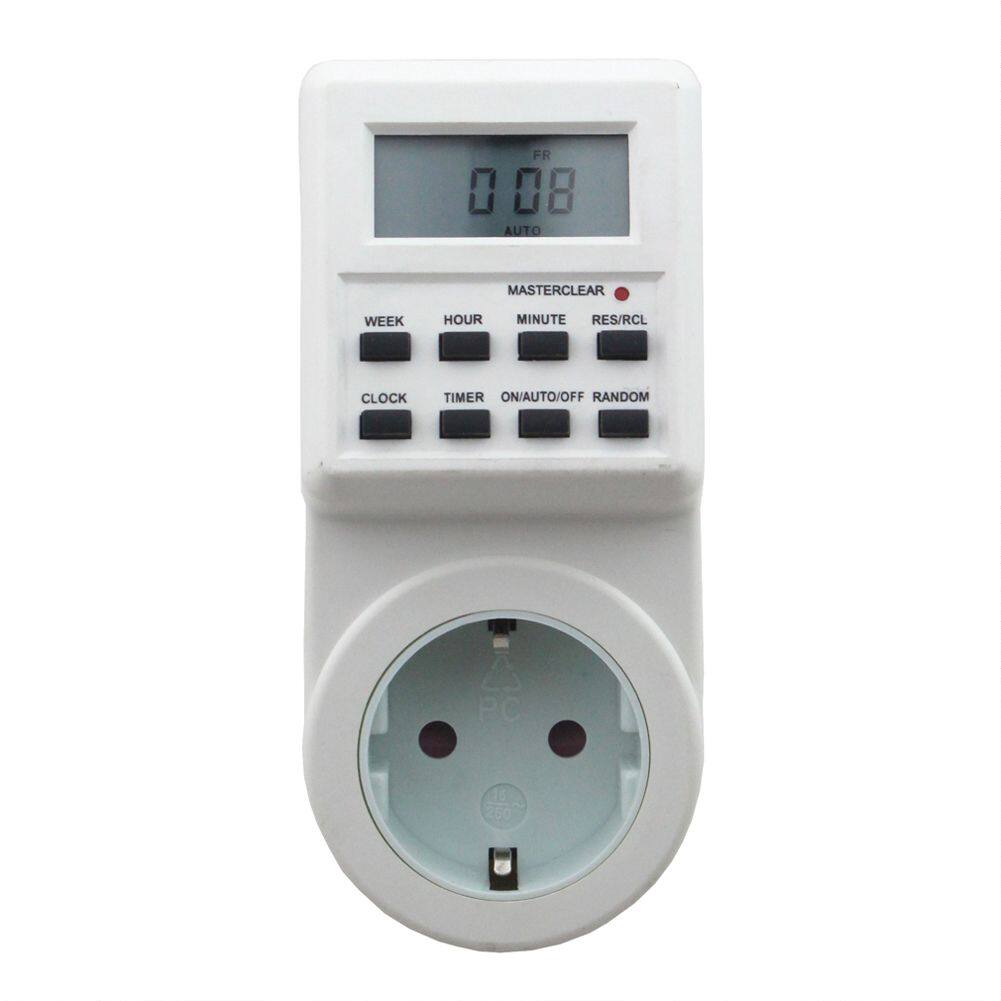
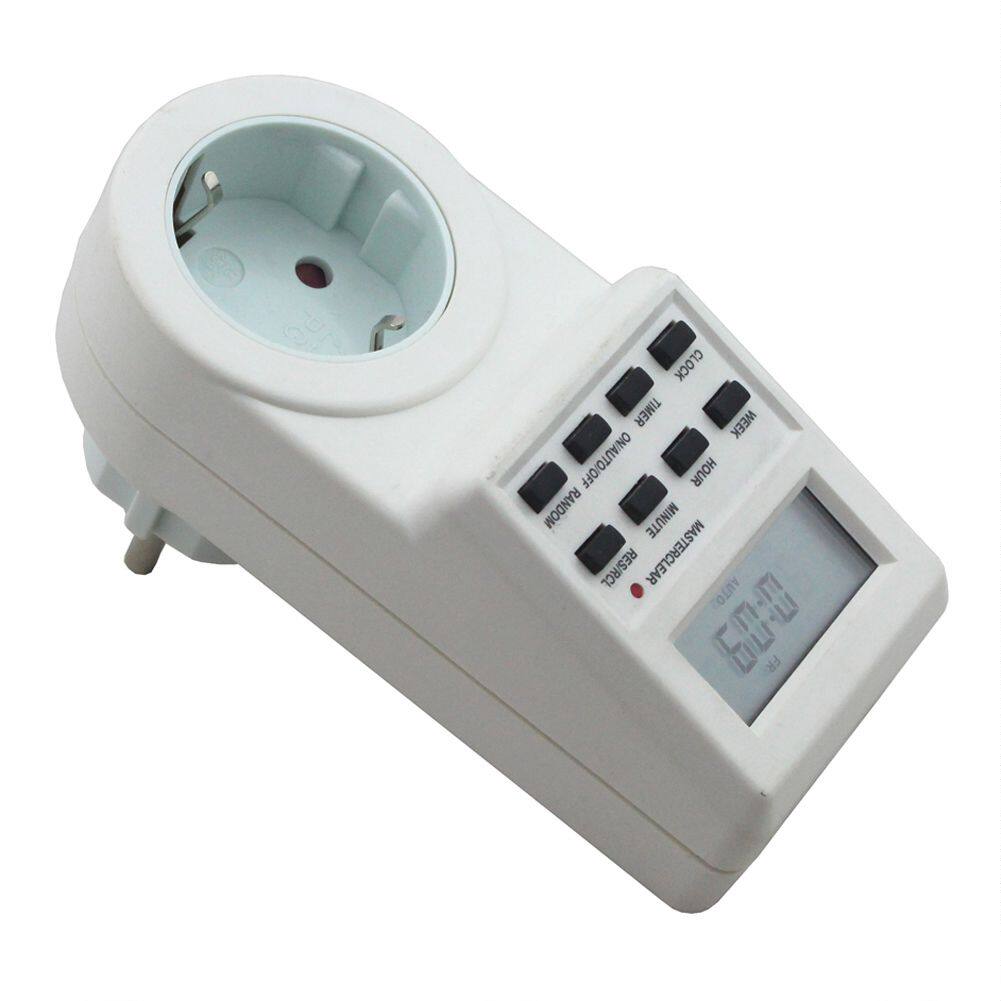
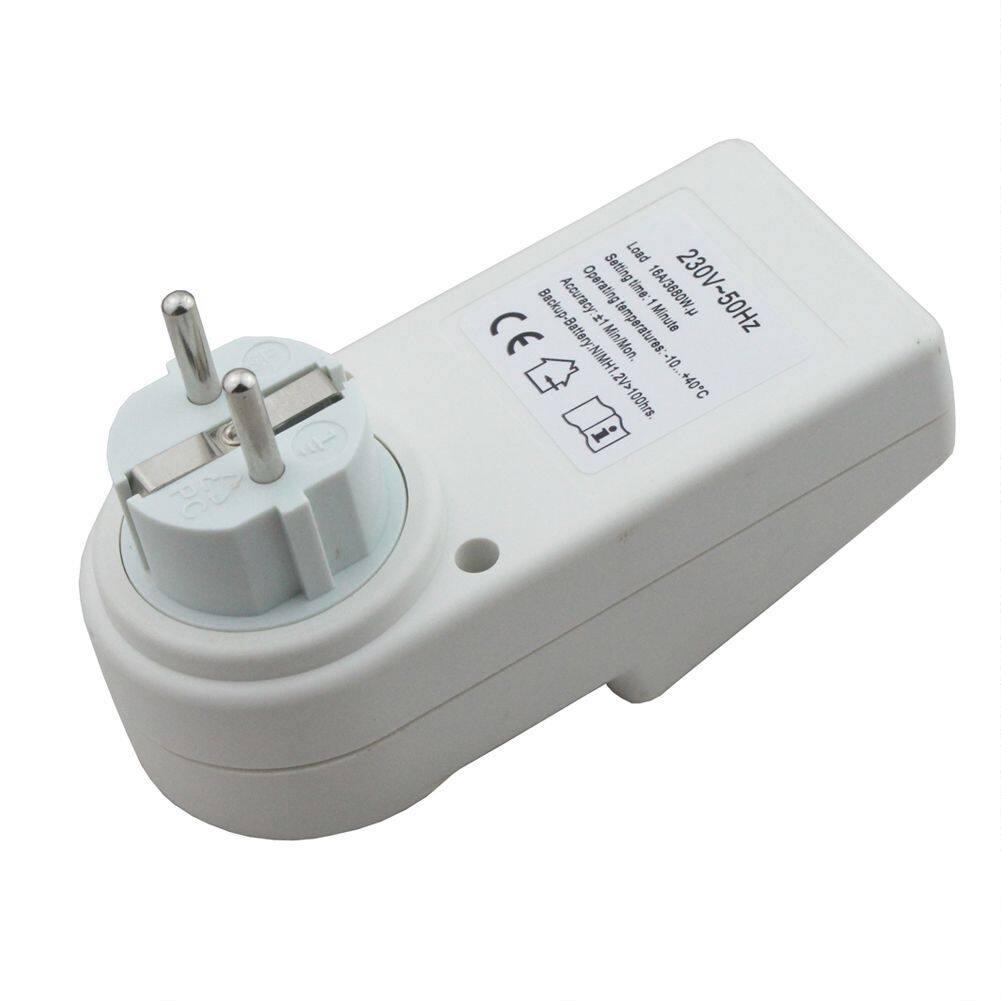
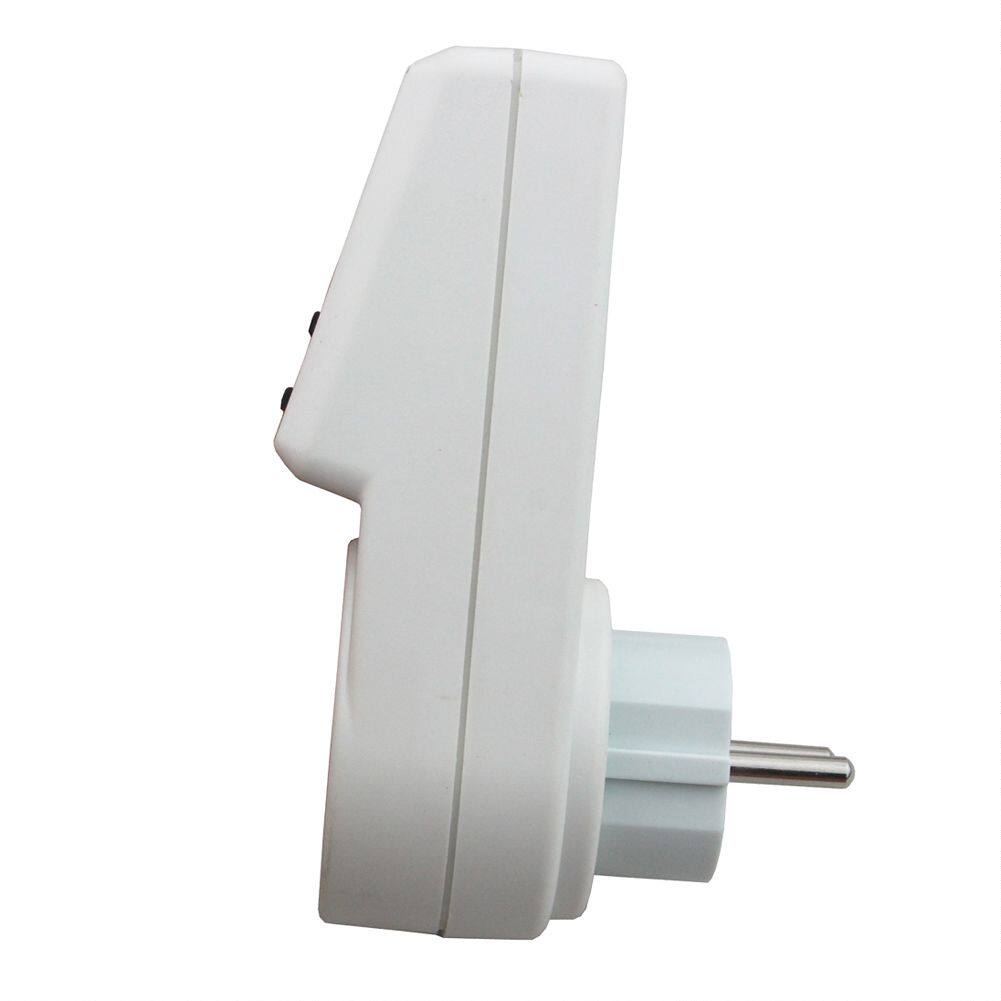
Timer operation instructions:
24-hour / 7-day electronic timer (provides random function mode / daylight saving time mode)
Plug-in timer, can control the power consumption of connected electrical appliances
Basic Features
--- 8 function keys
--- Can be set hours, minutes and weeks
--- Can be converted to daylight saving
--- Random function mode
--- 12/24 hour conversion system
1. start up
1.1 Press "MASTERCLEAR" key, 6 seconds to check all the systems
1.2 Press "MASTERCLEAR" with a pointed object (such as a pencil tip) to eliminate all the information previously set
2. "Week" button on and off
After pressing the "Timer" button, enter the setting state
2.1 Press the "WEEK" button and select the day of the week you want to turn on the connected device. Combinations are presented in the following order MO-TU-WE-TH-FR-SA-SU-MO TU WE TH FR SA SU-MO TU WE TH FR-SA SU-MO TU WE TH FR SA-MO WE FR-TU TH SA-MO TU WE-TH RF SA-MO WE RF SU.
2.2 Press "HOUR" key to set, select "0 ~ 23" or "1 ~ 12"
2.3 Press the "MINUTE" button to set, select "00 ~ 59"
2.4 In the setting state, if not within 20 seconds, will return to the current time
2.5 Make sure to press "RESET / RECALL" to cancel or reset the previous setting
Note: Pressing HOUR, MINUTE, or TIMER for more than 3 seconds will pop up 4 times every second Setup Summary Page
3. System clock function
When the timer is set
3.1 LCD screen shows week, hour and minute. 12-hour system will have AM and PM display
3.2 Press the "CLOCK" "WEEK" button at the same time, set the week
3.3 Press the "CLOCK" "HOUR" button at the same time, set the hour
3.4 Press the "CLOCK" "MINUTE" button at the same time, set the minute
3.5 Press "CLOCK" "TIMER" at the same time, can change 12/24 hours system.
4. Switch to daylight saving time
Follow these steps to easily switch to daylight saving time
4.1 Press "CLOCK" and "ON / AUTO / OFF" simultaneously
LCD screen will display SUMMER words, time will go to daylight saving
5. Random function mode
5.1 Press "RANDOM" key, the LCD screen will display "RANDOM" to remind users that the random function mode has been activated. Valid from 6:00 PM to 6:00 AM. If you end this mode, it will automatically jump to automatic mode.
5.2 As with 5.1, pressing the "RANDOM" key again will end the random function mode and the word RANDOM will disappear
5.3 random function time in 1 to 2 hours, which is ON or OFF time is 60 to 120 minutes each time.
6. Manual operation
The LCD screen shows the output status as follows
AUTO: ON or OFF when set
ON: The device is always on
OFF: The device is always off
ON-AUTO-OF