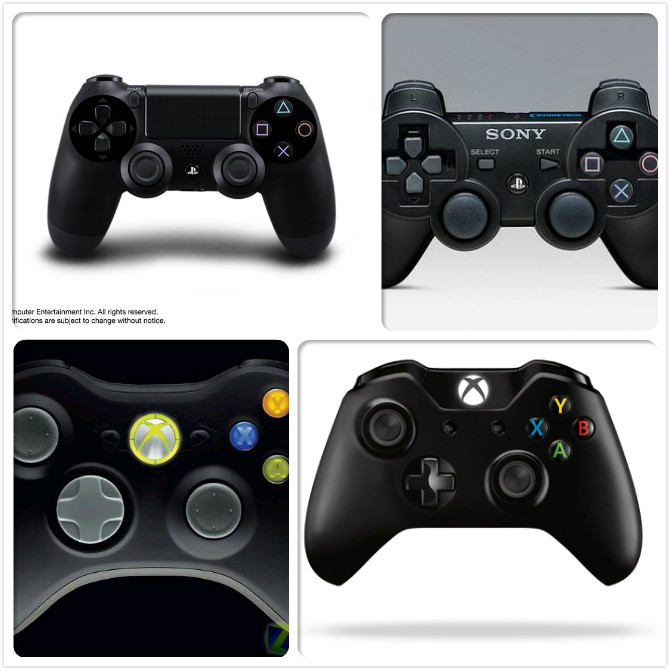
玩家实用体验视频:
http://www.tudou.com/programs/view/QCAP-HRN25w/
http://v.youku.com/v_show/id_XODc1NzY3NTE2.html
http://v.youku.com/v_show/id_XODYyNDQ3MzAw.html
http://v.youku.com/v_show/id_XODc1NzY3NTI0.html
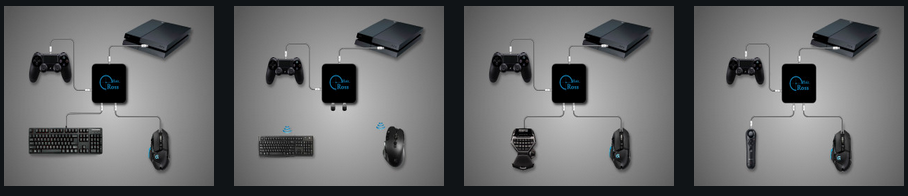
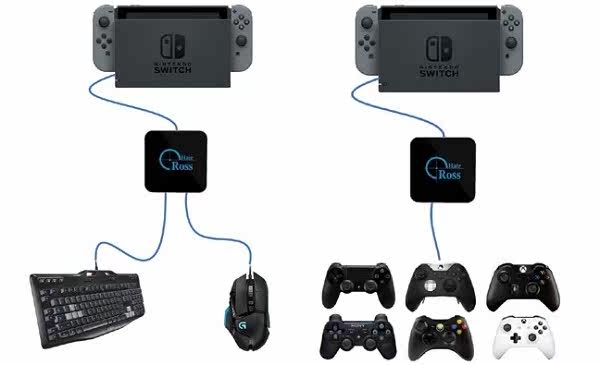
以下为几种主要用途:
1.接键盘鼠标
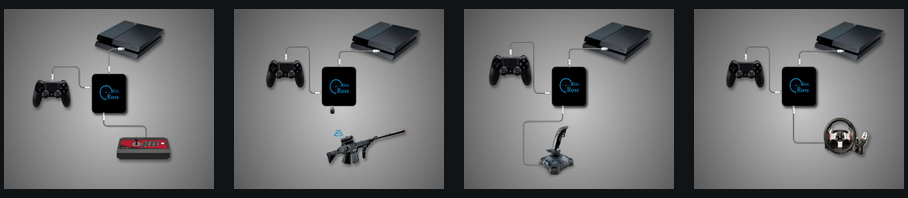
2.接各种外设(街机摇杆,动感枪,飞行摇杆,方向盘)
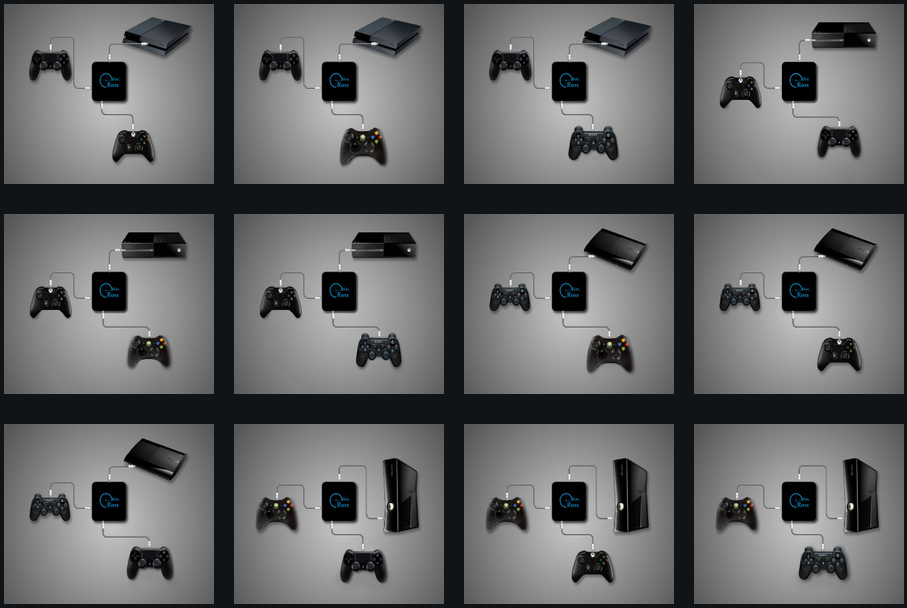
3.不同平台的手柄互换
以下为实物照片:
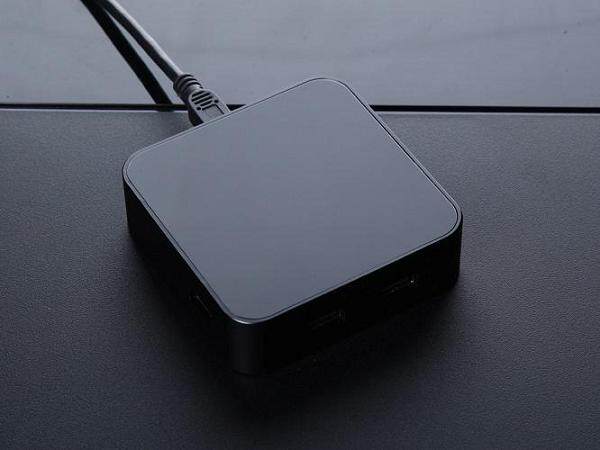
1.大气的造型!
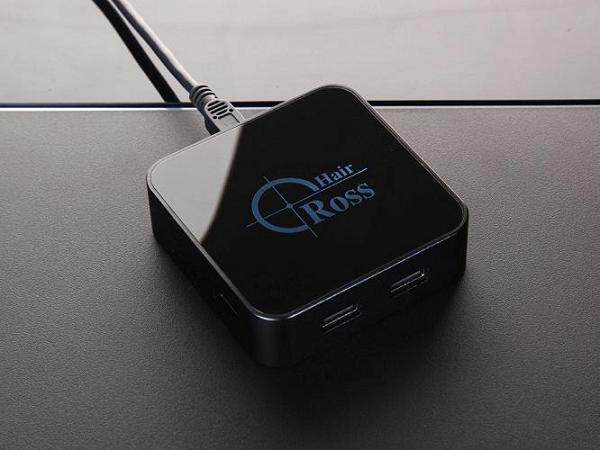
2. 精致的灯光
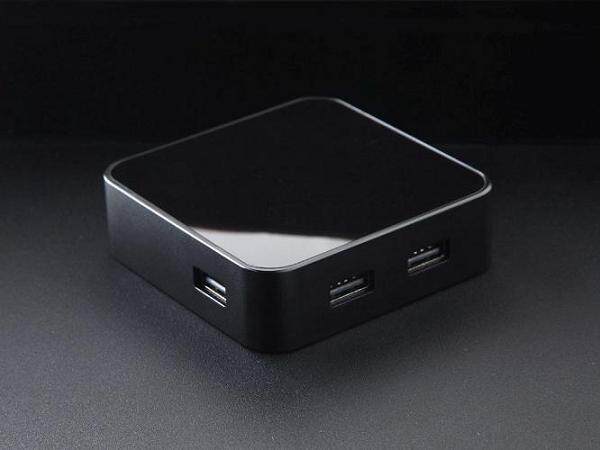
3. 高档阳极氧化铝合金边框
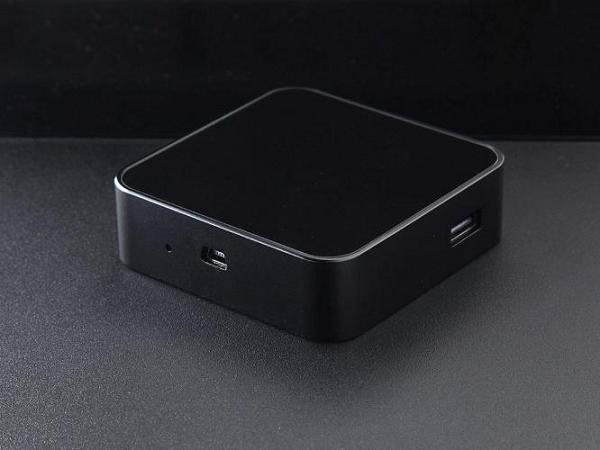
4. 高品质的接口,无缝、无螺丝一体外观
5. 超坚固、超缓冲、环保包装
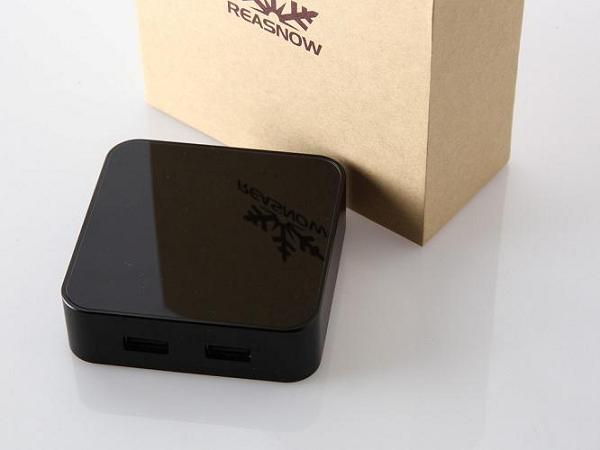
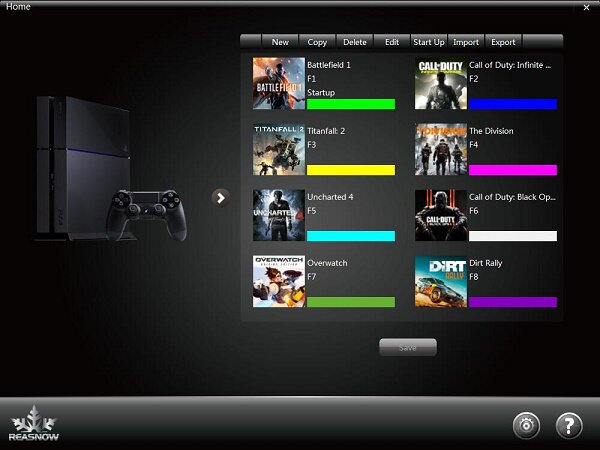
6. 随时更新支持新游戏,使用简单。
仅第一次配置时,需要使用电脑,设置好以后独立运行,即插即用!
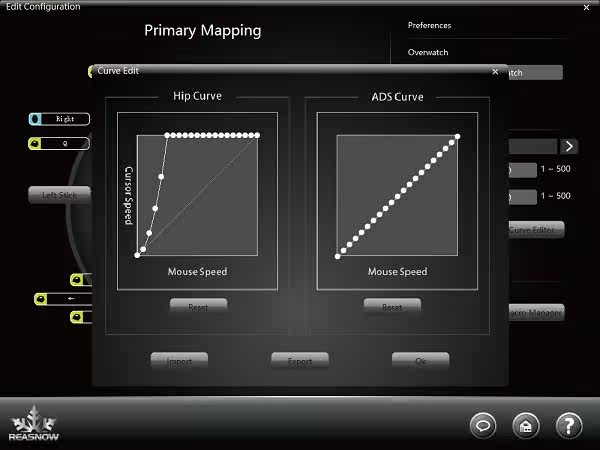
游戏曲线编辑界面:
*新增任天堂主机的键鼠支持和第三方手柄支持!
=====以下为原版资料内容,请详细了解!=====
1.1 Advantages
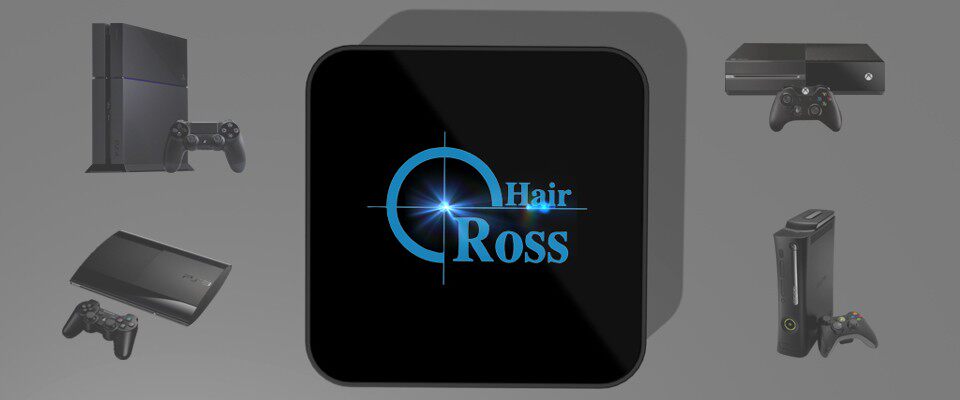
●Support all platforms:PS4/PS3/ XBOX ONE/XBOX 360
●Mice, Keyboards, Joysticks compatibility
●Cross platform controller usage (All controllers on any console)
●Intelligent Engine(best mouse precision, 1:1 movement in game)
●Xbox headsets supported
●Firmware in field upgrade
●Active community online
●Aluminum enclosure
●Color and sound indication (clear and convenient)
1.2 Technical Specifications
|
Outline |
75*75*22mm |
|
|
Net Weight |
105g |
|
|
Platforms |
PS4/PS3/XBOX ONE/XBOX 360 |
|
|
Configuration |
16 configurations, user defined |
|
|
Color |
Black |
|
|
PORT |
3 USB ports |
For controller , keyboard and mouse |
|
|
1 MINI USB device port |
Connecting to game console |
|
BUTTON |
|
Firmware repair |
|
BEEPER |
Internal beeper |
Sound indication |
|
Temperature |
-10~50℃(14~122℉) |
|
|
Humidity |
below 90% |
|
1.3 To know Cross Hair
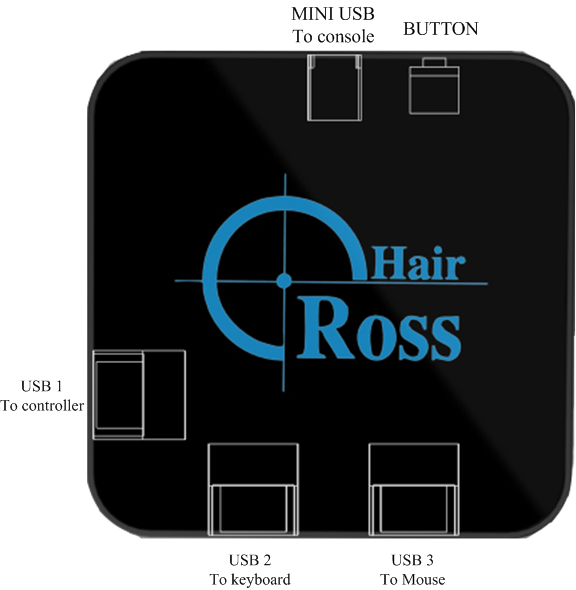
MINU USB:Connect to game console.
USB1:Connect to the genuine official wired controller shipped with game console. As for wireless controller just connecting it with suitable USB cable to this USB port, except that Xbox 360 requires a genuine wired Xbox 360 controller.
USB2:Connect to your keyboard or joystick or other controller.
USB2:Connect to your mouse.
BUTTON:Firmware reparation.
LOGO LED:Status indication.
Internal Beeper:Status indication. Do not need to look at Cross Hair and will be informed by sound.
1.4 Connections (PLAY MODE)
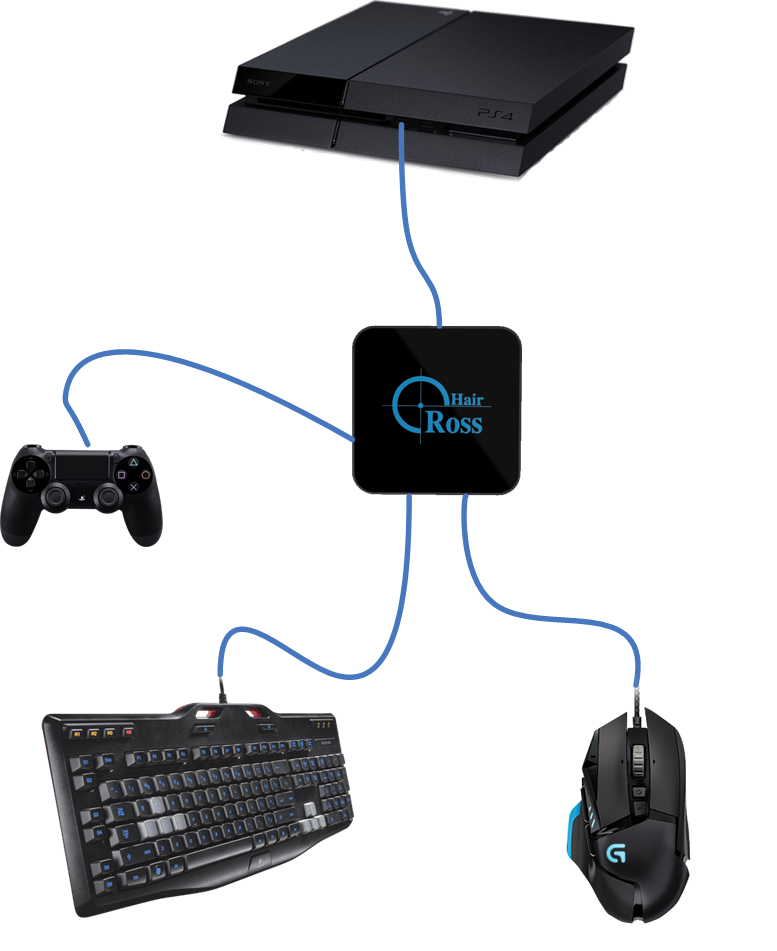
●Please connect your controller, keyboard, joystick, mouse according to the figure above, do not change the order of USB 1~3 at will.
|
USBPORT |
DEVICE TO BE CONNECTED |
|
USB 1 |
Official wired controller |
|
USB 2 |
Keyboard or joystick or other controller |
|
USB 3 |
Mouse |
3 Ways to Use Cross Hair
1. Use keyboard and mouse, instead of controller
2. Use joystick and mouse, instead of controller
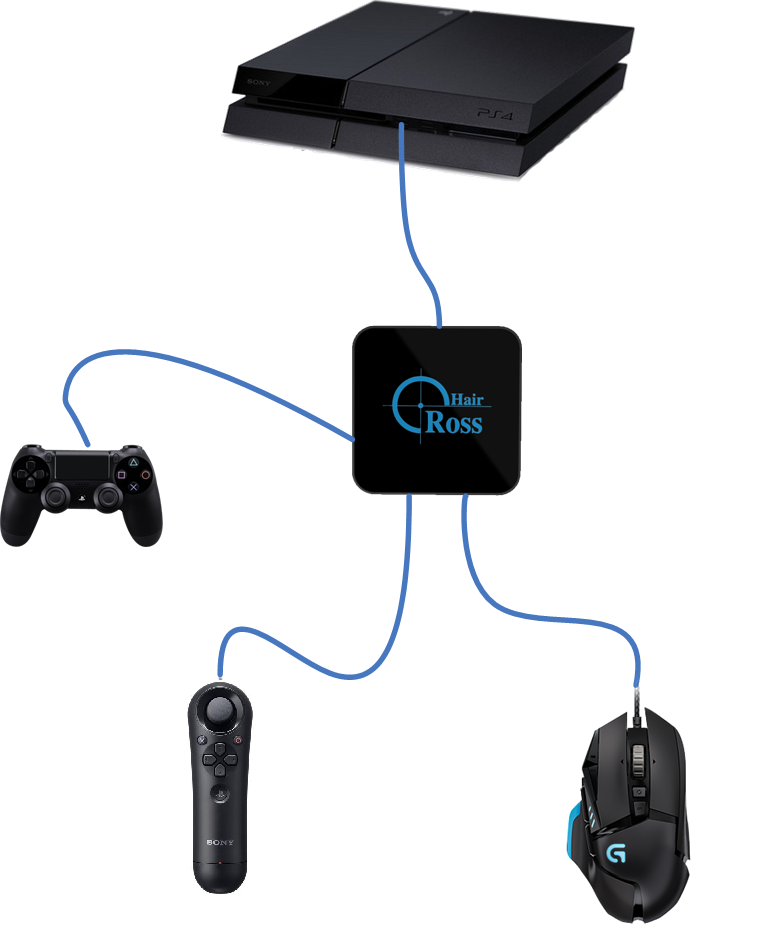
3. Use another controller instead of the original one (Cross platform controller usage)
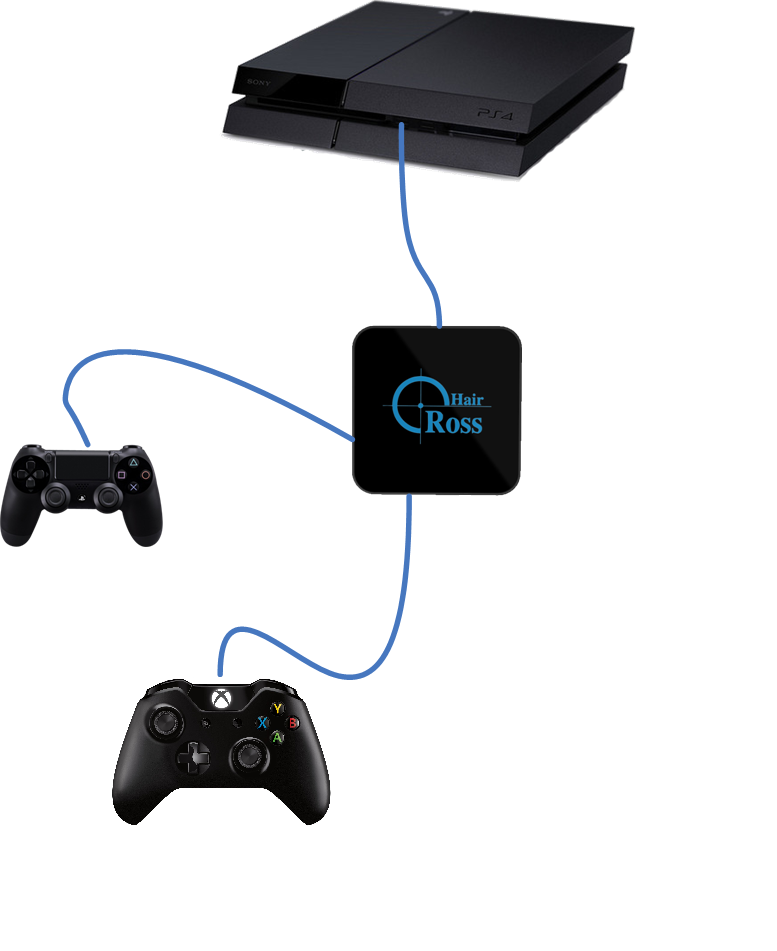
The controller connected to USB 1 should always be the original one shipped with the console.
Only official controllers are tested and recommended!
Supported Controller:
|
Game Console |
DS4 |
DS3/Sixaxis |
XBOX ONE CONTROLLER |
XBOX 360 CONTROLLER |
|
PS4 |
|
● |
● |
● |
|
PS3 |
● |
|
● |
● |
|
XBOX ONE |
● |
● |
|
● |
|
XBOX 360 |
● |
● |
● |
|