Studio : FA-STAR Publisher : FA-STAR Binding : Electronics Product Description
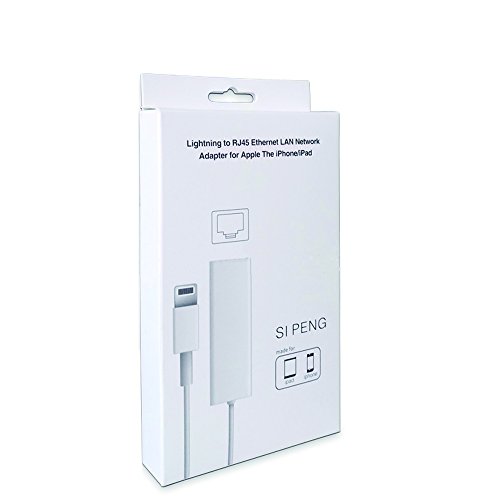
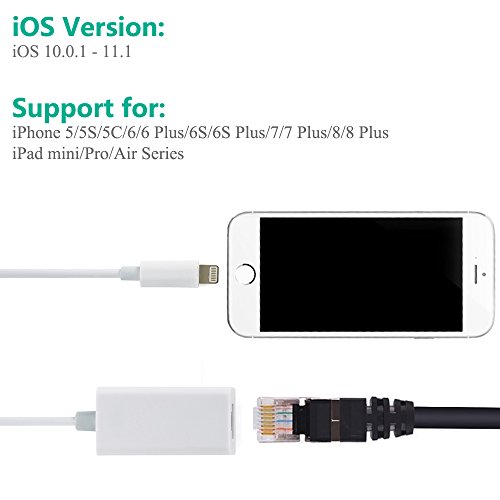
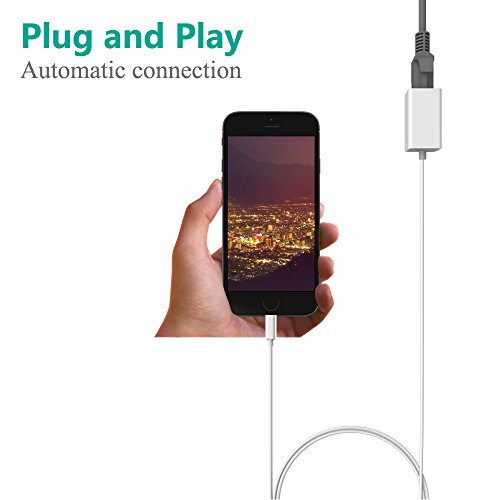
Lightning to RJ45 Ethernet LAN Wired Network Adapter for iPhone and iPad Adapter size:W58×D23×H16mm, Lightning Cable:1M/3.3Ft, Weight:26.4g, High Speed: 10Mbp/100Mbps System Version: iOS 10.0.1 - 11.1 Plug and Play: Easy installation, Just Activates by Simply Connecting it to an available iPhone/iPad with LAN network. Bus Powered: No External Power Needed, Supports 10/100Mbps Lightning Cable directly. Compatibility:
- iPhone Models: iPhone 8 Plus/8/7 Plus/7/6s Plus/6s/6 Plus/6/SE/5s/5.
- iPad Models: iPad Pro, iPad Air 2, iPad Air, iPad mini4 , iPad mini 3, iPad mini2. Connection Instruction:
- 1.Turn off your iPhone "WLAN" off,or turn your iPhone on "Airplane mode"
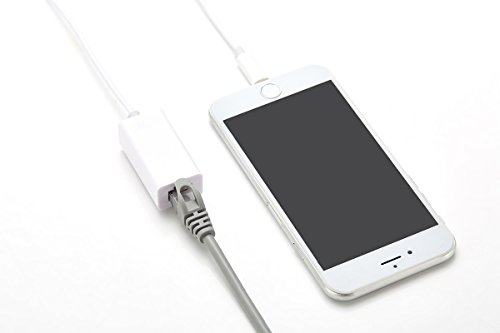
- 2.Insert your router-connected Ethernet cable into Ethernet port of our adapter, and connect the lightning end into your iPad or iPhone,
? Make sure your LAN cable is connected to internet.(Our Adapter can't dial-up internet itself, need your router device provide a IP by DHCP service)
- 3.Go to"Setting" in your iPad or iPhone and an Ethernet setting will be found on your screen.
- 4.Click the Ethernet to obtain a IP address.
- 5.Connect the adapter to your iPhone and open the "Safari" of your iPhone, to check whether the internet is connected or not.
Package:1x Lightning to RJ45 Ethernet LAN Wired Network Adapter Warranty:
1. Unconditional 40-Days Refund or Replacement
2. Any Problem, please contact us first ,we will provide satisfactory solution to you
0
|