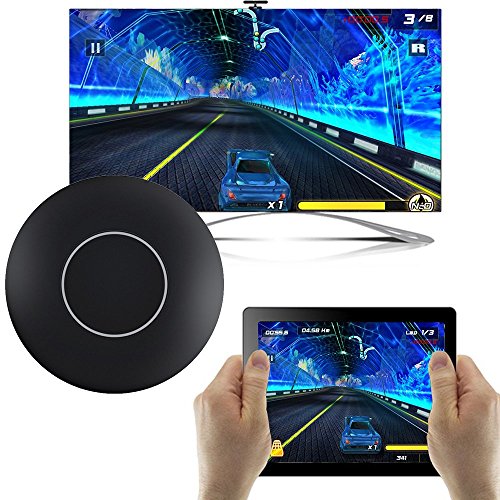
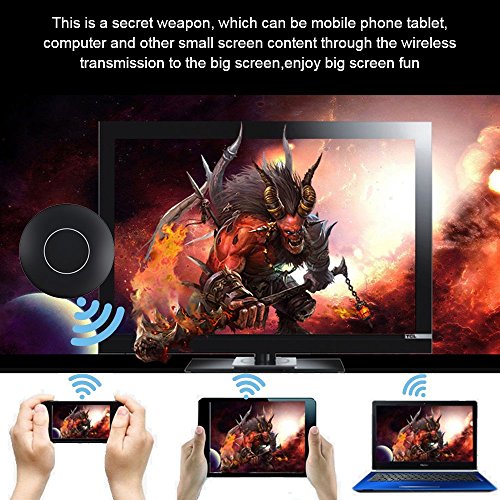
Studio : GOMXGO Publisher : GOMXGO Binding : Electronics Product Description
Key:?
1.Short Press To Switch Mode to Android Miracast Mode or iOS DLNA Mode.?
2.Long Press To Restore factory settings.
System Requirements:?
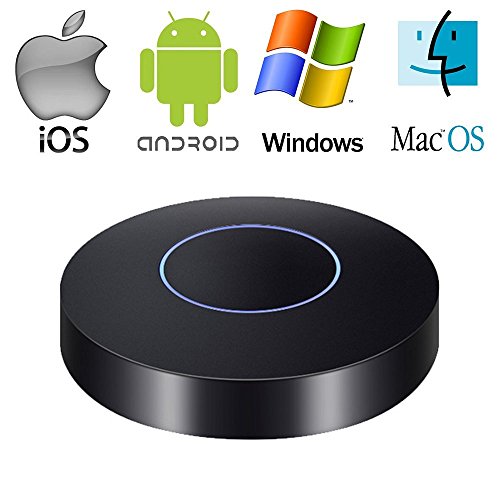
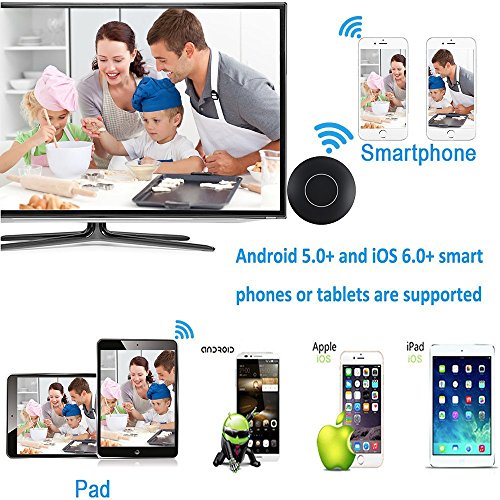
1)Miracast: Android 4.4 or later system/Windows 8.1 or later system.?
2)AirPlay Mirroring: iOS 8.0 or later system.?
3)AirPlay: iOS 8.0 or later system.?
4)DLNA: Intelligent devices Built-in or installed Apps support DLNA function.
Tips Notices:?
1.In the case of WiFi stability, the maximum transmission distance can be up to 4 meters.?
2.The WiFi Display Dongle belongs to the data cable type, the WiFi Display Dongle will has a slight heat phenomenon while data transmission, the maximum will not exceed 48 degrees. This is normal physical phenomena. Please do not worry about it.?
3. Please read the User Manual in detail and then follow the instructions to setup the wifi dispplay doogle.
Packing List:?
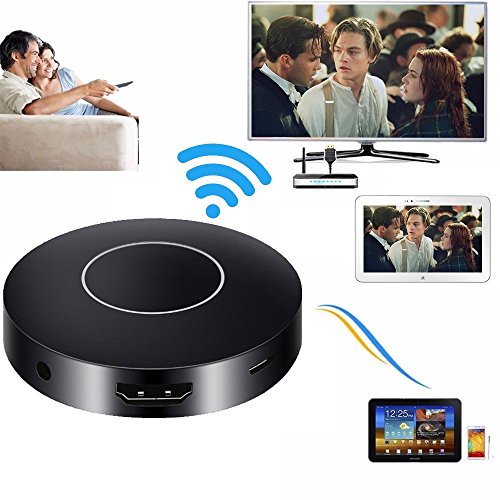
1 * Mirroring Dongle?
1 * Micro USB Power Cable?
1 * Instructions?
1 * AV adapter cable?
1 * HDMI cable
Any problem, especially the connection problem, freely contact us, we will help you.
We offer 1 year warranty, 31 days money back guarantee. Please feel free to contact us for return or replacement if it is does not function properly.
0
|