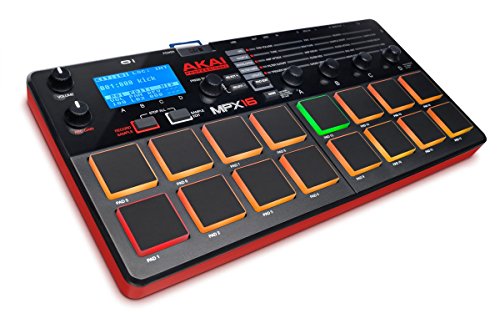
Akai Professional MPX16 | 16-Pad Sample Player and Recorder with SD Card Slot and Built-In Mic
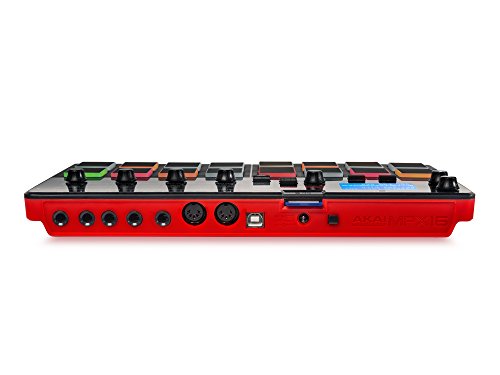

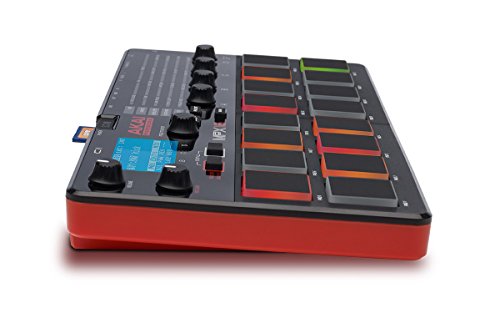
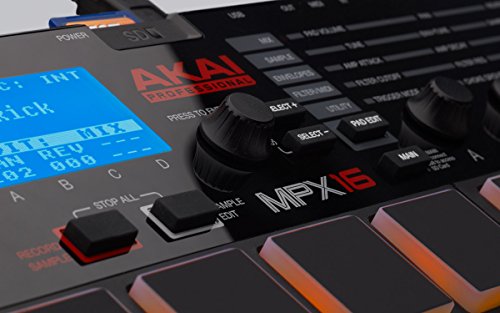
Product Description
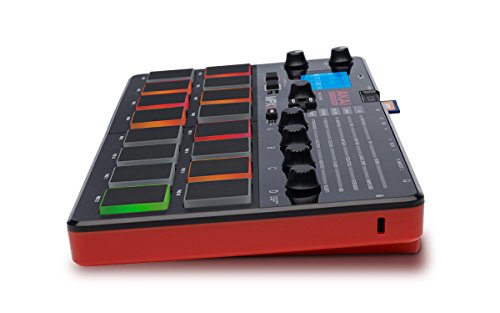
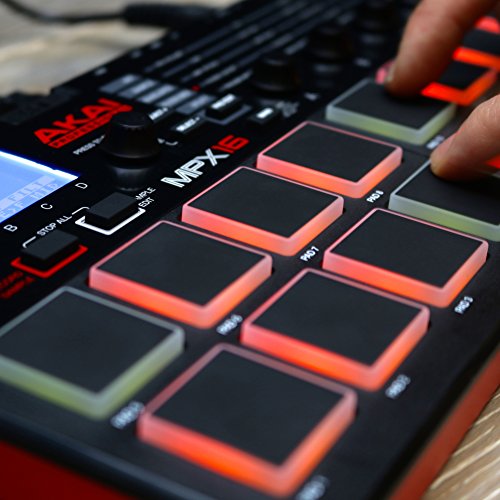
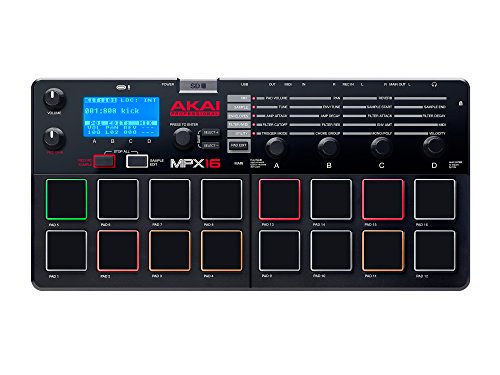
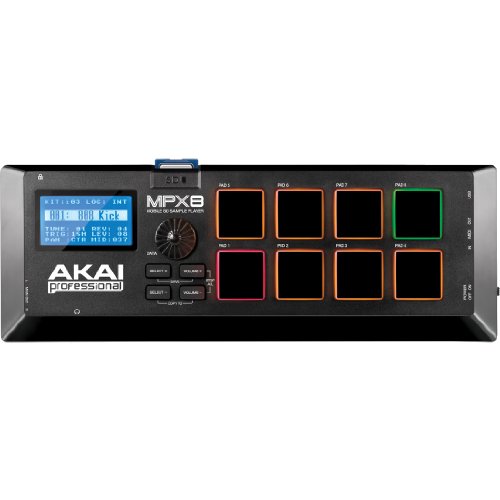
Akai Professional's MPX16 is an advanced sample player with sixteen backlit velocity- and pressure-sensitive pads.
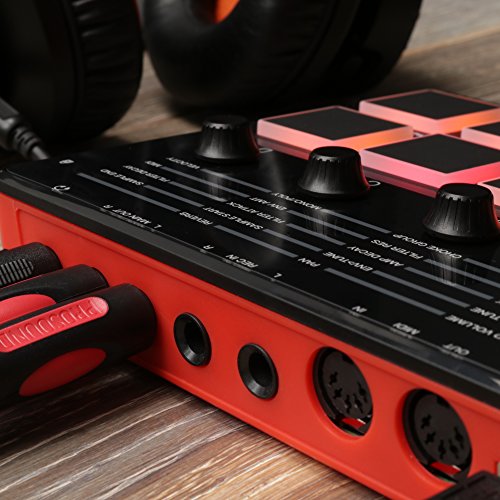
With it, musicians, producers and performers can trigger sound samples stored on standard SD or SDHC cards. Insert the SD card, assign its contents to any of the MPX16's pads, and go. You can even record audio directly using the built-in microphone, with a dedicated Record Gain knob to make sure you get it right.
MPX16's compact footprint means it is at home on a tabletop, music stand, lap, tray-table or in your backpack en route to the studio. Solid Akai Pro design and industry-leading pads ensure it stands up to the daily use you expect it to see.
Note: SD and SDHC cards sold separately.
Frequently Asked Questions
Can samples be loaded directly onto the MPX16 via USB connection?
The MPX16 allows for a direct USB connection to upload and download directly to the inserted SD card.
To use the MPX16 as an SD card reader, connect a standard USB cable to your computer USB port and power on the MPX16 while pressing and holding the MAIN button.
When adding samples, be sure to add the samples directly to the root (main) directory of the card. Do not add samples to any subfolders on the card. Also, limit your file names to 8 characters, do not use spaces, and do not use any of the following characters in the name: "" * / : < > ? |
What format should my samples be in?
The samples must be in 16-bit, mono or stereo WAV format. They can have a sample rate of 48, 44.1, 32, 22.05, or 11.205 kHz.
How much can be assigned to the MPX16 pads at one time?
You can assign up to 60 MB worth of samples onto the MPX16's pads at a time. Also, please note that a sample's size will be rounded up when loaded (eg., a 2.1 MB sample on the SD card will be treated as a 3 MB sample when assigned to a pad).
How long does it take to load a sample from the SD card to a pad?
Using a number of different SD and SDHC cards with various transfer rates, we experienced the following average load times:
What kind of SD card do I need?
You can use an SD or SDHC card with a capacity of up to 32 GB and it must be FAT32 formatted. Up to 512 files can be stored in the root directory of the card.
Technical Specs
Display
Pads
Knobs
Inputs / Outputs
Polyphony
Envelopes
Filter
Effects
Sample Tuning Range
Sample File Format: Uses and records mono or stereo WAV files
Power
Dimensions (width x depth x height): 11.6” x 5.8” x 1.2”
Weight: 1.5 lbs
Box Contents
Feature
Record and play back stereo .WAV samples using any SD card (sold separately)
