Studio : Pin Yuan ELECTRO Publisher : Pin Yuan ELECTRO Binding : Wireless Phone Accessory Product Description
Note:
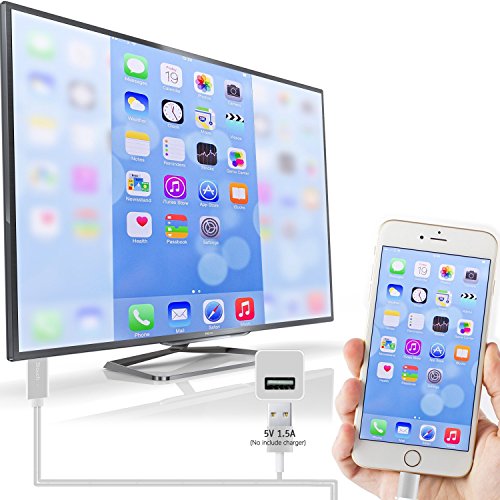
1.You must plug USB to power,that is, you need to connect the 3 end to make it work. Besides, please make sure of right adapter, 5w for iPhone and 10w/12w for iPad. If lower, it won't work very well. ?
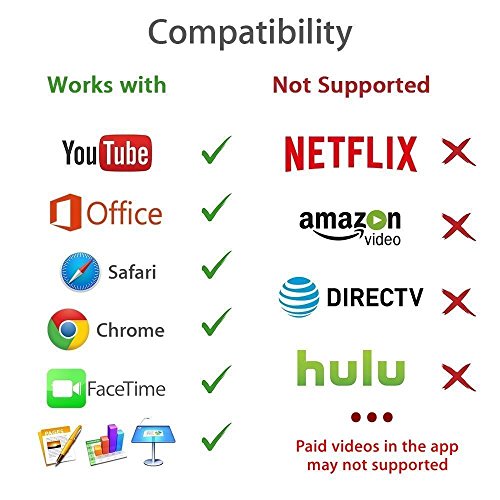
2.Due to copyright protection measures, you may not use multi-screen mirroring with some paid contents including Netflix, HULU, Prime videos, directv and other paid videos, please refer to the terms and conditions of those apps.
How to Use:
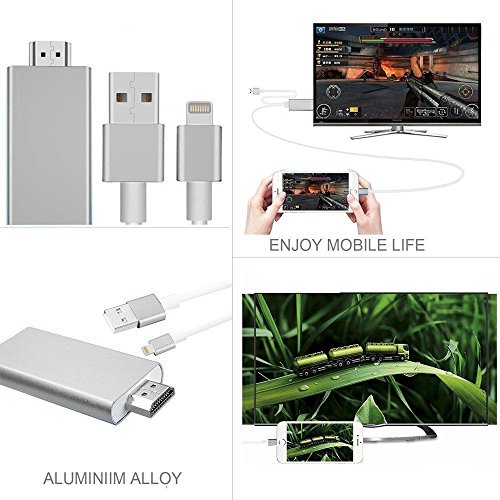
1. Connect HDMI to display and lightning port to iPhone, then plug USB to power adapter or outlet.
2.Plug and Play, No need Personal Hotspot/Airplay, No need any setting on your mobile devices(iPhone/iPad/iPod) side only click the "Trust" button while connect it;?
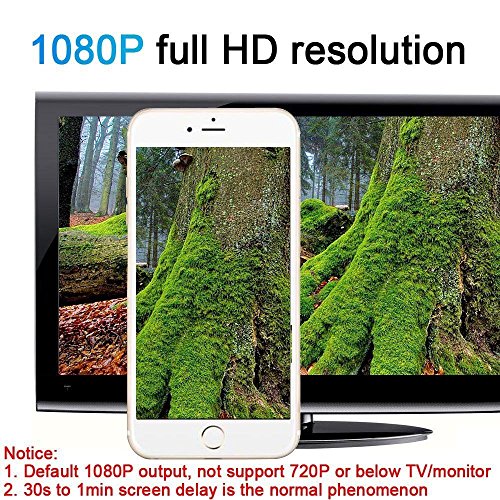
Share High Resolution 1080P Images Videos:
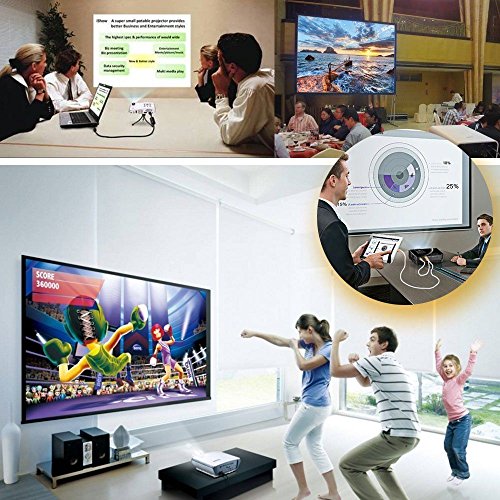
Easily plug and play, share videos slideshows album on the big high definition screen with your family and friends.Plays on iPhone or iPad, displays on TV, enjoy your good time with family and friends.
Packing include:
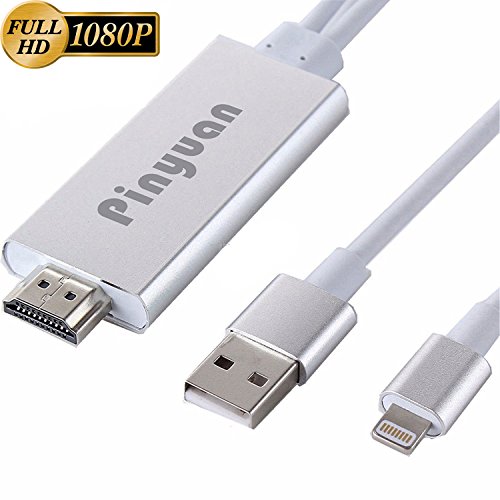
Lightning to HDMI Cable *1
user manual* 1
If there is any question about using method or any problem,please feel free to contact us, we will try our best to help you.
0
|