-. Binding : Electronics
-. Brand : MiraScreen
-. EAN : 6970514901862
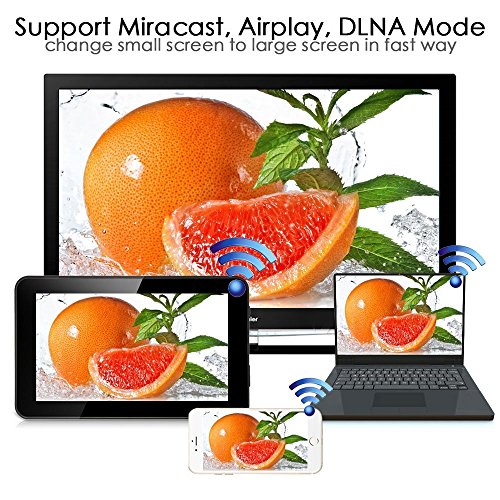
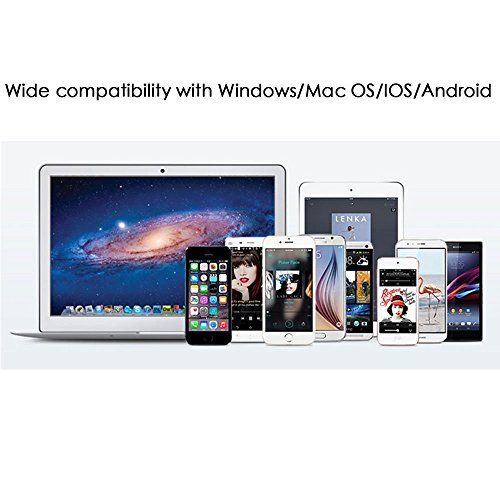
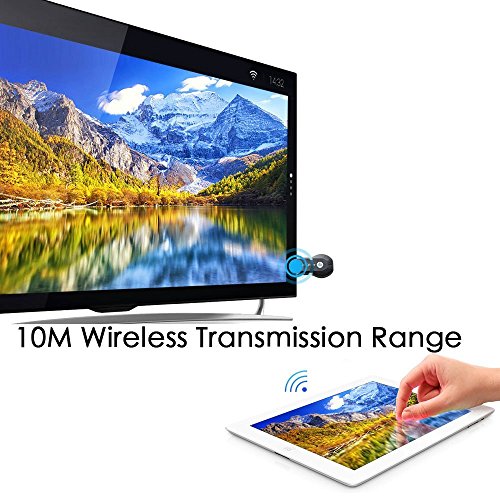
-. Feature : [WiFi Display] Wireless screen mirroring, sync mirror the entire screen of iPhone/Android smartphone/tablet PC to any HDMI screen TV/Projector, perfect for PPT presentation and video meeting. / [Wide Compatible] 1080P WiFi Display Dongle Supports Airplay Miracast DLNA. / [Connection for iOS device] 1. Connect Anycast in your WiFi Setting 2. Go to Safari and input 192.168.203.1 This will open a setting menu, click Internet and select your normal home wifi, and you need to put in your wifi password. 3. Pull up Control Center and tap "Airplay Mirroring" to start to mirror. / [Connection for Android device] 1. Press the button on the Anycast dongle to switch to MiraCast mode and Enable WiFi on phone 2. Turn on MiraCast (Named as wifi display/screen mirroring/miracast/smart view in phone Setting) to start to mirror.(Download "WiFi Display Helper in Google Play if you need to find the MiraCast on your device.) / [Attention] 1. Plug the USB to an 1A power source as your TV doesn't supply that much from its USB port 2. Not Compatible with Netflix,HBO go, HULU and Honda motor. 3. Compatible with Windows 8.1 and later with built-in Miracast capabilities. Not compatible with Windows 7/XP and Windows 10 systems.
-. IsEligibleForTradeIn : 1
-. Label : Octa Hub E-Commerce Co., Limited
-. Manufacturer : Octa Hub E-Commerce Co., Limited
-. Model : AC1355
-. MPN : AC1355
-. PartNumber : AC1355
-. ProductGroup : Home Theater
-. ProductTypeName : TUNER
-. Publisher : Octa Hub E-Commerce Co., Limited
-. Studio : Octa Hub E-Commerce Co., Limited
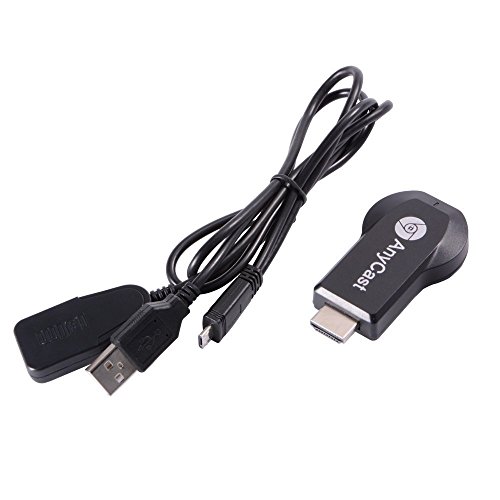
-. Title : AnyCast M2 Plus TV Stick WiFi Display Receiver 1080P HDMI Screen Mirroring Adapter Updated Wireless MiraCast DLNA Airplay Dongle
DIMENSION INFOMATION
Product Dimensions : 10.21(Width) x 15.19(Length) x 3(Height) cm
Shipping Weight : 30 Hundredths Pounds