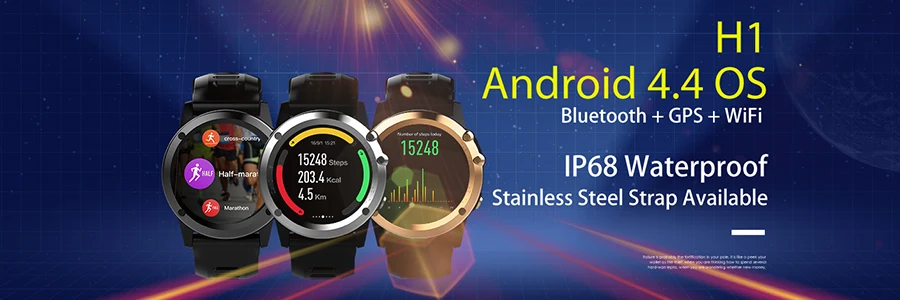
 Microwear H1 Smart Watch Android 4.4 Waterproof 1.39" MTK6572 BT 4.0 3G Wifi GPS SIM For iPhone Smartwatch Men Wearable Devices
 Microwear H1 Smart Watch Android 4.4 Waterproof 1.39" MTK6572 BT 4.0 3G Wifi GPS SIM For iPhone Smartwatch Men Wearable Devices
Main features :






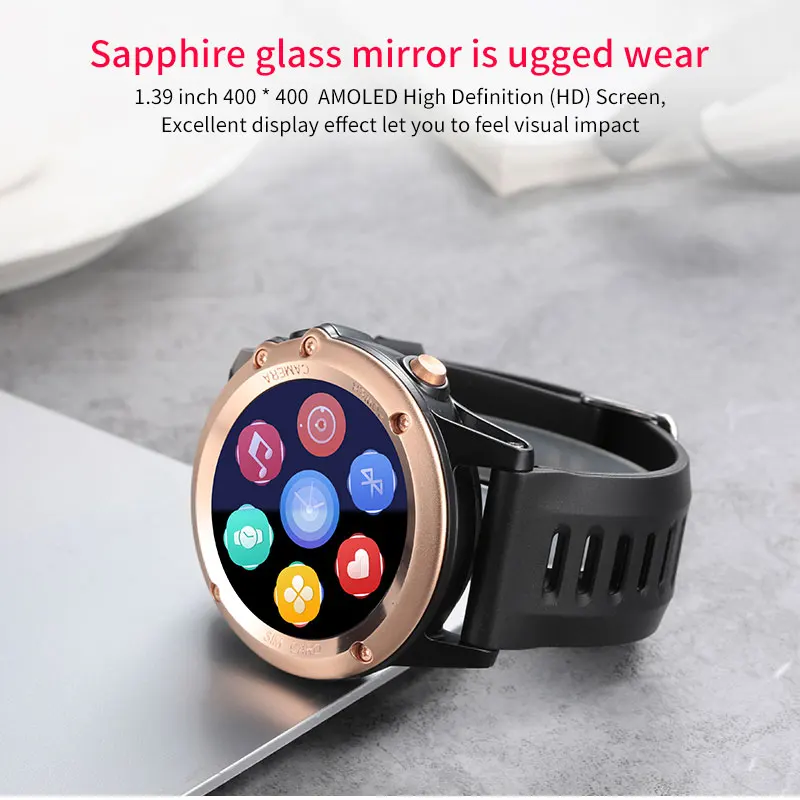
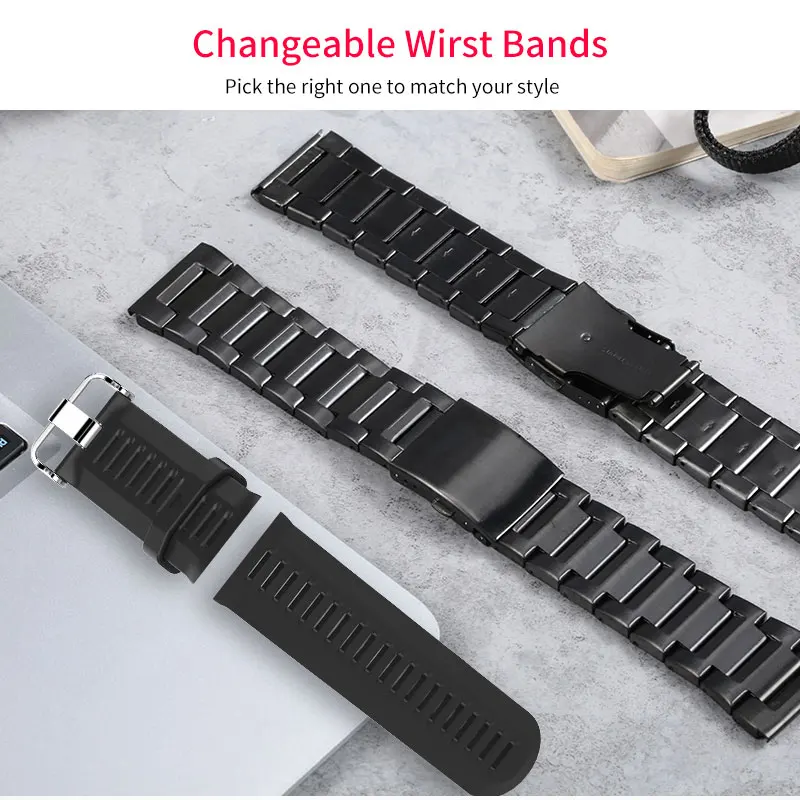
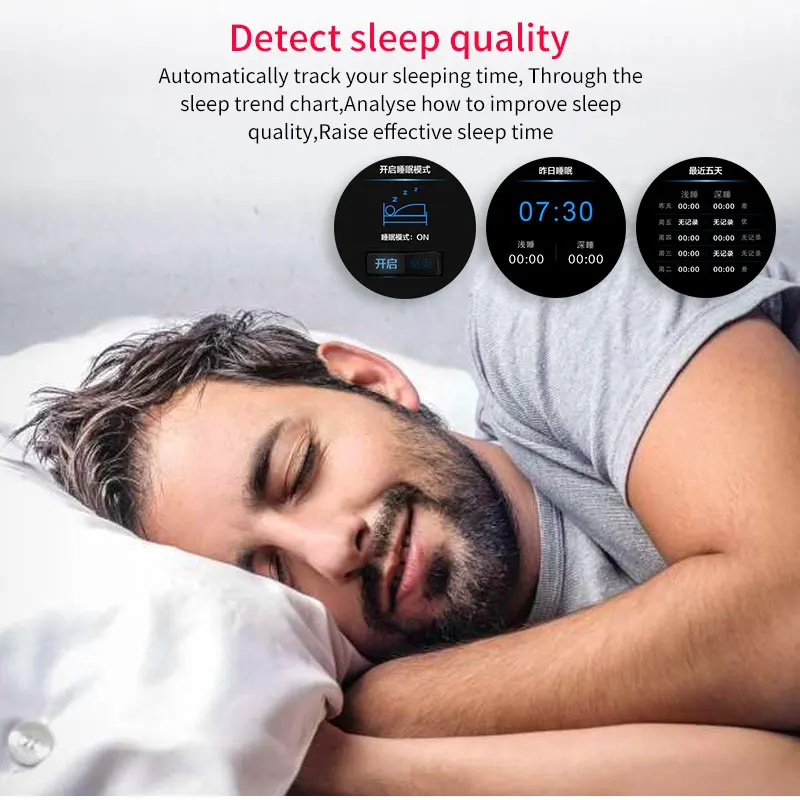
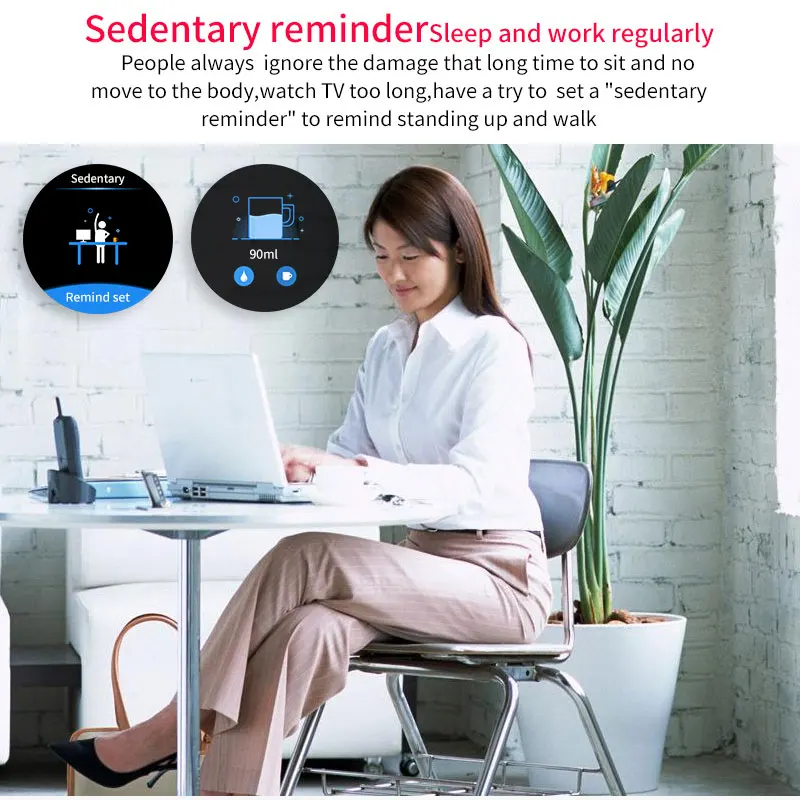

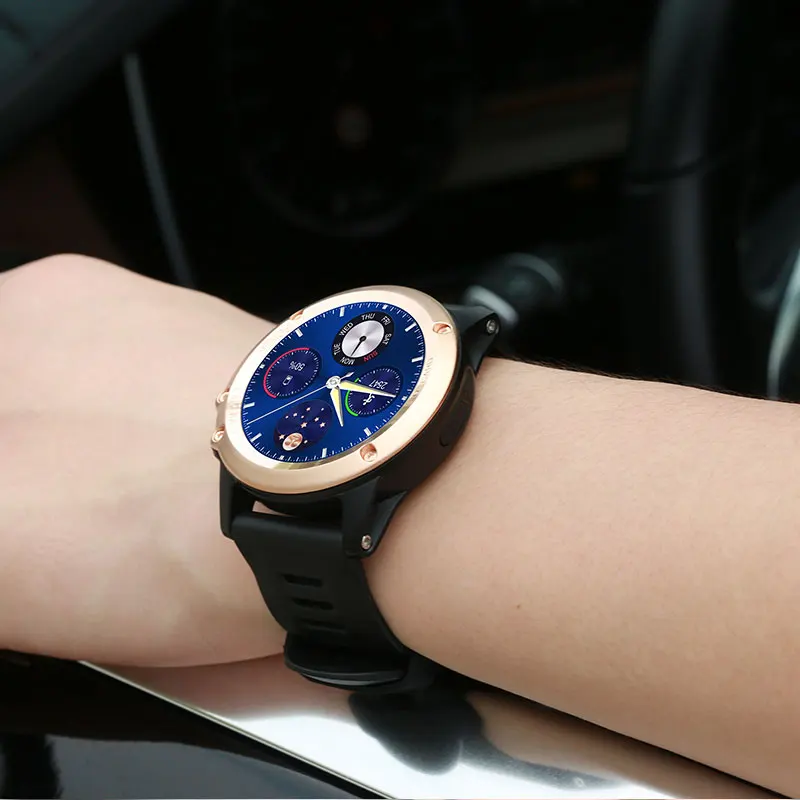
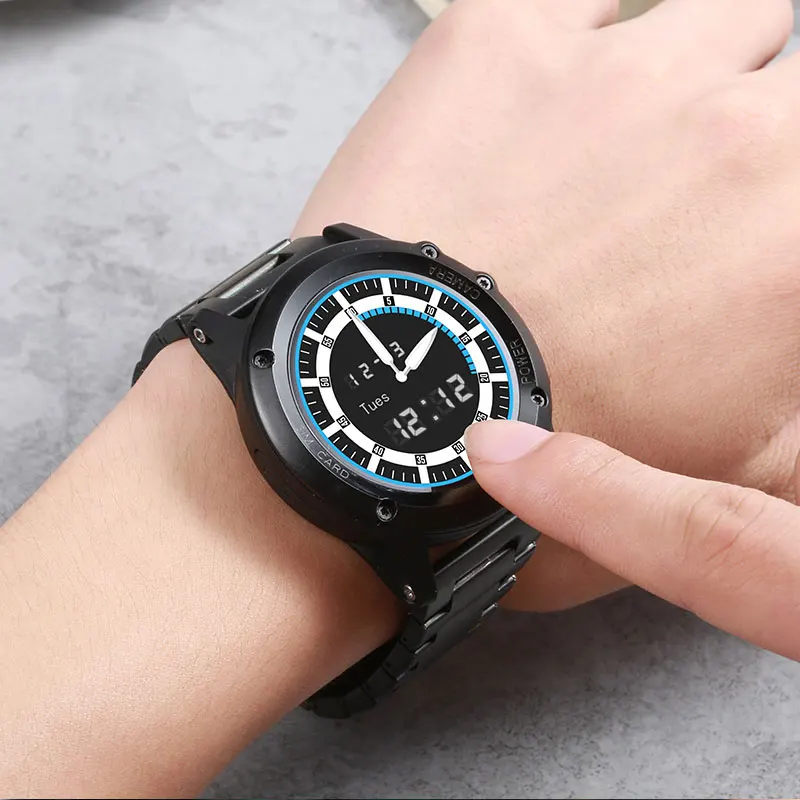


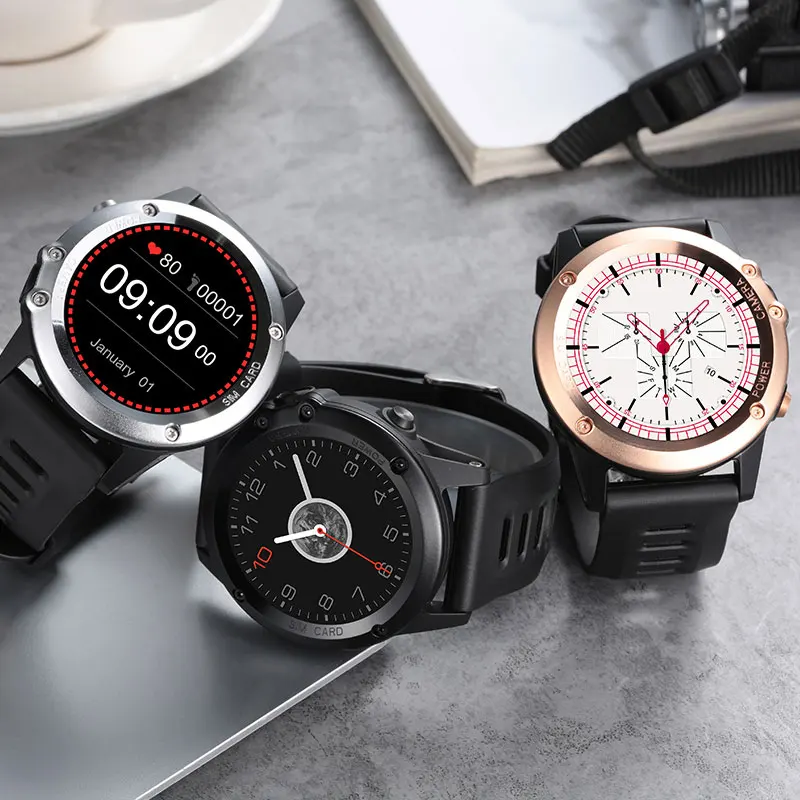
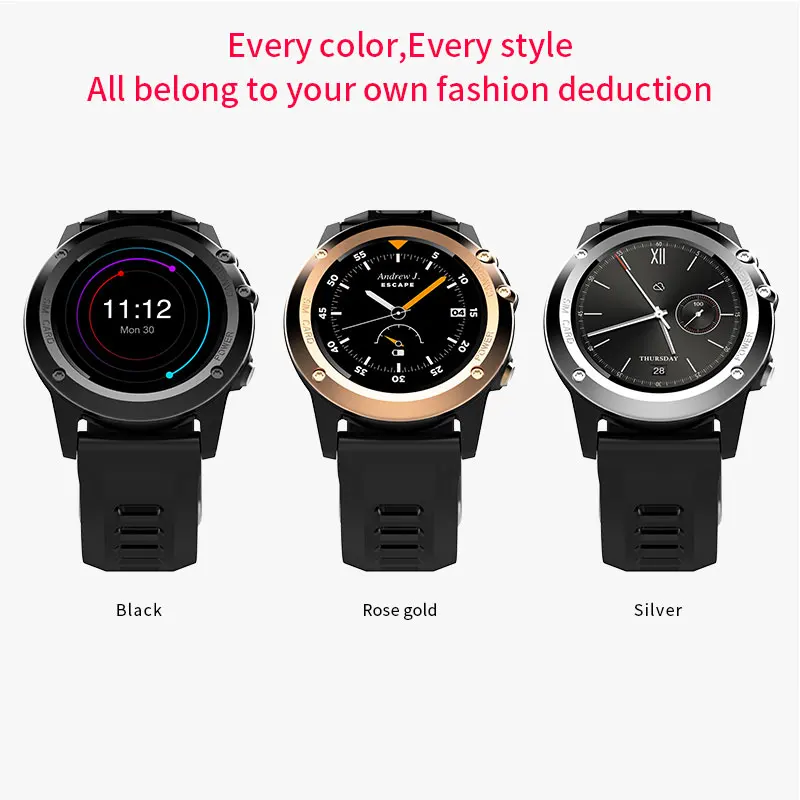
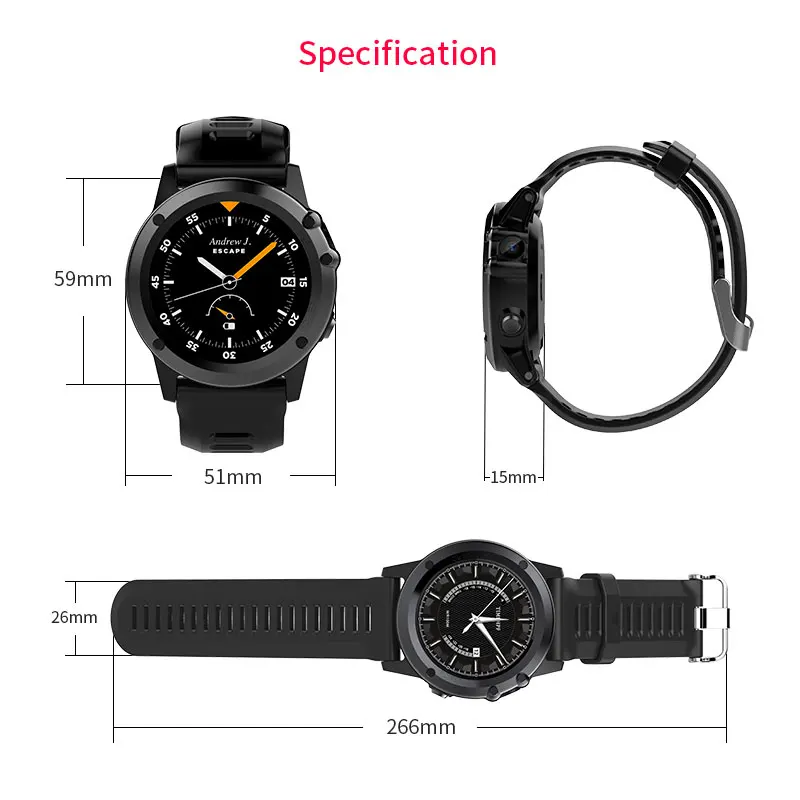
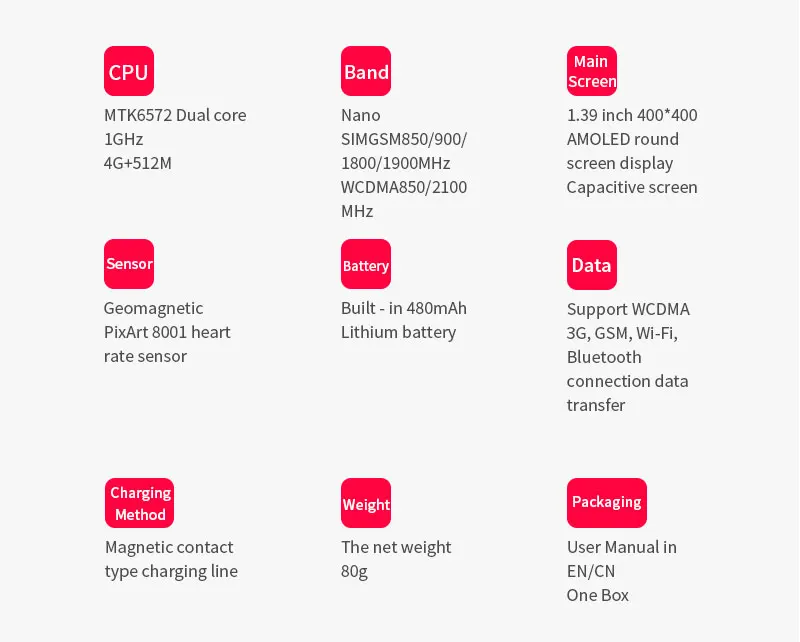
Basic Information | Brand: Microwear Battery: 480 mAh, 3-5 days standby |
Details | Watch Case: Stainless steel /plastic Bracelet : TPU material/ Steel |
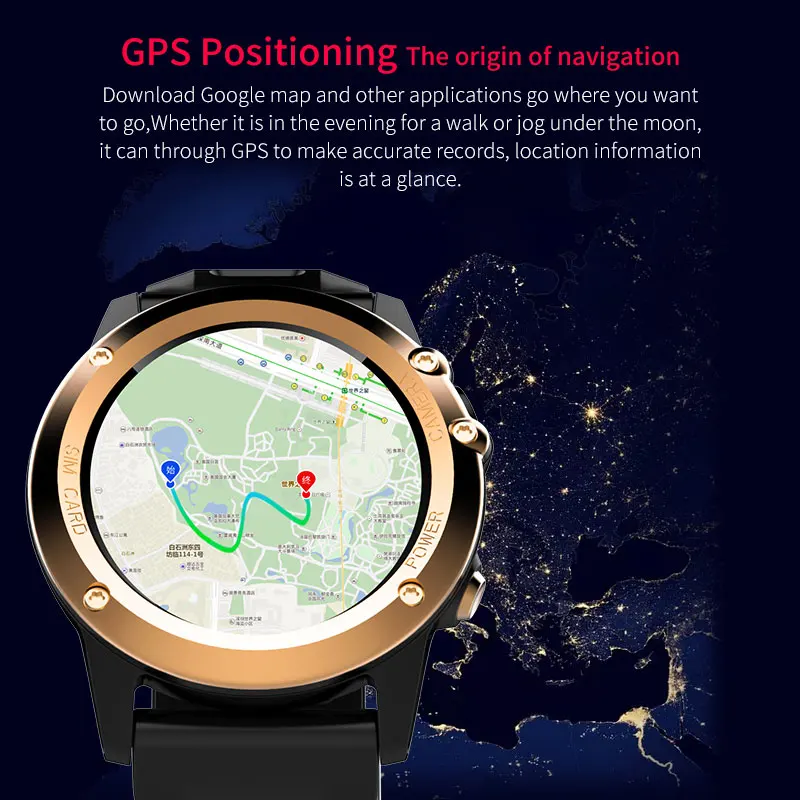
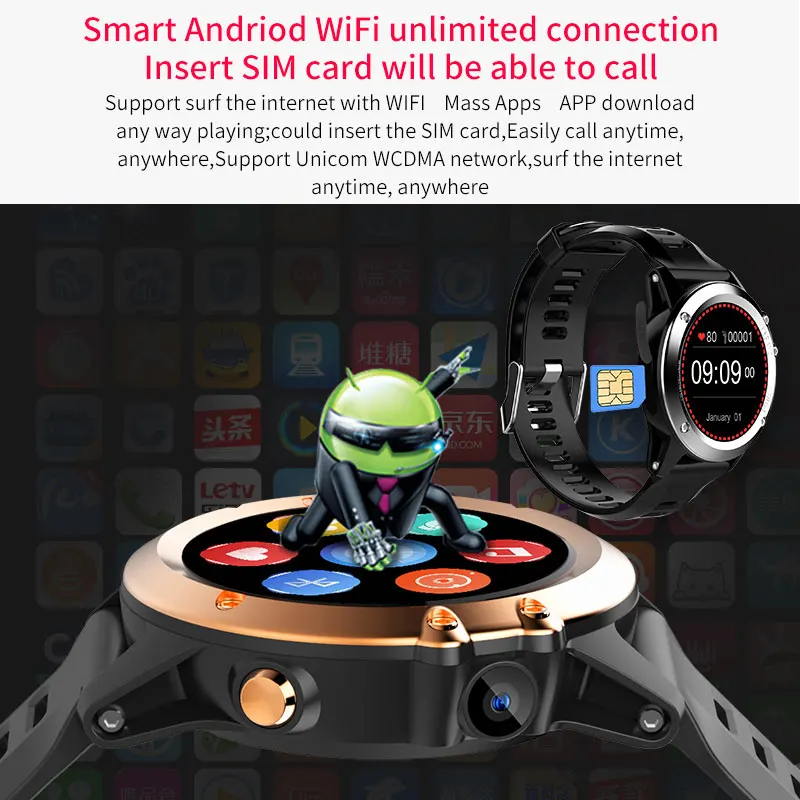
Network | Wireless Connectivity: 3G,Bluetooth 4.0,GPS,GSM |
Display | Screen type: AMOLED |
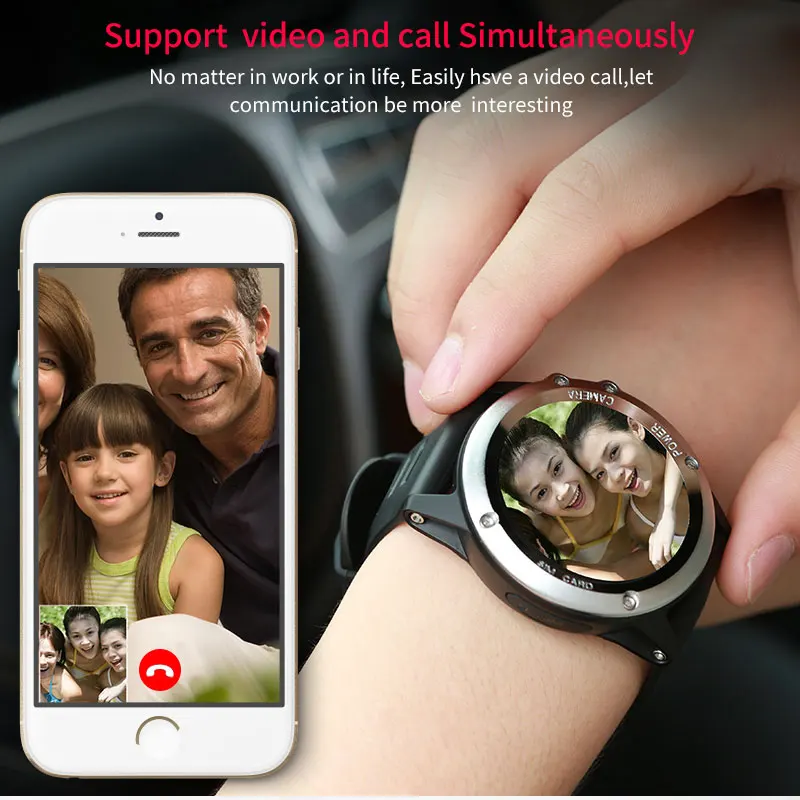
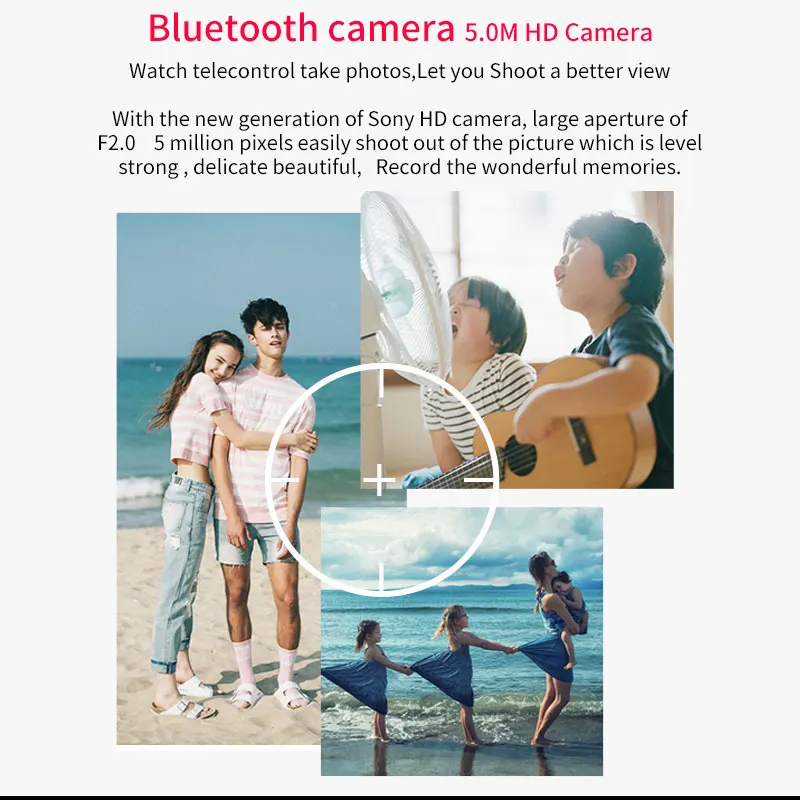
Camera | Camera type: Single camera |
Connectivity | SIM Card Slot: Single SIM |
Media Formats | Music format: MP3 |
Language | Indonesian, Malay, Czech, Danish, German, German (Germany), German (Austria),English (United Kingdom),English (United States), English (Spanish),Spanish,Filipino,French, Croatian, Italian, latvian, Lithuanian,Hungarian, Dutch, Norwegian Bokmal, Polish, Portuguese (Brazil), Portuguese (Portugal),Romanian, Slovak,Finnish, Swedish,Vietnamese, Turkish, Greek, Bulgarian, Russian, Ukrainian, Hebrew, Arabic, Thai, Burmese,Cambodian, Korean,Simplified Chinese (default),Traditional Chinese, Japanese |
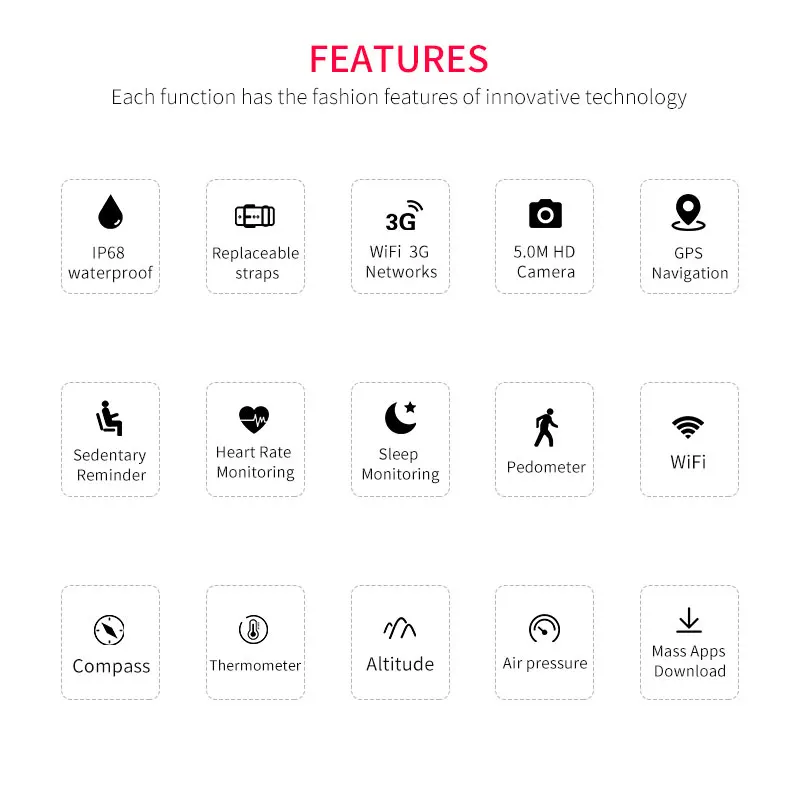
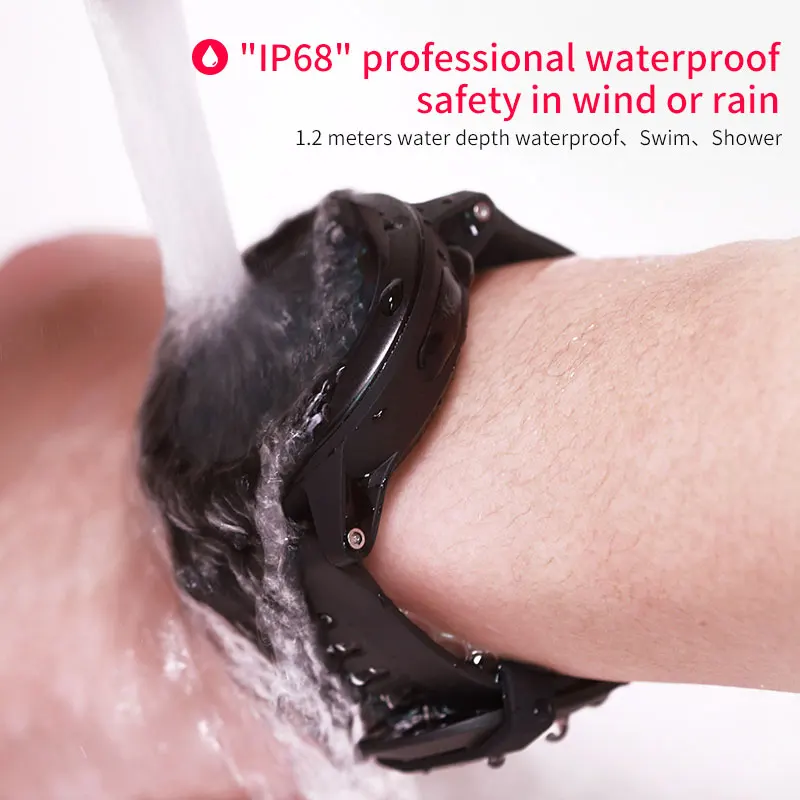
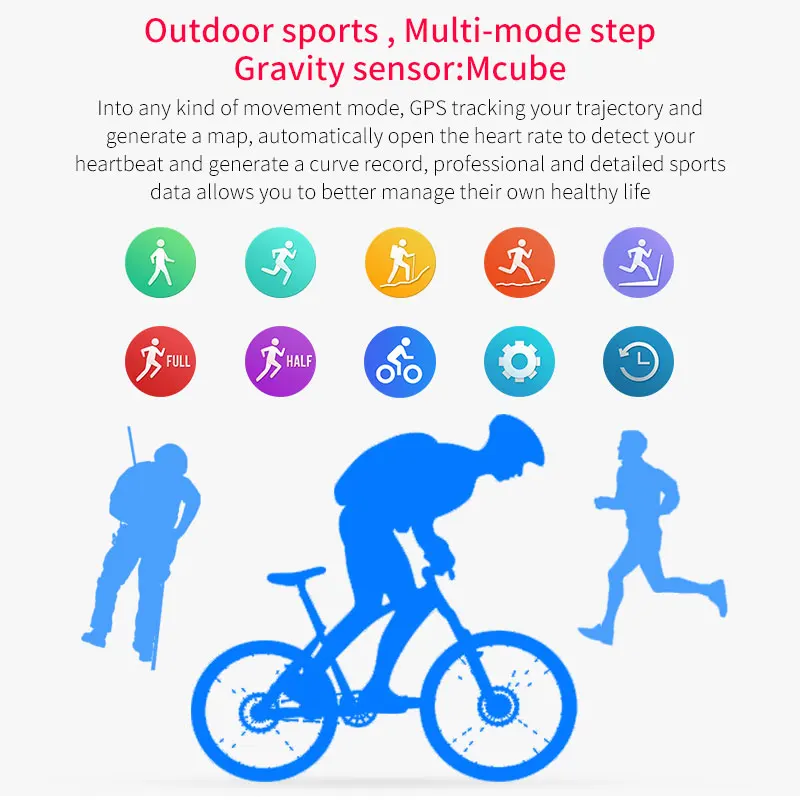
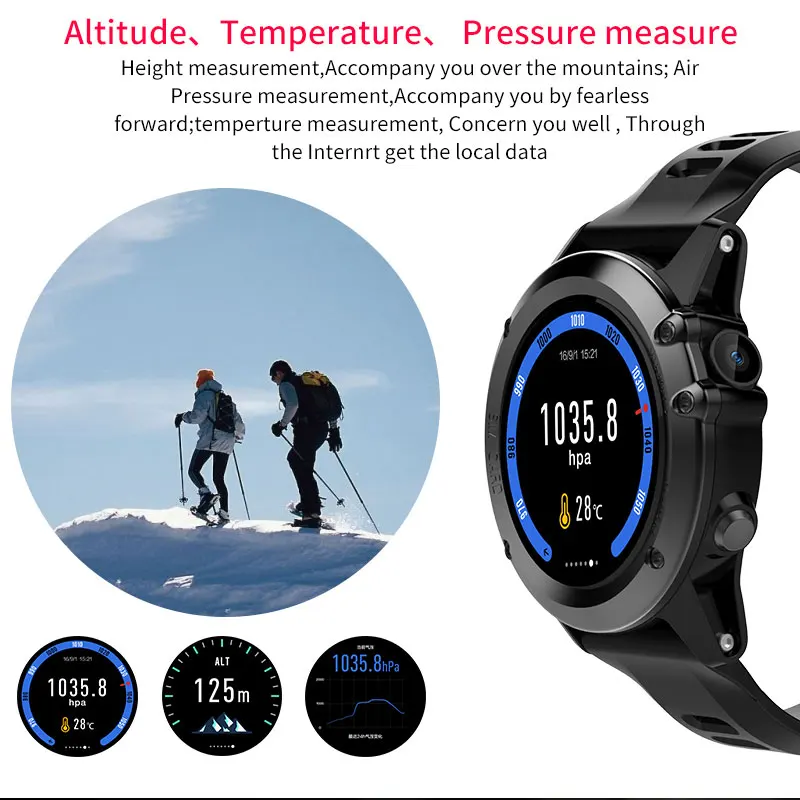
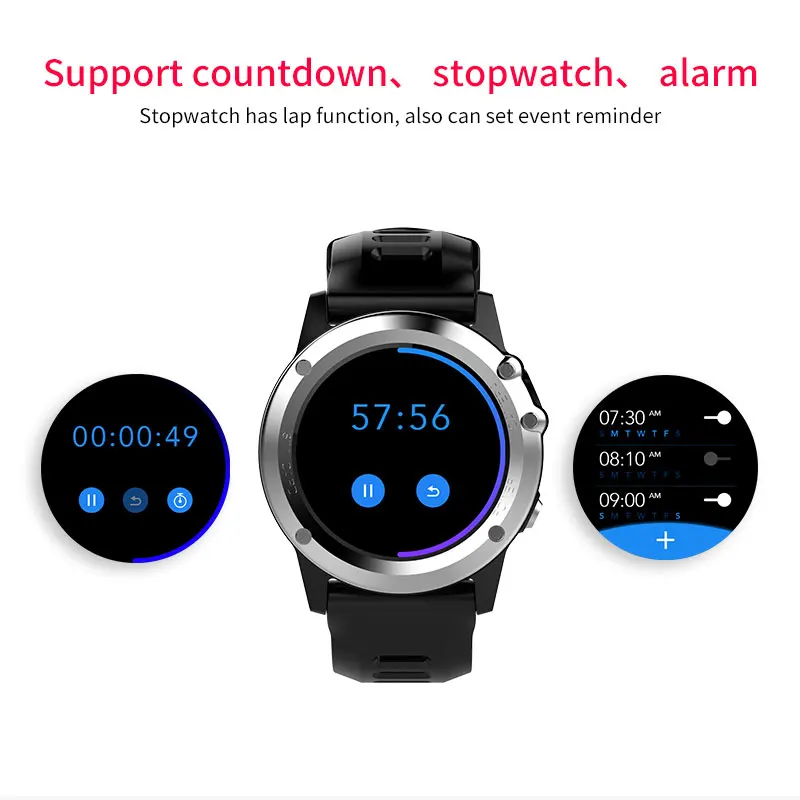
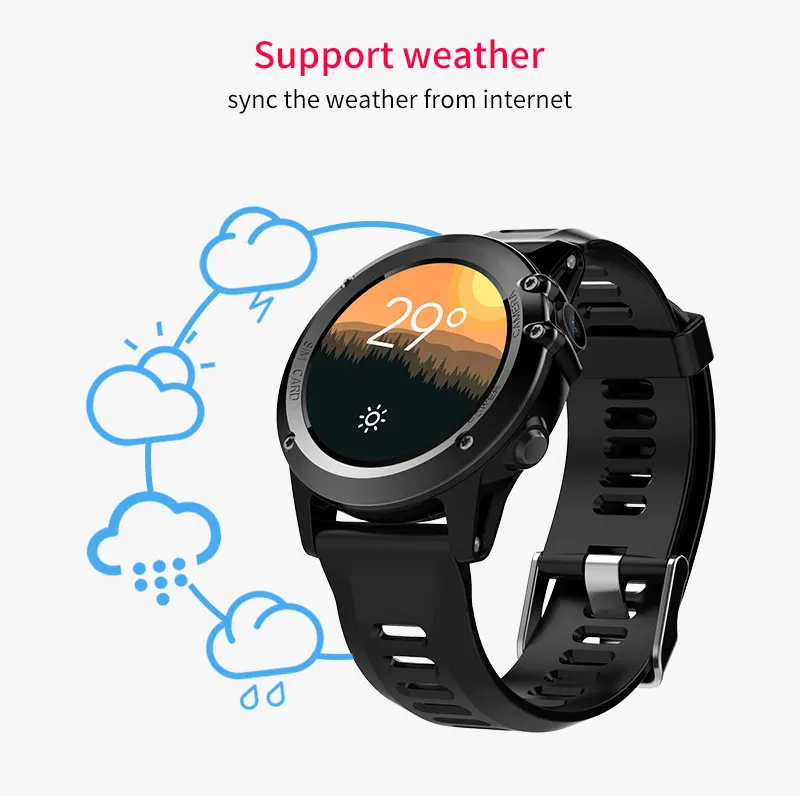
Additional Features | IP68Waterproof,2G,3G,Bluetooth,GPS,Wifi,MP3,MP4,Notification,Message,Altimeter, Thermometer,Compass,Pedometer,Heart Rate Monitor,Sleep Monitor,Sedentary Reminder, Replacable Bracelet, Alarm clock, Calendar, Stopwatch, Calculator,Sound Recorder,Local Address Book&SMS,Find device |
Package Contents | Cell Phone: 1 SIM Needle: 1 USB Cable: 1 English Manual : 1 FAQ about Microwear H1 ? |
How to connect my phone with H1(H2) ?
Click on the link to mobile phone icon, appear the interface for connecting the android phone, scroll left appear the iPhone.
Please read the instructions to connect the android mobile phone interface, click the QR code is displayed QR code picture, connect theiPhoneinterface to click open the prompt "Remote connection isalreadyopen"
Notice:
(a)When Android phone connect the watch via Funfit App by Bluetooth, open the Funfit fist, tap watch assistant, then connect watch, Scan the OR code, it will build the connection successfully.
(b)When an iPhone connect the watch via Funfit by Bluetooth, turn on the Remote Connection first, then build the Bluetooth connection via Remote connection.
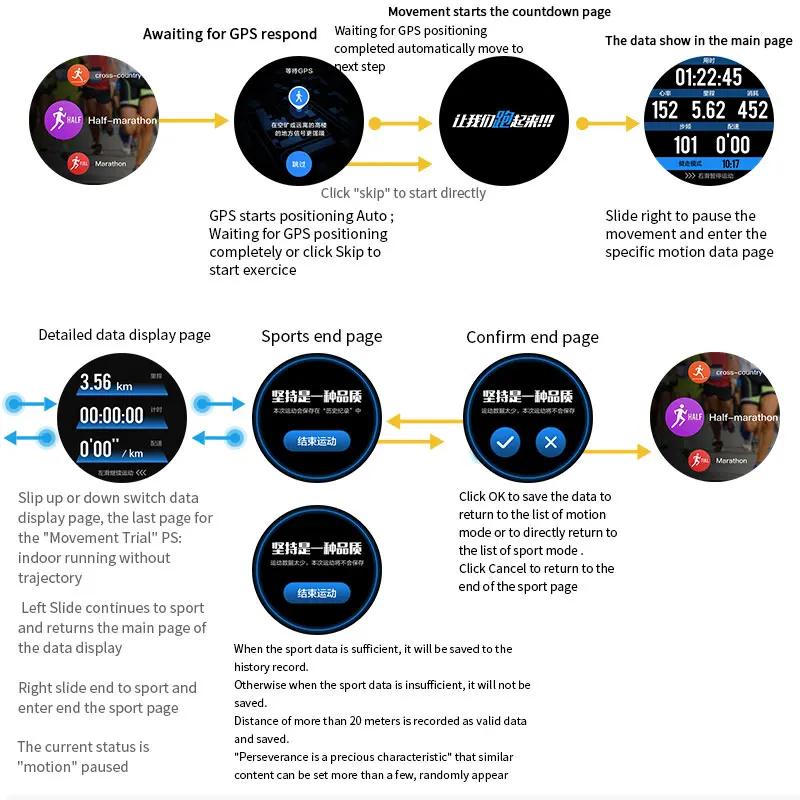
Why it is hard to use GPS on H1( H2 or L1 ) to get mylocation ?
When you use GPS in outdoor for the first time, better not wearing in hand before it get location and it takes about 2 minutes to get location and then you can wear it on your hand.
