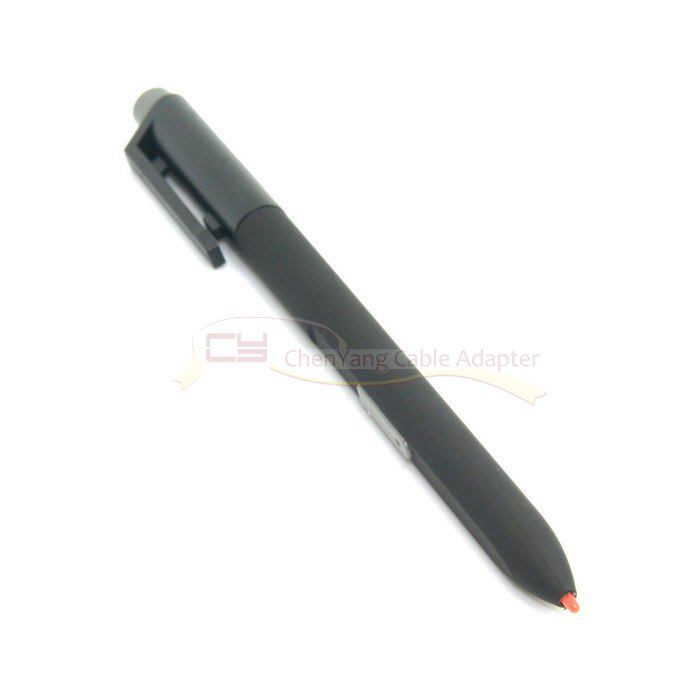
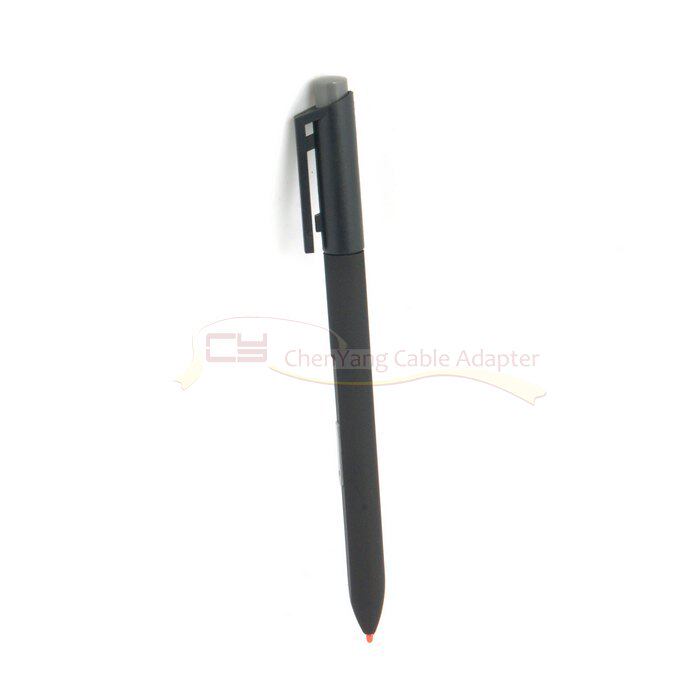
GT-167电磁笔 ThinkPad X60T X61T X200T X201T W700 X230T手写笔
注意:OEM版的笔,非 ,
极少数机器可能出现新笔跟你原来的笔槽不是完全吻合,导致有可能插入不能弹出.
请务必确认你的笔记本手写笔是真的有问题还是你的操作系统没有安装好,电磁手写笔要有手写功能必须安装WINDOWS XP的手写专用系统,不是普通的WIN XP系统,这一点务必注意!
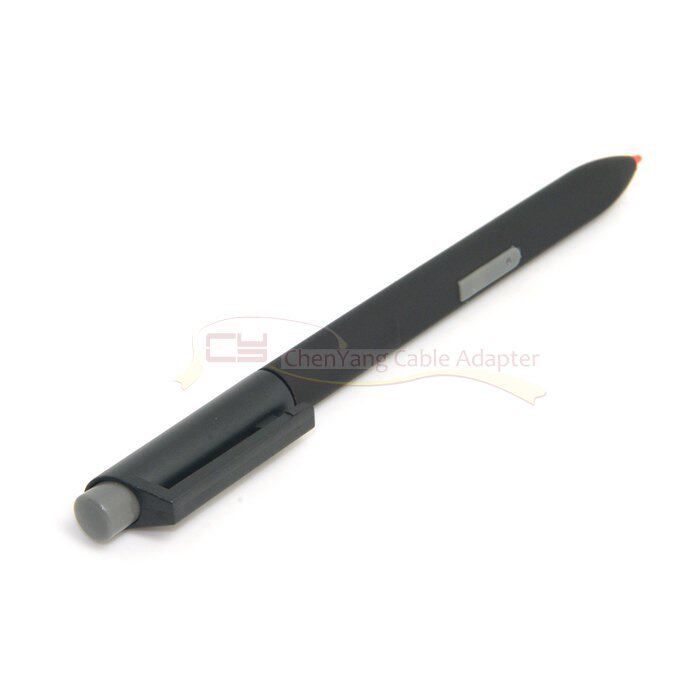
本款产品送5笔芯,笔芯、中间按键以及笔帽随到货批次不同,有黑、红、灰三种颜色变化,随机发货
本店郑重承诺保证右键有用。首先按住右键不放,笔尖触及电脑屏幕上需要操作的对象,然后松开右键键,松开右键的同时笔尖离开屏幕,会出现右键菜单,相当于鼠标在电脑屏幕上单击一下右键。
此笔适用于IBM X60T X61T X200T W700 X201T等型号平板电脑,同样可以插入上述各电脑型号的笔槽里面。此款商品同样适用于惠普TC4200/TC4400,2710/2730/2740以及戴尔富士通等使用电磁感应笔平的板电脑(注意,用于上述IBM品牌之外的平板电脑是插不到笔槽里面的)
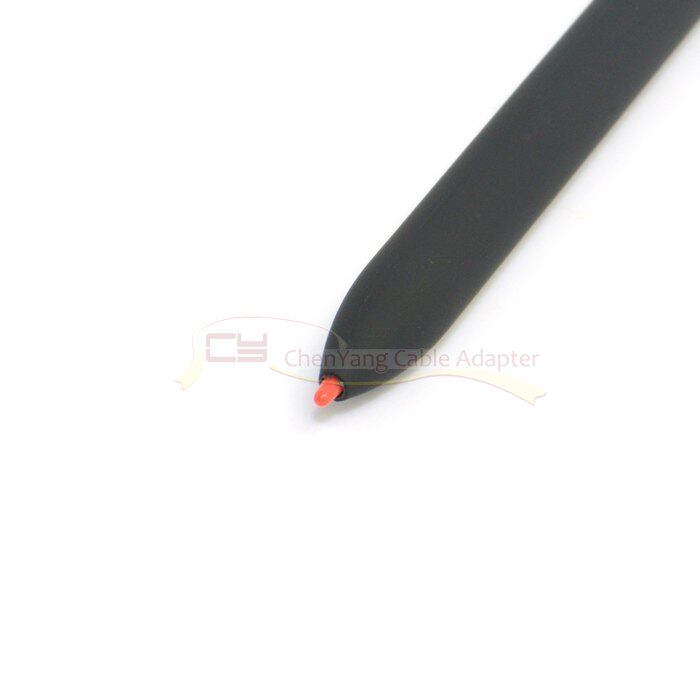
笔芯的更换方法:用剪刀或者剪钳等别的能夹的东西夹住前面笔尖那个跟屏幕接触的东西,往外拔出旧的,插入新的就行.
GT-167 electromagnetic pen ThinkPad X60T X61T X200T X201T W700 X230T stylus
Note: OEM version of the pen, non,
Very few machines may appear new pens do not exactly match your original pen tray, resulting in the possibility of insertion can not be ejected.
Please be sure to confirm your notebook stylus is really a problem or your operating system is not installed, the electromagnetic stylus must have handwriting feature must be installed WINDOWS XP handwriting dedicated system, not ordinary WIN XP system, it is important to note!
This product to send 5 refills, refills, the middle button and the cap with the delivery of different batches, there are black, red, gray three color changes, random delivery
Our solemn promise to ensure right and useful. First of all, hold down the right key, touch the pen on the computer screen need to operate the object, and then release the right button, release the right tip while leaving the screen, there will be a right-click menu, the equivalent of a mouse click on the computer screen right click.
This pen applies to models such as the IBM X60T X61T X200T W700 X201T tablet, which can also be inserted into the pen slots of each of the above computer models. This product also applies to HP TC4200 / TC4400, 2710/2730/2740 and Dell Fujitsu and other electromagnetic induction pen tablet computer (Note that for the above IBM brand Tablet PC is not inserted into the pen inside)
Replenishment method: using scissors or clipper and other things can clip the front nib that touch the screen with something, pull out the old out, insert new on the line.