Studio : XCSOURCE Publisher : XCSOURCE Binding : Electronics Product Description
Features:
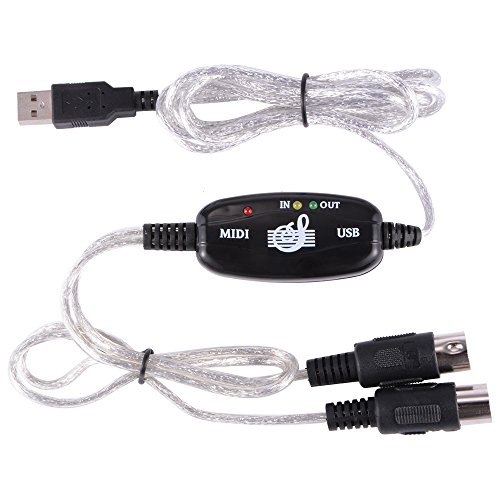
Easy to turn your PC into a music studio, connecting an electronic musical instrument to your computer with the supplied USB MIDI cable.
Simply connect the USB cable into your computer, and your MIDI interface connection is completed.
Latest model with a built-in driver, USB BUS powered.
16 MIDI input channels and 16 MIDI output channels.
LED's indicate power in, MIDI in signal and MIDI out signal.
Supports Windows XP/Vista/7, Mac OS X.
Specifications:
Material: plastic, metal
Color: black
Interface: 1 x USB port, 1 in and 1 out MIDI port
Cable length: 200cm
Operating instrument:
Connect the cable marked "IN" to the MIDI "OUT" socket of a MIDI device.
Connect the cable marked "OUT" to the MIDI "IN" socket of a MIDI device.
Plug the USB cable into any free USB socket on your computer, the red LED will light to show power on.
Open you music software program, e.g. Cubase, Sonar, MIDI connections, etc.
Set the music in programs MIDI in and MIDI out devices to "USB Audio Device".
Your USB to MIDI interface is now ready for use.
It is recommended that this interface is always connected to the same USB as it was originally installed on to prevent multiple installations of the driver.
Package includes:
1 x USB MIDI cable
0
|