Product Description
Item Name: LAMASTON Virtual Keyboard, Mini Wireless Bluetooth Keyboard for Iphone Ipad Cellphone Tablet PC Laptop,Keyboard & Mouse Combos
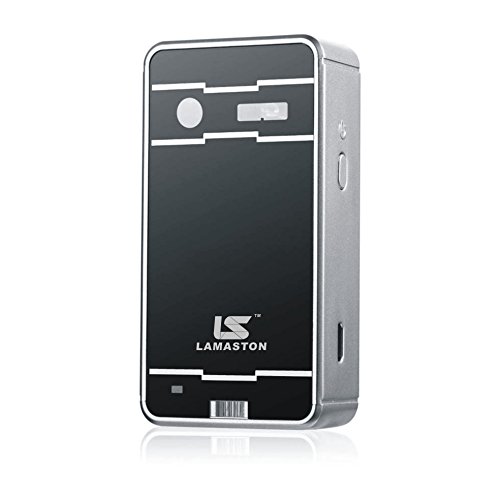
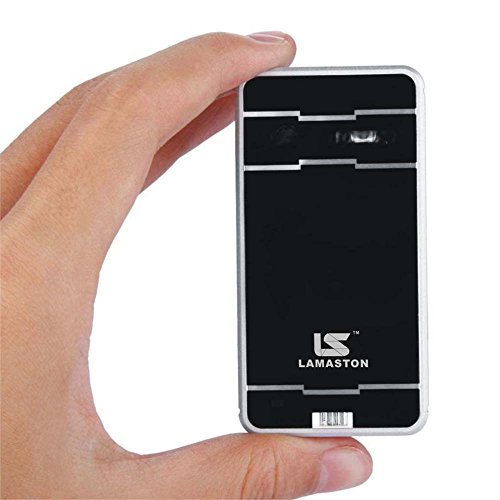
Measuring only 3.9cm x 2.0cm x 7.7cm (1.53in x 0.79in x 3.03in) Notes & FAQ for LAMASTON Virtual keyboard: 1.Virtual Keyboard Connection Steps: Step 1: turn on the keyboard >> Enter IOS and Android devices system (set) >>bluetooth >> open the bluetooth
Step 2 : Bluetooth automatic search to keyboard
Step 3: Click keyboard, at this time it will automatically connect.
Step 4 : After successful pairing it shows "connected", the blue LED will stop flashing.
* Note: Some input method of Android system mobile phone will lead keyboard input can do not work.
2. Adjusting virtual keyboard brightness and volume switch FN + ↑ Increase the keyboard brightness
FN + ↓ Lower the keyboard brightness
FN + ← Increase the keyboard sounds
FN + → Lower the keyboard sounds
FN+P Switch on/off key Beep sound
FN+K Power on/off voice speaker(only letters and part function keys)
3.Virtual Keyboard language switching IOS system press and hold "MENU" and press space key.
Android system and Windows OS, to refer to the set of input method
4. Multi-touch mouse Function The mouse function only supports Android system.
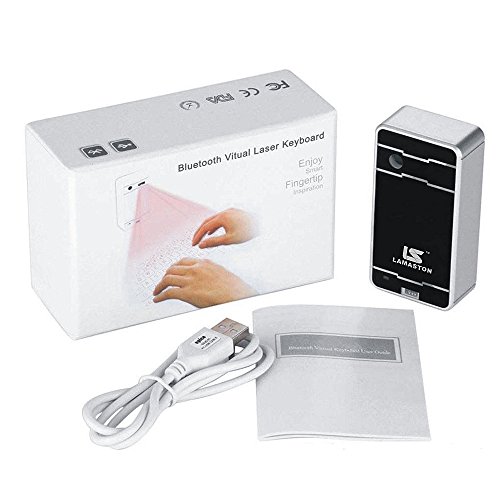
Package included: 1 x Wireless Virtual keyboard,1 x USB charger,1 x User Manual
Feature
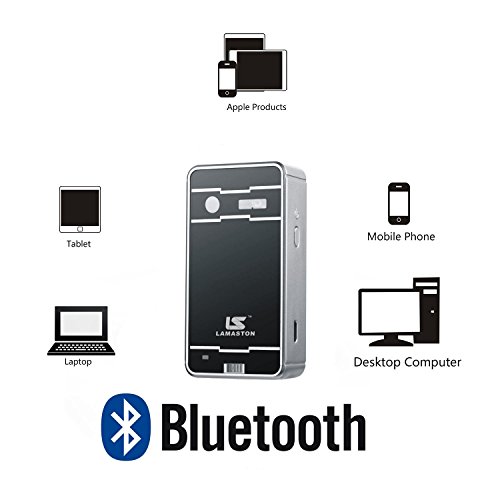
Applicable devices: Cell Phone,Tablet PC,Laptop with bluetooth
3 in 1 Function:Virtual keyboard,Mouse and bluetooth speaker
Good touch sensitivity,The BEEP sound and brightness can be adjusted on the Virtual Keyboard
English QWERTY keyboard layout,1000mah Rechargeable battery
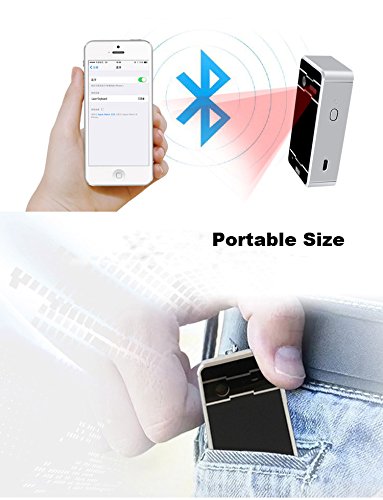
Portable Size: Easy to carry for business and travel
Brand : LAMASTON
Item model num : LK100
MPN(PartNumber) : LK100
EAN : 0714757517062
Product Dimensions(LxWxH) : 8x2x4cm ; 181 g
Package Dimensions(LxWxH) : 12x7x4cm ; 181 g