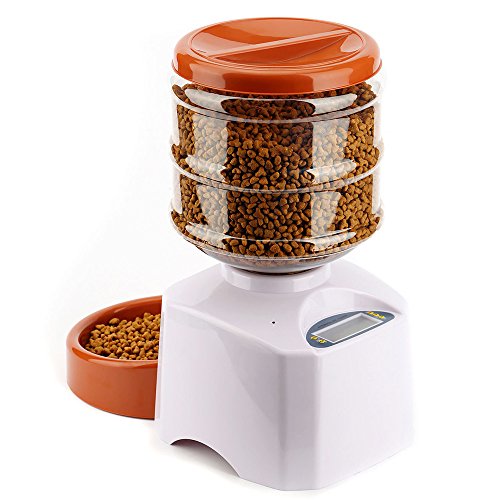
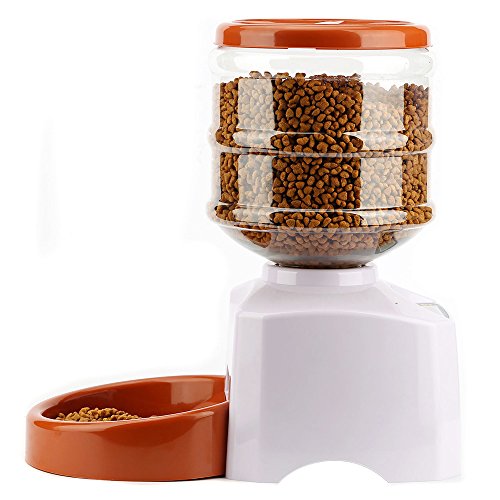
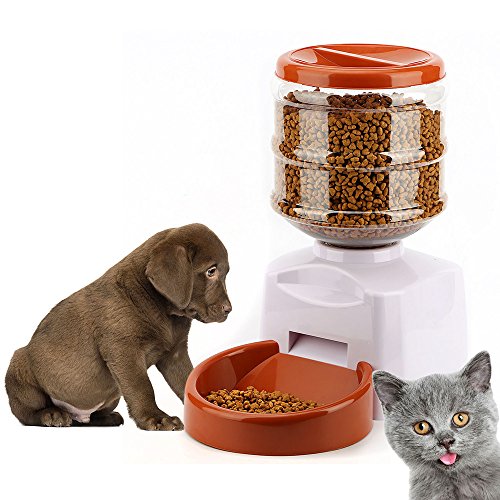
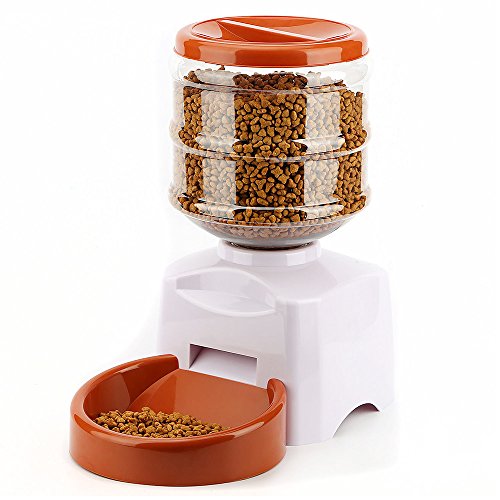
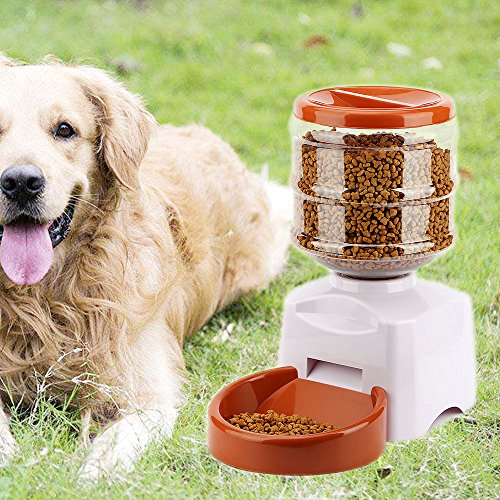
Studio : Gosear Publisher : Gosear Binding : Misc. Product Description
Instructions:
Install the battery and turn on the power switch.
1. Set the time
Press "SET" key for 3 seconds,"HOUR" key flash, press "UP" key to set the hour, then press "OK" to confirm, "MINUTE" flash, press "UP" key to set the minutes, "OK" to confirm, the time is set.
2. Set the number of meals, meal time, meal weight
Afte setting time, "MEAL"flash, set the number of meals, press"UP" key, select 1, 2, 3 (1 for lunch only, 2 for breakfast and dinner, 3 for three meals),
"OK" key to confirm, then automatically turn to the choice of meal time.
If you choose 3 meals,"BREAKFAST TIME" flash, confirm time(5:00-11:00AM), then"PORTION" flash, press"UP" key to choose dining weight(1-12),
"OK" key to confirm.
Lunch and dinner operation are as above.
Recording playback settings:
Press and hold the "REC" button for 3 seconds to hear a "beep" sound and start recording (up to 10 seconds), and hear the "beep" again to end.
Press and hold the PLAY button to play the recording.
Specifications:
Material: ABS plastic
Capacity: 5.5L
Meal size: 1 to 12 cups
Size: 39 x 23cm(L x W)
Bowl size diameter 21cm
Storage barrels size: 21 x 20cm(Dia x H)
Power: 3 x D-size batteries (NOT INCLUDED)
Capacity: 5.5L
Color: White
Package:
1 x Automatic Pet Feeder
Note:
1. Do not clean the main body in the water to avoid damage the electronic components
2. Suitable for pets over 3 months
3. Do not use rechargeable batteries
0
|