





| |||
| |||
| | | |
| | | |

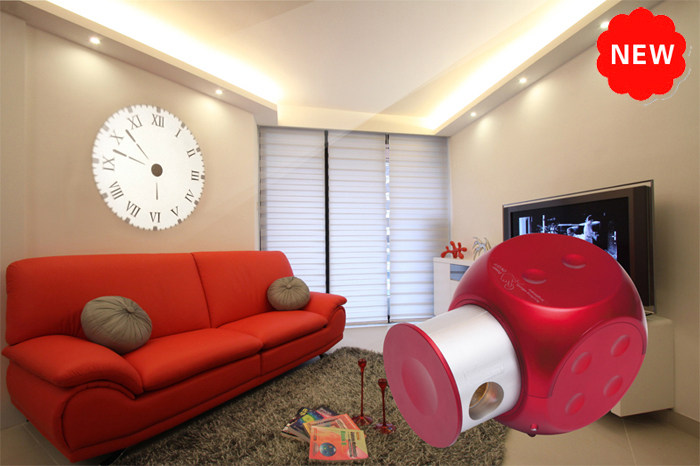
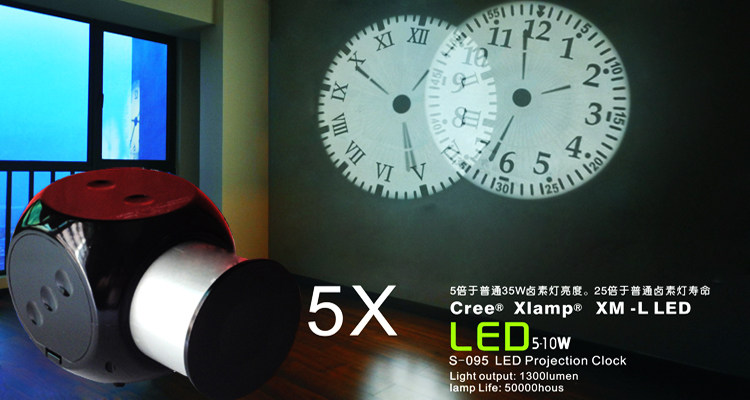
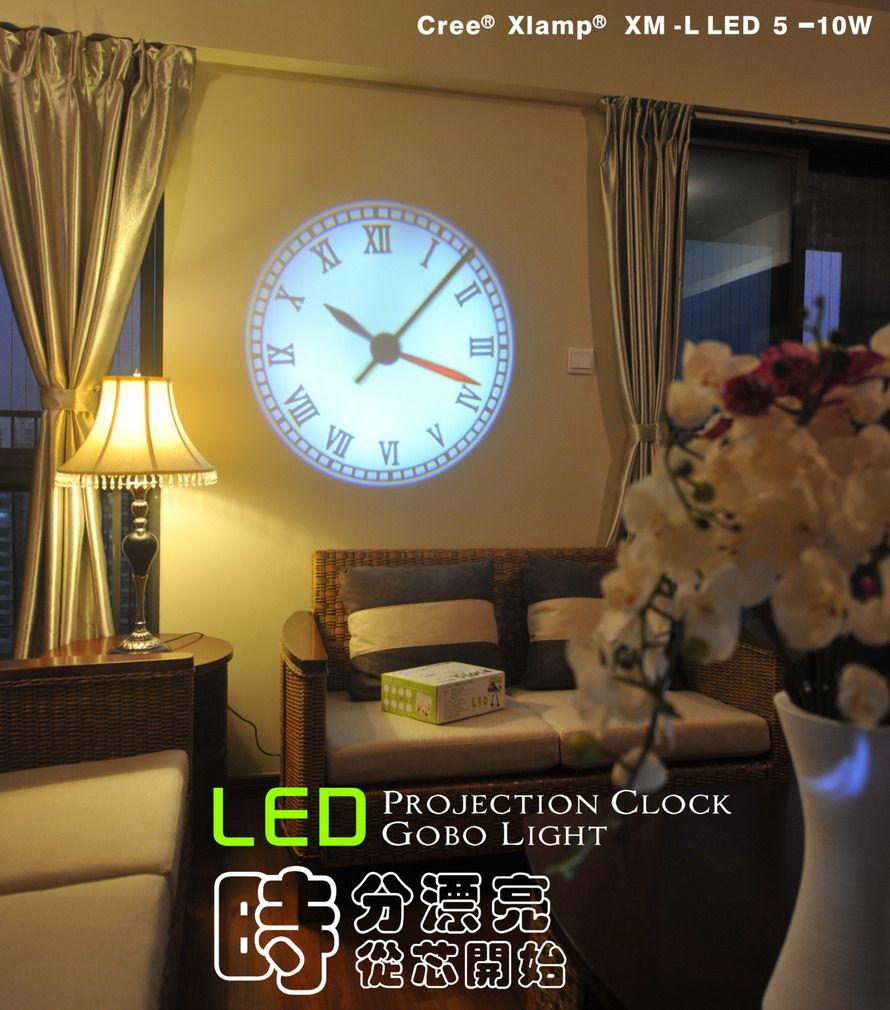
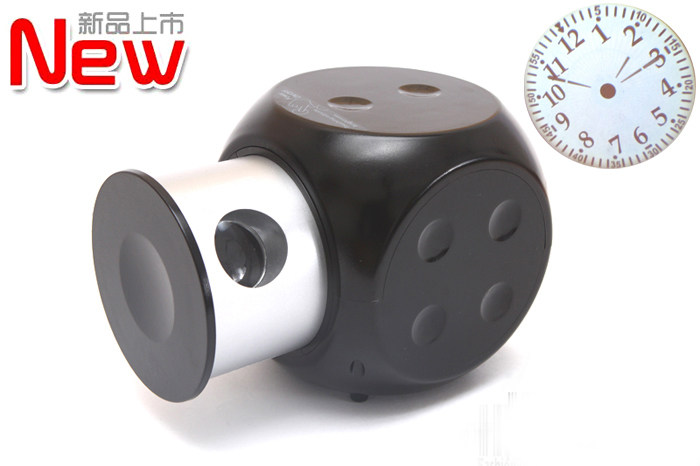
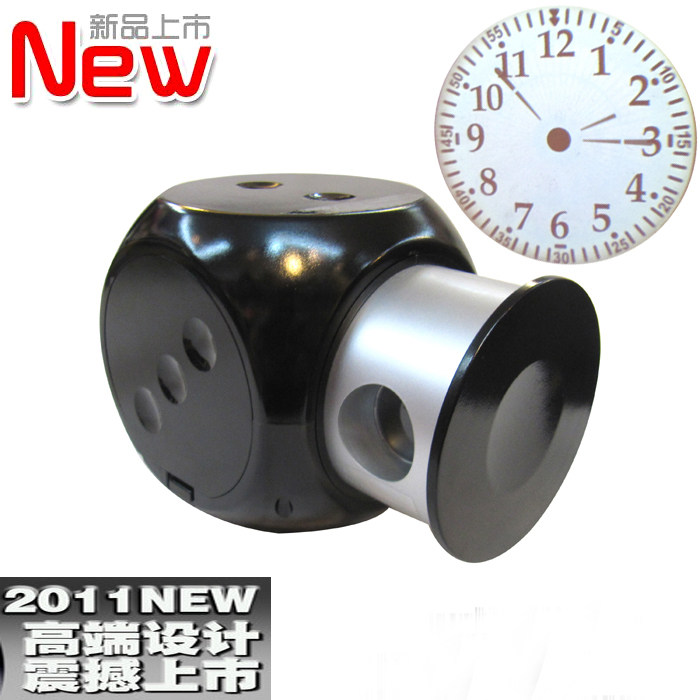
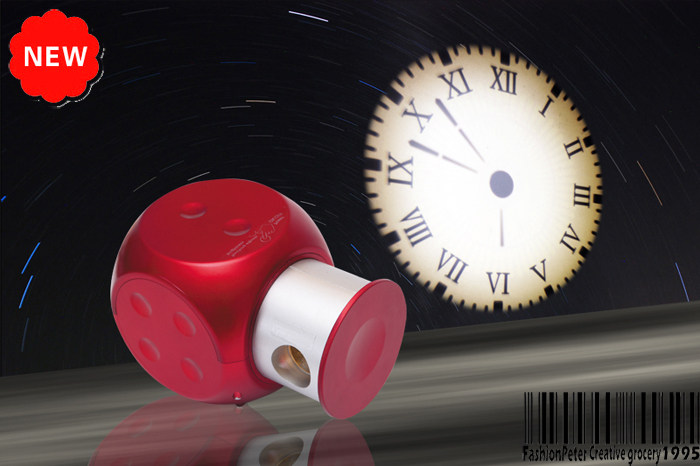
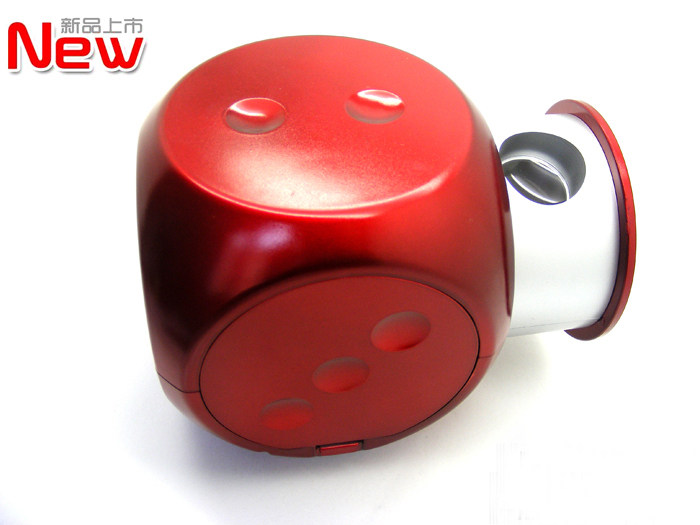
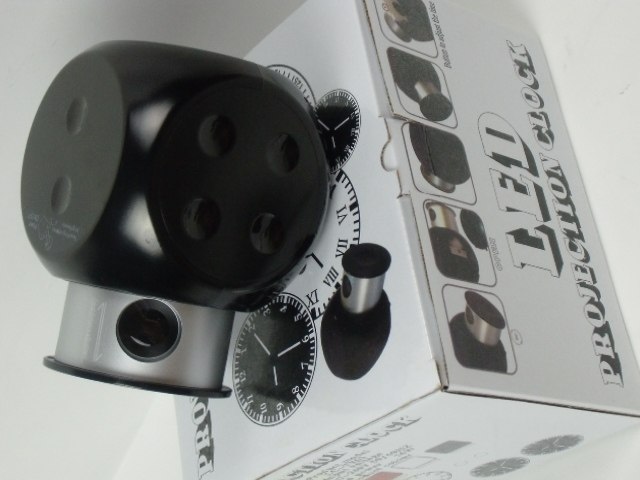
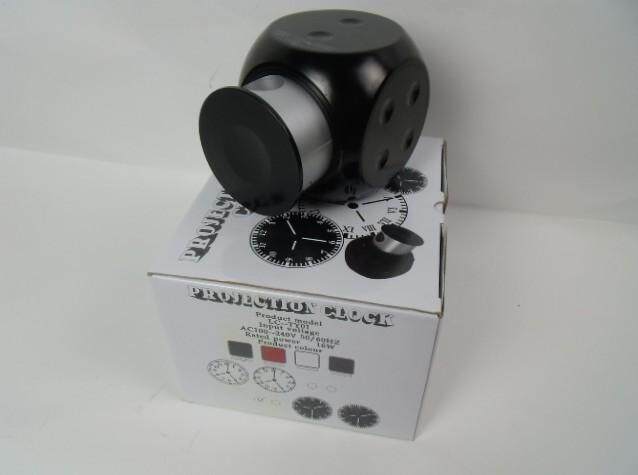
LED Projection Clock Description Use
?
?Features :
?
? ?1 · use 5W high brightness LED light source ? low temperature cold light source with long life ( 40?000 hours ) of green energy .
?
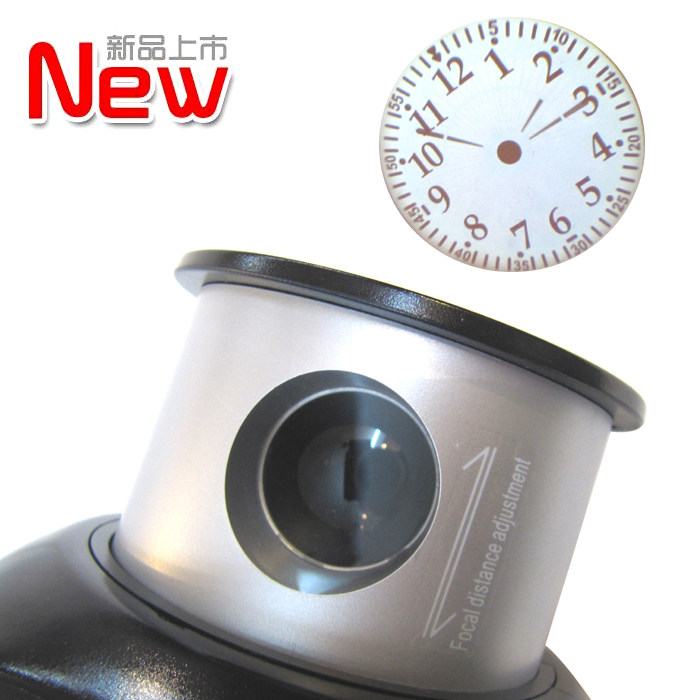
? ?2.360 degree rotating projection lens telescopic focusing.
?
? ?3 · Advanced capacitive touch switch ? stepless brightness adjustment.
?
? ?4 · precision clock movements ? LCD display? easy to use single button when the tone .
?
? ?5 · classic pointer or digital display clock face clock face ? clock face pointer Rome and other digital clock face dial.
?
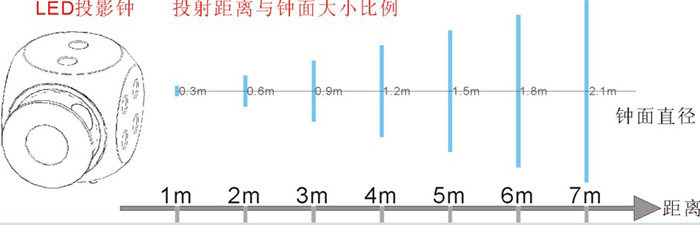
? ?6 Projector farther the distance ? the greater the clock face .
Instructions for use:
?
?A · clock movement battery installation and adjustment time
?
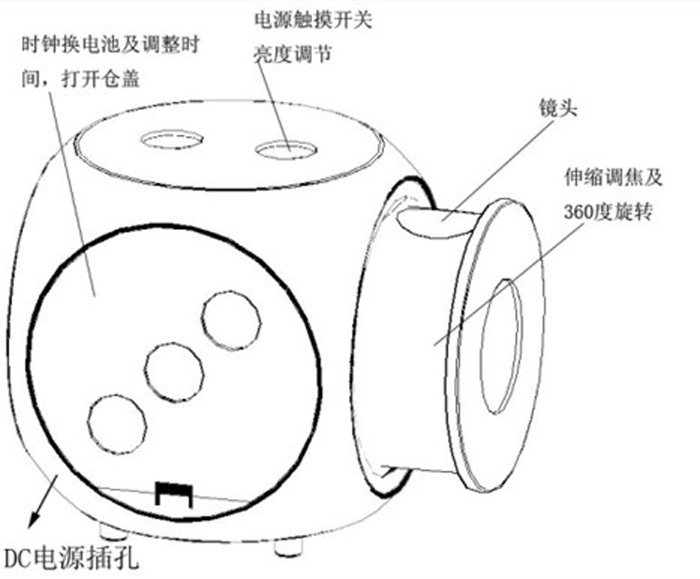
Open the product cover side activities ? see the red rope ? pulled out a box unplug the clock movement ? the position of the installed batteries according to the polarity mark into the section "AAA" batteries? such as the batteries are installed correctly ? the LCD will 3 pointer display and move around. At this point can be adjusted by the black box on the edge of the button right time ? every time you press the button? the minute hand beating of a cell? press the button and hold the minute hand moves quickly ? release the button to stop the minute hand move . After adjusting the time ? the movement of the box back to the original installation location .
?
Power supply ? installation and two focus
?
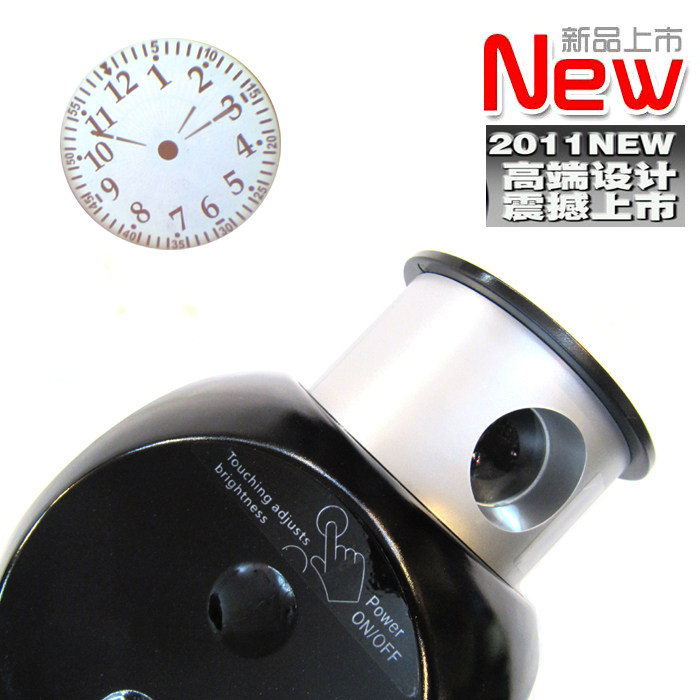
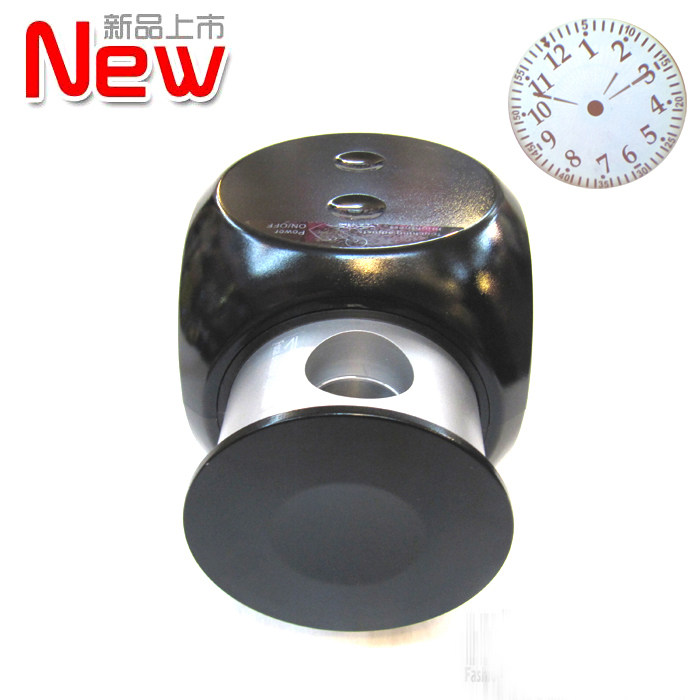
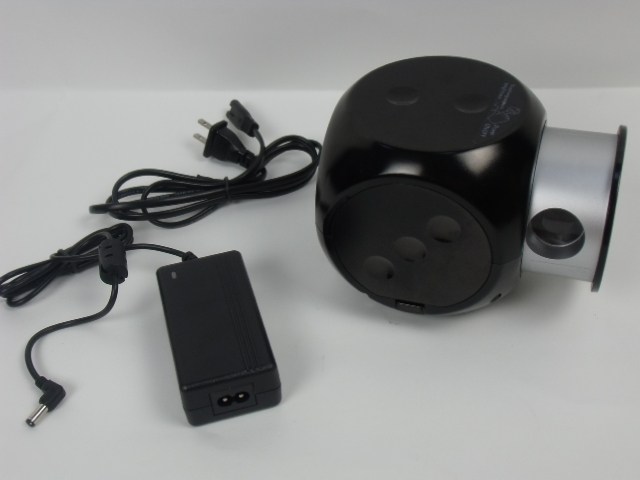
Keep the DC power adapter included with the product head into the DC power jack projection clock ? and then put one end of the AC power cord into an AC power adapter socket ? and the other end into the electrical outlet according to ± bWater on 220V or 110V . Then tap the touch switch ( position shown ) to turn the projector clock ? will be issued at this time lens light ? the light will be projected onto a wall clock image ? this time of the image may not be very clear? please come sliding telescopic lens barrel adjust the sharpness of the image . Projection angle can be adjusted by rotating the telescopic cylinder .
?
Three · Touch Switch Operation:
?
1 · initial power-up? shut off the lights for the state .
?
Bright 2 · tap the touch ( touch duration is less than 0.5s)? lights off control can be achieved .
?
One-click touch lights ; tap the touch again ? lights out? so the cycle . Light is lit or shut off when no change in brightness .
?
3 · Long press the touch ( touch duration greater than 0.5s)? can achieve stepless dimming the lights . When light levels to minimum brightness ? long press the touch ? light levels increased? long press release touch stops changing light levels ? if long press touch for more than 3 seconds? the light levels after reaching maximum brightness does not change . When light levels to maximum brightness? long press the touch ? light levels gradually decreased ? long press release touch stops changing light levels ? if long press touch for more than 3 seconds? the brightness of the lights after the minimum brightness does not change . So the cycle .
?
4 · memory function in case of power uninterruptible power ? brightness? turn off the lights when you touch each click will be remembered ? next click will touch the brightness of the lights when you turn on the lights as the initial brightness.