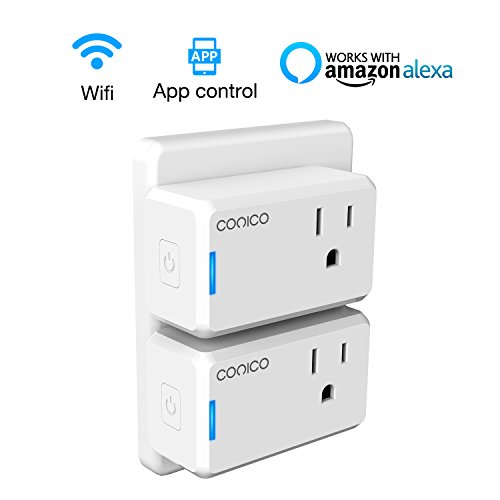
WiFi Smart Plug, Conico Mini Smart Outlet Works with Alexa, No Hub Required, Remote Control Plug for Your Home Appliance(1 pack)
DETAIL INFORMATION
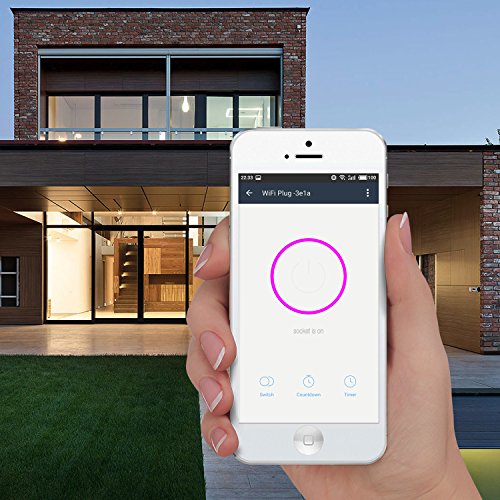
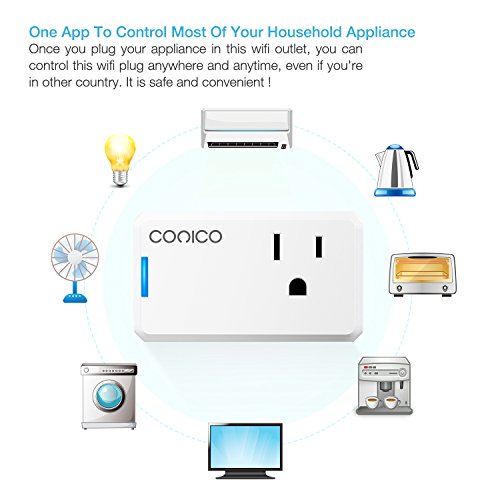
- Remote Access: You can control your lights and home appliances globally that plugged in this wifi plug with Wi-Fi/3G/4G access by using the free app on your iPhones, Android.
- Scheduling On/Off: It would not be a cold and dark home when you come home after a hard day work. With this smart plug alexa, you can schedule the air conditioner, lights to turn on before you arrive. You can set up your lights to turn on at dusk and turn off at Sunrise by use the timer.
- Works with Alexa and Echo: Connect your app with amazon Alexa, plug your home appliance in this smart oulet, you can voice control your lights and appliances via Echo.
- Plug & Play: This Alexa smart plug is easy to use, just plug an appliance into this wifi outlet, connect this smart outlet with 2.4G wifi network, then you can control it on the free app, amazon echo.
- Warranty Policy: The Conico Mini Smart Plug has been approved for safety and quality assurance (ETL and FCC certificate). Conico will provide 1 year warranty for all of Conico's smart products. If you have any question, please email us via amazon message. We will solve the problem without hesitation until satisfaction
- Item Dimension : 101.60 x 12.70 x 177.80 Cm
- Package Weight : 0.02 Kg
- Model No. : 1SK31W
- Availability : Available (Usually ships in 1-4 business days)

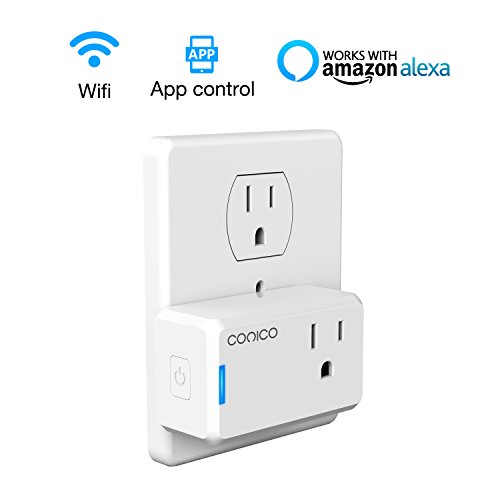

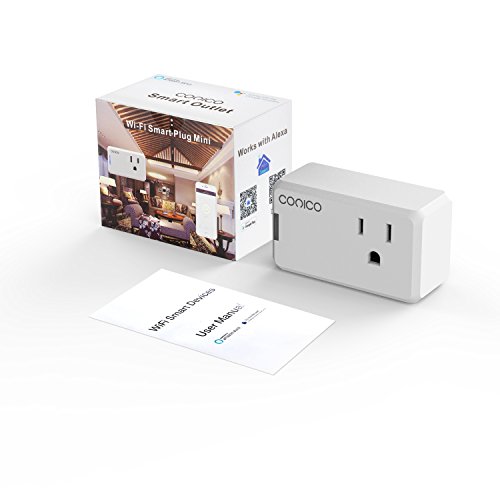
WiFi Smart Outlet, Conico Mini Smart Plug Wireless Remote Control Outlet , No Hub Required, Works with Alexa, Remote Access to Control Your Household Anywhere and Anytime (2 Pack)
DETAIL INFORMATION
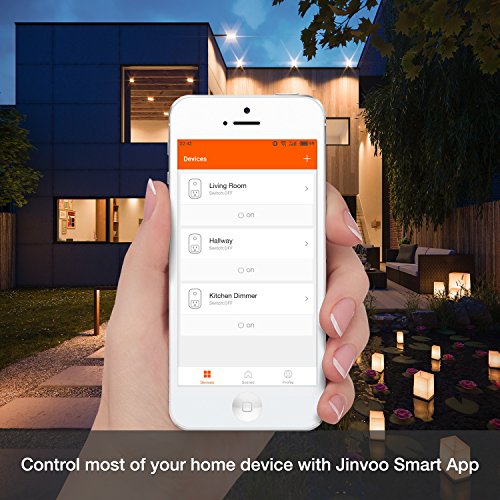
- Remote Controlling: Remote access to control your household appliances that connected to the smart plug wherever have wifi / 3G / 4G network by using the free app on your iPhone, Android and tablets.
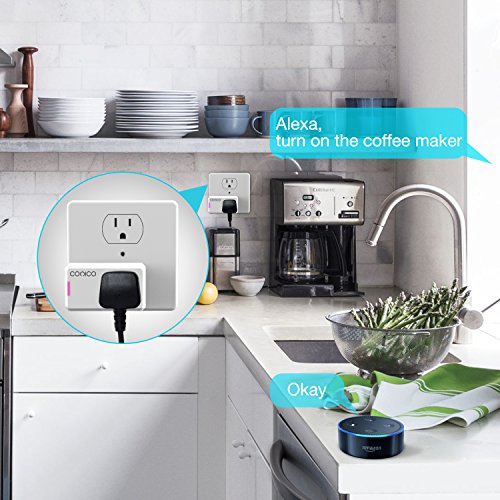
- Works with Alexa: Pair with amazon Alexa, voice control your lights and appliances with echo. Just say to Echo dot "Alexa, turn on the coffee maker", you can have a cup of your favorite coffee after you get up.
- Scheduling Automatically: Schedule the wifi switch socket to automatically power electronics on or off as needed. You can schedule the wireless outlet to automatically turn on the lights at dusk and turn off the lights at sunrise.
- Compactable Design: No hub required, the remote outlet would not block adjacent sockets when you are using it.
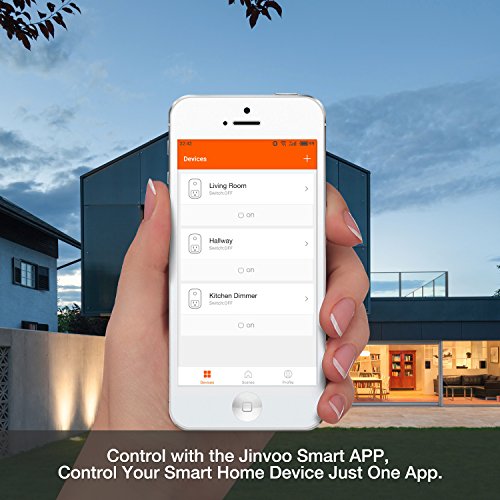
- Easy to Operate: Just connect your lights and appliances to this smart plug mini, download the Jinvoo Smart app, add it into your account via 2.4G wifi network. It has been approved for safety and quality assurance (ETL and FCC certificate).
- Package Dimension : 6.40 x 5.31 x 7.59 Cm
- Package Weight : 0.18 Kg
- Model No. : 1SK32W
- Availability : Available (Usually ships in 1-4 business days)