Product Description
How to Turn ON/OFF 1. To turn on, press power key for 1.5 seconds.
2. To turn off, press power key for 3 seconds.
How to pair with your device 1. Press power button for 1.5 seconds to turn on the keyboard. The green light will come on for 3 seconds.
2. Press "FN + Esc" to enter pairing mode. The blue Bluetooth indicator will begin to blink when pairing mode is activated.
3. On your device, go to "Settings" and activate the Bluetooth function to search for the keyboard.
4. The keyboard ID "Bluetooth3.0 keyboard" should be available on your device for pairing.
5. Select "Bluetooth3.0 keyboard" to start the pairing process. The Bluetooth indicator light will turn off once pairing is complete.
Trouble Shooting Steps 1. Keyboard doesn't work while charging - our keyboard can work while charging, unless its power is too low.
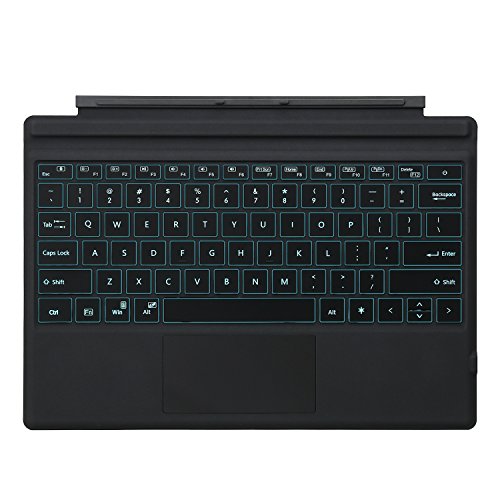
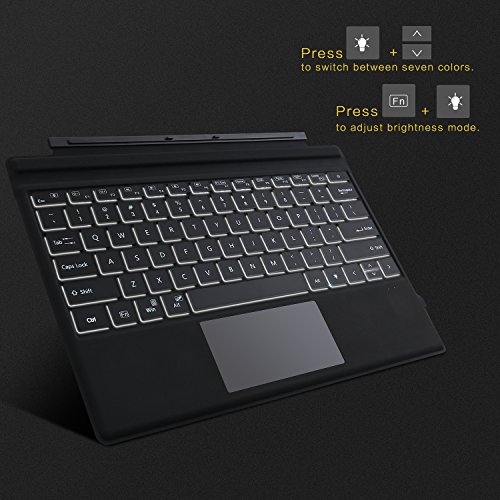
2. The keys do not light up - Please check if you have pressed FN+Alt to turn on the backlight.
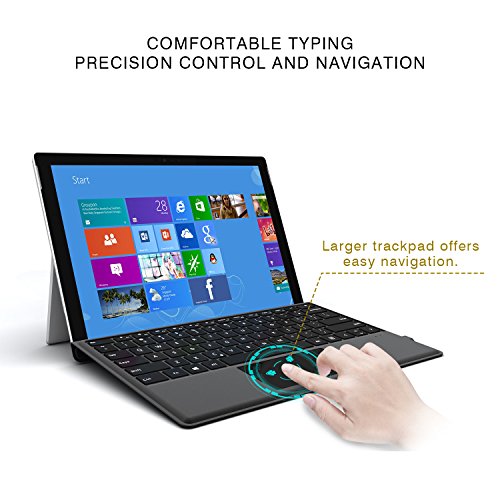
3. The touch pad is very glitch and doesn't work smoothly - the touchpad is a little sensitive and need a little time to be used to, we have enhanced it now. If you have any question or opinion on it, please contact us to share your idea.
4. Sometimes keys don't work - The keys issue might be caused by many reasons: low power, bluetooth driver, or key breaking. If its low power, we would suggest fully charge the keyboard; if its driver issue, try updating bluetooth driver(you can test the keyboard with a phone to see if the key works well. If yes, then it should be the driver issue); If its key issue, we will give a replacement.
Package Contents: a. 1 x Wireless Keyboard with Touchpad
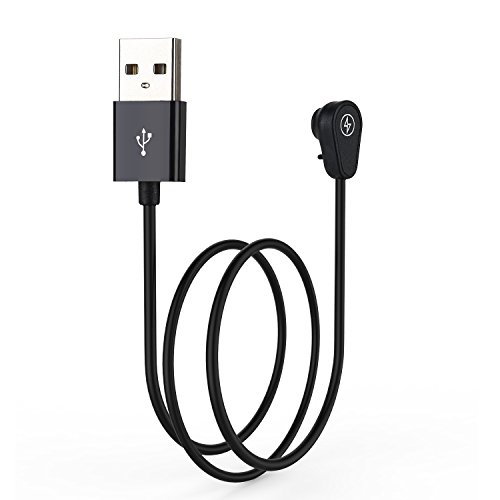
b. 1 x Micro-USB Charging Cable
c. 1 x User Manual
Feature
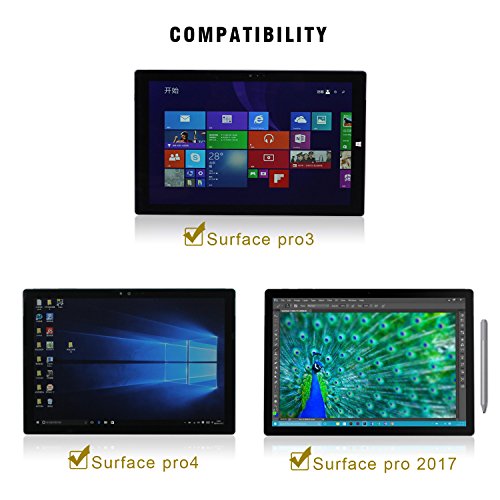
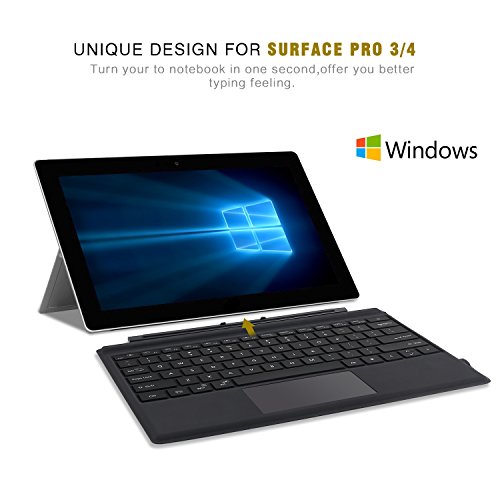
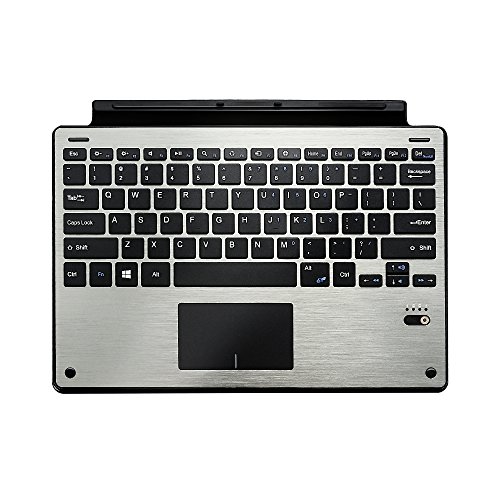
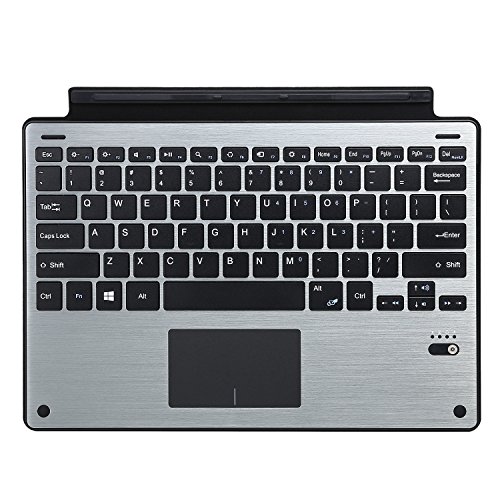
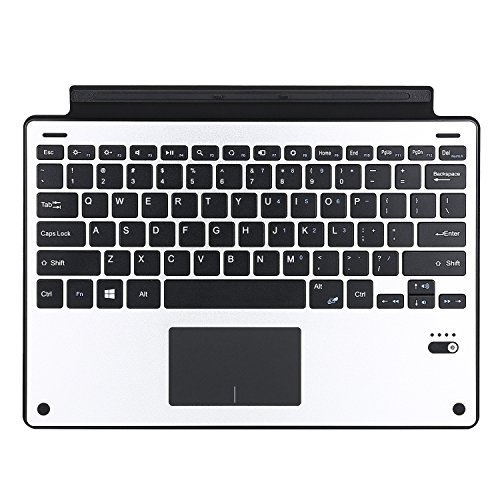
This is new update type cover compatible Surface Pro 3 and Surface Pro 4
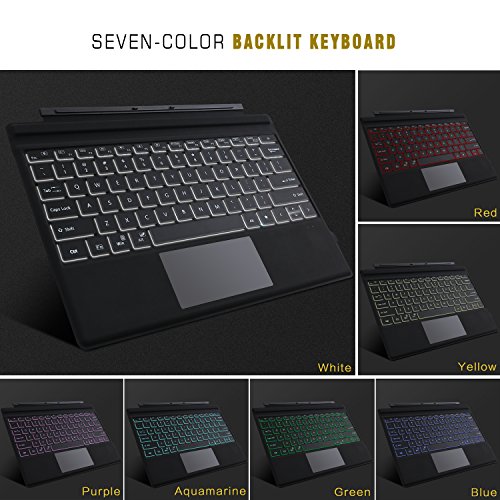
LED Backlit - 7 optional backlit colors and each color has 2 gears adjustable brightness, which will make your typing cooler and help you type freely even in the dark.
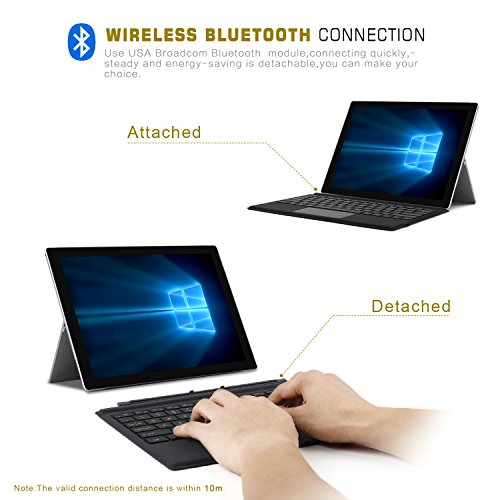
Bluetooth performance - Using Bluetooth 3.0 technology that provides high speed connection and signal distance up to 33ft (10m).
Battery - Built-in 750mAh rechargeable lithium battery, works for 125 hours continuous use with backlit off (3 hours with backlit on) or 90 days in standby mode, less than 4 hours charging time.
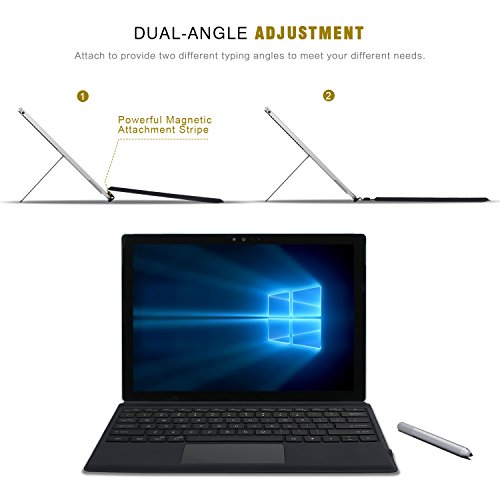
Surface Fit Design - This keyboard features its magnetic fold so you can adjust it to the right angle when using with your surface pro 3, 4 or 5(new surface pro 2017), also compatible with android and windows devices.
Brand : TOMSENN
Item model num : 5320059
MPN(PartNumber) : 5320059
EAN : 0701807031784
Product Dimensions(LxWxH) : 30x21x1cm ; 544 g
Package Dimensions(LxWxH) : 35x25x3cm ; 544 g