-. Binding : Automotive
-. Brand : Vgate
-. Color : OBD Scan
-. Department : unisex-adult
-. EAN : 0702383252952
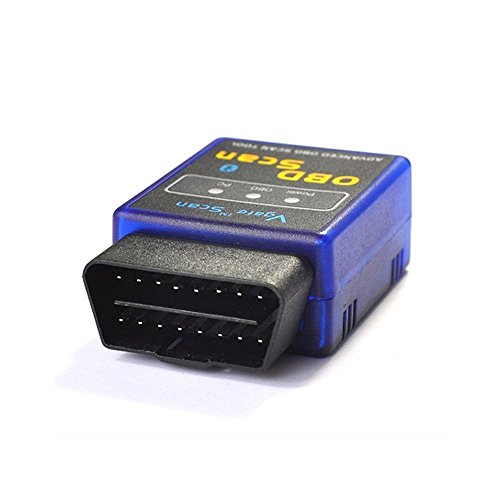
-. Feature : For Torque PRO APP users: *Follow these steps accordingly, not doing so may result in your device disconnecting from mobile's Bluetooth module* / Step 7: Wait until the phone is connected to OBDII Step 8: Turn on the Engine and Explore the Application. / Step 1: Locate 16pin Connector for Diagnostics [Most of the cars have it in here] Step 2: Connect Vgate ELM327 OBD II Step 3: Put the key in Contact / You MUST do these things in the exact order, or it may cause the device to accidentally "reset" causing the connectivity to be lost on the unit. / Step 4: Turn Bluetooth On and find "OBDII" , Pair and connect device using pass code either: " 0000 ", " 1234 ", or " 6789 " Step 5: Turn GPS On Step 6: Go to Torque Application **IMPORTANT** Go to Torque settings, and then to OBD2 Adapter Settings and search for "OBDII" under "Choose Bluetooth Device" Not doing so will cause the mobile device to lose connectivity with the Scanner.
-. IsAutographed : 0
-. IsMemorabilia : 0
-. Label : Vgate
-. Manufacturer : Vgate
-. ManufacturerPartsWarrantyDescription : Parts
-. Model : 327
-. MPN : FBA_ELM327
-. NumberOfItems : 1
-. PackageQuantity : 1
-. PartNumber : FBA_ELM327
-. ProductGroup : Automotive Parts and Accessories
-. ProductTypeName : AUTO_ACCESSORY
-. Publisher : Vgate
-. Size : B
-. Studio : Vgate
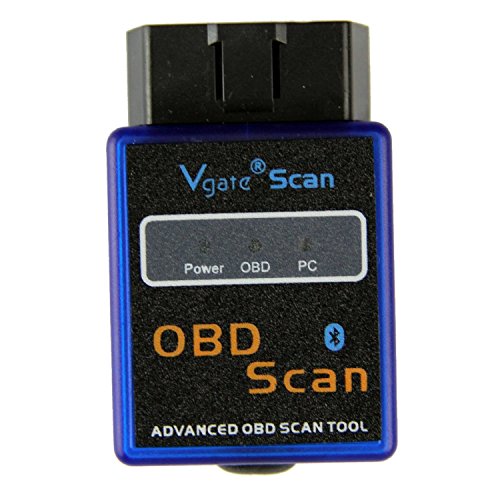
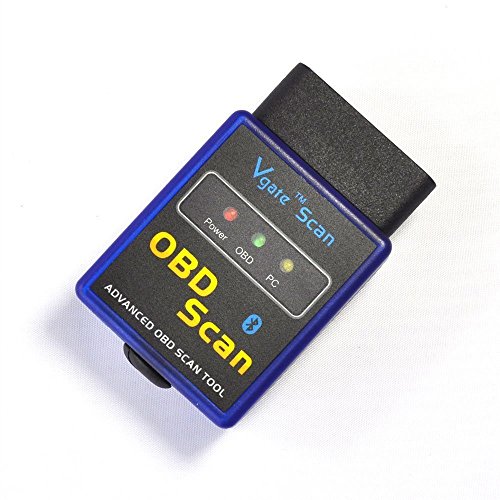
-. Title : Vgate Bluetooth Scan Tool OBD2 OBDII Scanner for TORQUE APP ANDROID
-. UPC : 708478758705
DIMENSION INFOMATION
Product Dimensions : 11.18(Width) x 15.49(Length) x 3.05(Height) cm
Shipping Weight : 10 Hundredths Pounds