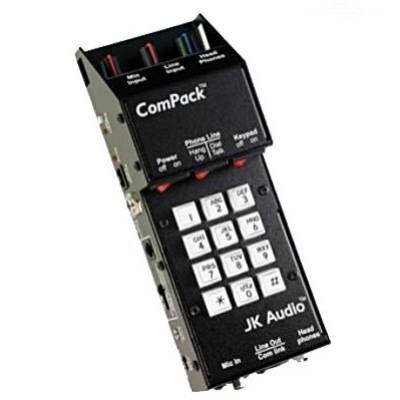
JK Audio ComPack
Product Description
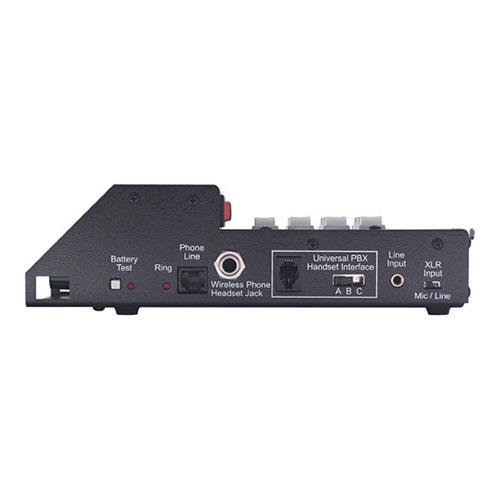
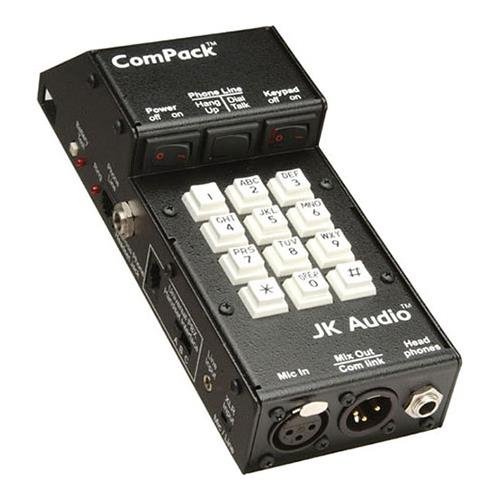
Pick up the ComPack to get audio in an out of analog phone lines, PBX systems, even cell phones. Perfect for Remote Broadcasts, IFB feeds, or interviews over any phone connection, the ComPack easily connects and integrates with virtaully any phone rig.To use with cell phones, simply plug ComPack into the 2.5 mm headset jack of your wireless cell phone. Your phone will recognize ComPack as a headset which will disable the microphone and speaker in the phone. For a PBX system, unplug the handset from any analog or digital PBX phone and plug the coily cord into ComPack. You can now send and receive audio through the PBX telephone set. For use with analog phones, plug ComPack into an RJ-11 jack, go off-hook and dial, or answer an incoming call. ComPack also functions as a brain-dead really simple telecom interface for your beltpack intercom system. This no-frills feature lets you connect the 3 pin male XLR to your beltpack intercom group. This provides a full duplex, always-on connection to any telephone network.Feature
Jk Audio ComPack Universal Telephone Audio Interface - Jk Audio 2 Year Limited Warranty
