 |
 |
 |
 |

Case
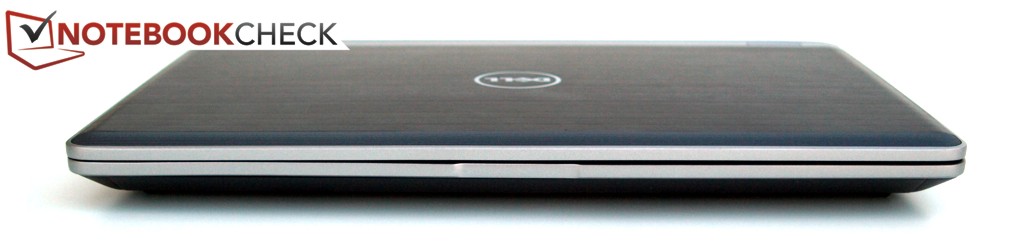
The strong hinges are manufactured from metal. The hinges’ tension is so great that opening the laptop with just one hand is not possible. They cannot, however, entirely prevent wobbling after adjusting the opening angle. Being bent upwards, the rear edge also limits the opening angle to c. 125 degrees.
Connectivity
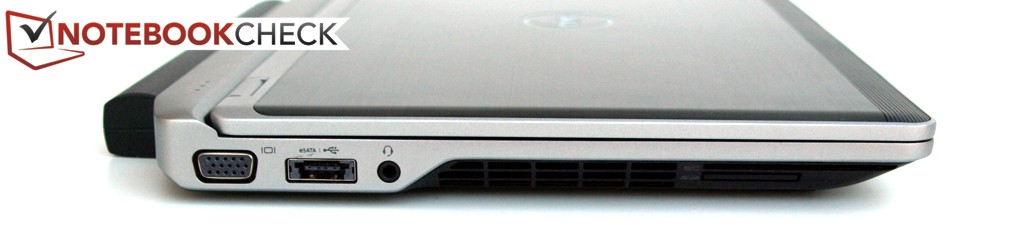
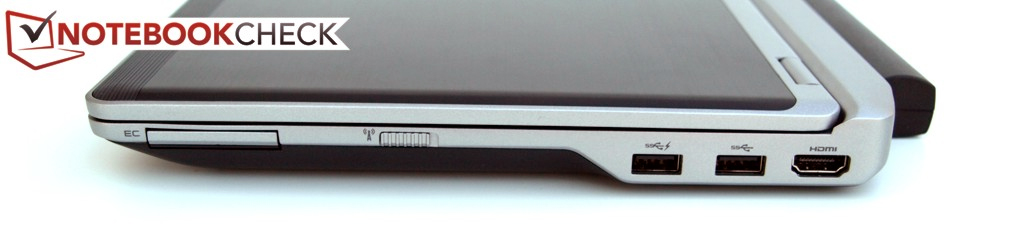
Two USB 3.0 ports and one eSATA/USB 2.0 combo socket are available to ensure fast data exchange with peripheral devices. External displays can be connected either analogously via VGA or digitally via HDMI. Dell dispensed with the DisplayPort directly at the case which is common in the business segment. Should the E6230’s functionality not suffice for the intended usage, it can be upgraded with ExpressCard/34-cards.
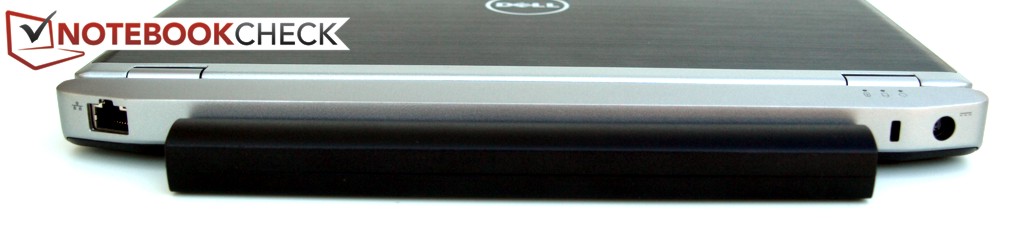
Fortunately, ports that are often permanently occupied are located at the rear part of the two side edges and on the rear side. Nonetheless, right-handed people may sometimes have an advantage, as the exhaust air is routed out of the case interior on the left edge.
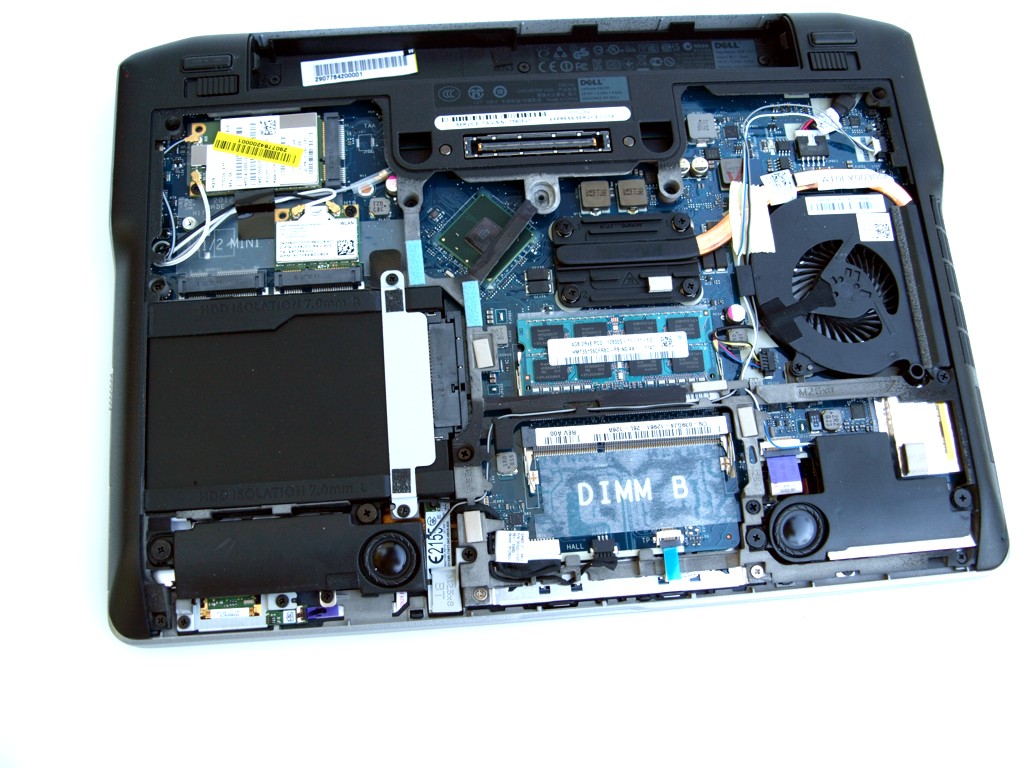
As befits a business device, Dell has thought of a docking port on the bottom. Adocking port makes integration into an existing work environment easier and it expands the range of interfaces.
|
|
|
|
 |
Communication
Regarding communication features, our Latitude E6230 has virtually everything that one may wish for. When a LAN cable is plugged in, the Intel 82579LM Gigabit Network Connection (10/100/1000MBit) enables Ethernet connections with Gigabit speed. The Intel Centrino Advanced-N 6205 (abgn) also supports WLAN connections in Standard-n. Additionally, with the Dell Wireless 5630 (EVD0-HSPA) Mobile Broadband Mini-Card (composite WWAN device) Network Adapter, a broadband modem is on board as well. Finally, via Bluetooth version 4.0, data can be exchanged with small mobile devices. Only people who often travel through areas with bad infrastructure would perhaps also wish for an analogous modem (RJ-11).
Security
As is right and proper for a business device, a few security features have been built into our review model. In addition to the Kensington Lock, we find a SmartCard reader in the case. Also, a Trusted Platform module enables clear identification of the device from afar. As the built-in processor supports vPro, remote maintenance is possible as well.

