Studio : T21013 Publisher : T21013 Binding : Watch Product Description
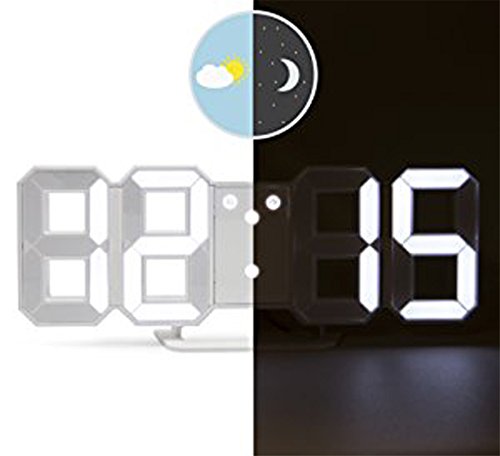
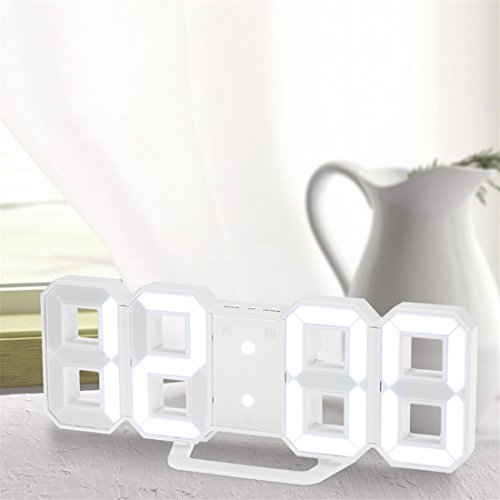
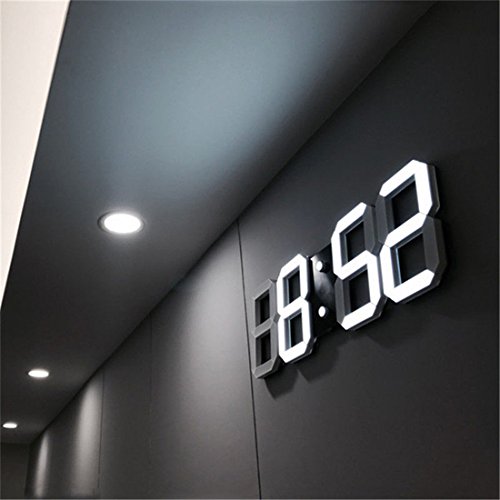
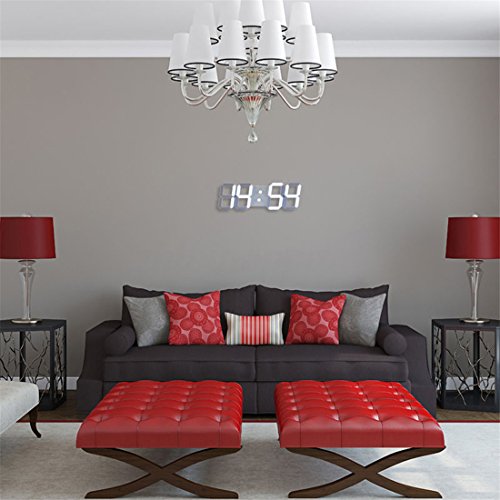
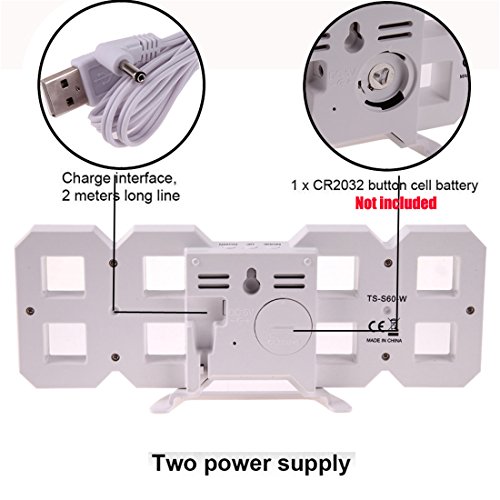
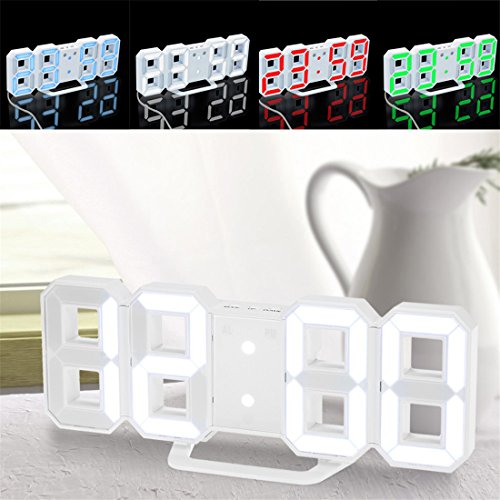
?Function: LED time display(the time display 0:00) There are 3 levels of brightness(the default brightness is medium) Night mode with automatic dimming Total 3 functional buttons:MODE,UP,DOWN Total 4 positions time display(12/24 hour modes) The alarm AL display is 6:00 Alarm with snooze function Snooze function,5-60 minutes(The default interval time is 5 minutes) Power:5V(AC adaptor excluded),CR2032 button cell battery(not included) for settings back up,USB Cable(included) Time Setting: Press MODE for 3s to enter time setting, setting order: hour-minute. Alarm Setting: Under alarm mode, press MODE for 3s to enter time setting, setting order: hour-minute-snooze time. 'AL' will light up when setting.When the alarm beeps: Press MODE to active the snooze function.The AL icon will flash.Or press DOWN to turn off the alarm.The AL icon will turn off. Night Mode: The clock will automatically lower LED brightness under night mode, press MODE twice times to enter night mode. Press MODE to turn night mode on/off. When night mode is on, press MODE to ender night mode setting, setting order: start hour-start minute-end hour-end minute. Brightness Level Setting: 3 Brightness levels: Bright, medium, dark Default brightness level is medium. Press UP to switch brightness level. Note: Please allow 1-2cm errors due to manual measurement. Due to the difference between different monitors, the pictures may not reflect the actual color of the item.?product package
1 x LED clock, 1 x USB cable, 1 x User manual
0
|