
WiFi Smart Plug, Conico Mini WiFi Smart Outlet Wireless Power Socket Remote Control Timer Plug Control Switch Compatible with Alexa, No Hub Required, Voice Control by Echo,US Plug Home Device (1 pack)


Product Description
Specification:
Working Current: Max 10A
Working Voltage: 100~120V, 60Hz
Max Power: 1250W
How to Connect with Alexa?
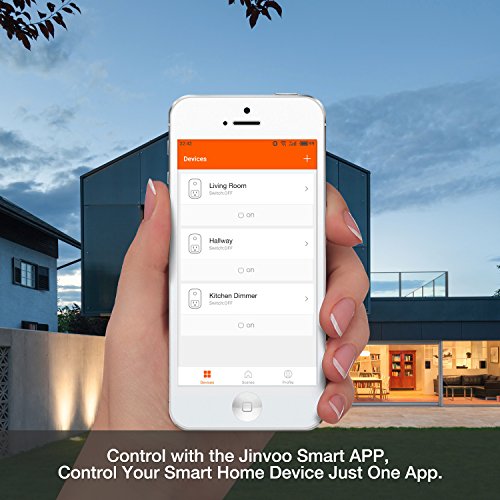
1.Follow the user manual to download the Jinvoo Smart app and add the smart socket into your account via wifi connection.
2.Log in your Alexa account and choose "Skills" to enter next page.
3.Search "Jinvoo Smart" on search column.
4.Click "Jinvoo Smart" and the "Enable" button to enter link page.
5.You will be asked to enter your account and password of Jinvoo Smart in the link page. After you enter it, click the button "Link Now".
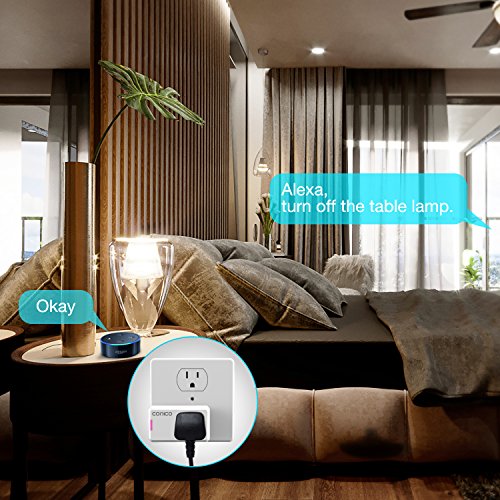
6.After you link the Jinvoo Smart to Alexa, you can discover all household appliance that connected smart plug mini and voice control them with amazon echo.
How to Connect with Google Home?
1.Follow the user manual to download the Jinvoo Smart app and link the smart plug mini with your wifi by adding it into the app;
2.Sign in your Google account on Google Home. if you do not have one, please sign up for a new account;
3. Click the icon "?" at the top left corner and choose "Home Control" to enter next interface. Then, click "+".
4.Choose "Jinvoo Smart", then it will ask you to choose your country, enter your account of Jinvoo Smart and password, then click the icon "Link Now".
<5.After you linked Jinvoo Smart with Google Home and assign rooms for devices, you device will be listed in the Home Control page. Now, you can voice control your device./p>
What should we pay attention to?
1.The mni smart plug supports 2.4G Wi-Fi netwok only.
2.The app compatible with Android 4.1 or higher; Ios 8.0 or higher.
3.Please do not connect to any household appliances over 1250W.
4.If you have any questions, please contact our customer service via amazon message.
What's in the Package?
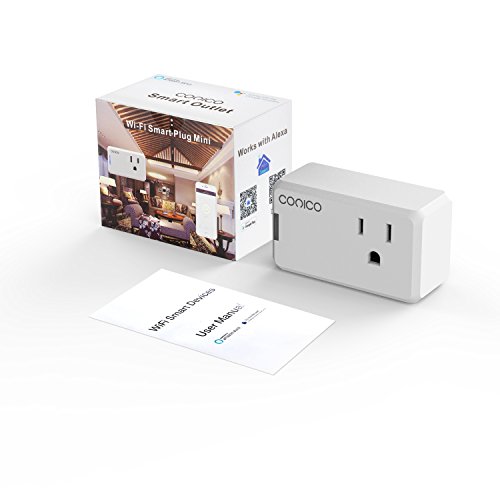
1x Conico Smart Plug Mini
1x User manual
Feature
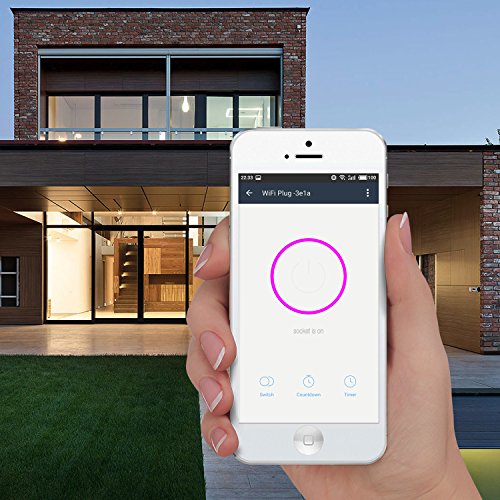
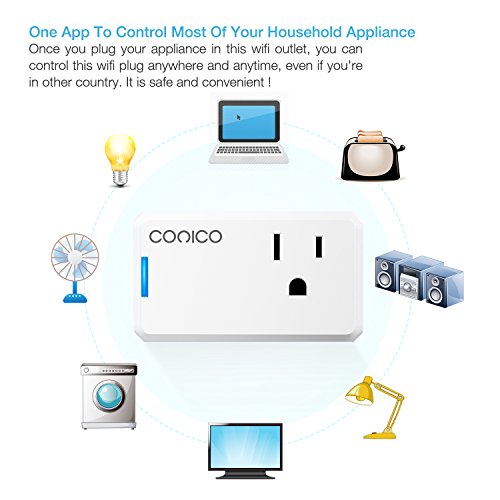
Remote Access: You can control your lights and appliances globally that plugged in this wireless outlet with Wi-Fi/3G/4G access by using the free app on your iPhones, Android and tablets.