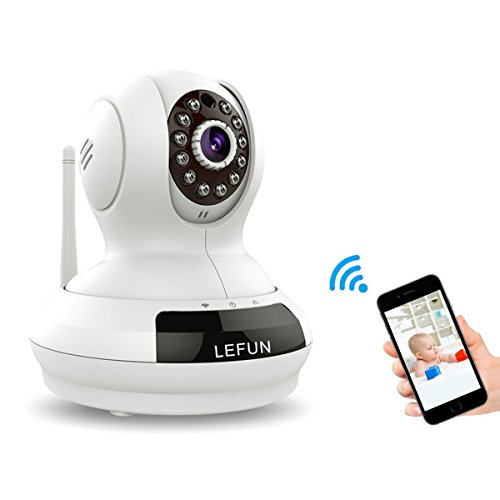
WiFi Camera, LeFun Wireless Surveillance Camera IP Camera Nanny Cam with Pan Tilt Zoom Motion Detect Two Way Audio Night Vision Remote Control 2.4G WiFi for Baby Monitor



Product Description
LeFun Wireless Security Camera To leverage the wifi setup feature please make sure you have a wifi router, otherwise you must go for the Ethernet cable way for WiFi connection setup instead.
Main Features:
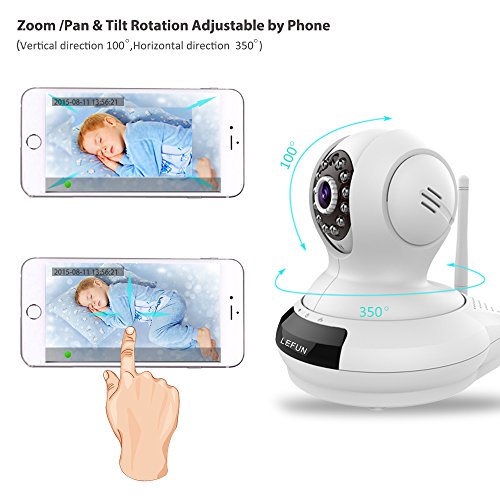
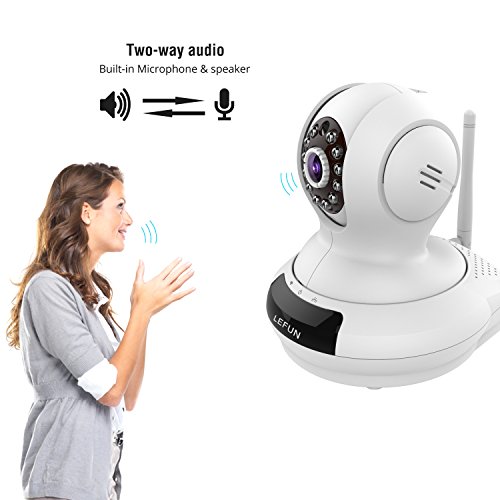
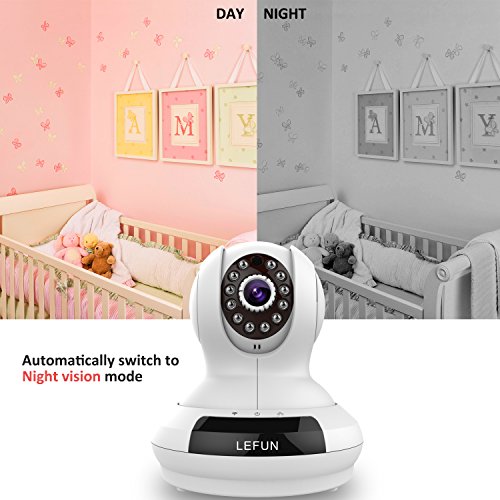
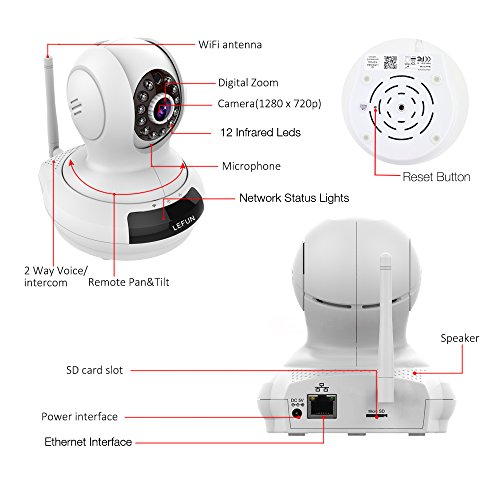
IP WiFi Network, Wireless Camera, Video Monitoring, Remote Control, Live Streaming, Plug&Play, Pan&Tilt, Two Way Audio, IR Night Vision, Motion Detection with automatically picture capture or video recording, Admin or Guest Password for different privileges.
Super Easy setup with Play and Plug:
1. Download the MIPC app on Apple app store (iphone and ipad) or Google play (android phone).
2. Sign up an account and remember your password.
3. Power on your ip camera.
4. After it is ready, please log in your account, click “+” icon to add your surveillance camera, scan the QR code and follow the voice from the wirelss ip camera to install your camera.
Note:
For security reason, we highly recommend you to change the default password at the first use. If you have any further question, please contact:
E-mail us via Amazon Message;
?E-mail us via our support email address( it will show on our FAQ card and our website)
Specifications:
Lens: 3.6mm
IR distance: 30 feet
Frame rate: Real time 25FPS
Night vision: 12 infrared LEDs
Sensor: 1/4 "color CMOS sensor
Video/Audio Compression: H.264/AAC
Ethernet: 10/100 Mbps RJ45 interface
Wireless networks: 2.4G WiFi (IEEE802.11b/g/n) by External antenna
Alarm notification: Real time App push notifications
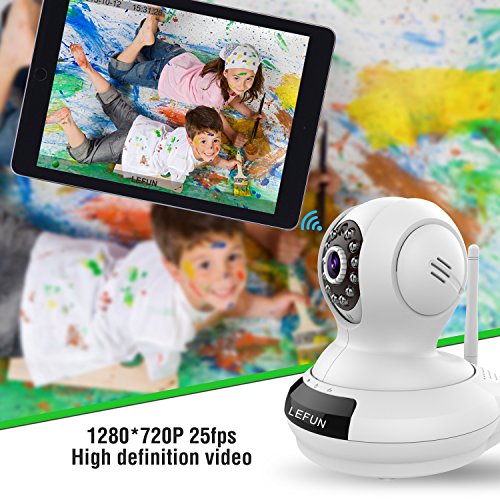
Resolution: 1280x720 (720P), 640x360, 320x180, 160x90 (selectable)
Video storage: Micro SD card up to 64 GB storage (Not included in the package)
Feature
WiFi CONNECTION& MULTIPLE USES: Without a specific display, you may use it as a baby monitor to view your baby's activity and safety. Even you are in kitchen, office or on business, using your Smartphone, Tablet, PC to check your monitoring, due to that it can be accessed via Wi-Fi. Able to be monitored by one or multiple devices at the same time, through the password identity feature.